Free Mac apps worth installing, and the paid apps they stand in for
By Pull This RepoPosted 5 min read
Short answer
The free Mac apps we would install first are DiskWise, a disk cleaner with an undo that stands in for CleanMyMac, Tendedero, which keeps your screenshots on a line above the menu bar, and Reelbird, a screen recorder that zooms in on your clicks. All three are open source. Most apps here are weeks old, and some are not notarized, so expect a Gatekeeper prompt.
The Mac has a long tradition of small paid utilities: a cleaner here, a screenshot tool there, a recorder, a teleprompter. This page gathers the free, open source Mac apps we have covered, says which paid app each one is usually weighed against, and gives the install route exactly as each project publishes it. Most are only weeks old, and we say plainly which ones we ran and which we know only from the authors' demos.
Which free Mac apps are worth installing?
DiskWise, Tendedero and Reelbird are the three we would try first, because each does one everyday job and is signed and notarized by Apple. The full list:
| App | What it does | Needs | What we did |
|---|---|---|---|
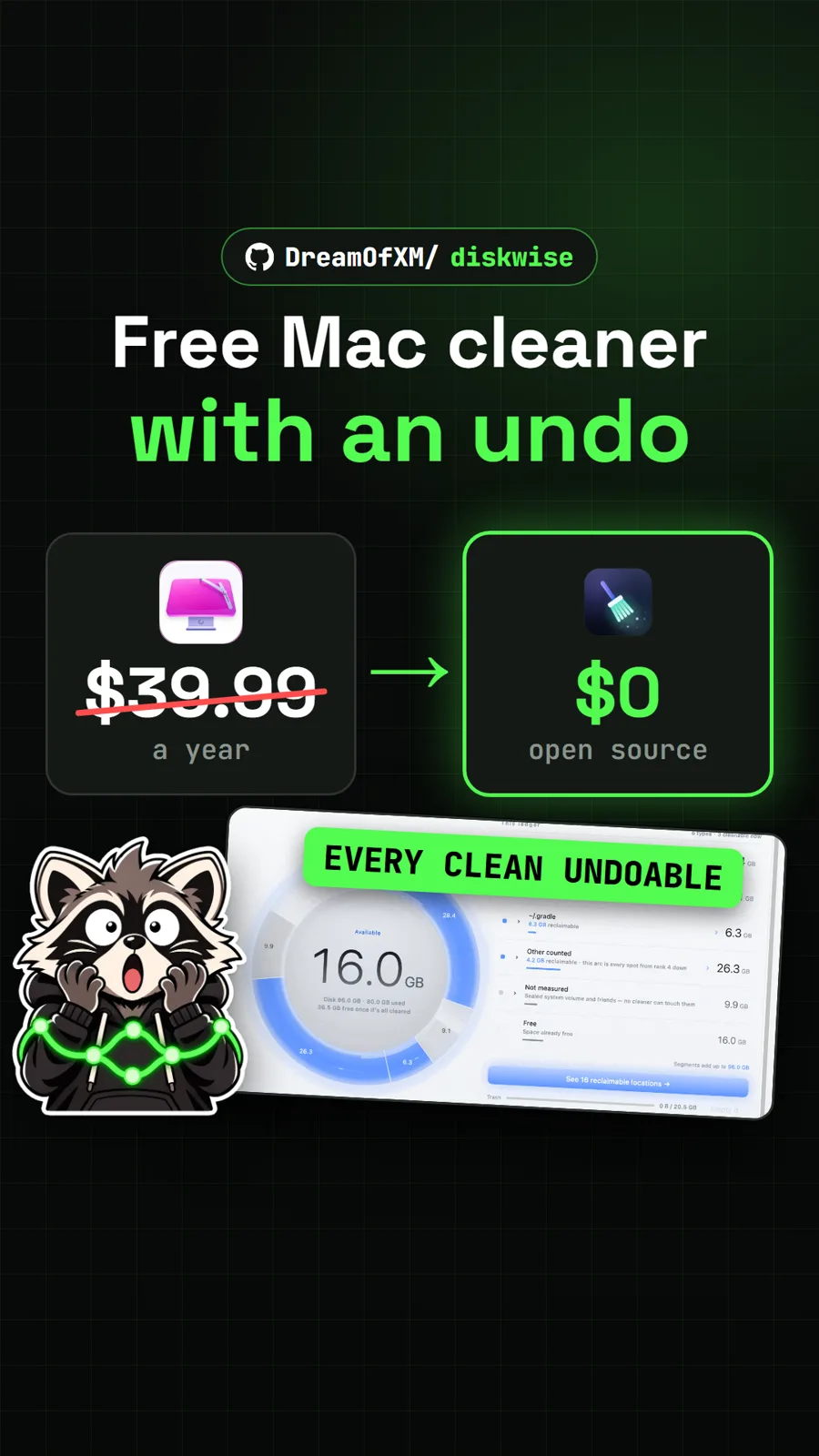
| DiskWise | shows where your disk space went and clears it with an undo | macOS 13+ | shown from the authors' demos |
| Tendedero | hangs screenshots and copied items on a line above the menu bar | macOS 14+ | drove the browser demo on the project site |
| Reelbird | screen recorder with auto-zoom on clicks and instant share links | Apple silicon, macOS 15+ | shown from the authors' demos |
| NotchPrompter | teleprompter under the camera that follows your voice | macOS 15+ | shown from the authors' demos |
| Redlamp | RAW editor laid out like Lightroom Classic | Apple silicon, macOS 26+ | shown from the authors' demos |
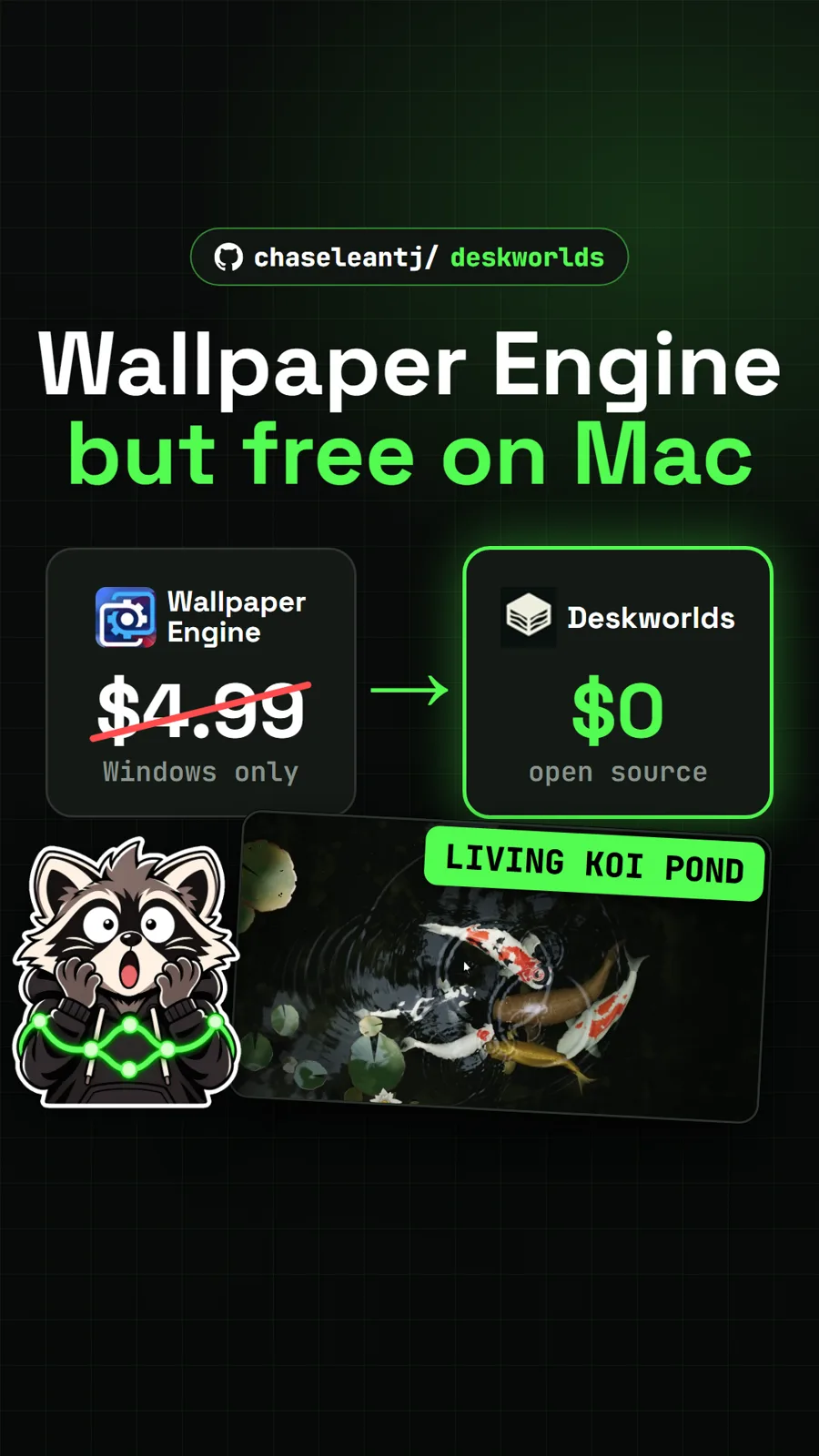
| Deskworlds | interactive 3D worlds behind your desktop icons | macOS 13+ | ran the worlds in the browser gallery, not the Mac app |
| Crest | a notch bar that opens into tools, like the iPhone island (Mac build is a preview) | Apple silicon or Intel | used the browser demo at crestisland.app |
| RemoveMacAI | turns off Apple Intelligence and deletes its models | Apple silicon | shown from the authors' demos |
| WatchPointer | point an Apple Watch at the screen to move the cursor | macOS 14+, watchOS 11+, Xcode 16+ | shown from the authors' demos |
Which free Mac apps replace a paid app?
Six of them line up against a paid app. The prices are the ones our repo pages cite, with the date we read them, and each comparison covers the overlapping job, not every feature.
| Free app | Paid app it stands in for | Price we read |
|---|---|---|
| DiskWise | CleanMyMac | $39.99 a year, or $9.99 a month (US Mac App Store, 17 Nov 2026) |
| Tendedero | CleanShot X, the part that keeps recent captures close | $35 one-time for Basic, renewal $19 a year (cleanshot.com, 11 Nov 2026) |
| Reelbird | Screen Studio | $29 a month monthly, or $9 a month billed yearly (screen.studio, 15 Nov 2026) |
| NotchPrompter | Notchie | $29.99 (US Mac App Store, 17 Nov 2026) |
| Redlamp | Adobe Lightroom | US$11.99 a month on the annual plan billed monthly (adobe.com, 17 Nov 2026) |
| Crest | NotchNook Pro | $19.00 lifetime or $3.00 a month (lo.cafe, 14 Nov 2026) |
Deskworlds is a Mac answer to Wallpaper Engine, which was US$4.99 on Steam but runs only on Windows, so it is not a like-for-like swap. Tendedero does not take screenshots itself: it uses macOS's own capture, with no scrolling capture, cloud links or editor.
How do you install them?
The route depends on the app: Homebrew, the Mac App Store, a downloaded DMG or zip, or building from source. These are the commands as each README gives them.
Homebrew, one line:
brew install tendederoRemoveMacAI's Homebrew line installs the command line tool only; the app itself comes as a zip from the releases page or through the README's install script:
brew install omlahore/tap/removemacaiHomebrew from the project's own tap. DiskWise and Redlamp keep their casks in their own repos, so the tap needs the full URL:
brew tap DreamOfXM/diskwise https://github.com/DreamOfXM/diskwise
brew install --cask dreamofxm/diskwise/diskwisebrew tap pdcgomes/redlamp https://github.com/pdcgomes/redlamp
brew install --cask pdcgomes/redlamp/redlampDiskWise's README warns the first tap clones about 300 MB of history, so give it time.
Mac App Store. DiskWise and NotchPrompter are both listed there. The DiskWise store build has no command line tool or MCP server, and NotchPrompter's DMG from GitHub does not update itself, so use one copy only.
Download and drag. Reelbird ships as a zip and Redlamp, Crest and Tendedero as disk images. Redlamp asks you to drag the app into Applications before the first launch, or it cannot update itself.
Build from source. Deskworlds has no app download yet. Install Apple's command line tools, then:
git clone https://github.com/chaseleantj/deskworlds.git
cd deskworlds
sh wallpaper/install.sh
WatchPointer has no release at all: you run the Mac receiver with swift run WatchPointer from its Mac folder and install the watch app from Xcode with your own signing team.
Gatekeeper. Apps that are not notarized, such as Crest and RemoveMacAI, are blocked on first open. Go to System Settings, Privacy & Security and click Open Anyway. Crest's README adds that copies up to version 1.2.1 were unsigned and reported as damaged, and gives a one-time xattr -dr com.apple.quarantine /Applications/Crest.app fix.
Which other free apps we covered also run on a Mac?
These are cross-platform but have Mac builds: Cicada for live subtitles on calls, Yogurt for local AI meeting notes, DigUp for finding files by describing them (brew install --cask arahim3/tap/digup), and HatchZip for extracting huge archives on a nearly full drive (brew install --cask xevrion/tap/hatchzip). For more on the first two, see our page on free AI note takers. For photo editors, Redlamp and others are compared in our roundup of free open source Photoshop alternatives.
What is the catch?
- Young projects. Most of these repos were created in September to November 2026, several by one developer. Keep backups of anything that matters.
- Apple silicon and new macOS only, for some. Reelbird targets Apple silicon on macOS 15, with Intel untested, and Redlamp needs Apple silicon on macOS 26.
- Developer setup for two. Deskworlds builds in Terminal and WatchPointer needs Xcode. WatchPointer's README also warns the Mac does not confirm pairing yet, so quit the receiver when you are not using it.
- Trade-offs by design. DiskWise frees no space until you empty the Trash. RemoveMacAI switches off the AI features it removes, and macOS updates can stall for about two hours while they retry.
- Previews and alphas. Crest's Mac build lacks many of its Windows tools, and Redlamp calls itself an alpha.
New to installing from GitHub releases? Start with how to download a GitHub repo.
Editing photos on a Mac? Our free photo editor for Mac page compares the editors that run on macOS, and free AI note takers covers the meeting apps in more depth.
Pull it. Stash it.
Questions people ask
What are the best free Mac apps?
From what we have covered: DiskWise for finding and clearing disk space, Tendedero for keeping screenshots handy, Reelbird for polished screen recordings, NotchPrompter for reading a script under your camera, and Redlamp for RAW photos. All are open source and free to use.
Are open source Mac apps safe to install?
Download only from the project's own release page, App Store listing or Homebrew command. Several apps here are signed and notarized by Apple, so they open normally. Others, such as Crest and RemoveMacAI, are not notarized, so macOS blocks the first launch until you allow it in System Settings, Privacy & Security.
Is there a free CleanMyMac alternative?
DiskWise is a free, Apache-2.0 disk cleaner for macOS 13 or newer. It draws your disk as a ring, finds large files, duplicates and developer caches, and moves items to the Trash so every clean can be undone. CleanMyMac was $39.99 a year on the US Mac App Store when we read it on 17 November 2026.
How do you install a Mac app with Homebrew?
Run the command the project's README gives, exactly as written. Some apps are one line, such as brew install tendedero. Others live in the project's own tap, so you run brew tap with the repo's URL first and then brew install --cask with the full tap path.
Sources
- 1DreamOfXM/diskwise
- 2alejandrobujan/tendedero
- 3btahir/reelbird
- 4magnram/notchprompter
- 5pdcgomes/redlamp
- 6chaseleantj/deskworlds
- 7andrealo20/crest
- 8omlahore/RemoveMacAI
- 9umarz317/WatchPointer
- 10CleanMyMac by MacPaw on the US Mac App Store (prices read 2026-11-17)
- 11CleanShot X pricing (read 2026-11-11)
- 12Screen Studio pricing section (read 2026-11-15)
- 13Notchie on the US Mac App Store (price read 2026-11-17)
- 14Adobe Lightroom plans, US prices (read 2026-11-17)
- 15Wallpaper Engine on the Steam US store (price and platforms, read 2026-11-15)
- 16NotchNook official page (prices read in USD, 2026-11-14)
More repos like this
DreamOfXM/diskwise
DiskWise: a free, open source CleanMyMac alternative with an undo button
Get tomorrow's repo in your feed
One free, open source repo a day as a short video, shown working, with the catch named. Pull it. Stash it.