WatchPointer: point your Apple Watch at your Mac and the cursor follows
By Pull This RepoPosted 5 min read
Short answer
WatchPointer is a free, MIT-licensed app that turns your Apple Watch into a pointer for your Mac. Point the watch at the screen and the cursor goes where its top edge points; tap to click, hold to drag, turn the Digital Crown to scroll. It talks to the Mac over Bluetooth with no Wi-Fi or servers. There is no App Store version: you install it with Xcode.
WatchPointer turns an Apple Watch into a laser pointer for a Mac. You hold the watch like a remote, point its top edge at the screen, and the cursor goes where you point. A tap on the watch clicks, a hold drags, and the Digital Crown scrolls. There is no Wi-Fi and no server in between: the watch talks straight to the Mac over Bluetooth.
What is WatchPointer?
WatchPointer is a small open source project by umarz317, written in Swift and released under MIT. It has two parts: a receiver that runs on the Mac and a watchOS app. The repo was created on 5 November 2026 and had 502 stars when we checked on 18 November 2026, up from 463 when we made the video the day before. It has one author, no releases, and its last code change was on 7 November.
What it does, from the README:
| Control | What happens |
|---|---|
| Point | the cursor follows the watch, across all your displays |
| Tap the pad | click |
| Hold the pad | drag |
| Right-click button | right-click |
| Digital Crown | scroll |
| Center | re-aims the middle of the screen |
| Pause | frees the cursor so you can use the trackpad |
| Notch panel | connection, the watch's name and model, battery and live aim |
You pair the watch with one Mac, and it only connects to that Mac until you unpair it. The repo also includes Sky Shot, a small light-gun style browser game for trying it out: paper planes fly across a sky, and you tap the watch to shoot.
What do you need to use WatchPointer?
| Item | Minimum |
|---|---|
| Mac | macOS 14 or later, with Bluetooth |
| Apple Watch | watchOS 11 or later |
| Xcode | 16 or later, free on the Mac App Store |
| Apple account | any, used as the signing team in Xcode |
How do you set up WatchPointer?
These steps are from the README. There is no installer, so you work from the source code.
1. Start the Mac receiver. Download the repo (the green Code button, then Download ZIP, or clone it), open Terminal and run:
git clone https://github.com/umarz317/WatchPointer
cd WatchPointer/Mac
swift run WatchPointer
The first time, macOS asks for Bluetooth access and for Accessibility access for your terminal app (System Settings, Privacy & Security, Accessibility). Accessibility is what lets it move the cursor. Allow both, then run the command again. The receiver appears in the notch, or in the middle of the menu bar on Macs without one.
2. Install the watch app.
- Open
Watch/WatchPointer.xcodeprojin Xcode. - Under Signing & Capabilities, pick your team. If Xcode complains about the bundle identifier, change it to one of your own, such as
com.yourname.watchpointer. - Choose your Apple Watch as the run destination and press Command R.
- Open WatchPointer on the watch and tap Pair next to your Mac.
3. Point. Hold the watch with the 12 o'clock edge toward the screen, point at the middle, and tap Center to line it up.
How do you stop the watch locking?
Change three settings. Taken off your wrist, the watch locks almost straight away, which ends the session. The README's fix:
| Where | Setting | Change it to |
|---|---|---|
| iPhone Watch app | Passcode, Wrist Detection | off |
| Watch | Display & Brightness, Wake Duration | 70 seconds |
| Watch | General, Return to Clock, WatchPointer | one hour |
Turning Wrist Detection off weakens the watch's lock, so switch it back on when you are done if you rely on it.
How do you make the cursor steadier or faster?
Pass a setting when you start the receiver. Nothing needs reinstalling:
swift run WatchPointer 1.2          # speed: higher means less turn to reach the edges
swift run WatchPointer steady=0.6   # steadier when holding still (default 0.8)
swift run WatchPointer quick=0.02   # less lag on fast moves (default 0.01)
If your hands shake or the screen is big, lower steady. If the cursor lags behind quick flicks, raise quick a little.
How does WatchPointer work?
The README explains it in three parts. The watch reads gravity and the gyroscope 100 times a second: up and down come from gravity, so they never drift, and left and right add up turns around the vertical. The Mac projects that aim onto the screen like a laser hitting a wall, smooths it with a 1 euro filter, and moves the cursor 240 times a second. Clicks land where you were pointing the moment your thumb touched the watch, so the jolt of the tap does not move them.
What is the catch?
- No App Store version and no releases. You build the watch app in Xcode, which is developer-level setup.
- Accessibility permission. The Mac side needs it to move the cursor, granted to your terminal app.
- Pairing is not confirmed on the Mac yet. The README's security note says any nearby Bluetooth device that speaks the same protocol could move the cursor while the receiver runs. Quit it when you are not using it.
- A very young, one-person project. A handful of commits, nothing changed since 7 November when we checked.
Who is WatchPointer for?
It suits Mac users who present from across a room, people who want to drive a Mac on a TV from the couch, and anyone comfortable with Terminal and Xcode who wants to try motion control with hardware they already own. If you have never opened Xcode, one of the alternatives below is an easier start.
How does WatchPointer compare with other ways to control a Mac from across the room?
| Option | What it is | Cost |
|---|---|---|
| WatchPointer | Apple Watch as a pointer over Bluetooth | free, MIT |
| Head Pointer | built into macOS: moves the pointer with your head through the camera, under Accessibility, Pointer Control | free, built in |
| KDE Connect | links a phone and computer; its remote input turns the phone into a touchpad and keyboard, with a macOS build | free, open source |
| MacPilot | menu bar helper that serves a web trackpad and keyboard to your phone's browser over Wi-Fi | free, MIT |
We have not tested the three alternatives.
What did we run for the video?
We did not install or run WatchPointer for our video. Every moving shot came from the author's own demo animation in the README, and the setup steps above are the README's. For more free Mac tools, see RemoveMacAI, which reclaims the storage Apple Intelligence uses, and DiskWise, which shows where the rest of your disk went. On Windows or Linux, OpenCircle brings Circle to Search to the desktop.
Pull it. Stash it.
Questions people ask
Can you control a Mac cursor with an Apple Watch?
Yes, with WatchPointer. You hold the watch like a remote with the 12 o'clock edge toward the screen, and the cursor follows where it points, across all your displays. Tap the watch to click, hold to drag, use the right-click button, and turn the Digital Crown to scroll.
What do you need to run WatchPointer?
A Mac with macOS 14 or later and Bluetooth, an Apple Watch with watchOS 11 or later, and Xcode 16 or later to put the watch app on the watch. Any Apple account works as the signing team in Xcode. The Mac side needs Bluetooth and Accessibility permission.
Is WatchPointer on the App Store?
No. When we checked on 18 November 2026 the repo had no releases and the README had no App Store link. You run the Mac receiver from Terminal with Swift and install the watch app from Xcode.
Does WatchPointer need Wi-Fi or an internet connection?
No. The README says the watch talks straight to the Mac over Bluetooth, with no Wi-Fi and no servers. The Mac advertises a Bluetooth service and the watch connects to it and sends small packets for aim, clicks, drags, scrolls and pause.
Why does my Apple Watch lock when I use WatchPointer?
Off your wrist, the watch locks almost at once. The README's fix: turn off Passcode, Wrist Detection in the iPhone's Watch app, set Wake Duration to 70 seconds, and set Return to Clock for WatchPointer to one hour. Turning off Wrist Detection weakens the watch's lock, so turn it back on afterwards if you rely on it.
Sources
More repos like this
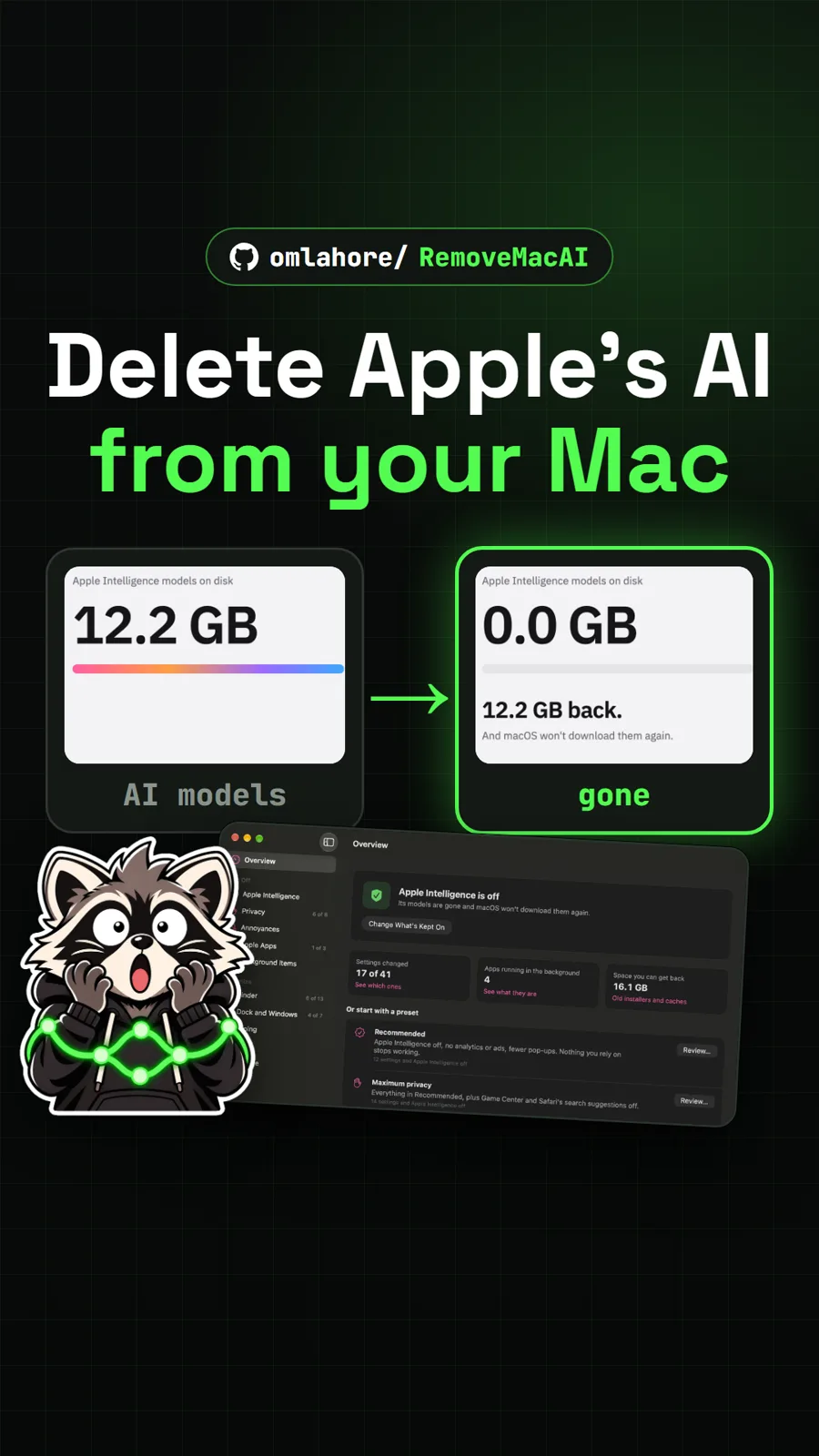
omlahore/RemoveMacAI
RemoveMacAI: turn off Apple Intelligence and reclaim its storage on your Mac
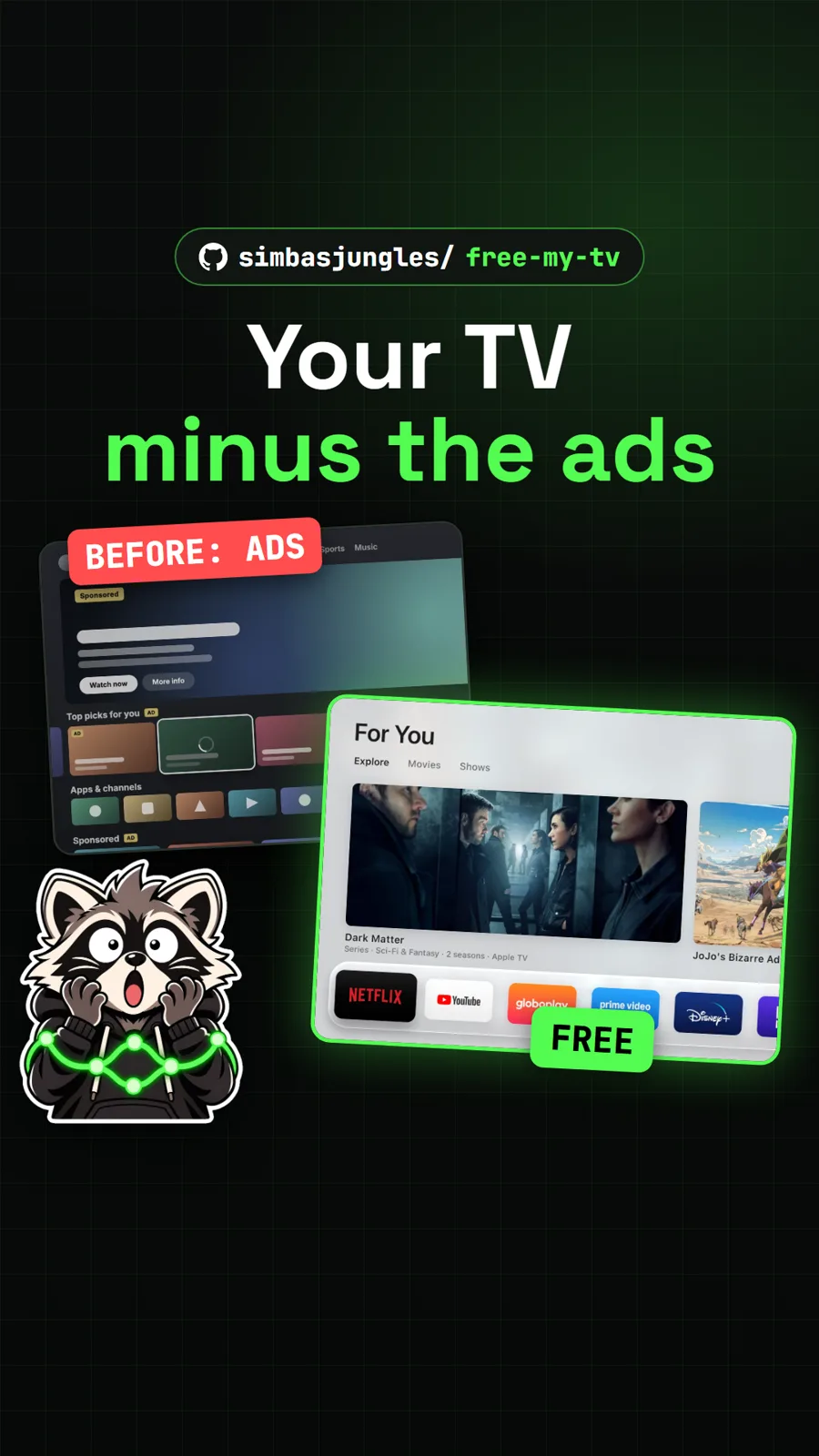
simbasjungles/free-my-tv
Free My TV: swap the ad-filled Google TV home screen for a clean one
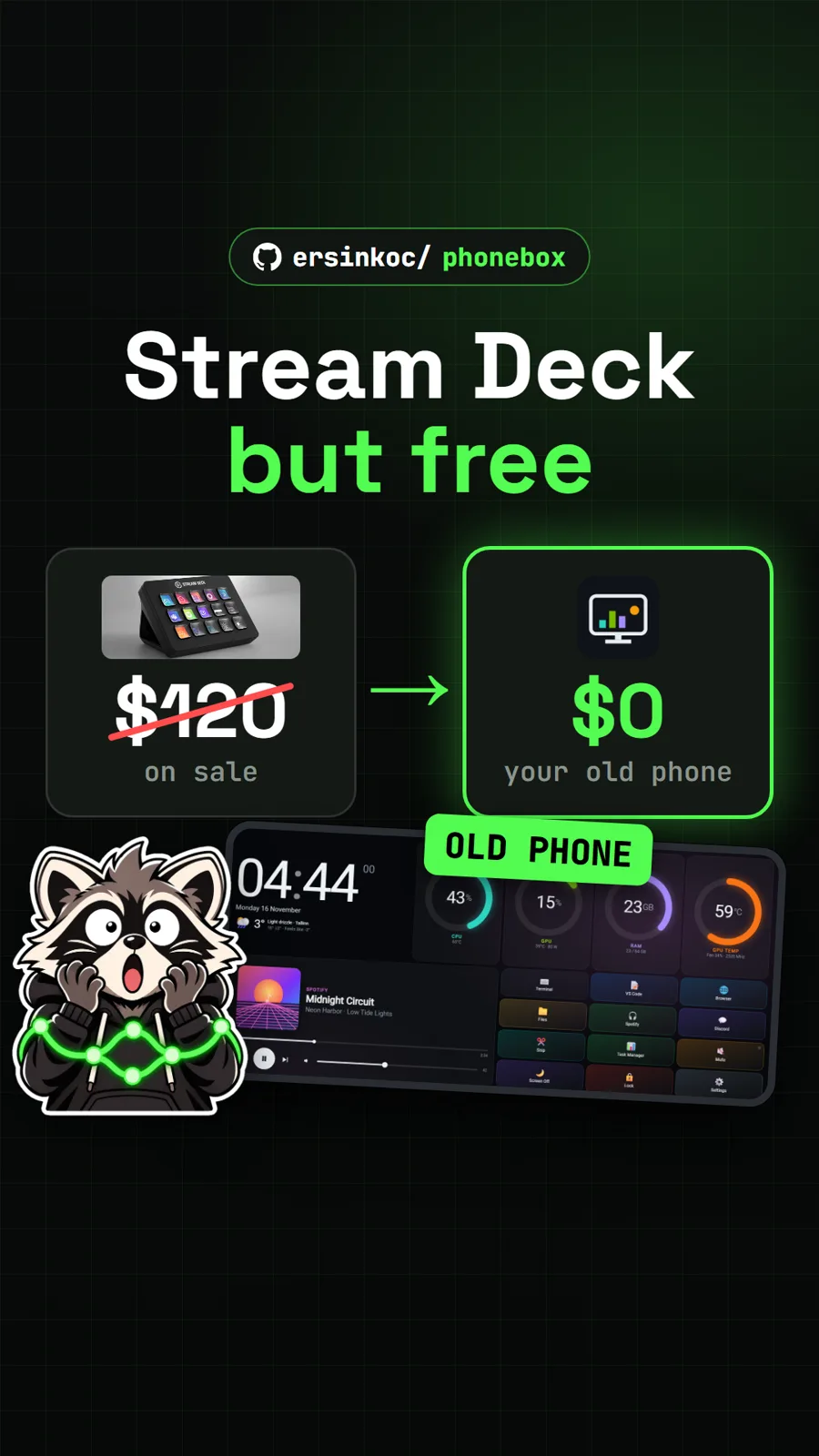
ersinkoc/phonebox
PhoneBox: turn an old Android phone into a free Stream Deck for your PC
Get tomorrow's repo in your feed
One free, open source repo a day as a short video, shown working, with the catch named. Pull it. Stash it.