Honeydew: a free, open source FL Studio Mobile remake in your browser
By Pull This RepoPosted 5 min read
Short answer
Honeydew is a free, GPL-3.0 music studio modelled on FL Studio Mobile and rebuilt from scratch in Rust. It runs in your browser at playground.daijro.dev/honeydew and on Windows, macOS, Linux and Android, with a piano roll, drum grid, mixer, synths and effects. It opens .flm song files. FL Studio Mobile is $14.99 on the US App Store.
Honeydew is a free, open source music studio modelled on FL Studio Mobile, and you can open it in a browser tab right now. It has the playlist, piano roll, drum grid, mixer and synth rack people know from the paid app, and it opens FL Studio Mobile song files. We used the hosted web build to draw notes, program drums, move faders and add an EQ, so the walkthrough below is what worked for us.
What is Honeydew?
Honeydew is a music studio written in Rust by daijro, released under GPL-3.0. Its README calls it a clean-room reimplementation of FL Studio Mobile: the app's behaviour, file formats and look were written down as a specification, and Honeydew's code was written only from that. It contains no code, samples, presets or artwork from FL Studio Mobile, and every icon is drawn in code. It is not affiliated with or endorsed by Image-Line.
The repo was created on 14 October 2026 and had 166 stars when we checked on 18 November 2026. The latest release is v0.5.4, from 14 November, the same version as the web build we used.
What we used in the browser:
| Part | What it does |
|---|---|
| Playlist | colour-coded clips for each channel, arranged in bars |
| Piano roll | tap the grid to draw a note; the on-screen keys light up as it plays |
| Drum editor | a step grid with kick, snare, clap, hats and toms |
| Mixer | a fader, level meter and pan knob for every channel |
| Channel rack | synth knobs and an Add Module list of synths and effects, including an equaliser |
| Songs menu | opens .flm song files and the project's own demo songs |
How do you try Honeydew?
The quickest way needs no install: open playground.daijro.dev/honeydew in Chrome 96, Firefox 113 or Safari 16.4 or later. The README notes the web version is always current.
To install it, download the file for your system from the latest release:
| Platform | File | Then |
|---|---|---|
| Windows | windows-x86_64.zip or windows-arm64.zip | extract and run honeydew-native |
| macOS | macos-arm64.tar.gz | Apple silicon only; extract and run honeydew-native |
| Linux | linux-x86_64.AppImage or .tar.gz | make the AppImage executable and start it; needs glibc 2.35 or newer |
| Android | -arm-base.apk or -arm.apk | Android 8 or later; the base APK downloads its sounds, about 740 MB |
| iOS | honeydew-ios-<version>.ipa | experimental and unsigned; sideload with your own Apple ID |
On Linux the AppImage is one command away from running:
chmod +x honeydew-*-linux-x86_64.AppImageThe README says -no-sounds builds are only 10 to 15 MB and offer to download the sound library, and -avx2 builds can be faster on CPUs from 2013 onward. Your songs and exports go in Documents/Honeydew. There are also FreeBSD and Alpine builds. We only used the web version.
How do you make a first beat in Honeydew?
This is the route we took in the browser:
- Open the round menu at the top right, go to SONGS, then Demo songs, and open
Paper Lanterns.flm, the project's own demo song. - Press play. Ctrl plus the mouse wheel zooms the playlist.
- Double-click a coloured clip to open it in the piano roll, then tap empty cells to draw notes.
- Double-click the drums clip to open the drum editor and tap cells in the clap row.
- Open the mixer (the sliders button, bottom left) and drag faders while the song plays.
- Tap a channel's icon, open its rack, turn the synth knobs, then Add Module and pick an effect such as the Equalizer. Drag the EQ points.
- Save from the menu to keep your version.
What files can Honeydew open?
| Format | Open | Save |
|---|---|---|
FL Studio Mobile songs (.flm) and project archives (.zip) | yes | yes |
MIDI (.mid, .midi) | yes | yes |
FL Studio desktop projects (.flp) | yes | yes, as a .zip |
| Audio (WAV, FLAC, OGG, MP3) | no | yes, as exports |
Our video only showed .flm files; the MIDI and FLP rows come from the README. When an FLP uses plugins or samples you do not have, the README says the closest bundled sound plays and a summary lists what was swapped. The desktop app can also host VST3, VST2 and CLAP plugins.
What is the catch?
- It is early. Version 0.5.4, about a month after the repo was created, so expect rough edges.
- No FL Studio sounds. Honeydew ships its own sound library. If you own FL Studio Mobile, the desktop versions can import sounds, presets and demo songs from your own copy, but the web version cannot import.
- Plugins only play on desktop. In the browser and on Android, third-party plugins are kept in the song but do not play.
- iOS is experimental and unsigned, and Android has no MIDI device support yet.
- macOS is Apple silicon only.
Who is Honeydew for?
It suits people who learned on FL Studio Mobile and want the same workflow on a laptop or in a browser for free, students who want a beat maker on a school computer without installing anything, and producers who want to open their .flm or .flp projects somewhere else. If you depend on FL Studio's own instruments and samples, you will need your own copy of the app on desktop to import them.
How does Honeydew compare with FL Studio Mobile and other free studios?
| App | Price | Platforms | Notes |
|---|---|---|---|
| Honeydew | free, GPL-3.0 | browser, Windows, macOS, Linux, Android, iOS (experimental) | opens .flm and .flp, own sound library |
| FL Studio Mobile | $14.99 on the US App Store, plus in-app purchases | Image-Line's apps | the app Honeydew is modelled on |
| LMMS | free, GPL-2.0 | Windows, Mac, Linux | long-running free beat maker |
| Helio | free, GPL-3.0 | desktop and mobile | a sequencer built around a piano roll |
| Lemon Studio | free, GPL-3.0 | desktop | Honeydew credits it for plugin hosting and FLP support |
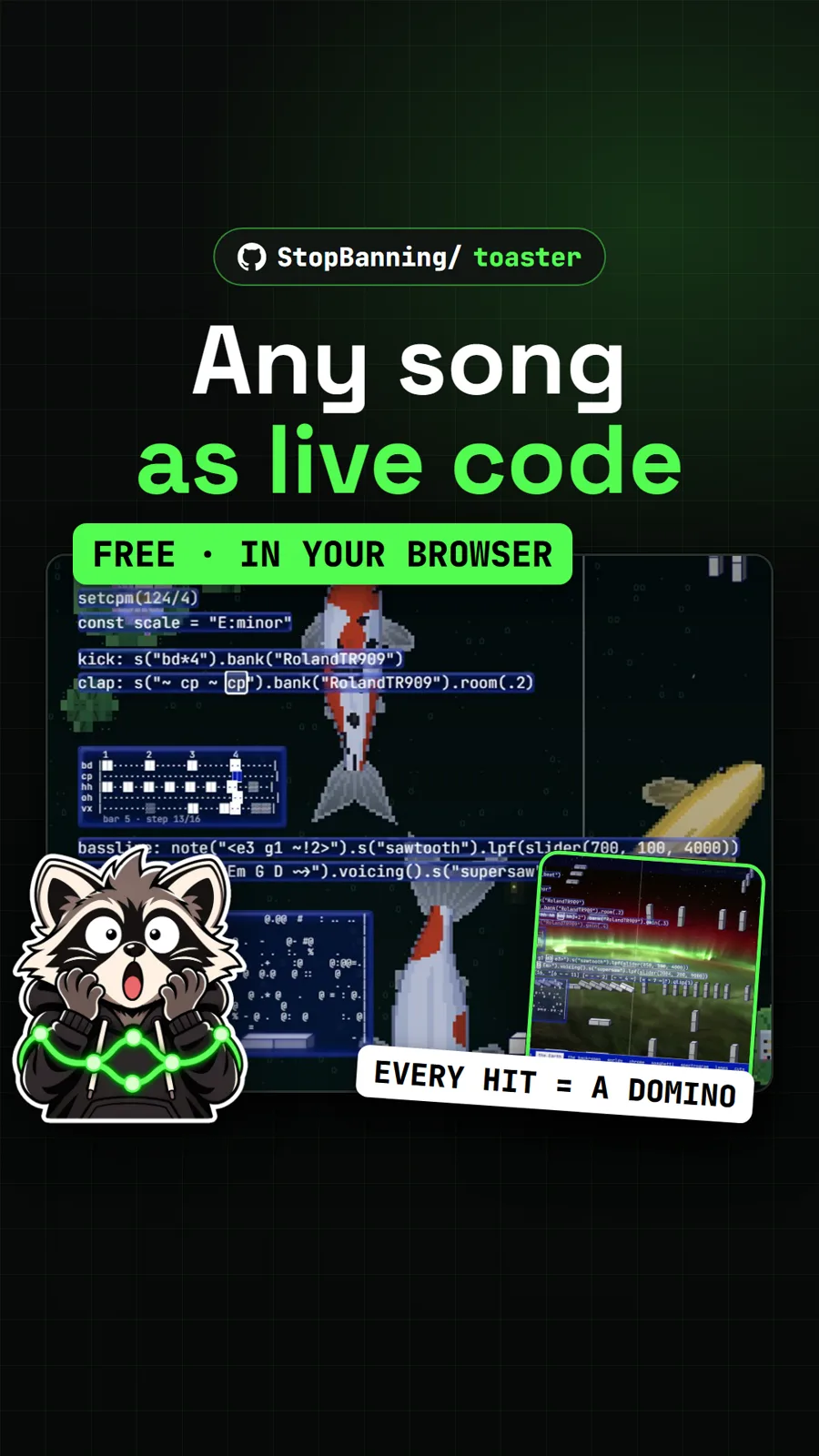
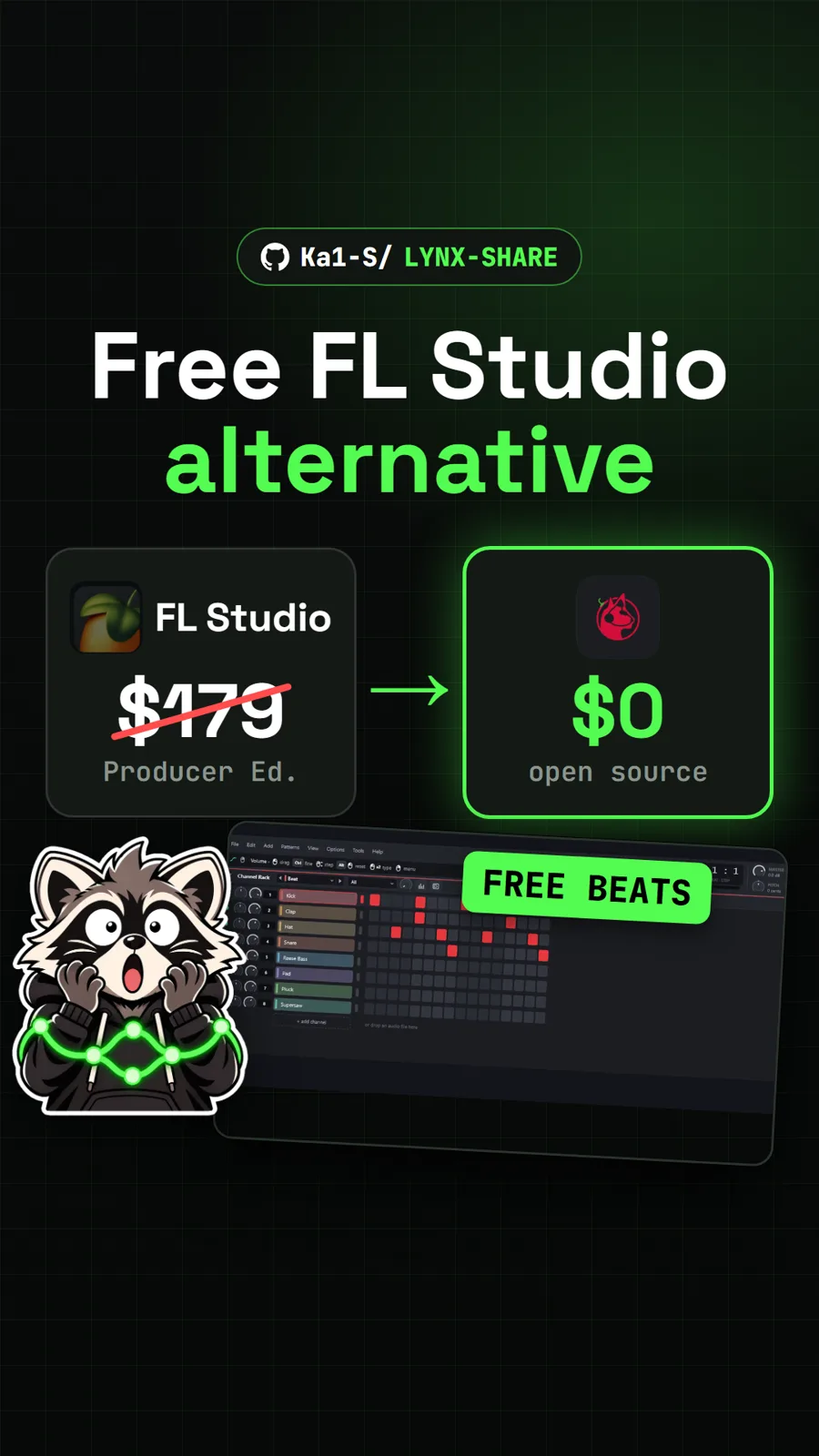
For more free music tools, see LYNX SHARE, a beat maker that opens desktop FL Studio projects, Soundbox for generating sound effects and songs on your own computer, and Toaster, which turns music into live code.
What did we run for the video?
We used the authors' hosted web build (v0.5.4) in Chrome: opened the demo song, drew notes, added claps, moved mixer faders, changed synth settings and added an equaliser. The video uses picture only, not the app's audio. We did not install the desktop or phone builds.
Pull it. Stash it.
Questions people ask
Is Honeydew made by Image-Line?
No. The README says Honeydew is an independent project, not affiliated with or endorsed by Image-Line, and a clean-room reimplementation: FL Studio Mobile's behaviour, file formats and look were written down as a specification and the code was written only from that, with no code, samples, presets or artwork from the app.
Can Honeydew open FL Studio Mobile projects?
Yes. It opens and saves FL Studio Mobile songs (.flm) and project archives (.zip). The README also lists MIDI files and FL Studio desktop projects (.flp), with missing plugins and samples swapped for the closest bundled sound.
Does Honeydew include FL Studio Mobile's sounds?
No. It comes with its own sound library. If you own FL Studio Mobile, the desktop versions can import the sounds, presets and demo songs from your own copy of the app, which stay on your computer. The web version cannot import them.
Does Honeydew work on iPhone or iPad?
Only experimentally. The iOS build is unsigned, so you have to sideload it with a tool such as AltStore, SideStore or Sideloadly using your own Apple ID. On any device you can also use the browser version, which needs Chrome 96, Firefox 113 or Safari 16.4 or later.
Can I use VST plugins in Honeydew?
On the desktop app, yes: it loads VST3, VST2 and CLAP plugins as instruments and effects. The web and Android versions keep other plugins' settings in a song but do not play them.
Sources
More repos like this
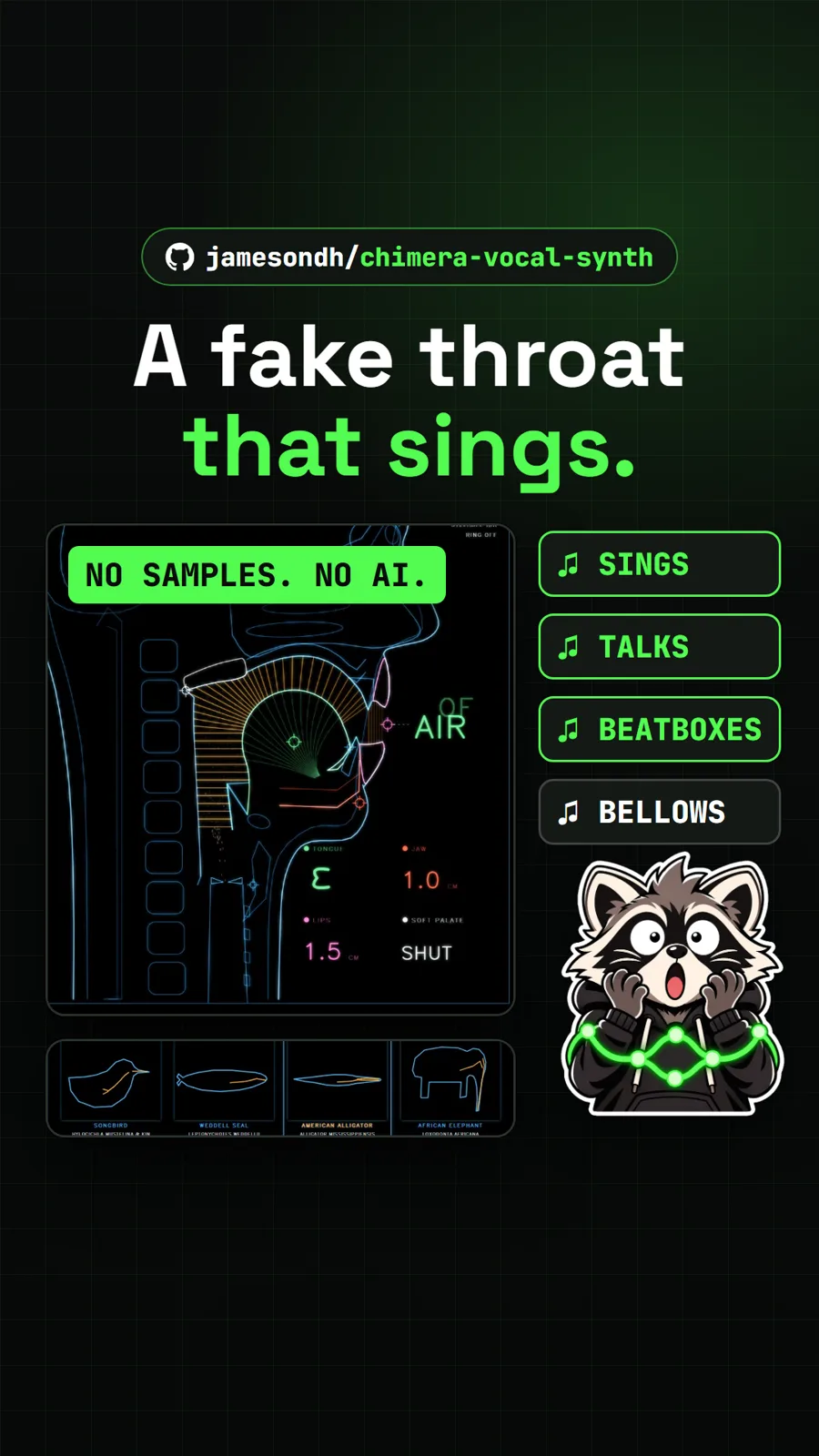
jamesondh/chimera-vocal-synth
Chimera: a simulated human throat that sings and talks in your browser
Get tomorrow's repo in your feed
One free, open source repo a day as a short video, shown working, with the catch named. Pull it. Stash it.