Toaster: turn music into live Strudel code in your browser
By Pull This RepoPosted 5 min read
Short answer
Toaster is a free, MIT-licensed site and desktop app that listens to music and writes it out as live Strudel code while you watch: the beat, kick, clap, hats, bass line and chords, typed like a live coder, with every hit drawn as a domino. Press O and the code opens in strudel.cc, ready to play. It is a sketch for show, not an exact transcription.
Toaster is a free site that listens to a song and writes it out as live music code while you watch. Line by line it types the beat, the kick, the bass line and the chords in Strudel, a live coding language, and around the code every drum hit is drawn as a domino that the playhead knocks over. We ran it on the hosted site with its built-in demo beat, so the setup below is what we actually did.
What is Toaster?
Toaster is an open source project by StopBanning, with a few contributors, released under MIT. Its description: it "hears whatever's playing and writes it out as live Strudel code, with visuals that move to it." The name is a pun on Toaster Strudel. It runs free in a browser, or as a Windows and Mac app that can hear anything your computer plays. The repo was created on 16 October 2026 and had 156 stars when we checked on 18 November 2026. It moves fast: the video showed v0.5.7, and v0.5.9 came out on 18 November.
What it does, from the README and our capture:
- Writes the song as code. A named line for each part, typed the way a live coder performs: a part that stops gets a
_in front of its name (Strudel's mute), and changes land on the next bar line. - Finds the parts. The beat, the kick, clap and hats, the bass line, the chords and the key, rewritten as the song moves.
- Opens in Strudel. Press O and strudel.cc opens with the code in its editor.
- Code looks. Dominoes, a handheld rhythm game that plays the song in lanes, or a punchcard.
- Backgrounds. Little scenes such as a koi pond and a lighthouse, the Earth in NASA footage from the space station, endless yellow backrooms, liquid chrome and more.
How do you try Toaster in your browser?
This is the route we took, with no install:
- Open toaster.locust.lol in Chrome or Edge on a computer.
- Press hear it on a demo song. No mic and no account: a built-in beat plays and the code types itself. Give it a few seconds to find the beat.
- Press P to change the code look and V for the background. T changes the theme.
- For your own music, press S and pick a source: an audio file (the cleanest), system audio (pick the tab playing the music and tick Also share tab audio), your mic or line-in, or a radio stream.
- Start the song from the top. Soft songs can take 8 to 20 seconds to lock on. If the tempo comes out double or half, tap the beat four times on Space.
When we pressed O on the hosted site, strudel.cc opened in a new tab with the demo beat as 19 lines of Strudel code.
Which keys does Toaster use?
| Key | What it does |
|---|---|
| S | audio source: system audio, demo beat, file, input, radio |
| P | code look: dominoes, handheld game, punchcard, none |
| V | background |
| T | theme, such as blackscreen, terminal or pink |
| Z | hide the code for a pure visualizer |
| D | fire the drop now |
| L | vertical 9:16 layout for Reels, TikTok and Shorts |
| O | open the code in strudel.cc |
| Space | tap the beat to set the tempo |
| Q | hush: mute every part |
| Ctrl+K | find any command by name |
| ? | every key, and rebind any of them |
How do you edit Toaster's code in Strudel?
Press O, then work in strudel.cc:
- Ctrl+Enter plays the code, Ctrl+. stops it.
- Change a number or a note and press Ctrl+Enter again. That is live coding.
- To build a track up the way a live coder does, the project's creator notes suggest putting a
_in front of every part except the drums (_bassline:,_chords:), then deleting them one at a time, pressing Ctrl+Enter each time. - Toaster does not write the vocals, so adding the melody yourself is the fun part.
How do you install the Toaster desktop app?
The README covers Windows 10 or 11 and macOS 13 or later. We did not install the app.
| Step | Windows | Mac |
|---|---|---|
| Download | Toaster-<version>-win-x64.zip from Releases | Toaster-<version>-mac-universal.zip from the same page |
| Install | unzip anywhere, run Toaster.exe | unzip, drag Toaster into Applications |
| First run | unsigned: More info, then Run anyway | not signed by Apple: System Settings, Privacy and Security, Open Anyway |
| Permission | none, it starts listening | allow it to record system audio |
The app adds things the site cannot do. M records the window with its sound as an MP4. X exports the song so far as Strudel code and a MIDI file. In the current README, X also separates the song into drums, bass, voice and the rest with Meta's open source Demucs model, on your machine, and saves a rebuilt version that plays the song's own sounds. When we made the video, our notes listed X as the code and MIDI export only, so treat the rebuilt song as a recent addition. The README also describes a webcam mode worked with hand gestures, which we did not cover.
To run it from source, the README says it is built with Node 24:
npm install
npm start
What is the catch?
- It is a sketch, not a transcription. In the README's words: "a live reconstruction for show, not an exact transcription." Rhythm and bass come closest; the sounds are stand-ins.
- It needs a steady beat. Songs without clear drums take longer, or need you to tap the tempo.
- Busy bass fools it. The README says a busy or sidechained bass, common in modern dance and pop, can be read as extra kicks.
- No vocals. It does not write the singing.
- The desktop app is unsigned on both Windows and Mac.
- Music rights. The README says permission to publish an export depends on the source music. If you film it for social media, use music you made or have a licence for.
Who is Toaster for?
It suits people curious about live coding who want a working Strudel example from music they already know, DJs and streamers who want visuals that follow the beat (the README has an OBS setup), and anyone who wants a striking music visualizer. It is not a tool for accurate sheet music or stems for a mix, at least not from the live view.
How does Toaster compare with other free music code tools?
| Tool | What it does | Where it runs |
|---|---|---|
| Toaster | hears music and writes it as live Strudel code, with visuals | browser, Windows, Mac |
| Strudel | the live coding editor Toaster writes for | browser |
| Basic Pitch | turns a recording into MIDI notes, from Spotify, Apache-2.0 | web, Python |
| Sonic Pi | write code, hear music, built for performance and teaching | desktop app |
What did we run for the video?
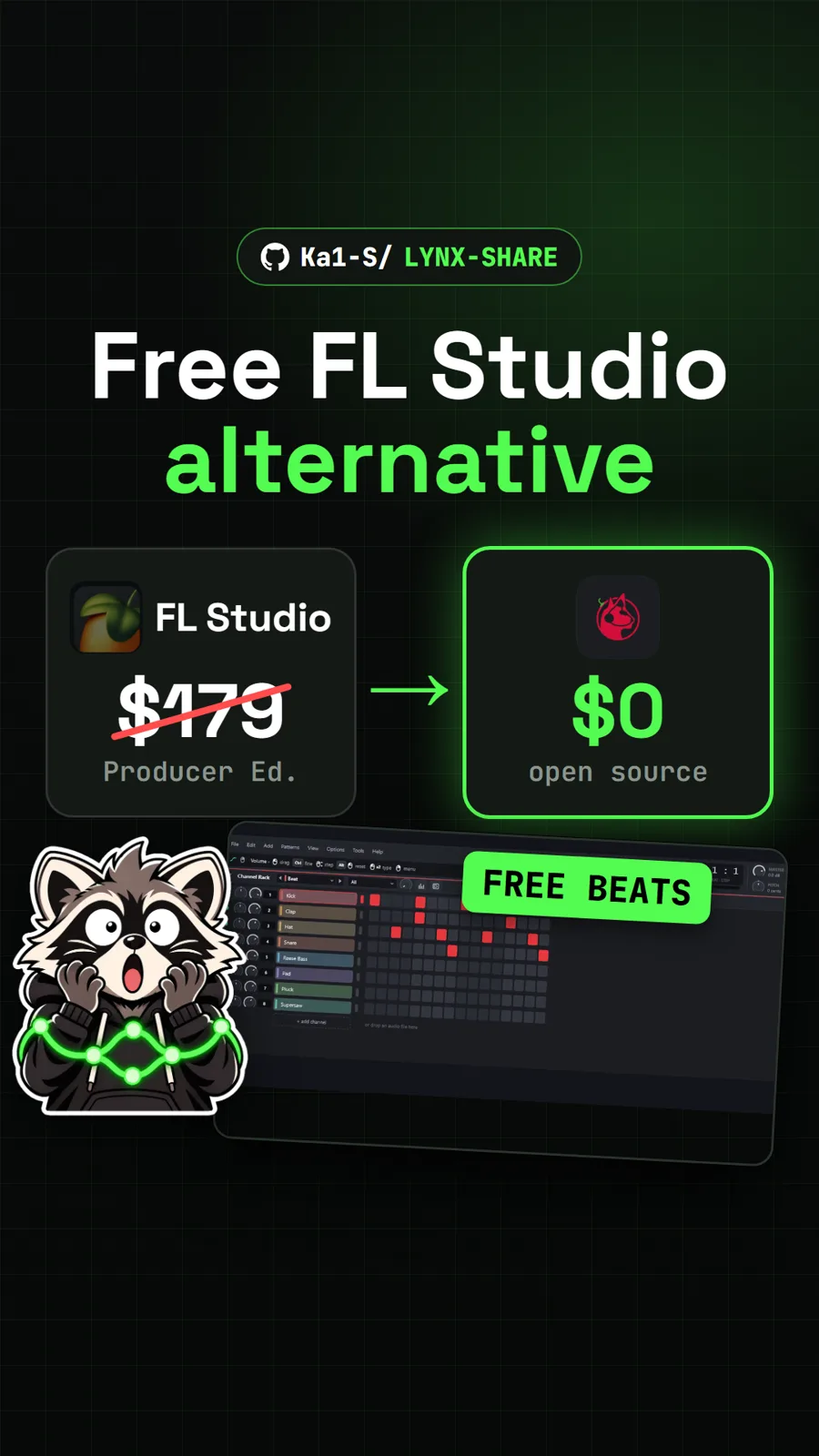
We opened the hosted site in a browser, pressed the demo button, switched looks with P, V and T, and pressed O to open the code in strudel.cc. Nothing was installed, and the desktop app steps above come from the README. The demo beat appears only as picture in our video. For more music in a browser tab, see Chimera, a simulated human throat that sings, and for making beats from scratch, LYNX SHARE, a free beat maker that opens FL Studio projects.
Pull it. Stash it.
Questions people ask
Is Toaster free?
Yes. The code is open source under the MIT licence, the hosted site at toaster.locust.lol needs no account, and the Windows and Mac apps are free downloads from the project's Releases page.
Does Toaster upload my music?
No, according to its README. The site and the app work out the sound on your own device, and nothing you play is uploaded. The site counts visits anonymously with Cloudflare Web Analytics, without cookies. The app goes online only for things such as update checks, strudel.cc when you press O, a radio stream you pick, and Spotify if you connect it.
Will the code sound exactly like the song?
No. The README calls the live code a reconstruction for show: a sketch of the song's parts played on drum machine samples and synths. It does not write the vocals. In the desktop app, the X export also saves a rebuilt version that plays the song's own separated sounds, which the README says comes much closer.
How does Toaster hear music playing in another tab?
Press S and pick system audio. The browser asks what to share: choose the tab that plays the music and tick Also share tab audio, or it hears nothing. An audio file is the cleanest source. The desktop app hears everything your computer plays with no sharing step.
What is Strudel?
Strudel is a free live coding music editor that runs in the browser at strudel.cc. You write patterns as code and press Ctrl+Enter to play them. Toaster writes real Strudel code, and it is an independent project, not made by the Strudel team.
Sources
- 1toaster repository and README
- 2Toaster hosted site
- 3Toaster how it works (docs/how-it-works.md)
- 4Toaster notes for creators (docs/creators.md)
- 5GitHub API: StopBanning/toaster (stars, licence, language, created date, checked 2026-11-18)
- 6Toaster releases (v0.5.9, 2026-11-18)
- 7Strudel
- 8Strudel source on Codeberg
- 9spotify/basic-pitch
- 10sonic-pi-net/sonic-pi
More repos like this
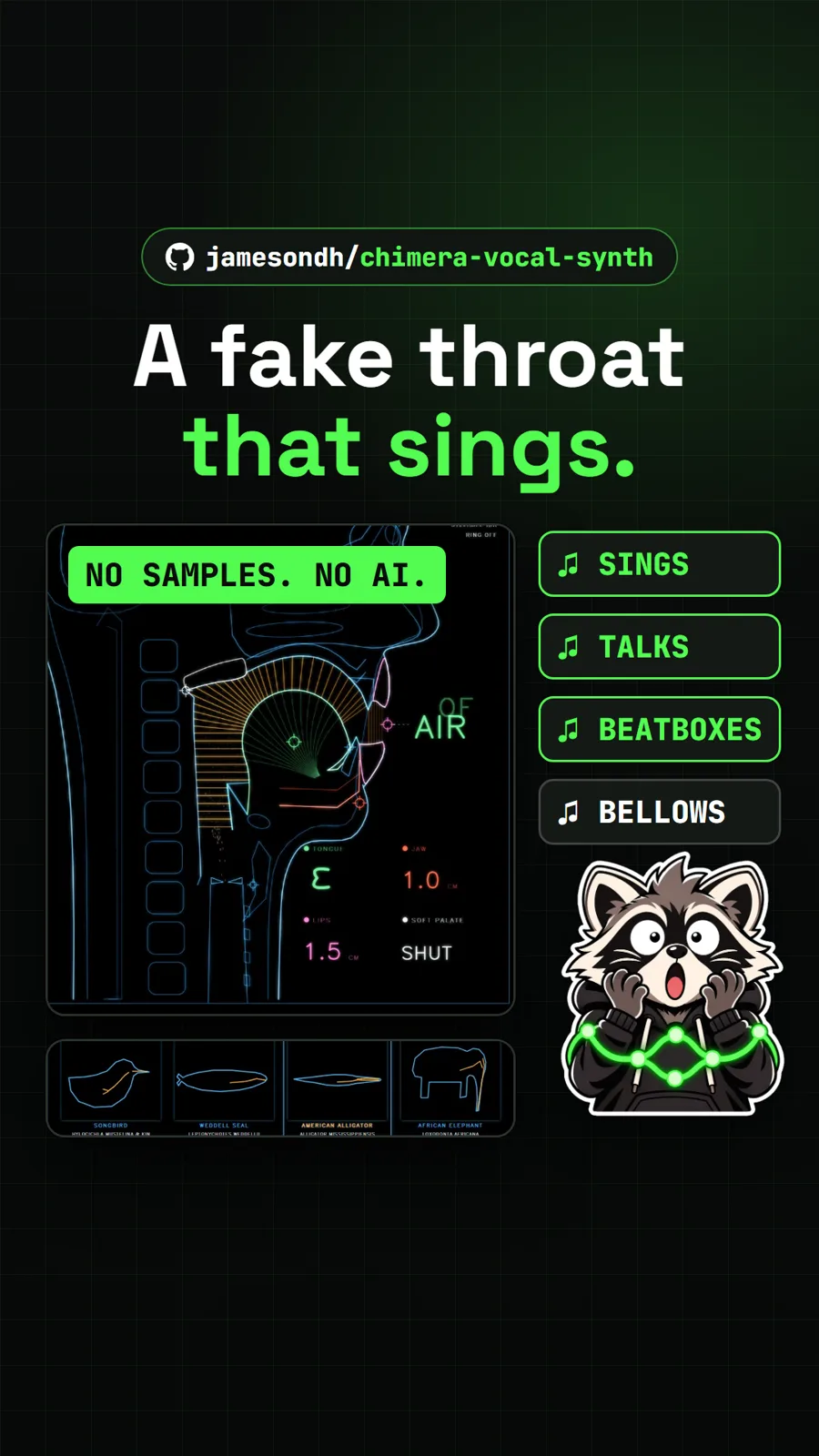
jamesondh/chimera-vocal-synth
Chimera: a simulated human throat that sings and talks in your browser
Get tomorrow's repo in your feed
One free, open source repo a day as a short video, shown working, with the catch named. Pull it. Stash it.