
PhoneBox: turn an old Android phone into a free Stream Deck for your PC
By Pull This RepoPosted 5 min read
Short answer
PhoneBox is a free, MIT-licensed app that turns an old Android phone into a touch control panel for a Windows, Mac or Linux computer. Buttons open apps, send shortcuts and mute your mic, and the panel shows music, live CPU and GPU stats and OBS controls. A small agent runs on the computer. A 15-key Stream Deck was $119.99 on sale.
PhoneBox turns the old Android phone in your drawer into a touch control panel for your computer. Buttons open apps, fire keyboard shortcuts and mute your mic, and the same screen shows your music, live CPU and GPU stats and OBS scene controls. It is free and open source. The paid gadget people compare it to, a 15-key Elgato Stream Deck, was $119.99 on sale ($149.99 list) on Elgato's US store when we checked on 16 November 2026.
What is PhoneBox?
PhoneBox is two pieces: a full-screen Android app and a small desktop agent for Windows 10 and 11, macOS or Linux. The agent reads your computer's stats and carries out the commands you tap on the phone. You design the panel in a visual editor that opens in your browser.
The repo was created on 7 November 2026 and had 3,199 stars when we checked on 18 November 2026. That is more than double the 1,496 it had when our video went out two days earlier. The code is MIT licensed and mostly C#. The latest release is v0.9.21.
From the README, the panel can show:
- Touch controls: app and URL shortcuts, key combinations and macros, application audio, microphone, media, OBS and system controls
- PC monitoring: CPU, GPU, RAM, disks, network and ping, with charts and process controls
- Everyday widgets: Now Playing, internet radio, clocks, weather, calendars, notes, checklists and timers
- Automation: webhook values, Home Assistant controls and rules that react to activity on the computer
- AI coding panels: usage quotas and local coding sessions for a few AI coding tools
The editor now lists 123 widgets and 30 templates on a 12 by 6 grid, up from the 115 widgets in our guide. Layouts work with the phone upright or sideways, and several phones can each have their own layout.
How do you set up PhoneBox?
You need an Android phone, a supported computer and either a USB data cable or the same Wi-Fi network. When we made the video, the README asked for Android 7 or newer. It now says Android 5 or newer, with 6 or later recommended. There is no iPhone app.
1. Install the desktop agent. The README offers a one-line setup script. It downloads the latest release, checks its SHA-256 checksum and opens the settings page:
irm https://raw.githubusercontent.com/ersinkoc/phonebox/main/setup.ps1 | iexcurl -fsSL https://raw.githubusercontent.com/ersinkoc/phonebox/main/setup.sh | bashThe first line is for PowerShell on Windows, the second for Linux or macOS. The README itself says to read the scripts before running them. If you would rather see every file first, use the manual route: download the agent zip for your system, the .apk for the phone and the SHA256SUMS file from the latest release, then compare the hash. On Windows:
certutil -hashfile PhoneBoxAgent-<version>-win-x64.zip SHA256On macOS or Linux, shasum -a 256 <file> does the same job. Unzip the agent and run it. Its settings open at http://127.0.0.1:8765.
Windows users can also use Scoop:
scoop bucket add phonebox https://github.com/ersinkoc/phonebox
scoop install main/adb phonebox/phonebox
2. Connect the phone. Pick one route:
| USB | Wi-Fi only |
|---|---|
| Turn on Developer options, then USB debugging, plug in a data cable and accept the prompt on the phone. Let setup install the app, or use Settings, General, Install the phone app. | Install the APK by hand. In the agent settings turn on General, Wi-Fi & Tailscale, save, restart, then choose Pair a phone over Wi-Fi, scan the QR code and confirm the check code. |
USB wakes the panel when the phone connects and handles app updates. Wi-Fi needs no developer options, but you update the app by hand.
3. Build your panel. In the settings page open Pages, pick a template, drag and resize widgets, then Save. Live preview shows unsaved edits. On the phone, swipe, tap the page dots or use the volume keys to change pages.
How do you control OBS from your phone?
Three steps, from the project docs. In OBS, open Tools, WebSocket Server Settings, turn the server on and set a password. Enter that address and password in the PhoneBox agent settings. Then add an OBS widget to a page and turn on control. In the hosted demo we tapped a Camera scene and then Start recording, and the button switched to Stop recording.
A sensible first page for streamers: browser, music app, screenshot shortcut, mute mic, play and pause, next track, a volume slider, start recording and two scene buttons.
What is the catch?
- Android only. There is no iOS version.
- An agent has to keep running on your computer. It can start at login.
- A touchscreen, not keys. No physical clicky buttons like a Stream Deck.
- Unsigned on Windows. The README says the agents are unsigned while a SignPath Foundation application is pending, so SmartScreen or antivirus software may warn or block them.
- Not every control works everywhere. The platform table shows GPU, media and volume support differing between Windows, Linux and macOS.
- It is brand new and moves fast. The release number went from v0.9.11 to v0.9.21 in two days.
Who is PhoneBox for?
It suits streamers who want scene buttons and a mic mute without buying hardware, people with a spare Android phone and a desk stand, and anyone who wants their PC's temperatures and music on a second screen. If you need real keys you can press without looking, a hardware deck still does that better.
How does PhoneBox compare with other free Stream Deck apps?
| App | What it is | Licence |
|---|---|---|
| PhoneBox | Android panel plus a desktop agent for Windows, Mac and Linux, with stats, music and OBS | MIT |
| Macro-Deck | macro pad for Windows with a phone or browser client and plugins | Apache-2.0 |
| DroidDeck | Android phone as a Stream Deck for a Windows PC, with hotkeys, macros and per-app audio | Apache-2.0 |
| edgepad | Android phone as a trackpad, remote and control deck | MIT |
What did we run for the video?
We did not install PhoneBox on our own computer. Everything in the video is the authors' hosted live demo of the real panel, running in a browser with demo data, plus the GitHub page and Elgato's store page. The setup steps above come from the README and the setup docs. You can try the same demo yourself at ersinkoc.github.io/phonebox before installing anything.
For more ways to give old hardware a new job, see Free My TV, which cleans up the Google TV home screen, and Deadboard, a browser game about repairing a dead laptop motherboard.
Pull it. Stash it.
Questions people ask
Can I use an old Android phone as a Stream Deck?
Yes. PhoneBox runs a full-screen panel on the phone and a small agent on your computer. Touch buttons open apps and URLs, send key combinations and macros, control media, the microphone and OBS. It is a touchscreen, so there are no physical keys.
Is PhoneBox free?
Yes. It is open source under the MIT licence, and the README says it needs no root, no PhoneBox account and no cloud service. The phone app is not in any app store; it comes only from the repository's releases page.
Does PhoneBox work with an iPhone?
No. The README says there is no iOS version. The phone app runs on Android 5.0 and newer, with Android 6 or later recommended.
Can PhoneBox control OBS?
Yes. Turn on the WebSocket server in OBS under Tools, enter its address and password in the PhoneBox agent settings, then add an OBS widget to a page. The project's Control Deck docs list scenes, source visibility, recording and streaming.
Why does Windows warn about the PhoneBox agent?
The README says the release agents are unsigned while its SignPath Foundation application is pending, so SmartScreen or antivirus software may warn or block them. Its setup docs also mention Smart App Control on Windows 11.
Sources
- 1PhoneBox repository and README
- 2PhoneBox installation guide (docs/SETUP.md)
- 3PhoneBox Control Deck docs (docs/CONTROL-DECK.md)
- 4PhoneBox hosted live demo
- 5PhoneBox latest release (v0.9.21, 2026-11-18)
- 6GitHub API: ersinkoc/phonebox (stars, licence, language, created date, checked 2026-11-18)
- 7Elgato Stream Deck US product page (price read 2026-11-16)
- 8Macro-Deck-App/Macro-Deck
- 9ggfto/DroidDeck
- 10akshit-bansal11/edgepad
More repos like this
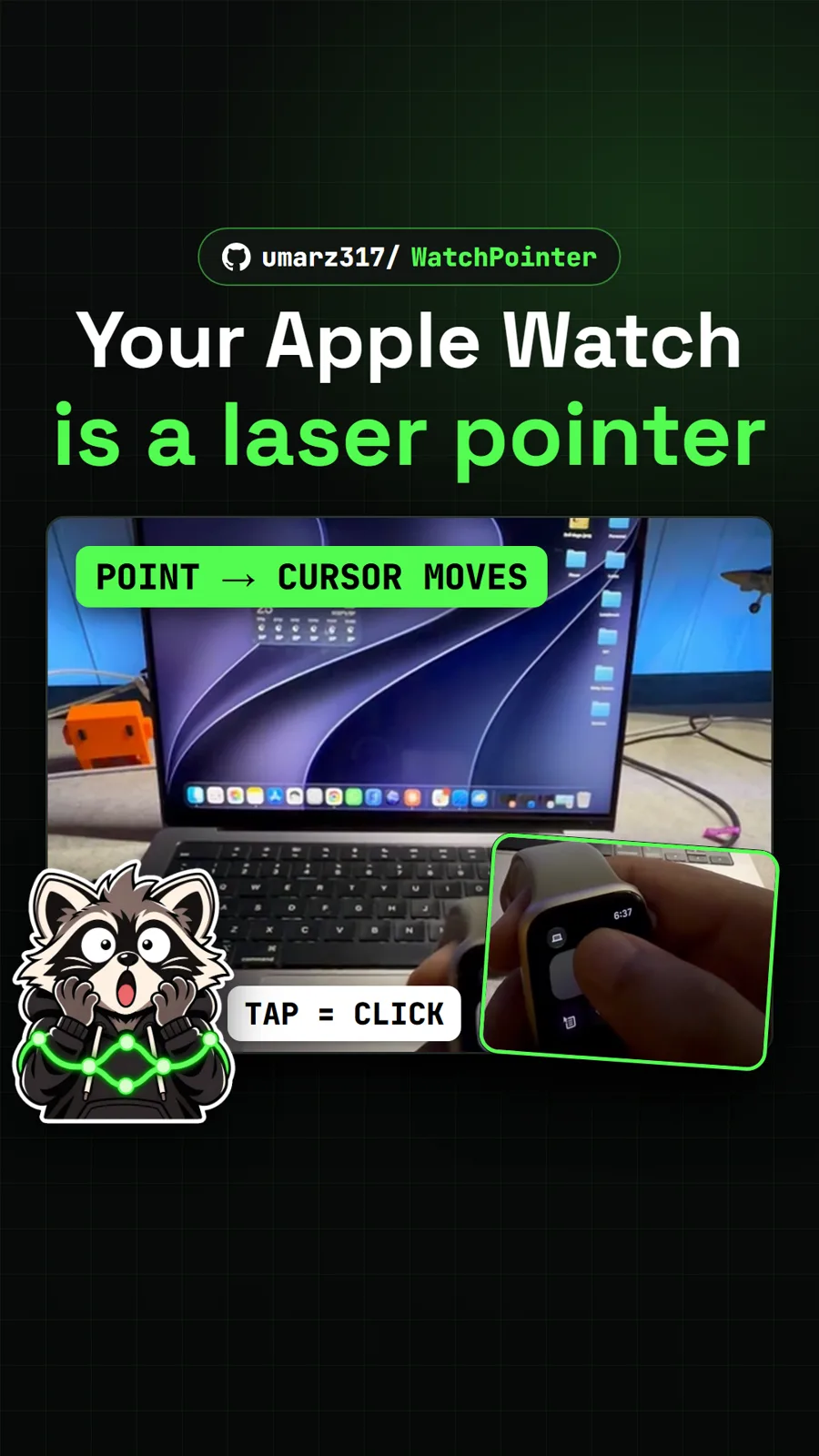
umarz317/WatchPointer
WatchPointer: point your Apple Watch at your Mac and the cursor follows
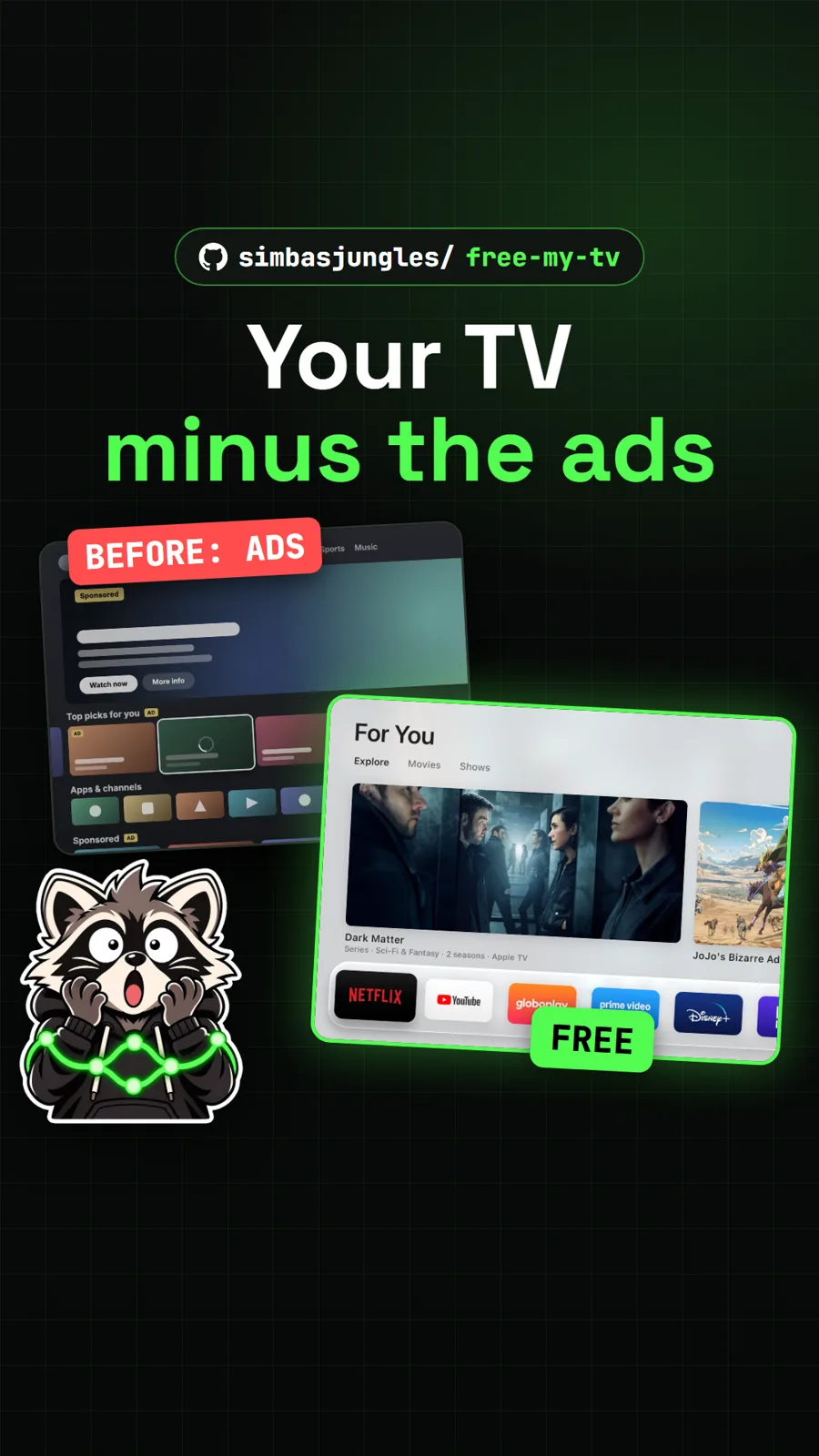
simbasjungles/free-my-tv
Free My TV: swap the ad-filled Google TV home screen for a clean one
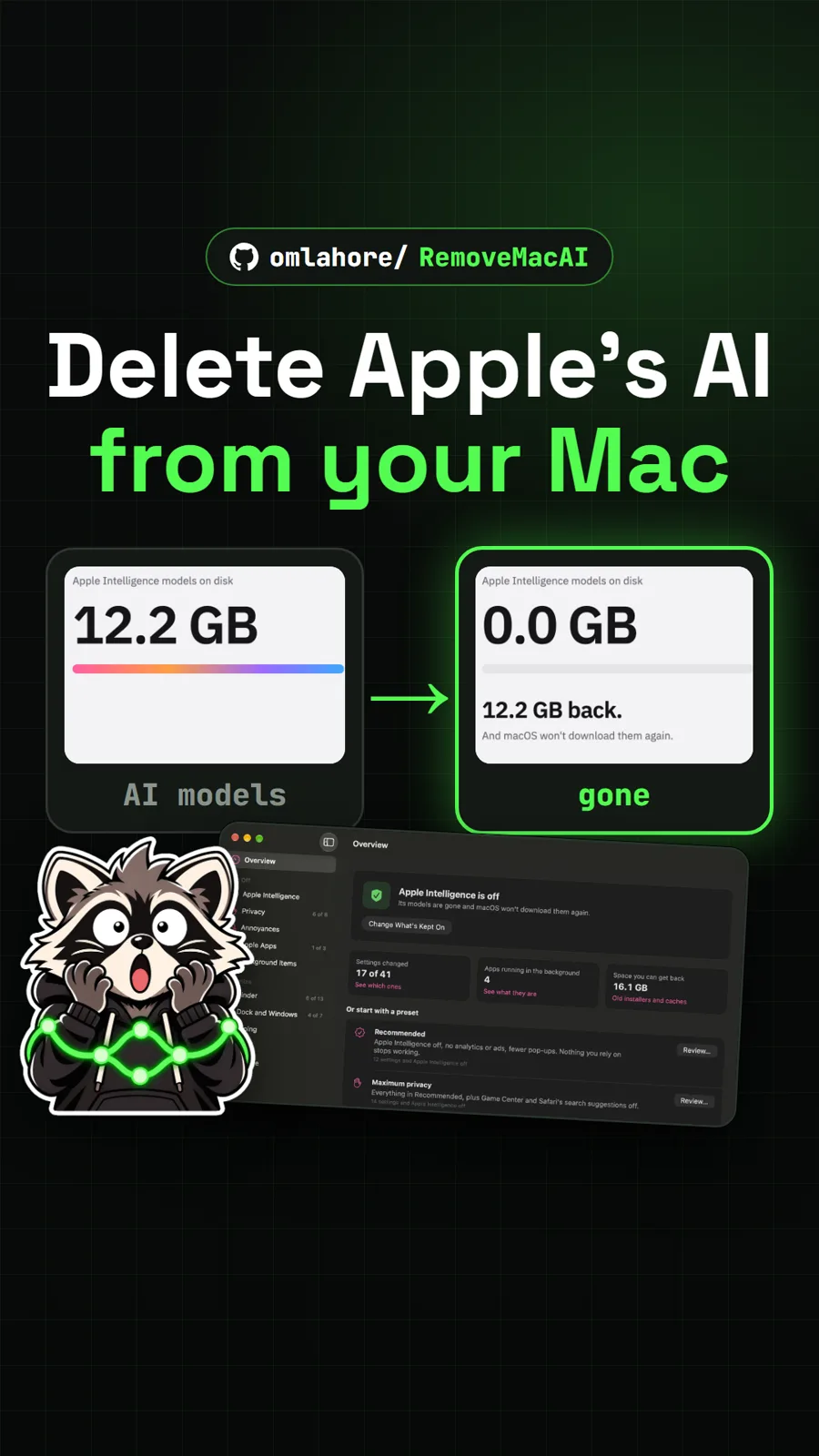
omlahore/RemoveMacAI
RemoveMacAI: turn off Apple Intelligence and reclaim its storage on your Mac
Get tomorrow's repo in your feed
One free, open source repo a day as a short video, shown working, with the catch named. Pull it. Stash it.
