Doory: a free, open source Canva alternative that runs in your browser
By Pull This RepoPosted 4 min read
Short answer
Doory is a free, open source design editor that runs in your browser, with templates, animation, music and export to PNG, PDF, MP4 or GIF. You can start at doory.art with no account, and there is no paid plan or watermark. Canva Pro is US$144 a year. The catch: Doory is weeks old and ships only ten starter templates.
Doory is a free, open source design editor built to do the everyday Canva jobs: open a template, type over the words, add some motion and music, and download a post, a PDF or a video. It runs in a browser tab, and the hosted copy at doory.art needs no account. We used it as a guest to remake a sale post and export a real MP4, so the steps and numbers below are from that session.
What is Doory?
Doory is a browser design editor by Siam (GitHub user shaongitbd). The README describes it as an editor for posts, stories, posters, slides, flyers, invitations, resumes, thumbnails and business cards, and says: "There is no paid plan, you don't need an account to start, and you can run it on your own server."
The repo was created on 10 October 2026 and had 2,786 stars when we checked on 18 November 2026 (our video said "over twenty seven hundred"). The latest release is v0.3.1, from 9 November.
What is in the editor, from the README:
- Text: headings, curved text, effects, font pairings and your own fonts
- Photos: crop, masks, filters, in-browser background removal and 2x to 4x upscaling
- Motion and sound: 27 enter and exit animations, 12 emphasis animations, 16 page transitions, 24 music loops and 88 CC0 sound effects, plus voiceover recording
- Export: PNG, JPG, SVG, PDF, MP4, WebM and GIF, and a present mode
- With an account: share links, version history, real-time co-editing and brand kits
How do you make a design in Doory?
This is the two-minute path we took on 15 November, as a guest:
- Open doory.art/templates and pick a template. We used Bold sale announcement.
- Click Use this template. The editor opens and saves your design in this browser.
- Double-click a headline, select all (Ctrl+A, or Cmd+A on a Mac) and type. We changed WEEKEND to TONIGHT, then 30% to 50% on the discount badge.
- Open Animate in the left rail. Element animates the selected item; Page animates the whole page. We used the page Rise animation.
- Open Audio, preview a loop, then Add to design.
- Click Share at the top right and pick a download.
Guest designs live only in that browser, so clearing browser data deletes them. Use File to save a .doory backup, or sign up to keep them in the cloud.
What are the best Doory export settings?
The Download window asks "What is it for?" first. These presets worked for our 1080 x 1080 post:
| You want | Pick | What we saw |
|---|---|---|
| Instagram post | Instagram Post (JPG, 1080 x 1080) | 163 KB, against 582 KB as PNG |
| Website or blog | WebP, 2x | smallest file, 97 KB |
| Print (PDF, 300 dpi, bleed) | bleed and crop marks available | |
| Logo or cut-out | Graphic with transparency (PNG) | keeps the background clear |
| Reel, story or ad | Video or animation (MP4, WebM or GIF) | see below |
For video, the window offers sizes from 480p to 4K, 24, 30 or 60 fps, and three quality levels. For Instagram and TikTok, MP4 at 1080p, 30 fps and Balanced is a sensible start. Press Make video, wait for "Your video is ready", then Download. Design at the final size from the start, because the Design size option exports at exactly that size.
How do you self-host Doory?
You need Docker with the Compose plugin. These steps are from the README and the self-hosting docs; we did not run them.
git clone https://github.com/shaongitbd/doory && cd doory
cp .env.example .env     # set DJANGO_SECRET_KEY (openssl rand -base64 48) and POSTGRES_PASSWORD
docker compose up -d --build
docker compose exec api python manage.py createsuperuser
Open http://localhost:8080. A new site starts empty, so load the starter content, fonts before templates:
docker compose exec api python manage.py seed_gallery
docker compose exec api python manage.py sync_fonts --popular 100
docker compose exec api python manage.py seed_templates
docker compose exec api python manage.py seed_elements
docker compose exec api python manage.py sync_element_packs
docker compose exec api python manage.py sync_models
docker compose exec api python manage.py sync_audio
The docs list pre-built images, but they skip ffmpeg, so build your own if you want video clips in designs. There is also a guide for nginx and systemd without Docker. A self-hosted copy can run an MCP server at /mcp (off by default) so AI assistants can create and edit designs, and templates can be filled from a spreadsheet through the REST API.
What is the catch?
- It is brand new. The README calls it "a young project": the editor is complete, but there are only ten starter templates. Canva's pricing page lists 3.6 million or more for Pro.
- Credit is required if you ship it. The Attribution Assurance License lets you use and change it commercially, but you must keep the LICENSE and NOTICE files and show the author's credit in the running app. GitHub's API reports the licence as unrecognised for that reason.
- Guest work is fragile. Designs made without an account stay in one browser until you back them up.
- Stock photos need a key on a self-hosted site: your own free Unsplash or Pexels key.
Who is Doory for?
It suits small businesses and creators who make social posts, flyers and short promo videos and do not want a subscription, teachers and clubs who need quick printables, and teams that want a design tool on their own server. If you rely on a huge template library or a big stock photo catalogue, it is not there yet.
How does Doory compare with other free design tools?
| Tool | Where it runs | Best for |
|---|---|---|
| Doory | browser, or your own server | Canva-style posts, flyers and short videos |
| Canva Pro | browser and apps, US$144 a year | the full template and stock library |
| Penpot | browser, self-hostable | app and website design and prototyping |
| Graphite | browser | vector and raster editing with a node engine |
| Inkscape | desktop | logos, print and SVG work |
What did we run for the video?
We used the hosted editor at doory.art as a guest: we edited a template, added a page animation and a music loop, and exported a real MP4 from the browser. We did not clone, install or run the repo's code, so the self-hosting steps come from its docs.
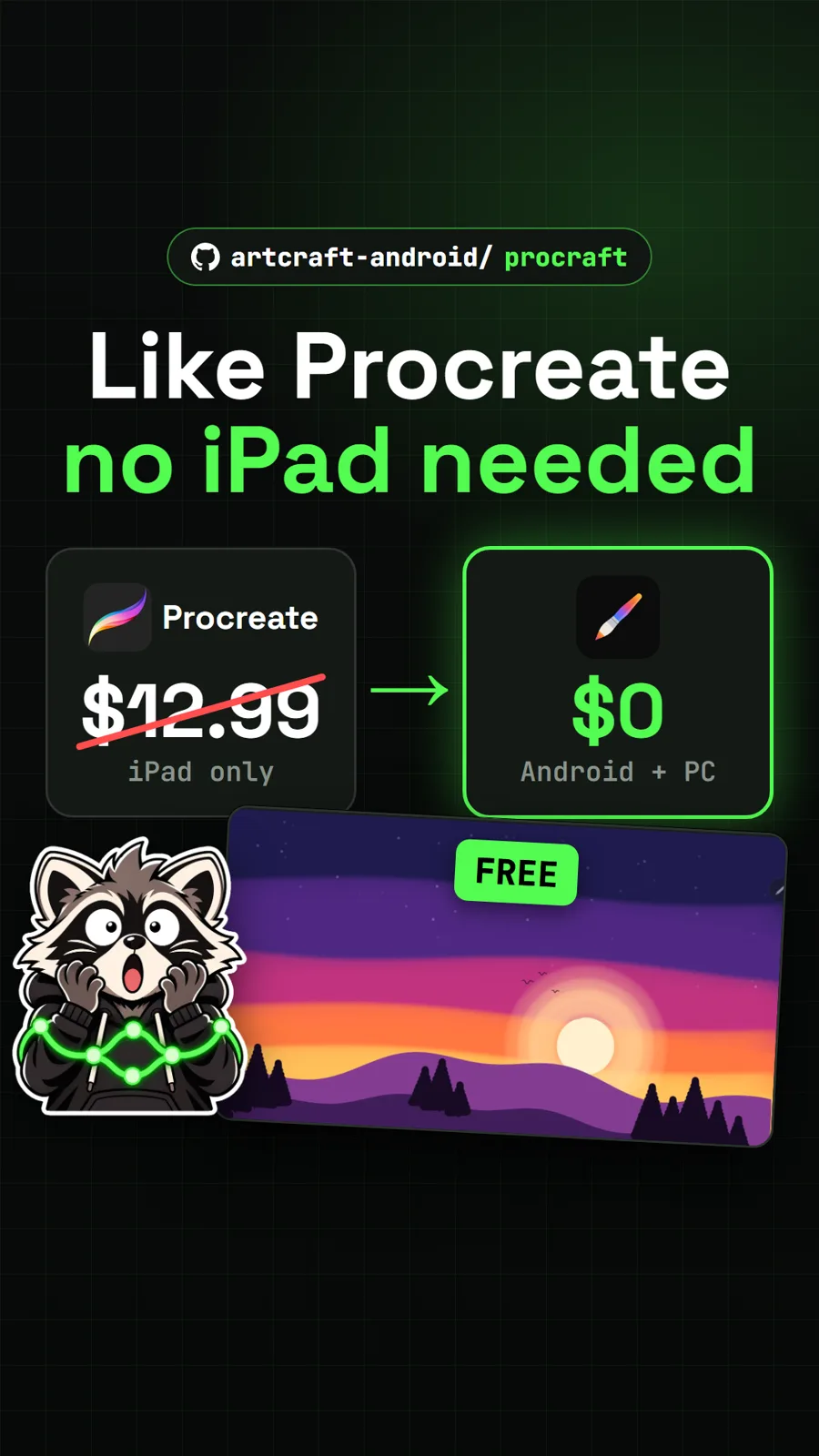
For more free creative tools, see Rembrandt, a photo editor you tell what to change, ProCraft for Procreate-style painting, and FigCraft, an open source Figma alternative.
Pull it. Stash it.
Questions people ask
Is Doory really free?
Yes. The README says Doory has no paid plan, no locked features and no ads, and the doory.art home page says there is no watermark. The video we exported from doory.art had no watermark. Canva Pro, for comparison, was US$144 a year for one person on Canva's US pricing page on 15 November 2026.
Do I need an account to use Doory?
No. Guests design straight away and their work is saved in the browser. An account keeps designs in the cloud and adds share links, version history, co-editing and brand kits. Guest designs move over when you sign up.
Can Doory export video?
Yes. It exports PNG, JPG, SVG, PDF, MP4, WebM and GIF. We exported a 1080 x 1080 sale post with a page animation and a music loop as an 8.7 second MP4 with sound, about 1.4 MB, made entirely in the browser in under a minute.
Can I use Doory for my business?
The licence is the Attribution Assurance License. The README says you may use, change and redistribute it, including commercially, but you must keep the LICENSE and NOTICE files and show the author's credit in the running app. Read the licence before you build a product on it.
How many templates does Doory have?
Ten starter templates ship with it, including a tour poster, a sale post, a pitch deck, a wedding invitation, a YouTube thumbnail, a resume and a business card. Admins of a self-hosted copy can add more.
Sources
- 1Doory repository and README
- 2Doory hosted editor
- 3Doory self-hosting with Docker (docs/self-hosting/docker.md)
- 4Doory starter content (docs/self-hosting/content.md)
- 5GitHub API: shaongitbd/doory (stars, licence, language, created date, checked 2026-11-18)
- 6Doory latest release (v0.3.1)
- 7Canva pricing, US (read 2026-11-15)
- 8penpot/penpot
- 9GraphiteEditor/Graphite
- 10Inkscape
More repos like this
artcraft-android/procraft
ProCraft: a free Procreate-style painting app for Android tablets and PCs
Get tomorrow's repo in your feed
One free, open source repo a day as a short video, shown working, with the catch named. Pull it. Stash it.