HatchZip: unzip a huge archive on a nearly full drive, for free
By Pull This RepoPosted 4 min read
Short answer
HatchZip is a free, open source archive extractor for Windows, macOS and Linux that unpacks ZIP, 7z, RAR and tar files in place. It cuts each finished part off the archive as the files come out, so a 180 GB game that unpacks to 200 GB needs a little over 200 GB free instead of 380 GB. By default it deletes the archive.
HatchZip solves one specific, annoying problem: you have a huge archive, such as a game download, and your drive does not have room for the archive and its unpacked files at the same time. HatchZip unpacks it in place, giving the archive's space back as it goes, so you only need room for the output.
What is HatchZip?
HatchZip is a free, open source archive extractor by xevrion, written in Rust, with a desktop app and a command line tool for Windows, macOS and Linux. The code is under MIT or Apache-2.0. The repo was created on 21 October 2026 and had 2,991 stars when we checked on 18 November 2026. The latest release is v0.1.10.
The README's own example explains the whole idea. A 180 GB game download that unpacks to 200 GB needs 380 GB of disk with WinRAR, 7-Zip or unzip, because the archive and everything extracted from it have to exist at the same time. HatchZip needs a little over 200 GB.
How does HatchZip extract in place?
It reads the archive from the end and cuts each finished part off the archive file as it goes. The space that comes back is reused for the next files. Along the way it:
- checks that the extraction will fit before it changes anything, and shows a Disk space panel with what a normal extraction would need against what HatchZip needs
- keeps a safety margin of free space the whole way through, so the drive never fills to zero
- resumes after a stop or a crash, keeping its progress in small files next to the archive
- deletes each volume of a split archive as soon as everything in it is out
The extra space it needs beyond the output is about the size of the largest piece it can free at once: one file for ZIP and tar, one solid block for 7z.
How do you install HatchZip?
There is no single command for the desktop app; you download the file for your system from the latest release or hatchzip.dev:
| System | File |
|---|---|
| Windows 10 and 11 (x64) | HatchZip-x64-setup.exe (per user, no admin rights, adds the right-click menu), an .msi, or a portable zip |
| macOS | HatchZip-aarch64.dmg for Apple silicon, HatchZip-x86_64.dmg for Intel |
| Linux | .deb, .rpm or an AppImage |
On Windows, the setup may show "Windows protected your PC" because HatchZip is not code-signed yet; choose More info, then Run anyway. On macOS 15 and later, open the app once, then allow it under System Settings, Privacy & Security.
On a Mac with Homebrew, the app and command line tool install with one line:
brew install --cask xevrion/tap/hatchzipTo check that a download really came from the project's release workflow:
gh attestation verify HatchZip-x64-setup.exe --repo xevrion/hatchzipSince our video, the package options have grown. The README now lists Homebrew and Scoop as live, while winget and Chocolatey packages are still in review, so do not trust a winget or Chocolatey listing under that name until the README marks it live.
How do you use it?
Right-click the archive, choose HatchZip, then Extract here. On Windows 11 the menu is under Show more options. When it finishes, only the extracted files are left.
From the command line (the installers add hatchzip and the short name hz):
hatchzip check game.zip      # will it fit? changes nothing
hatchzip extract game.zip    # extract in place into ./game/
hatchzip x game.7z.001       # split archive, any part's name works
If the download would be hard to get again, the guide we wrote for this repo suggests hatchzip extract game.zip --verify-first, which checks every file before anything is deleted.
Which formats work in place?
| Format | In place? |
|---|---|
| ZIP, ZIP64, self-extracting ZIP | yes, one file at a time |
| 7z with several solid blocks | yes, one block at a time |
| 7z with 7-Zip's default settings (one solid block) | needs free space for that block; check tells you first |
| RAR 4 and RAR 5, single or volume sets | yes, file by file |
| Solid RAR | only while keeping the archive |
| tar, .tar.gz, .tar.bz2, split .001 sets | yes |
It works on NTFS, APFS, ext4, btrfs, XFS, and on exFAT and FAT32 USB drives.
What is the catch?
- It deletes the archive by default. That is the trick, and it can surprise you. Use Extract here (keep archive), the Settings switch, or
--keep-archiveto keep it. - Not code-signed yet, so Windows and macOS warn on first launch.
- A single-block 7z still needs room for that block, which can be most of the archive.
- It is young. Version 0.1.10, about four weeks old. Keep backups of anything you cannot download again.
Is HatchZip faster than other extractors?
The README's speed test compares it with unzip, not WinRAR: 0.25 to 0.35 seconds against 1.48 to 1.50 seconds on the same ZIP data, on the authors' Linux machine. That is the authors' own measurement. HatchZip's real point is space, not speed, and we did not run it ourselves.
Who is HatchZip for?
PC gamers with big downloads and small SSDs, anyone unpacking backups or datasets on a nearly full disk, and people who want a free extractor instead of paying for WinRAR, which was $29.00 for a single licence on WinRAR's own shop when we checked in US dollars. If your drive has plenty of room, a normal extractor that keeps the archive is simpler.
How does HatchZip compare with WinRAR and 7-Zip?
| HatchZip | WinRAR | 7-Zip | |
|---|---|---|---|
| Price | free | $29.00 single licence | free |
| Extracts in place, freeing the archive as it goes | yes | no | no |
| Space for a 180 GB archive that unpacks to 200 GB (README figures) | a little over 200 GB | 380 GB | 380 GB |
| Keeps the archive by default | no | yes | yes |
If the drive is full for other reasons, the three free tools in our guide help find the space: WinDirStat shows what is eating the disk, Czkawka finds duplicates and big files, and BleachBit clears caches and temp files. On a Mac, DiskWise does a similar job.
What did we run for the video?
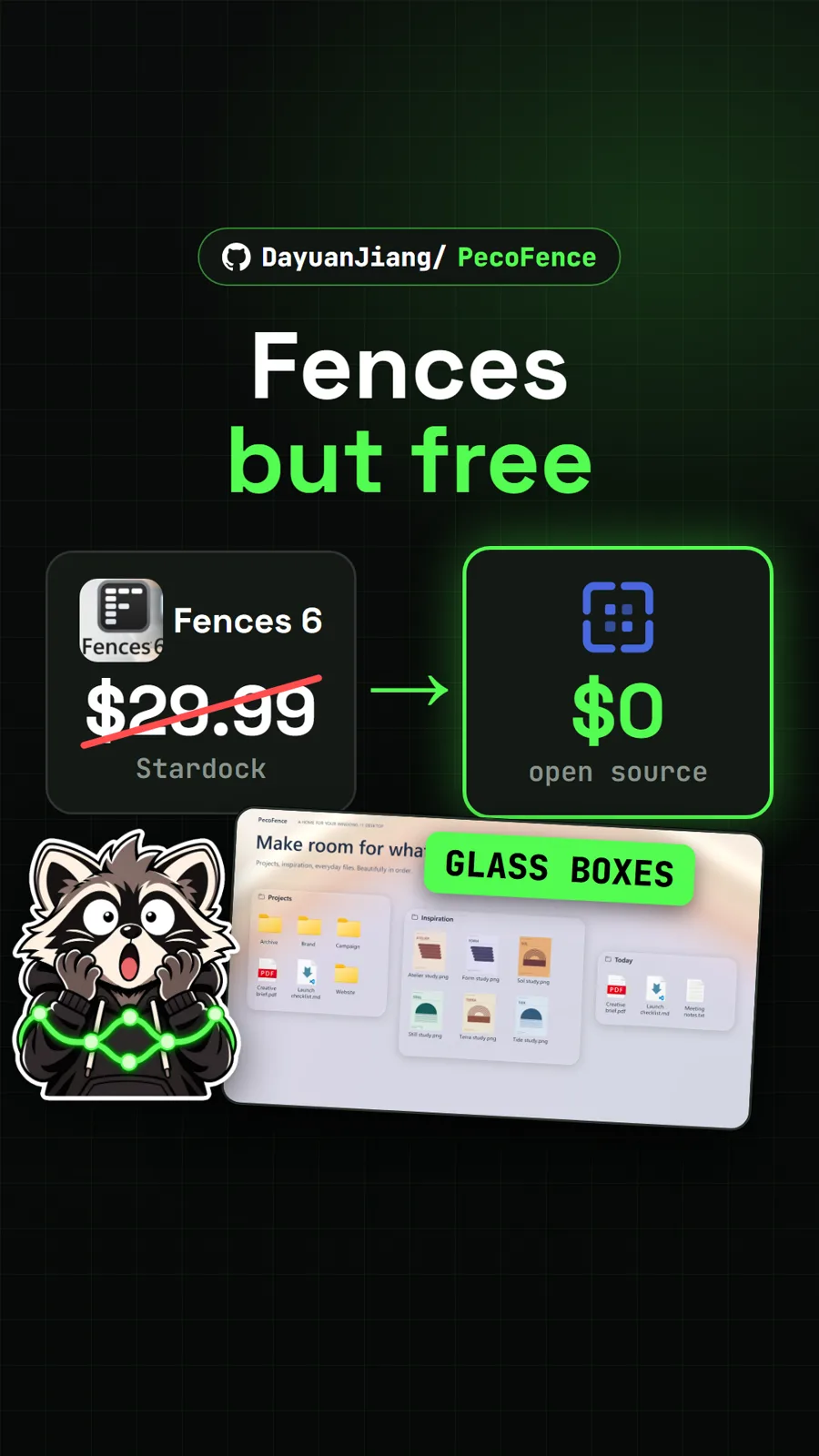
We did not install or run HatchZip. The video used the authors' README animation and app screenshot, our captures of the GitHub page and hatchzip.dev, and WinRAR's shop page for the price. For another free tool that replaces a paid Windows utility, see Mister Download Manager, and for tidying a cluttered desktop, PecoFence.
Pull it. Stash it.
Questions people ask
How do I extract a zip file when there is not enough disk space?
A normal extractor needs room for the archive and the extracted files at the same time. HatchZip extracts from the end of the archive and cuts each finished part off the file, so it only needs room for the output plus a small margin. Run hatchzip check on the archive first to see whether it fits.
Does HatchZip delete my archive?
Yes, by default. That is how it saves space. To keep it, choose Extract here (keep archive) in the right-click menu, clear Remove the archive during extraction in Settings, or add --keep-archive on the command line. Keeping the archive needs space for both.
Can HatchZip open RAR and 7z files?
Yes. The README lists ZIP, 7z, tar, .tar.gz, .tar.bz2, .tar.xz, RAR volume sets and split archives. A 7z made with 7-Zip's default settings is one solid block, so it still needs free space for that whole block, and solid RAR only works while keeping the archive.
Is HatchZip safe to install?
It is open source, and every release file from 0.1.3 on carries signed build provenance you can check with gh attestation verify. It is not code-signed yet, so Windows shows Windows protected your PC. Only download it from the GitHub releases page or hatchzip.dev; the README says hatchzip.com is not part of the project.
What happens if HatchZip crashes halfway?
The README says it can be stopped or crash at any moment and pick up where it left off. Progress is kept in small files next to the archive, so do not delete those while an extraction is unfinished. hatchzip restore turns what is left back into a normal archive.
Sources
More repos like this
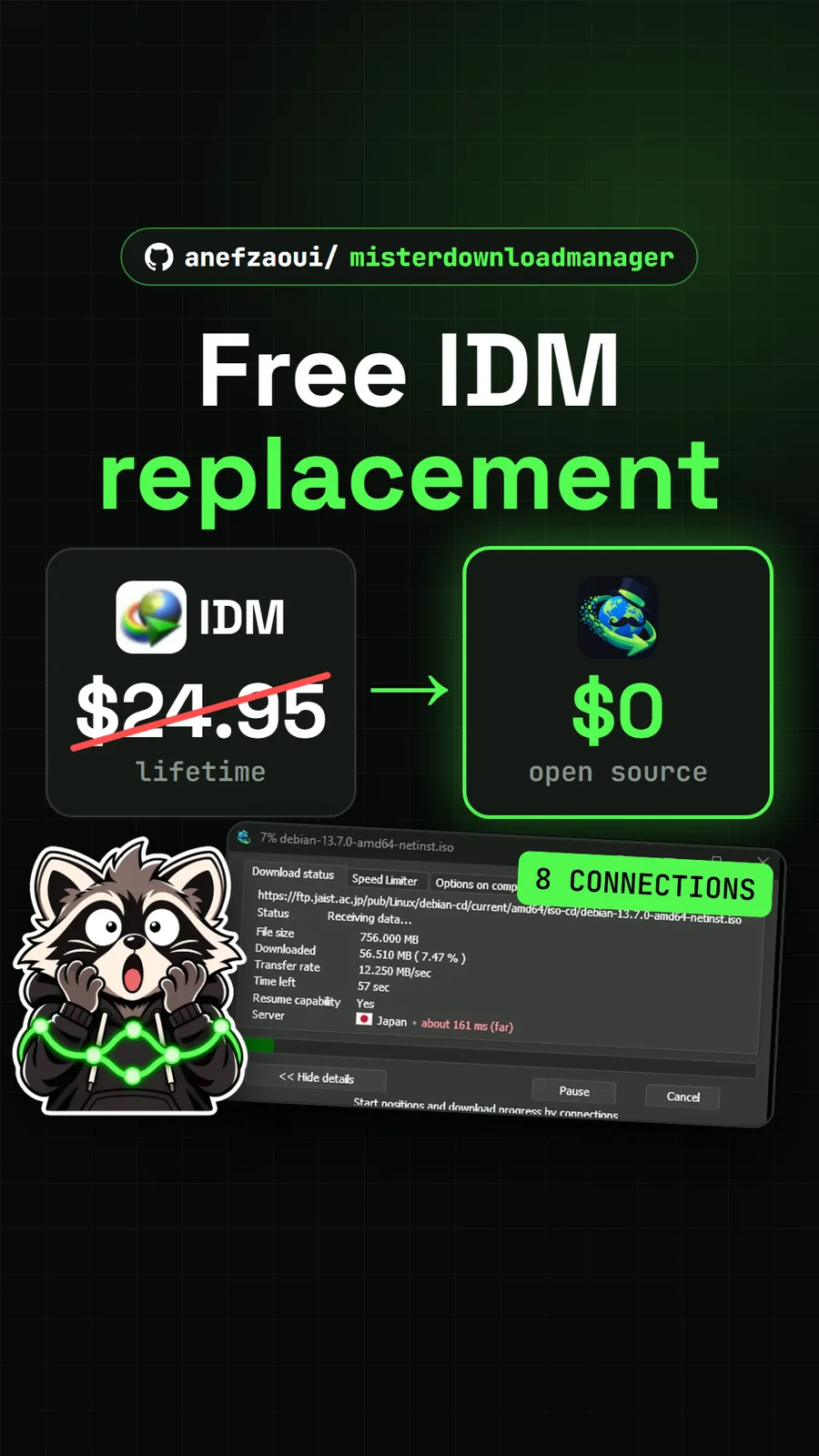
anefzaoui/misterdownloadmanager
Mister Download Manager: the free IDM alternative, built and raced against Chrome
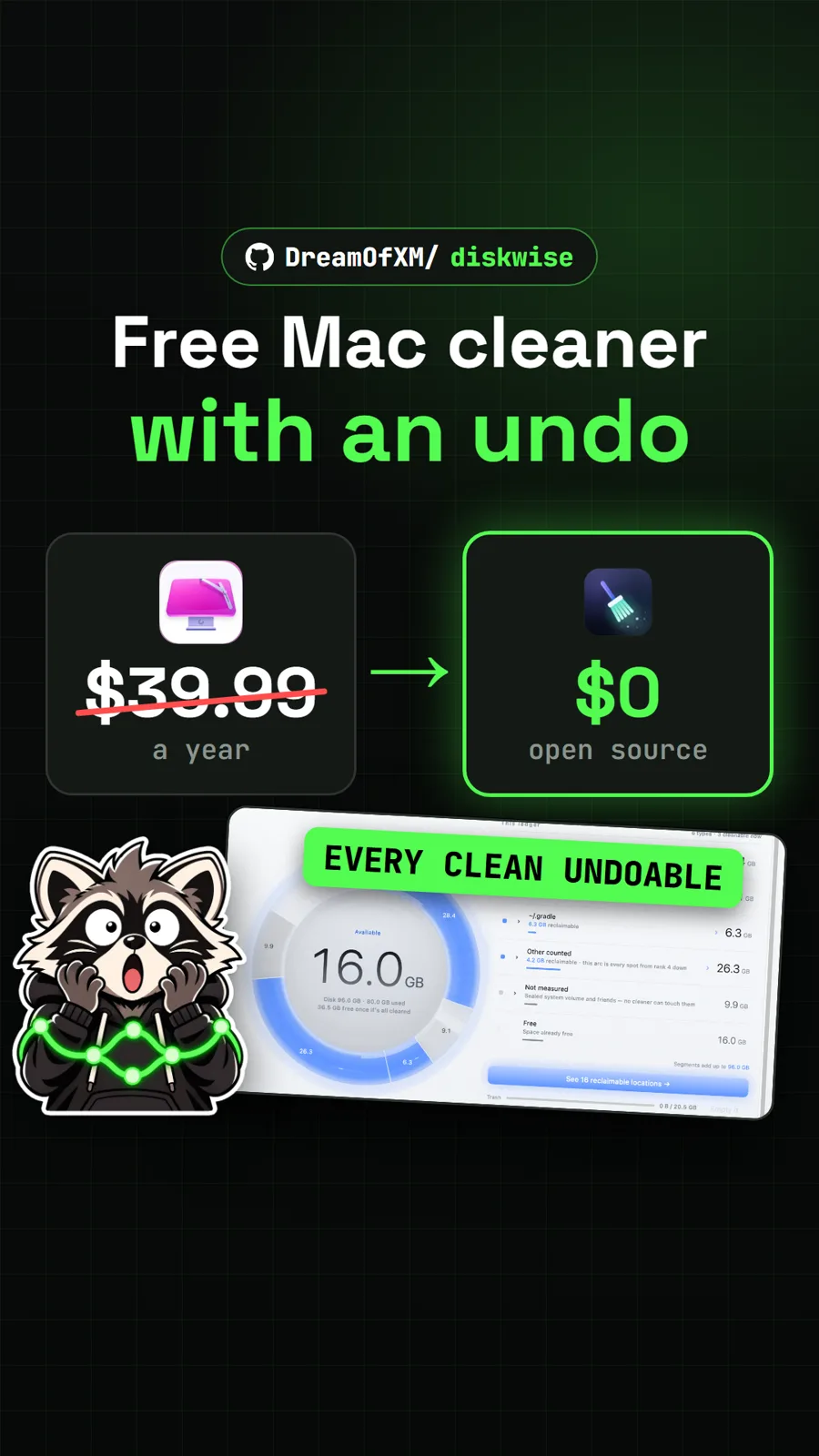
DreamOfXM/diskwise
DiskWise: a free, open source CleanMyMac alternative with an undo button
Get tomorrow's repo in your feed
One free, open source repo a day as a short video, shown working, with the catch named. Pull it. Stash it.