Mister Download Manager: the free IDM alternative, built and raced against Chrome
By Pull This RepoPosted 5 min read
Short answer
Mister Download Manager is a free, open source download manager for Windows and Linux, written in Rust, with the layout IDM users know. It splits each file across 8 connections, catches browser downloads and handles torrents. IDM costs $24.95 for a lifetime licence. On our Wi-Fi it beat Chrome from one server and lost from another.
Mister Download Manager (MDM) is a free, open source download manager written from scratch in Rust and built to replace Internet Download Manager. It copies the layout IDM users already know: toolbar, categories, a progress window per download and a browser button. We built it from source, then raced it against plain Chrome on the same 756 MB file, so this page has both what the project claims and what we measured.
What is Mister Download Manager?
MDM is a desktop download manager by Ahmed Nefzaoui, released under GPL-3.0. The repo was created on 29 October 2026 and had 12,962 stars when we checked on 18 November 2026. The latest release is v0.5.2, the version we tested.
What it does, from the README and our own build:
- Splits each file into parallel connections. The default is 8, up to 32, or 128 if you allow more in Options. The progress window shows every connection's slice filling in, plus speed, time left and the server's country and round-trip time.
- Catches browser downloads through Chrome and Firefox extensions, with a "Download video" button over videos on pages.
- Torrents and magnet links, with file picking and seeding.
- Queues, a scheduler, a speed limiter, resume after a broken connection and checksums.
- 86 languages, a portable mode and a separate command line tool.
It runs on Windows 10 and 11 and on Linux. The README says ARM64 and 32-bit Windows builds, and ARM64 Linux builds, come with every release after 0.5.2. The macOS builds are marked experimental.
How do you install Mister Download Manager?
On Windows, the quickest route is WinGet, Windows' own package manager. The first line installs it, the second updates it:
winget install AhmedNefzaoui.MisterDownloadManager
winget upgrade AhmedNefzaoui.MisterDownloadManager
Or download from the latest release page. The README suggests the -setup.exe file if you are unsure, since it also connects MDM to your browser. There are portable zips, ARM64 and 32-bit builds, and for Linux .deb, .rpm, AppImage and tarball packages. On Ubuntu or Debian:
sudo apt install ./<file>.debBuilding it from source (what we did)
We skipped the installer and built MDM ourselves on Windows 11. It needs Rust 1.95 or newer, so pick the toolchain explicitly if your stable Rust is older:
rustup toolchain install 1.97
git clone --depth 1 https://github.com/anefzaoui/misterdownloadmanager
cd misterdownloadmanager
cargo +1.97 build --release -p mdm-app
cargo +1.97 build --release -p mdm-cli
The app build took 12 minutes 22 seconds on our PC because the release profile uses full link-time optimisation. To keep it portable, create an empty data folder next to target\release\misterdownloadmanager.exe; MDM then keeps its settings and logs there and writes nothing to the registry.
One gotcha we hit: the app accepts IDM-style switches, but in Git Bash /d gets rewritten into a drive path and the download silently never starts. Use -d there:
misterdownloadmanager.exe -d https://example.com/big.iso -p D:\Downloads -nIs Mister Download Manager faster than IDM?
The README says yes. Its table puts MDM at 1 second against 5.5 seconds for IDM 6.42 on a 1 GB file. Read the fine print, though: those runs downloaded from a test server on the same computer. That times the two programs, not a real internet connection. We did not have IDM, so we cannot confirm or deny those numbers.
What we could test was MDM against plain Chrome. Same file every time: the Debian 13.7.0 netinst ISO, 792,723,456 bytes, every copy checked against Debian's published SHA-256. One home PC on Wi-Fi, single runs, one program after the other.
| Run | Server | Time |
|---|---|---|
| MDM app, 8 connections | Japan (ftp.jaist.ac.jp) | 61 s |
| Chrome | Japan | 68.1 s |
| MDM app, 8 connections | Sweden (saimei.ftp.acc.umu.se) | 32 s |
| Chrome | Sweden | 26.0 s |
| MDM command line, 1 connection | Japan | 57.6 s |
| MDM command line, 8 connections | Japan | 54.9 s |
| MDM command line, 16 connections | Japan | 68.6 s |
What that means in practice:
- Splitting a file helps most when one connection is the bottleneck: far or throttled servers, or file hosts that cap each connection. Our Wi-Fi tops out around 25 to 30 MB/s, and both servers gave a single connection close to that once it warmed up.
- MDM starts faster. In the Japan run it was at 52% after 27 seconds while Chrome was at 28%, because 8 connections ramp up quicker than one. Chrome caught up later.
- More is not always better. 16 connections was slower than 8 on the same server; MDM's log showed it dropping and reopening slow connections. Leave it on 8 unless a server limits each connection.
What is the catch?
- It is brand new. The repo is about three weeks old and on version 0.5.2, so expect rough edges.
- Code signing. The README says this early version is not code-signed yet, so Windows may show "Windows protected your PC" the first time. It also links a code signing policy for free signing through SignPath.
- macOS is experimental, and the README says the author has not tried those builds on a Mac.
- Browser catching needs the installer. In our source build, the extension could not find the app, because it looks for it through the registry. Add URL, the clipboard or drag and drop still work.
- Speed gains depend on your line and the server, as the race shows.
Who is Mister Download Manager for?
It suits Windows and Linux users who like IDM's layout but do not want to pay for it, people who grab large files from slow or capped servers, and anyone who wants downloads, video grabs and torrents in one open source app. If your downloads already max out your connection in the browser, the main gain is convenience, not speed.
How does it compare with other download managers?
| App | Price | Open source | Notes |
|---|---|---|---|
| Mister Download Manager | free | yes, GPL-3.0 | IDM-style layout, torrents, 8 connections by default |
| Internet Download Manager | $24.95 lifetime or $11.95 a year, after a 30-day trial | no | the app MDM is built to replace |
| AB Download Manager | free | yes, Apache-2.0 | closest rival, with browser extensions, on Windows, Linux and macOS |
| Motrix | free | yes | polished app built on aria2, with torrents and magnet links |
| aria2 | free | yes, GPL-2.0 | command line engine behind many apps, for example aria2c -x 8 -s 8 URL |
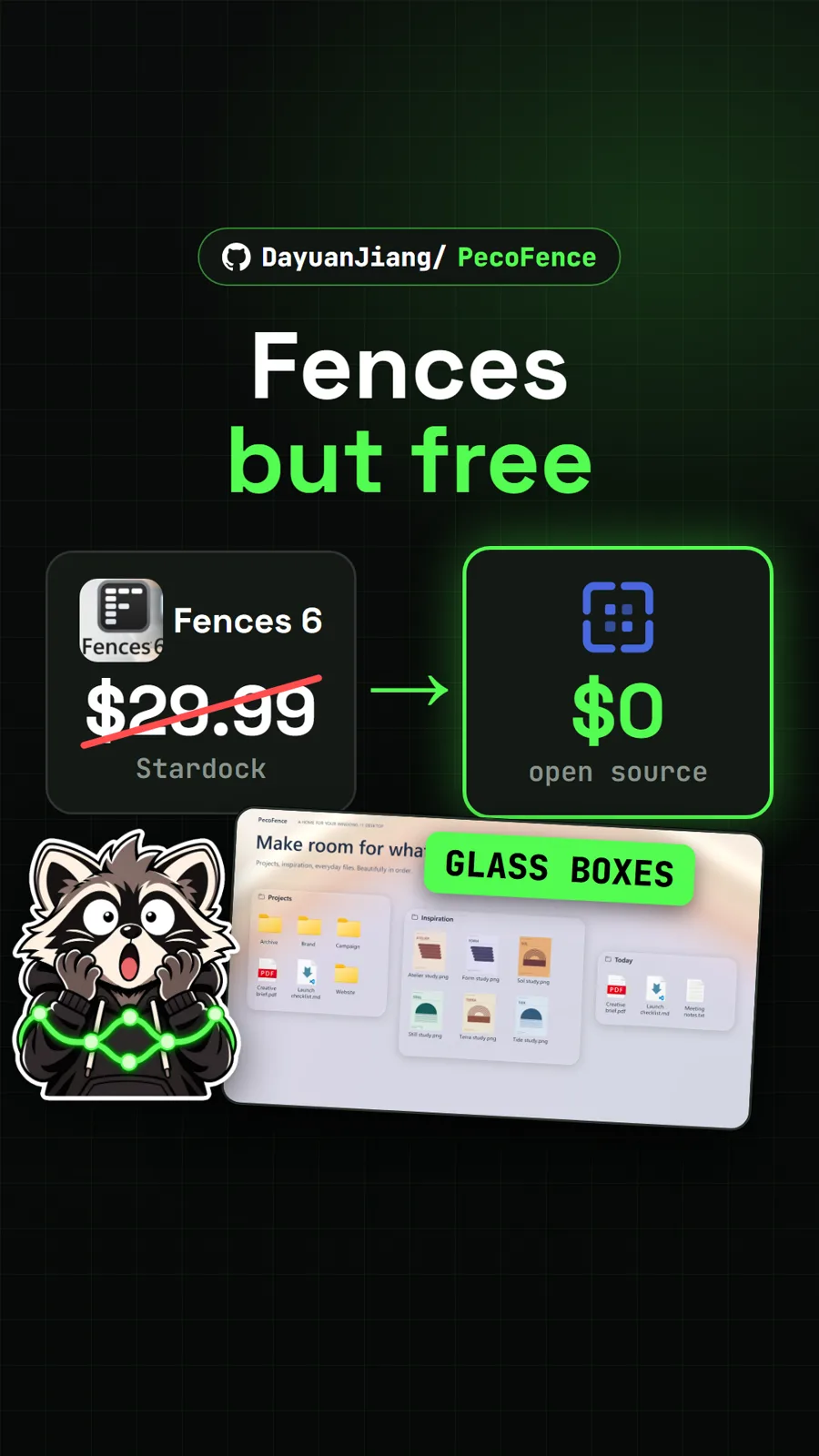
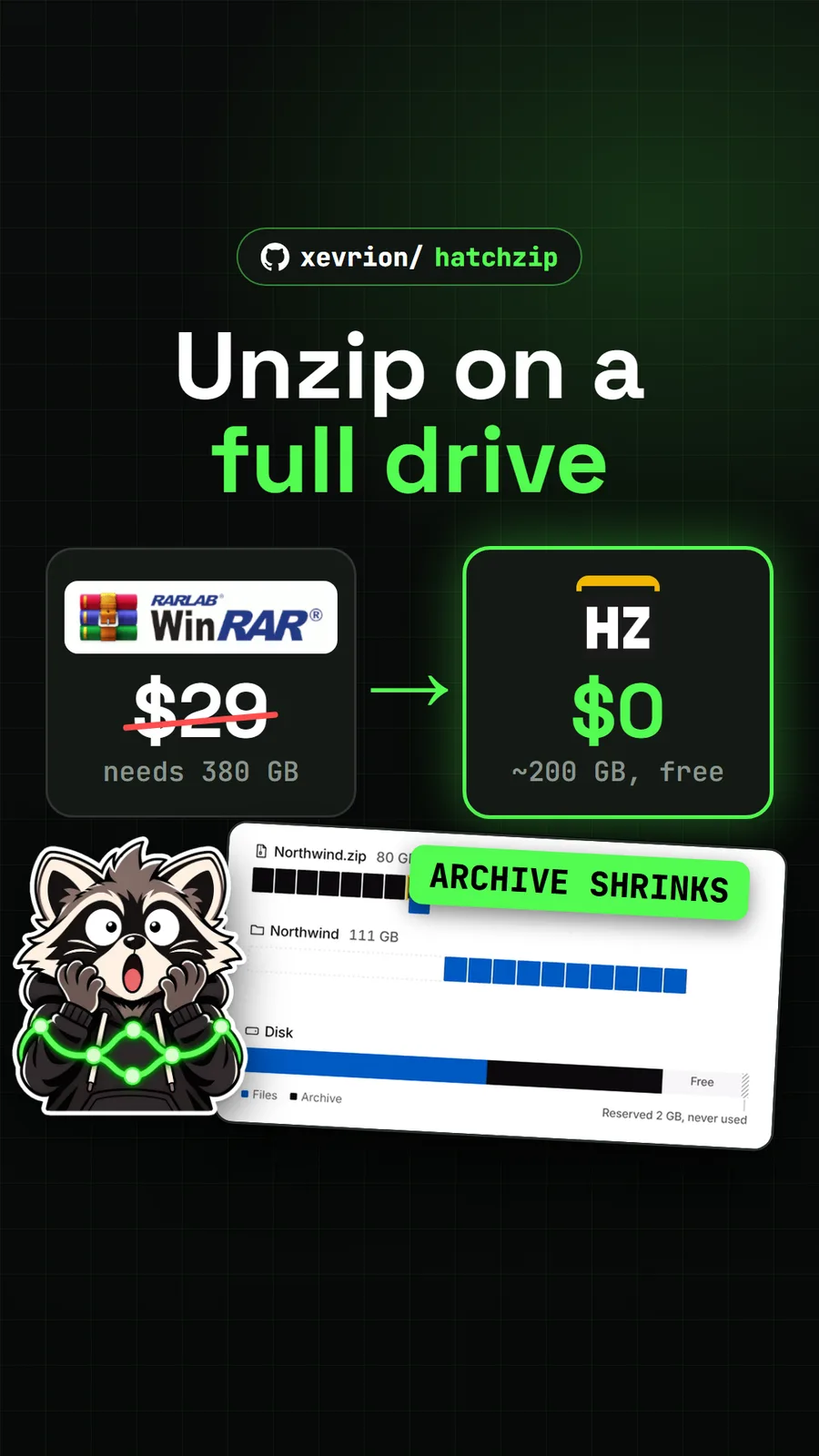
If you are clearing out other paid Windows utilities, see HatchZip, which unzips huge archives on a nearly full drive, and PecoFence, a free take on desktop fences.
Pull it. Stash it.
Questions people ask
Is Mister Download Manager really free?
Yes. It is open source under GPL-3.0, and the README says it has no ads, no trial and no sign-up. IDM, by comparison, was $11.95 a year or $24.95 for a lifetime licence on one PC when we read its buy page in US dollars on 10 November 2026.
Is Mister Download Manager faster than IDM?
The README's table says it is, for example 1 second against 5.5 seconds for a 1 GB file, but those runs used a test server on the same computer, which times the programs rather than an internet connection. We did not have IDM to test. Against Chrome on real servers, we saw it win by 7 seconds once and lose by 6 seconds once.
Does Mister Download Manager work on Mac?
There are macOS builds for Apple silicon and Intel, but they are marked experimental and the README says the author has not tried them on a Mac yet. Windows 10 and 11 and many Linux distributions are the supported platforms.
Why does Windows say Windows protected your PC?
The README explains that this early version is not code-signed yet, so SmartScreen may warn the first time. It says to click More info, then Run anyway. If you would rather avoid that, you can build it from source, which is what we did.
Can it catch downloads from my browser?
Yes, through its Chrome and Firefox extensions; the Chrome Web Store version also works in Edge, Brave, Opera and Vivaldi. In our experience a source build or loose copy could not connect to the extension, because the extension finds the app through the registry entries the installer creates.
Sources
- 1misterdownloadmanager repository and README
- 2GitHub API: anefzaoui/misterdownloadmanager (stars, licence, language, created date, checked 2026-11-18)
- 3Mister Download Manager latest release (v0.5.2)
- 4Internet Download Manager official buy page (prices read in USD, 2026-11-10)
- 5Debian SHA256SUMS for the netinst ISO used in our race
- 6amir1376/ab-download-manager
- 7agalwood/Motrix
- 8aria2/aria2
More repos like this
Get tomorrow's repo in your feed
One free, open source repo a day as a short video, shown working, with the catch named. Pull it. Stash it.