
Crest: a free, open source Dynamic Island for Windows and Mac
By Pull This RepoPosted 4 min read
Short answer
Crest is a free, GPL-3.0 app that puts a Dynamic Island style notch at the top of a Windows or Mac screen. It opens on hover, click or Ctrl+Alt+Space and holds about thirty tools, from music with synced lyrics to clipboard history, timers and hardware readings. There is no account and no paid tier. The Mac version is still a preview.
Crest gives a Windows PC the thing iPhone and MacBook owners know as the Dynamic Island: a notch at the top of the screen that opens into tools when you point at it. It is free and open source, it also runs on Macs as a preview, and it packs about thirty tools behind one shortcut. The best known paid notch app, NotchNook, is $19 for a lifetime licence and runs only on Macs.
What is Crest?
Crest is a notch app by andrealo20, released under GPL-3.0. It opens on hover, click or Ctrl + Alt + Space, and every tool inside can be turned on or off. The repo was created on 1 November 2026 and had 131 stars when we checked on 18 November 2026. The latest release is v1.2.2, from 16 November. Crest started as a fork of the open source L4-Notchbar 1.6.0, which the README credits.
Closed, the notch is a single row: the song playing, a running timer, your AI limits, CPU, RAM and GPU, network, battery, clock, weather and your next meeting. When something happens, such as a one-time code arriving or a timer ending, it turns into a card for a few seconds.
Some of the tools, from the README and the project's feature list:
- Now Playing with a per-app volume mixer and synced lyrics, word by word when the lyrics source times each word
- AI Usage: your limits for Claude, ChatGPT, Antigravity, Cursor and more, read from logins already on your PC
- Clipboard history of text, links, images and files
- Timer with focus and break presets
- Hardware: CPU, GPU, RAM, network, power, temperatures, busiest processes and FPS in games
- Notices, which pull Windows notifications into the notch and add a Copy code button for one-time codes
- Shelf to park files and send them to your phone over your own network
- Calendar from an ICS link or CalDAV, and a Terminal with PowerShell or Command Prompt
How do you install Crest?
You can click through the real interface before installing: open crestisland.app and point at the notch at the top of the page. It runs with sample data.
Windows, easiest: the Microsoft Store. Search for Crest Island. Microsoft signs this build and the Store keeps it updated.
Windows, installer. Download Crest_x.y.z_x64-setup.exe (or the arm64 file on a Windows on ARM PC) from the latest release and run it. It installs for your user only. The installer is not code-signed yet, so SmartScreen may warn; the README says to click More info, then Run anyway. Each release includes a SHA256SUMS file, and you can check your download in PowerShell:
Get-FileHash .\Crest_x.y.z_x64-setup.exeWindows, portable. A portable zip runs Crest.exe from any folder and keeps settings next to it.
Mac (preview). Download the aarch64 DMG for Apple silicon or the x64 DMG for Intel and drag Crest to Applications. It is not notarized, so macOS refuses the first launch; open System Settings, Privacy & Security and click Open Anyway. The README adds that up to version 1.2.1 the app was not signed at all, so macOS called it damaged, and gives this one-time fix:
xattr -dr com.apple.quarantine /Applications/Crest.appOn first start, a three-step setup asks for a preset (Music, Productivity, AI or Custom), the closed look and whether it opens on hover or on click.
Which Crest tools are worth turning on?
Turn tools on and drag them into order under Settings, Tools. A good starting set: Now Playing for lyrics, Clipboard, Timer, Hardware, and Notices with Copy code for login codes. If you use AI coding tools, AI Usage shows a pace line for when you will hit your limit, with nothing to enter if you are already signed in on that PC.
Two privacy switches are worth knowing. Presentation mode hides the clipboard and other private panels while you share your screen, and Hide Crest from screen sharing keeps Crest windows out of meeting and streaming apps.
What is the catch?
- The Mac version is a preview. It is not notarized, and many tools are Windows only: Shelf, Hardware, Discord, Vault, Terminal, Launcher, Notices, Capture, Recorder, Camera and Plugins.
- The GitHub installer is not code-signed yet. Use the Microsoft Store build if SmartScreen warnings bother you.
- It is young. The repo is a few weeks old and ships updates every few days.
- It goes online for a few things: the weather, an update check every four hours, and the AI usage rings of services you are signed in to. There are no analytics and no account.
Who is Crest for?
It suits Windows users who like the Dynamic Island idea and want music, timers, clipboard and system stats one hover away, and people who juggle AI coding tools and want to watch their limits. Mac users who want a polished, fully featured notch app today may prefer a Mac-first option, since Crest's Mac build is still catching up.
How does Crest compare with other notch apps?
| App | Platform | Price | Notes |
|---|---|---|---|
| Crest | Windows, Mac (preview) | free, GPL-3.0 | about thirty tools, Store build signed by Microsoft |
| NotchNook Pro | Mac (Apple silicon, macOS 14.6+) | $19.00 lifetime or $3.00 a month | the best known paid notch app |
| Boring Notch | Mac | free, GPL-3.0 | music controls with a visualiser, calendar and a file shelf |
| NotchDrop | Mac | free, MIT | small and focused: park files in the notch and AirDrop them |
| L4-Notchbar | Windows | free, GPL-3.0 | the project Crest was forked from, lighter with fewer tools |
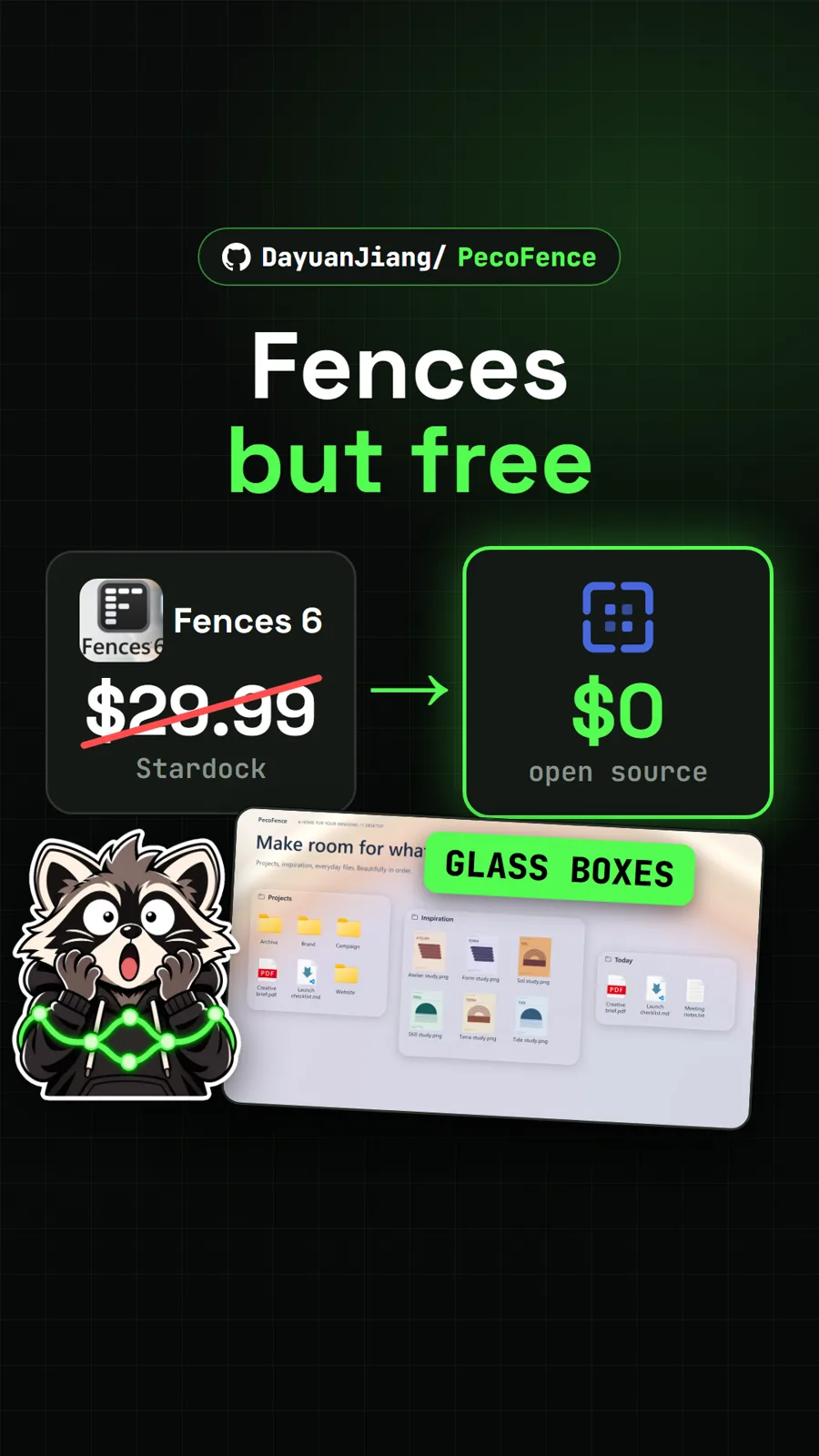
For more free Windows desktop upgrades, see PecoFence for tidy icon fences and Mister Download Manager for downloads. On a Mac, Deskworlds turns the wallpaper into a living 3D scene.
What did we run for the video?
We did not install Crest. We captured the project's own in-browser demo at crestisland.app, which runs the real interface with sample data, plus the authors' demo video. Since our video on 14 November, version 1.2.2 has been released and the star count has grown from 110 to 131.
Pull it. Stash it.
Questions people ask
Is Crest free?
Yes. Crest is open source under GPL-3.0, and the README says it is free with no ads and no paid tier. It asks for no account. The author accepts GitHub Sponsors donations, which are optional.
Does Crest work on Windows 10?
The README lists Windows 11 or Windows 10, 64-bit, on x64 or ARM64. Our source guide noted that Windows 10 should work but was untested by the author at the time.
Is Crest safe to install?
The safest route the project offers is the Microsoft Store build, called Crest Island, which Microsoft signs and the Store keeps updated. The GitHub installer is not code-signed yet, so SmartScreen may warn. Every release also publishes a SHA256SUMS file so you can check the download.
Which Crest tools work on a Mac?
The Mac build is a preview. The README lists Shelf, Hardware, Discord, Vault, Terminal, Launcher, Notices, Capture, Recorder, Camera and Plugins as Windows only for now, so they do not show on a Mac.
Does Crest send my data anywhere?
According to the README, settings and data stay on your machine and there are no analytics. It goes online by itself only for the weather, an update check every four hours and the AI usage rings of services you are signed in to.
Sources
- 1Crest repository and README
- 2Crest features (docs/features.md)
- 3Crest privacy notes (PRIVACY.md)
- 4Crest website and in-browser demo
- 5Crest Island on the Microsoft Store
- 6GitHub API: andrealo20/crest (stars, licence, language, created date, checked 2026-11-18)
- 7NotchNook official page (prices read in USD, 2026-11-14)
- 8TheBoredTeam/boring.notch
- 9Lakr233/NotchDrop
- 10Linux5Real/L4-Windows-NotchBar
More repos like this
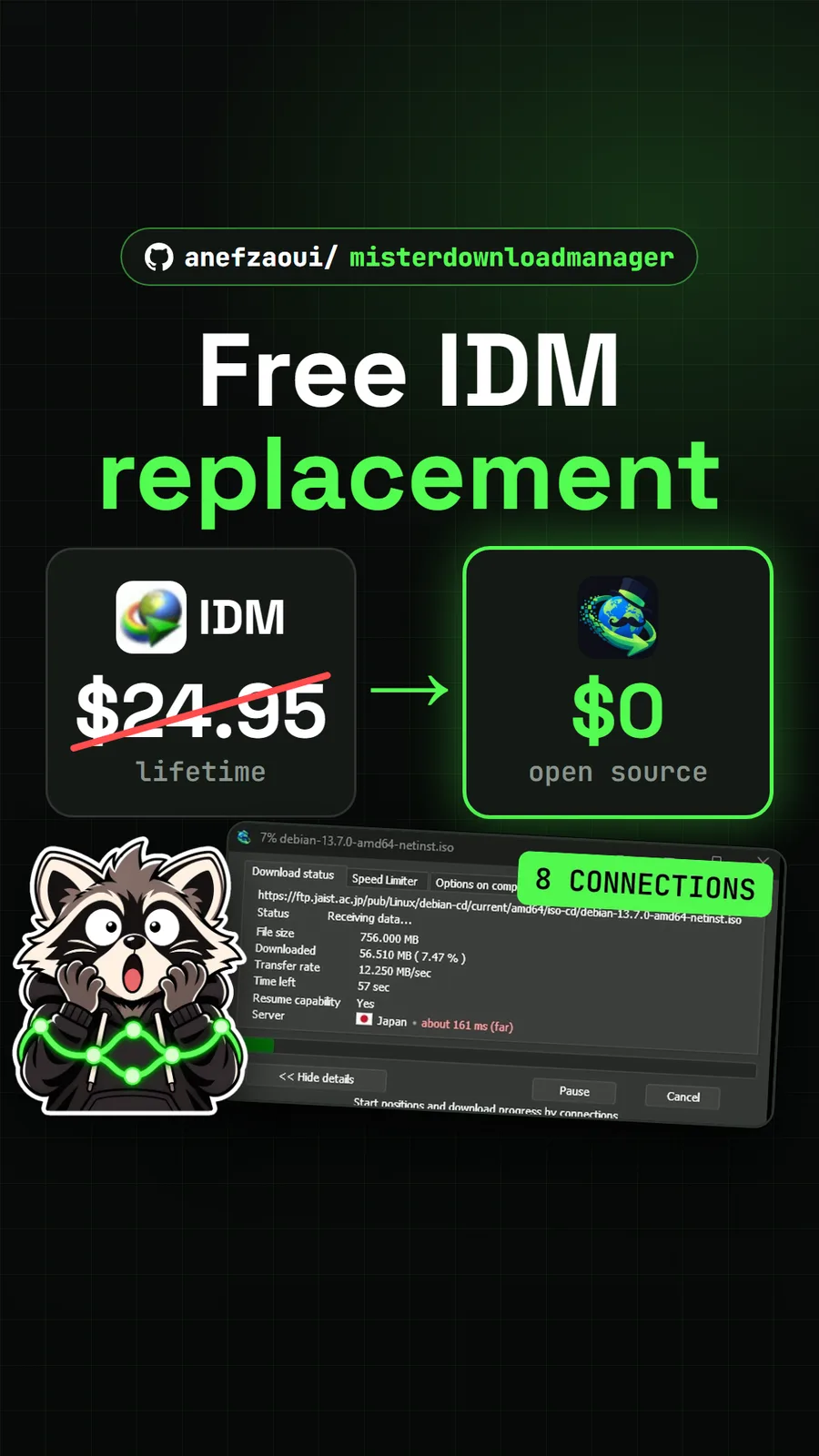
anefzaoui/misterdownloadmanager
Mister Download Manager: the free IDM alternative, built and raced against Chrome
Get tomorrow's repo in your feed
One free, open source repo a day as a short video, shown working, with the catch named. Pull it. Stash it.
