
Deskworlds: free living 3D wallpapers for your Mac
By Pull This RepoPosted 4 min read
Short answer
Deskworlds is a free, MIT-licensed app that turns your Mac wallpaper into one of seven small living 3D worlds, such as a koi pond, a coral reef or a bonfire. The creatures react to your cursor and you feed them from the menu bar. It needs macOS 13 or newer, and there is no app download yet: you build it with a few Terminal commands.
Deskworlds turns your Mac desktop into a tiny living 3D world. Pick a koi pond and your cursor becomes a fingertip in the water: it leaves ripples, a koi drifts over if you hold still, and the fish scatter if you swipe fast. Click Feed and the whole pond races for the food. It is free and open source, and it is a Mac answer to Wallpaper Engine, which is Windows only.
What is Deskworlds?
Deskworlds is an open source project by chaseleantj, released under the MIT licence. In the README's words, it "puts a small living 3D world on your Mac desktop". The world draws on top of your normal desktop picture, which is not changed, and your icons and clicks keep working. Everything runs locally with Three.js and WebGL2, with no account, analytics or internet connection.
The repo was created on 18 September 2026 and had 469 stars when we checked on 18 November 2026.
Which worlds come with Deskworlds?
There are seven:
| World | What reacts |
|---|---|
| Riverbed | fish you can feed |
| Coral reef | reef fish you can feed |
| Betta | a betta that turns to watch a moving cursor |
| Plasma globe | lightning that reaches for your cursor |
| Koi pond | koi that come close, startle and race for food |
| Bonfire | flames and sparks you can stir up |
| Lake storm | holiday lights along the rail you can switch on |
The cursor behaviours in the table come from the project's scene code and from what we saw running each world in the hosted gallery.
How do you install Deskworlds on a Mac?
You build it yourself; there is no ready-made app to download yet. You need macOS 13 or newer. In Terminal, first install Apple's free command line tools, skipping this if you already have them:
xcode-select --installThen download the project and run the installer from inside it:
git clone https://github.com/chaseleantj/deskworlds.git
cd deskworlds
sh wallpaper/install.sh
The installer compiles the app, puts it at ~/Applications/Deskworlds.app and adds a login item so it starts with your Mac. The README says the first frame takes about 20 seconds to appear.
If the installer says swiftc is missing, the command line tools did not finish installing. Run xcode-select --install again and wait for Apple's installer window to complete.
To update, run git pull in the deskworlds folder, then the installer again. To remove it completely:
sh wallpaper/uninstall.shWhat can you do from the menu bar?
Everything lives behind the small Deskworlds icon in your menu bar. Based on the app's source:
- World switches between the seven worlds.
- Feed drops a pinch of food in the fish worlds. The same slot becomes Stir the Fire in Bonfire and Holiday Lights in Lake storm.
- Pause freezes the world; choose it again to resume.
- A status line at the top says why the world is still, for example Paused, Low Power Mode or screen off.
- Quit stops the wallpaper until your next login.
If Reduce Motion is on in your Accessibility settings, Deskworlds starts paused. Choose Pause again to wake it.
Does Deskworlds use a lot of battery?
It is built to back off. The README says it lowers its frame rate on battery or when windows cover the desktop, and stops completely when the desktop is hidden, the screen is locked or Low Power Mode is on. It reads your cursor position and window sizes to do this, but does not record keystrokes or ask for special permissions. A 3D scene is still running, so on a laptop expect some extra drain.
Can you try Deskworlds in a browser first?
Yes, and it is the quickest way to pick a world. Every world runs in any browser with WebGL2 at the hosted gallery. Click the scene to drop food, press Space to pause, F for full screen and H to hide the controls; the menu at the top right switches worlds. To run the gallery locally with Node.js 20 or newer:
npm startThen open http://127.0.0.1:8080.
What is the catch?
- Mac only for the wallpaper itself. On Windows or Linux you can still run the worlds in a browser.
- No app download. You build it in Terminal with Apple's command line tools.
- Battery. The slowdowns help, but it is a live 3D scene.
- Quiet repo. The last push was 22 October 2026 and there are no tagged releases, so updates come through
git pull.
How does Deskworlds compare with other live wallpapers?
| App | Price | Runs on | Notes |
|---|---|---|---|
| Deskworlds | free, MIT | macOS 13+ | seven interactive 3D worlds, built from source |
| Wallpaper Engine | US$4.99 on Steam | Windows 10 and 11 | the famous paid one |
| Lively Wallpaper | free, GPL-3.0 | Windows 10 and 11 | videos, web pages and interactive wallpapers |
| Komorebi | free, GPL-3.0 | Linux | animated and video wallpaper manager |
| linux-wallpaperengine | free, GPL-3.0 | Linux | plays Wallpaper Engine wallpapers, but needs the files from a Steam copy |
The Wallpaper Engine price and platforms are from its Steam US store page, read on 15 November 2026.
Who is Deskworlds for?
It suits Mac users who want a desk that feels alive without paying or installing a heavy app, and anyone curious how far Three.js can go in a few small scenes. Developers get a clean example too: each world lives in its own folder under scenes/, with no dependencies to install.
If you like code-drawn worlds, see Web Ocean, a whole ocean simulated in one web page, and Abyssal Garden, an underwater world drawn entirely in code. For tidying the rest of your Mac, DiskWise is a free cleaner.
What did we run for the video?
We ran every world in the authors' hosted browser gallery, clicking to feed the koi and moving the cursor over the plasma globe, and captured that. The real Mac desktop shot is the authors' own README video. We did not build or install the Mac app, so the install and menu steps here come from the README, the install script and the app's source.
Pull it. Stash it.
Questions people ask
Is there a Wallpaper Engine for Mac?
Wallpaper Engine itself runs on Windows 10 and 11 only, according to its Steam store page, where it cost US$4.99 when we checked on 15 November 2026. Deskworlds is a free, open source way to get a living, interactive wallpaper on a Mac running macOS 13 or newer.
Is Deskworlds free?
Yes. It is open source under the MIT licence, with no account, no analytics and no internet connection needed. Everything runs locally with Three.js and WebGL2.
Does Deskworlds drain my MacBook battery?
It tries not to. The README says it lowers its frame rate on battery or when windows cover the desktop, and stops when the desktop is hidden, the screen is locked or Low Power Mode is on. It is still a 3D scene, so expect some extra battery use.
Can I try Deskworlds without installing it?
Yes. Every world runs in any browser with WebGL2 at the project's hosted gallery, chaseleantj.github.io/deskworlds. That works on Windows and Linux too, though only the Mac app sets it as your wallpaper.
Does Deskworlds need special permissions?
No. The README says it reads your cursor position and window sizes, but does not record keystrokes or request any special permissions. Desktop icons and clicks keep working as usual.
Sources
- 1deskworlds repository and README
- 2Deskworlds hosted browser gallery
- 3Deskworlds menu bar app source (wallpaper/Wallpaper.swift)
- 4GitHub API: chaseleantj/deskworlds (stars, licence, language, created date, checked 2026-11-18)
- 5Wallpaper Engine on the Steam US store (price and platforms, read 2026-11-15)
- 6rocksdanister/lively
- 7christianloopp/komorebi
- 8Almamu/linux-wallpaperengine
More repos like this
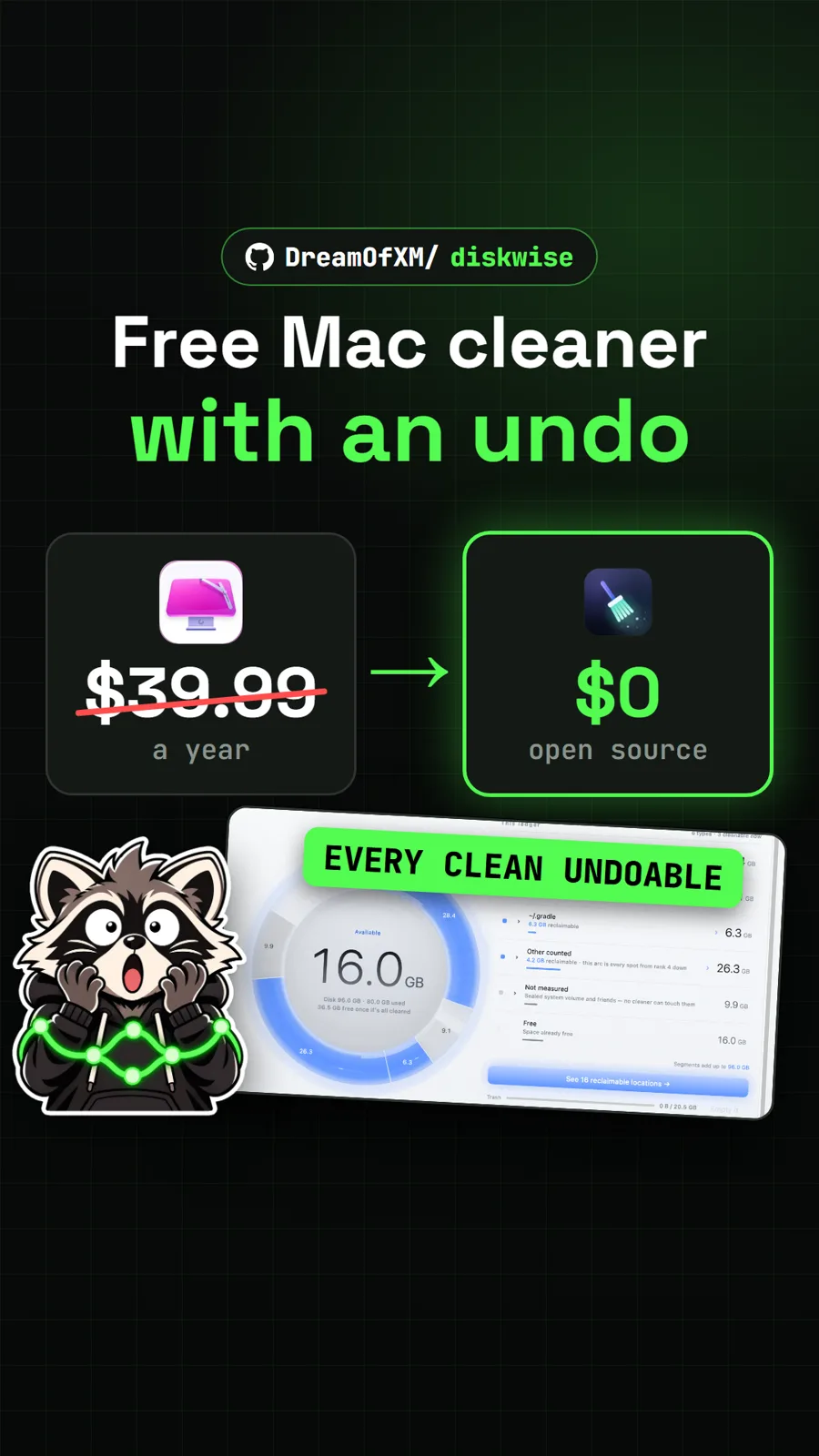
DreamOfXM/diskwise
DiskWise: a free, open source CleanMyMac alternative with an undo button
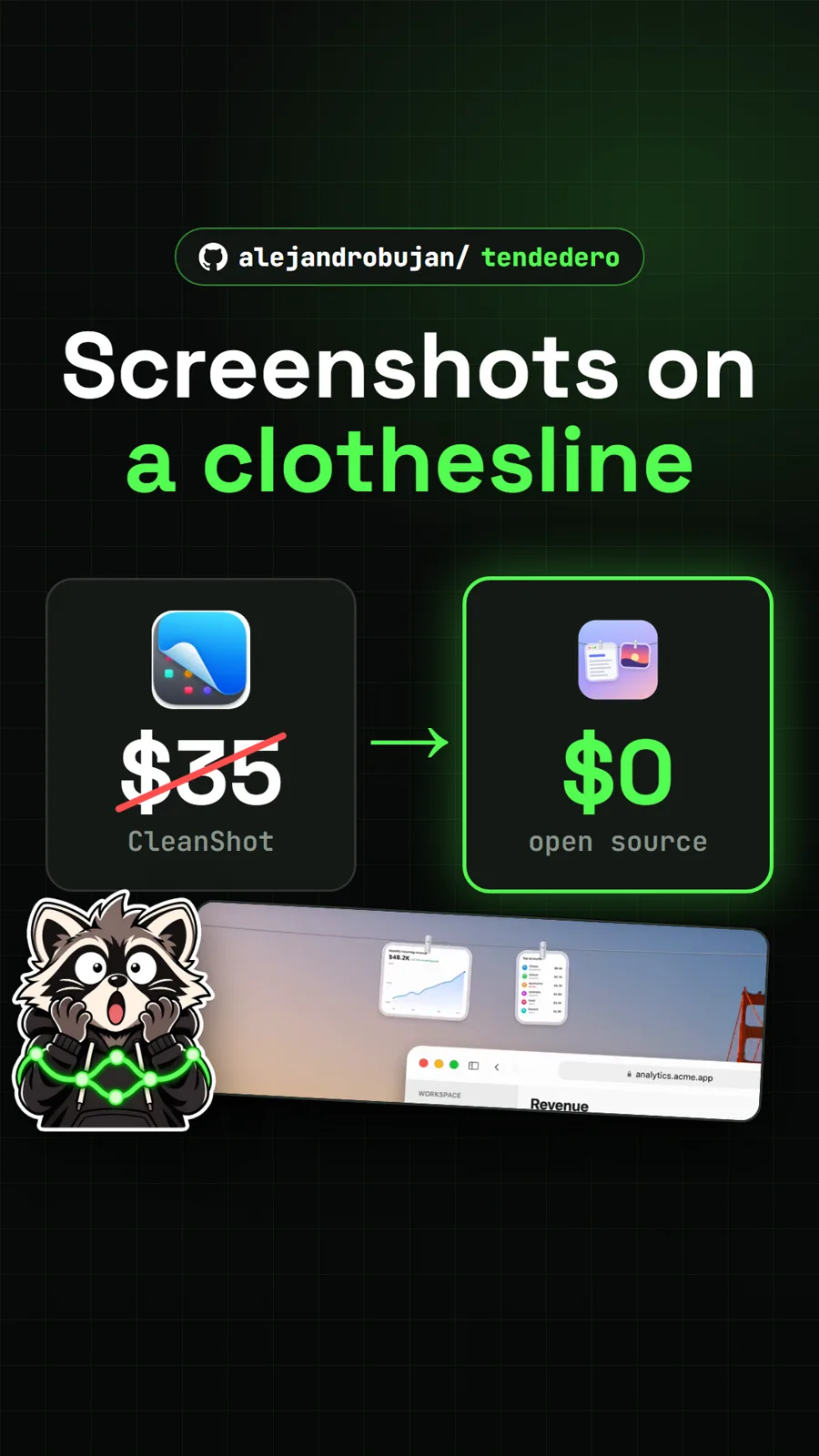
alejandrobujan/tendedero
Tendedero: a free Mac app that keeps recent screenshots within reach
Get tomorrow's repo in your feed
One free, open source repo a day as a short video, shown working, with the catch named. Pull it. Stash it.
