DiskWise: a free, open source CleanMyMac alternative with an undo button
By Pull This RepoPosted 5 min read
Short answer
DiskWise is a free, Apache-2.0 disk cleaner for macOS 13 or newer. One scan draws your whole disk as a ring, you open any row to see the folders inside, and anything you clean goes to the Trash so Undo puts it back. It is built for developer junk first: Xcode caches, node_modules, Docker and package caches. CleanMyMac costs $39.99 a year.
DiskWise is a free, open source Mac disk cleaner that answers one question well: where did my storage go? One scan draws the whole disk as a ring with a ledger beside it, you open any row to see what is inside, and two taps send a slice to the Trash. The part that sets it apart from paid cleaners is the undo: nothing is deleted for real until you empty the Trash yourself. CleanMyMac costs $39.99 a year on the US Mac App Store. DiskWise costs nothing.
What is DiskWise?
DiskWise is a native SwiftUI app for macOS 13 or newer by DreamOfXM, released under Apache 2.0. The README describes it as "a free, open-source CleanMyMac alternative for the folders a developer actually fills up". It is about 8 MB, ships in ten interface languages and has no network access. The repo was created on 16 September 2026 and had 34 stars when we checked on 18 November 2026. Version 2.3.1 came out that same morning, a day after our video, which showed v2.3.
What it does, from the README:
- Overview ring. The disk drawn as one ring: top folders, everything else counted, what it could not measure, purgeable space and free space, adding up to the whole volume. The numbers are decimal, so they match Finder.
- Large Files, Long Untouched and Duplicates. Duplicates are matched by size, then partial hash, then full hash, and the newest copy in each group is locked so you cannot remove the only one.
- Developer caches. Xcode DerivedData and simulator devices, node_modules grouped per project, Homebrew, npm, pnpm, yarn, Maven, Gradle, conda, uv, cargo and Ollama models.
- Leftovers and an uninstaller. Data left behind by apps you already removed, matched against the bundle IDs of everything still installed.
- Docker usage, shown read-only: it points at where to prune and never deletes for you.
- Crash dumps with growth badges, a feature added in v2.3 after a burst of 2,674 crash dumps landed in one folder in 57 seconds.
How do you install DiskWise?
All three routes need macOS 13 Ventura or newer.
| Route | How | Good for |
|---|---|---|
| Mac App Store | search "DiskWise: Storage Cleaner", or apps.apple.com/app/id6813265402 | easiest, no security prompt |
| Homebrew | the two lines below | new versions the day they ship |
| DMG | DiskWise-<version>-universal.dmg from Releases, drag to Applications | no Homebrew, full feature set |
The Homebrew commands, exactly as the README gives them:
brew tap DreamOfXM/diskwise https://github.com/DreamOfXM/diskwise
brew install --cask dreamofxm/diskwise/diskwise
The tap needs the full URL, because the cask lives in the app's own repo; brew tap dreamofxm/diskwise on its own looks for a repo that does not exist. The README warns that the first tap clones the repo's whole history, about 300 MB, so it can sit quietly for a while on a slow line. Builds from v1.7 on are signed and notarized by Apple, so they open on a double-click.
Pick the DMG or Homebrew if you want the diskwise command line tool or the MCP server for AI agents. The App Store build has neither.
How do you clean your Mac with DiskWise?
The README's quick start, which the demo GIF plays in this exact order:
- Open Overview. It walks the whole volume and draws the result as one ring.
- Click any row in the ledger. The folders under it unfold in place, and the ring shrinks to a small dial.
- Click an arc once to arm it, then again to move it to the Trash. Leave it and it disarms after 3 seconds.
- Changed your mind? Undo puts it back. Whole batches undo while the files are still in the Trash.
- For a bigger clean, the button under the ring opens a list, not a delete. Harmless items arrive ticked, re-downloadable ones are left for you, and a confirm screen repeats every path before anything moves.
- When you are sure, empty the Trash in Finder. Only that step frees the space.
What is safe to delete on a Mac?
The authors publish an 80 entry list, generated from the same data the app reads when it scans, of what each common space hog is and what deleting it costs. It is written in Chinese; here are entries most Mac users and developers will meet, translated:
| Folder | If you delete it | Cost |
|---|---|---|
~/Library/Developer/Xcode/DerivedData | next Xcode build is slow once | safe |
~/.npm, ~/Library/Caches/Yarn | next install downloads again | safe |
~/Library/Caches/Homebrew | installed apps are fine | safe |
~/.ollama/models | you pull the model again | re-download |
~/.cache/huggingface | you download the models again | re-download |
~/Library/Developer/Xcode/Archives | you can no longer export that exact build | gone |
~/Library/Developer/CoreSimulator/Devices | that simulator starts empty | gone |
~/Library/Application Support/MobileSync/Backup | those iPhone backups are gone | gone |
The pattern: caches are almost always safe, model files cost a download, and anything that holds history (backups, archives, simulators, chat logs) is gone for good. DiskWise leaves those rows unticked for that reason.
Can AI agents clean your Mac with DiskWise?
Yes, with the DMG or Homebrew build. Its diskwise command doubles as an MCP server, and the README says Claude Code, Cursor, Codex and several other clients can use it. It cannot run rm -rf: its only removal path moves known-safe items to the Trash, and it only moves anything after you agree to the plan. Put the app in /Applications first, then for Claude Code:
claude mcp add diskwise -- "/Applications/DiskWise.app/Contents/MacOS/diskwise" mcpWe did not test the agent route.
What is the catch?
- Mac only. macOS 13 or newer, no Windows or Linux version.
- Built for developer junk first. Its biggest wins are Xcode, node_modules, Docker and package caches. A Mac with only photos and documents will find less.
- The Trash is the undo. Moving items there frees no space until you empty it in Finder.
- A small project. 34 stars and one main author when we checked.
- It does less than a suite, on purpose. The README lists no malware scan, no VPN and no "speed booster".
- The App Store build is sandboxed. No command line tool or MCP server, and it cannot empty the Trash for you.
Who is DiskWise for?
It suits Mac developers whose disks fill up with build caches, package stores and local AI models, and anyone who wants to see where their space went before deleting anything. If you mostly want a one-click "make my Mac faster" button, this is not that app, and its authors say so.
How does DiskWise compare with other Mac cleaners?
| Tool | Price | What it does best |
|---|---|---|
| DiskWise | free, Apache-2.0 | ring overview, developer caches, undo for every clean |
| CleanMyMac | $39.99 a year | a full suite with malware scan and speed tools |
| Mole | free, GPL-3.0 | a fast command line cleaner and app uninstaller |
| Pearcleaner | free, source available | removes apps along with their leftover files |
| GrandPerspective | free, GPL | a treemap that makes huge files jump out |
What did we run for the video?
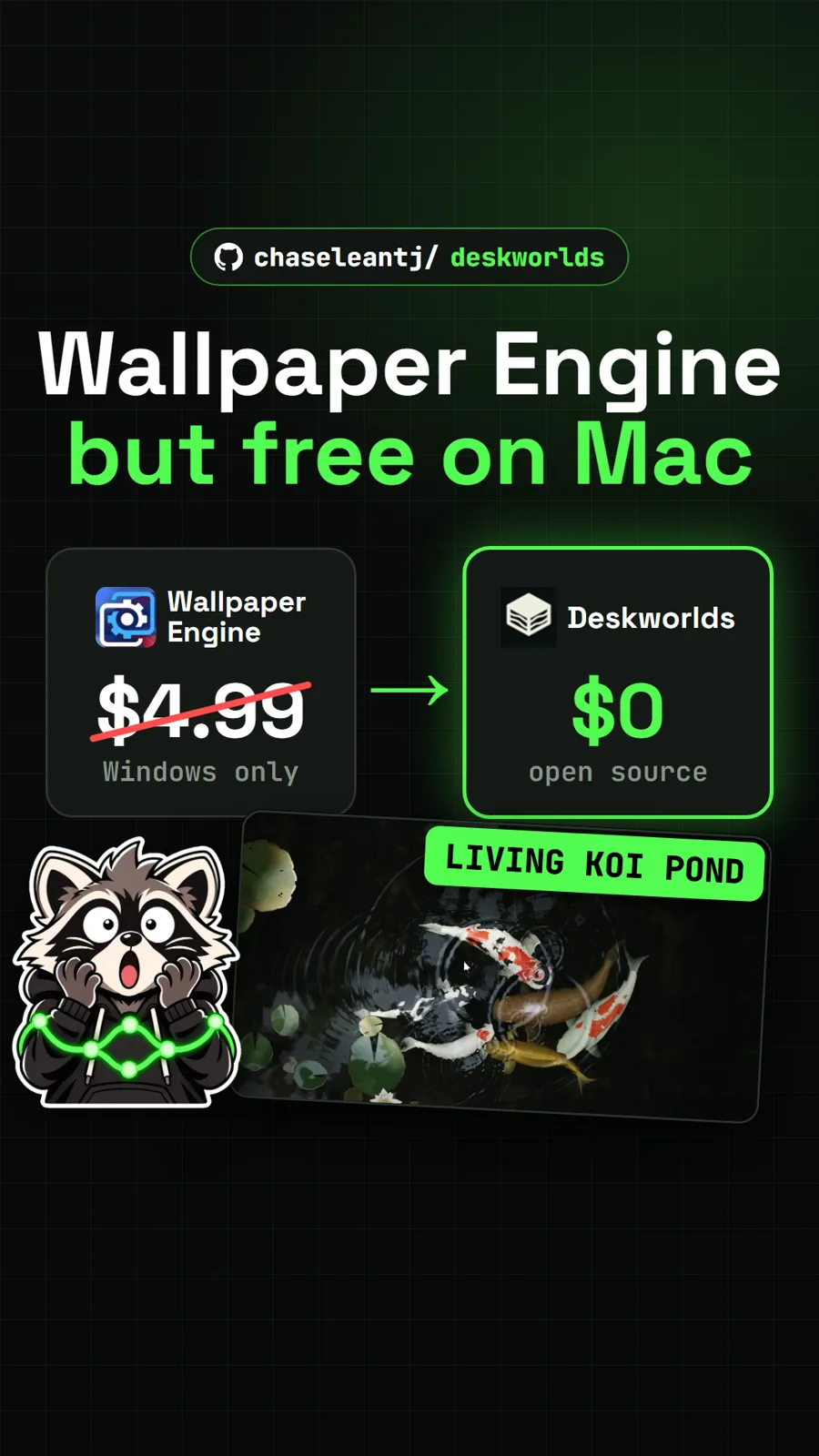
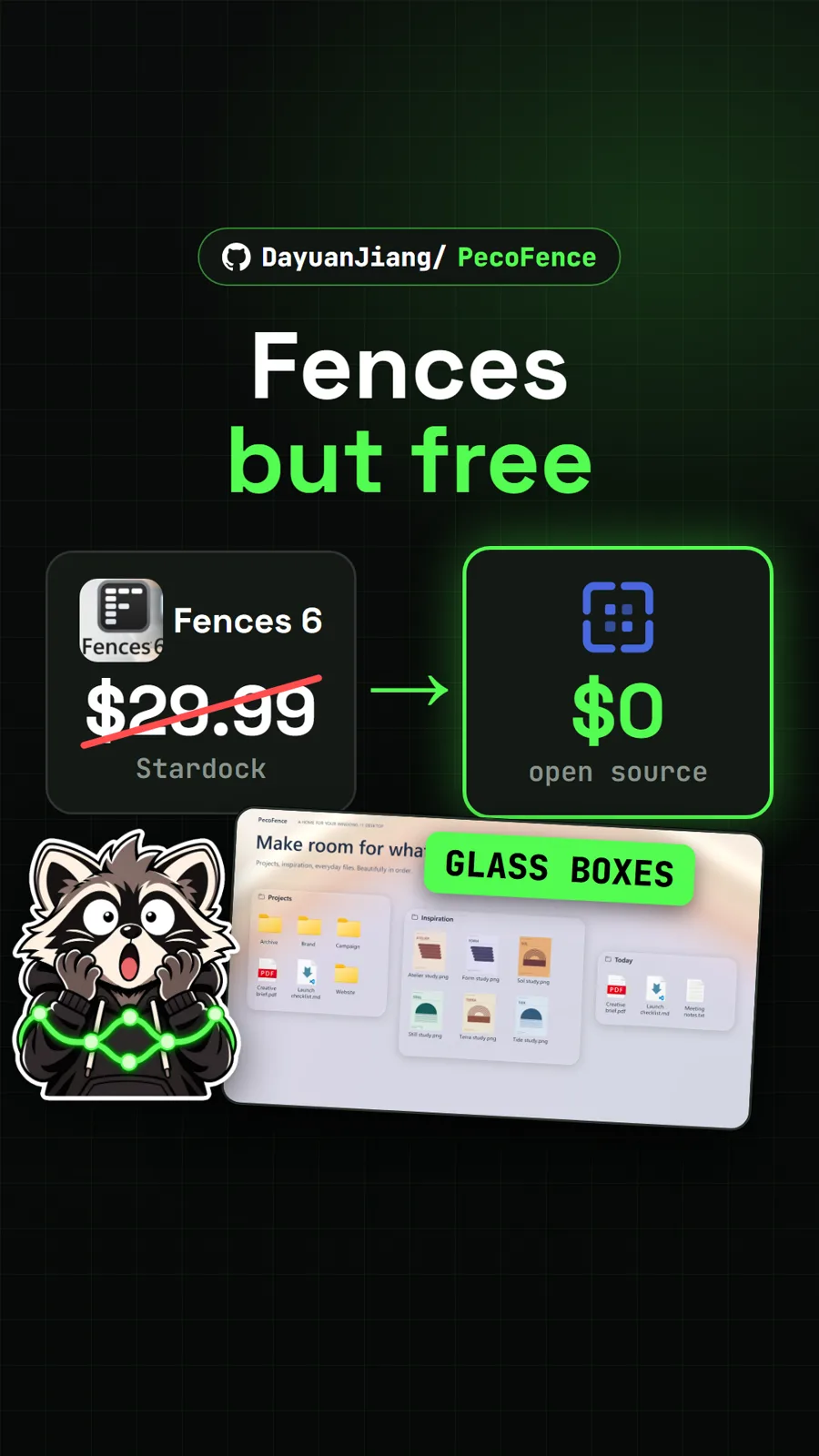
We did not install or run DiskWise for our video. Every app screen came from the authors' own demo GIF, demo video and screenshots, which use sample data, and the CleanMyMac price came from its US Mac App Store listing. If your Mac is short on space, RemoveMacAI reclaims the storage Apple Intelligence uses. For a Windows desktop that needs tidying rather than a full disk, see PecoFence, and for something nicer to look at once the space is back, Deskworlds puts living 3D wallpapers on a Mac.
Pull it. Stash it.
Questions people ask
Is DiskWise free?
Yes. It is open source under Apache 2.0, and the README says every feature and all six skins ship unlocked, with no subscription. It is free on the Mac App Store too. CleanMyMac, for comparison, was $39.99 a year on the US Mac App Store when we read it on 17 November 2026.
Can DiskWise delete something I need?
It has one removal path: moving items to the Trash. Every removal can be undone for the session, your home folder and ~/Library can never be removed wholesale, and emptying the Trash is left to Finder, so macOS asks once more before space is really gone.
Does DiskWise send data anywhere?
No, according to its README: no updater, no analytics, no account and no ads, and the app has no network access at all. An optional content probe that reads crash dump headers is off by default and keeps everything on your Mac.
Does DiskWise work on Intel Macs?
Yes, from version 1.3 on. Every published DMG since then is a universal build that carries both the Apple silicon and Intel code. Older releases were Apple silicon only.
What is the difference between the App Store and Homebrew builds?
The App Store build is sandboxed: it has no command line tool, no MCP server for AI agents, and it opens the Trash for you to empty with Cmd+Shift+Delete instead of emptying it. The DMG and Homebrew builds have all of that. The App Store copy can also trail a GitHub release while Apple reviews it.
Sources
- 1diskwise repository and README
- 2DiskWise safe-to-delete list (docs/safe-to-delete.md, in Chinese)
- 3GitHub API: DreamOfXM/diskwise (stars, licence, language, created date, checked 2026-11-18)
- 4DiskWise releases (v2.3.1, 2026-11-18)
- 5DiskWise: Storage Cleaner on the Mac App Store
- 6CleanMyMac by MacPaw on the US Mac App Store (prices read 2026-11-17)
- 7tw93/Mole
- 8alienator88/Pearcleaner
- 9GrandPerspective
More repos like this
Get tomorrow's repo in your feed
One free, open source repo a day as a short video, shown working, with the catch named. Pull it. Stash it.