
RemoveMacAI: turn off Apple Intelligence and reclaim its storage on your Mac
By Pull This RepoPosted 4 min read
Short answer
RemoveMacAI is a free, MIT-licensed Mac app and command line tool that switches off Apple Intelligence (Siri, Writing Tools, Genmoji, ChatGPT and more), deletes its models and blocks macOS from downloading them again. Apple says the feature can take up to 14 GB. The author's test Mac got 12.2 GB back, and one command undoes every change.
RemoveMacAI is a free, open source Mac app that turns off Apple Intelligence and deletes its models from your disk. It exists because, as MacRumors reported, Apple removed the toggle to disable Apple Intelligence in macOS 27, and Apple's own support page says the feature can take up to 14 GB of storage. Every change the app makes is shown first and can be undone. We did not run it ourselves, so the steps below are the project's own.
What is RemoveMacAI?
RemoveMacAI is a native Mac app and a command line tool, written in Swift by Om Lahore and released under MIT. Its Apple Intelligence work is built on an earlier tool, pared by 4evy. The repo was created on 29 September 2026. It had 6,018 stars when we made our video and 6,171 when we checked on 18 November 2026.
What it switches off in the Apple Intelligence section, per the README:
- Siri, Writing Tools, Genmoji and Image Playground
- ChatGPT, and summaries in Mail, Messages, Safari, Notes and notifications
- inline predictions, Spatial Photos, Photos Clean Up and Xcode predictive completion
The models are deleted through Apple's asset service, and the configuration profile points their downloads at a closed local port so macOS does not fetch them again. The project's demo measured 12.2 GB of models on the Mac the author tested, and 12.2 GB back after removal.
Since our video, the app has grown into a wider debloat tool. It still opens on Apple Intelligence alone, but Show More Tools adds privacy switches (analytics, personalised ads, Spotlight web results), annoyances, Finder and Dock tweaks, other apps' background updaters and storage cleanup. The latest release is v1.2.1, from 16 November.
How much space does Apple Intelligence take?
Apple's figure is up to 14 GB on Macs with M3 or later and at least 12 GB of unified memory, and up to 8 GB on other supported Macs. Press headlines about the tool rounded to "12 GB", which is the one test Mac's number. The Register put it as "potentially over 12 GB, depending on the Mac". Run removemacai status to see the size of each feature's models on your own machine.
How do you install RemoveMacAI?
You need an Apple silicon Mac. Back up with Time Machine first, because the app installs a configuration profile and changes system settings.
| macOS | Status (from the README) |
|---|---|
| 27 | Supported, tested on 27.0; on 27.0.1 use 0.2.3 or later |
| 26 | Runs since 1.1.0 |
| 15.1 and later | In testing; use 1.2.0-beta.1 |
| 15.0 and earlier | Not supported |
The README's one line for the app downloads the latest release, checks its SHA-256 checksum and puts it in Applications. If you would rather read a script before running it, save it first:
curl -fsSL https://raw.githubusercontent.com/omlahore/RemoveMacAI/main/install.sh -o install.sh
less install.sh
bash install.sh app
For the command line only, with Homebrew:
brew install omlahore/tap/removemacaiOr download RemoveMacAI.zip from the latest release and drag it to Applications. The app is not notarized, so on first open macOS says it cannot verify it: go to System Settings, Privacy and Security, scroll down and click Open Anyway. Turning Apple Intelligence off then asks you to approve one profile in System Settings.
How do you keep the features you use?
Check first, then switch off only what you want:
removemacai status
removemacai off --keep writing-tools
removemacai off --keep siri
removemacai on
removemacai revert
status lists each feature and its model size. --keep leaves named features on. on brings Apple Intelligence back and keeps your other tweaks, and revert undoes everything RemoveMacAI changed. Commands that change things show the change and ask first; add --dry-run to only look. In the app the same controls are Change What's Kept On and Undo Everything.
Mac admins can export the same profile for Jamf, Kandji or Intune with removemacai export.
What is the catch?
- The AI features stop working. That includes everything you switch off, apps that use Apple's on-device Foundation Models, the Use Model action in Shortcuts, Visual Intelligence and natural-language editing in Calendar.
- Not notarized. macOS warns on first open.
- Updates can stall for about 2 hours. Software Update keeps retrying the blocked models (issue #109), then installs the update with the profile still on. Sleep pauses that timer. To skip the wait:
removemacai on, restart, update, thenremovemacai off. - Spotlight can change. In macOS 27 the Spotlight window runs as a process named Siri, so turning Siri off can affect it. The README suggests
--keep siriif you lose clipboard history or the new look. - Not from Apple. The Register notes a future macOS update could break the tool.
Who is RemoveMacAI for?
It fits Mac owners short on disk space, people who do not use Apple Intelligence and want it gone, and admins who need a profile to deploy across many Macs. If you use Writing Tools or Siri daily, the --keep options let you clear the rest without losing them.
How does RemoveMacAI compare with similar tools?
| Tool | What it does | Good for |
|---|---|---|
| RemoveMacAI | app and CLI that turns off Apple Intelligence, deletes models, plus debloat tweaks | most Mac users, with full undo |
| pared | removes Apple Intelligence models without disabling SIP; CLI plus Nix modules | people who manage their Mac with Nix |
| disable-apple-tracking | keeps Spotlight, Siri, Photos analysis and Apple Intelligence off across updates | when updates keep turning things back on |
| privacy.sexy | privacy scripts for Windows, macOS and Linux picked from a web page | wider privacy cleanup on any OS |
What did we run for the video?
Nothing from the repo was installed or run: it is a macOS tool that changes system settings, and our test machine is a Windows PC. The video used the project's own demo video and terminal recording, screenshots of the README and Apple's support page. The 12.2 GB figure is the author's measurement, not ours.
For more disk space on a Mac, see DiskWise, a free CleanMyMac alternative. For another Mac tool that does one odd job well, see WatchPointer.
Pull it. Stash it.
Questions people ask
How much storage does Apple Intelligence use on a Mac?
Apple's support page says up to 14 GB on Macs with M3 or later and at least 12 GB of unified memory, and up to 8 GB on other supported Macs. The RemoveMacAI demo measured 12.2 GB on the one Mac its author tested. Your number depends on your Mac and which models it downloaded.
Can you turn off Apple Intelligence in macOS 27?
Not with a single switch. MacRumors reported that Apple removed the toggle to disable Apple Intelligence in macOS 27. RemoveMacAI turns it off with a configuration profile you approve in System Settings, which is the same mechanism Mac admins use.
Is RemoveMacAI safe?
It is open source under MIT, keeps System Integrity Protection on, modifies nothing under /System, collects no data and records every previous setting so it can undo it. It is not from Apple, and MacRumors noted it is not endorsing the tool. Back up with Time Machine first.
Can I keep Siri or Writing Tools?
Yes. removemacai off --keep writing-tools or --keep siri leaves those on. Keeping Siri also keeps the foundation models, about 13 GB, according to the README.
Does dictation still work after removing Apple Intelligence?
Yes. The README says dictation is a separate setting and its speech models are not removed.
Sources
- 1RemoveMacAI repository and README
- 2GitHub API: omlahore/RemoveMacAI (stars, licence, language, created date, checked 2026-11-18)
- 3RemoveMacAI releases (v1.2.1, 2026-11-16)
- 4RemoveMacAI issue #109 (updates retrying blocked models)
- 5Apple Support: Get started with the next generation of Apple Intelligence (storage requirements)
- 6MacRumors: Apple removed the Apple Intelligence toggle in macOS 27
- 7MacRumors: Apple Intelligence removal tool frees Mac storage
- 8The Register on RemoveMacAI
- 94evy/pared
- 10rayhanadev/disable-apple-tracking
- 11undergroundwires/privacy.sexy
More repos like this
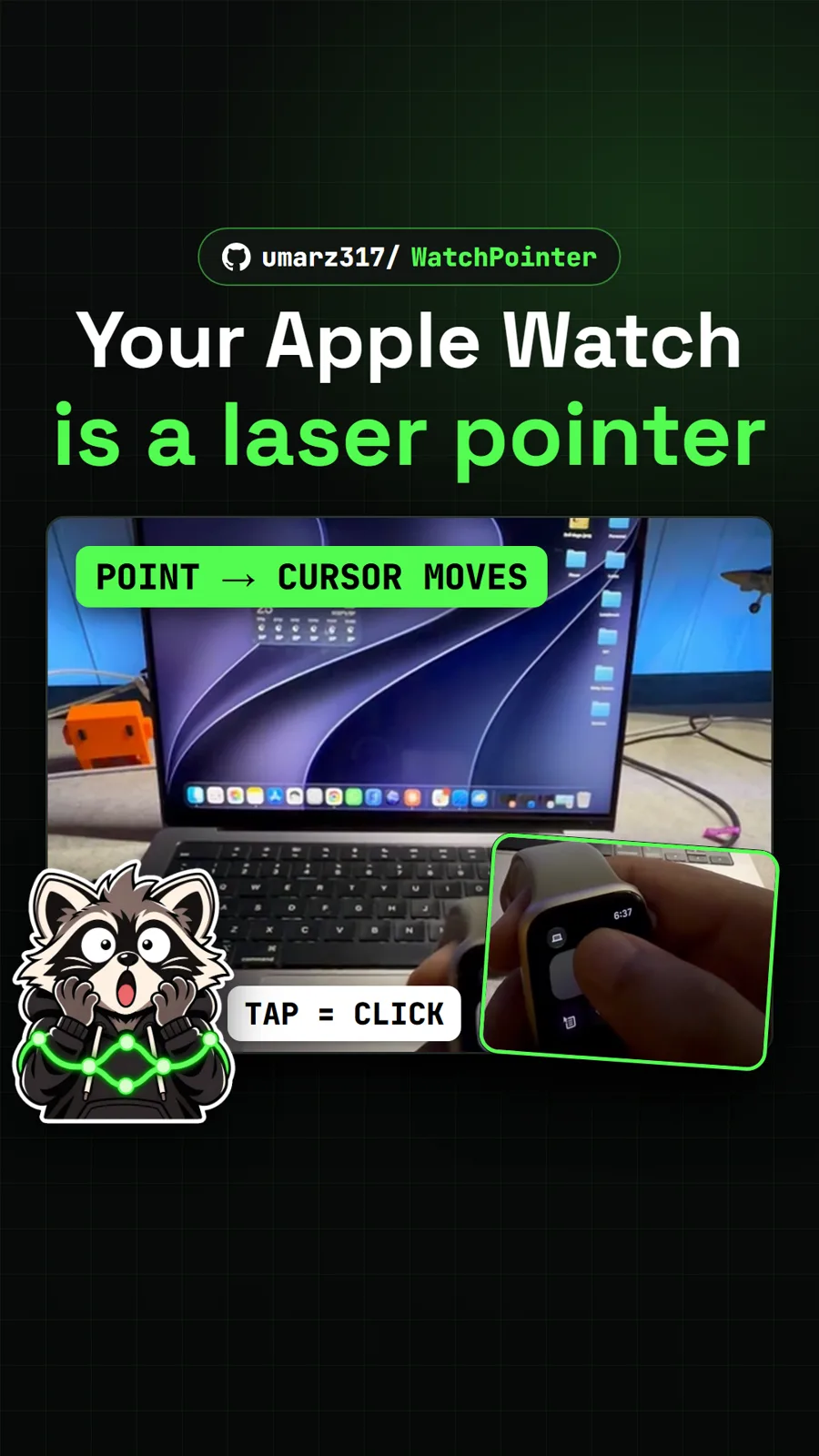
umarz317/WatchPointer
WatchPointer: point your Apple Watch at your Mac and the cursor follows
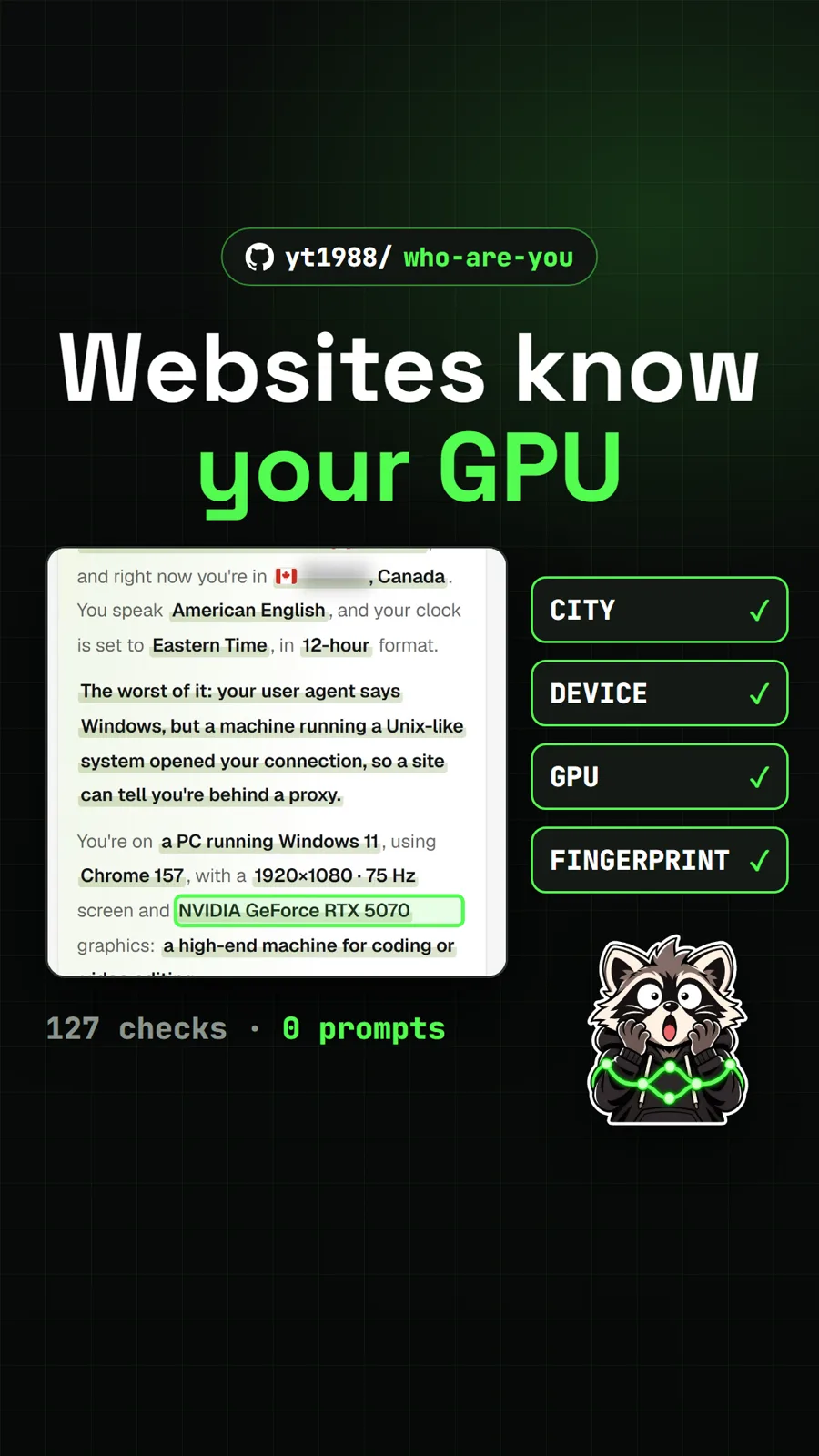
yt1988/who-are-you
Who Are You: the free page that shows what every website learns about you

simbasjungles/free-my-tv
Free My TV: swap the ad-filled Google TV home screen for a clean one
Get tomorrow's repo in your feed
One free, open source repo a day as a short video, shown working, with the catch named. Pull it. Stash it.
