Free My TV: swap the ad-filled Google TV home screen for a clean one
By Pull This RepoPosted 5 min read
Short answer
Free My TV is a free, MIT-licensed home screen that replaces the ad-filled stock home on Google TV and Android TV. It shows your own apps on a glass shelf, trending picks only from apps you have, the weather and a theme that goes dark at sunset. Setup takes about ten minutes with developer mode and a computer, and one setting brings the original home back.
Free My TV replaces the home screen on a Google TV or Android TV with a clean one: no sponsored rows, no banners, no autoplaying promos. Your streaming apps sit on a glass shelf, the picks come only from apps you already have, and one setting brings the factory home screen back whenever you want it. It is free and open source, and it works on LG and Samsung TVs too, as an app.
What is Free My TV?
Free My TV is a replacement launcher, the screen your TV shows when you press Home. The repo was created on 19 October 2026 and had 6,530 stars when we checked on 18 November 2026. It is MIT licensed and written mostly in Java. The latest release is v1.5.0, from 13 November.
From the README, the home screen gives you:
- No ads. The README puts it plainly: "No sponsored rows, banners or autoplaying promos."
- Your apps on a glass shelf, in the order you pick, or with the last one you opened first.
- Trending, not sponsored. Three fresh picks an hour (up to six), only from apps you have, with Movies and Shows tabs.
- A drawer one press down with your HDMI inputs, Live TV, the weather by the hour or for five days, and sunrise and sunset.
- Light by day, dark by night, following your city's real sunset.
- Extras: Continue Watching, a screensaver with a big clock, your own photos, a Now Playing card and remapped app buttons on several remote brands.
It is also lighter than the stock home. On the authors' 98 inch TCL Google TV running Android 14, the README says it used 96 MB of memory instead of 242 MB, at 60 frames a second.
The README has grown since our video. It now also lists optional Plex, Trakt and Home Assistant hookups, status icons, mouse support and dimming on LG and Samsung.
How do you install Free My TV on Google TV?
The README says about ten minutes. You need a Google TV or Android TV on Android 8 or newer and a computer on the same Wi-Fi with adb. The app goes on the TV, not on your phone.
1. Turn on developer mode on the TV. Settings, System, About, then press Android TV OS build 7 times. Then Settings, System, Developer options, turn on USB debugging. Note the TV's IP address under Settings, Network & Internet.
2. Install the ready APK from your computer. Download FreeMyTV.apk from the latest release, then run these with your TV's IP:
adb connect 192.168.1.50:5555
adb install -r FreeMyTV.apk
3. Switch the home screen. On the TV open Free My TV, then Home Screen, then Free My TV. The TV asks Allow USB debugging? for Free My TV: tick Always allow and accept.
Two other routes exist. You can build it yourself with a JDK 17+, the Android SDK command line tools and ./build.sh, which lets you set your city and keys in config.properties first. Or you can ask an AI coding assistant to install it from the repo to your TV's IP; the README says it builds the app and asks before anything important.
Common install problems
| Situation | What the README says |
|---|---|
| Android 14 shows Risky app blocked | Choose More details, then Install anyway. Install with adb, not by opening the APK on the TV |
| TCL TVs never switch | Run the background permission line below, again after every install |
| Chromecast with Google TV on Android 14 | Port 5555 stays closed: turn on Wireless debugging, adb pair, then adb tcpip 5555, again after each restart |
The TCL line, exactly as the README gives it:
adb shell "appops set io.freemytv AUTO_START allow || appops set io.freemytv APP_AUTO_START allow"How do you turn on the trending picks?
The release APK has no TMDB key, so the picks stay empty until you add your own free one. Create an account at themoviedb.org, open Settings, API and request a developer key. Then on the TV go to Home Settings, TMDB key. A QR code appears; scan it with your phone on the same Wi-Fi and paste the key, or type it with the remote. The QR page works once, for five minutes, and is plain HTTP on your home network, so on a network you do not trust, type the key instead.
Does it work on LG and Samsung TVs?
Yes, but differently. On both, the TV's own home screen stays, and Free My TV is an app you open with one key press.
- LG (webOS 3 or newer): install LG's Developer Mode app, sign in with a free LG developer account and turn on Dev Mode Status and Key Server. The easiest route is the webOS Homebrew Channel with the repository
https://freemytv.io/webos/apps.json. Developer Mode lasts about 40 days, so press EXTEND in its app now and then. - Samsung (Tizen, 2015 or newer): in Apps type
1 2 3 4 5on the remote and turn on Developer mode with your computer's IP. Then in TizenBrew Installer typesimbasjungles/free-my-tv. 2023 and newer TVs ask you to sign in to a Samsung account once.
What is the catch?
- Setup is not one click. Developer mode, USB debugging and a computer, about ten minutes.
- It only replaces the home screen. Ads inside streaming apps stay, and it does not stream anything itself.
- The picks need your own TMDB key.
- The drawer shows crypto prices by default. Switch that card off in Home Settings if you do not want it. Binance is only contacted while the card is on.
- On LG and Samsung it is an app, not the home screen.
- Some TVs fight it. The README lists TCL background blocking, Android 14 Play Protect prompts and a closed port on Chromecast with Google TV.
Who is Free My TV for?
It suits people who are tired of sponsored rows every time they press Home and do not mind ten minutes with a laptop. The README says there are no accounts, analytics or tracking, which also makes it a fit for anyone who wants a quieter, less watched TV.
What other free TV tools are there?
| Repo | What it is |
|---|---|
| cleanyourtv | debloats an Android or Google TV over Wi-Fi and adds a different home |
| Tigris | a launcher for Android TV with a glass dock and photo screensaver, MIT |
| clean-your-tv-lg-webos | a clean home screen for LG webOS with a way back to LG Home |
What did we run for the video?
We did not install Free My TV on a TV. The video uses the authors' own published clips and images from freemytv.io, plus our capture of the GitHub page, and every step above comes from the README. The stock home screen in the video is the authors' illustration, labelled as such.
If you like giving old devices a better job, see PhoneBox, which turns an old Android phone into a PC control panel, and Who Are You, which shows what websites learn about your browser.
Pull it. Stash it.
Questions people ask
Can you remove ads from the Google TV home screen?
You can replace the home screen that shows them. Free My TV becomes the home screen on Google TV and Android TV, with no sponsored rows, banners or autoplaying promos. It does not remove ads inside streaming apps, and it does not unlock any paid service.
Is Free My TV safe to undo?
The README says it needs no root and uninstalls nothing. Open Free My TV, then Home Screen, then Original, and the factory home screen comes back. To remove it for good, switch to Original first, then uninstall it in the TV's app settings.
Does Free My TV work on LG and Samsung TVs?
Yes, as an app. LG (webOS 3 or newer) installs it through LG's Developer Mode or the webOS Homebrew Channel, and Samsung (Tizen, 2015 or newer) through Developer mode and TizenBrew Installer. On both, the TV's own home screen stays, and Free My TV is one press away.
Why are the trending picks empty?
The ready APK ships without a TMDB key. Create a free account at themoviedb.org, request an API key, then on the TV open Home Settings, TMDB key, and scan the QR code with your phone or type the key with the remote.
Do I need a computer to install Free My TV?
For Google TV and Android TV, yes. The README's routes all use a computer on the same Wi-Fi with adb, whether you install the ready APK, build it yourself or ask an AI coding assistant to do it. LG users with the Homebrew Channel can skip the computer.
Sources
- 1free-my-tv repository and README
- 2Free My TV project site
- 3free-my-tv latest release (v1.5.0, 2026-11-13)
- 4GitHub API: simbasjungles/free-my-tv (stars, licence, language, created date, checked 2026-11-18)
- 5TMDB API settings (free key)
- 6Gathin23/cleanyourtv
- 7lesnolie/Tigris
- 8Razdva122/clean-your-tv-lg-webos
More repos like this
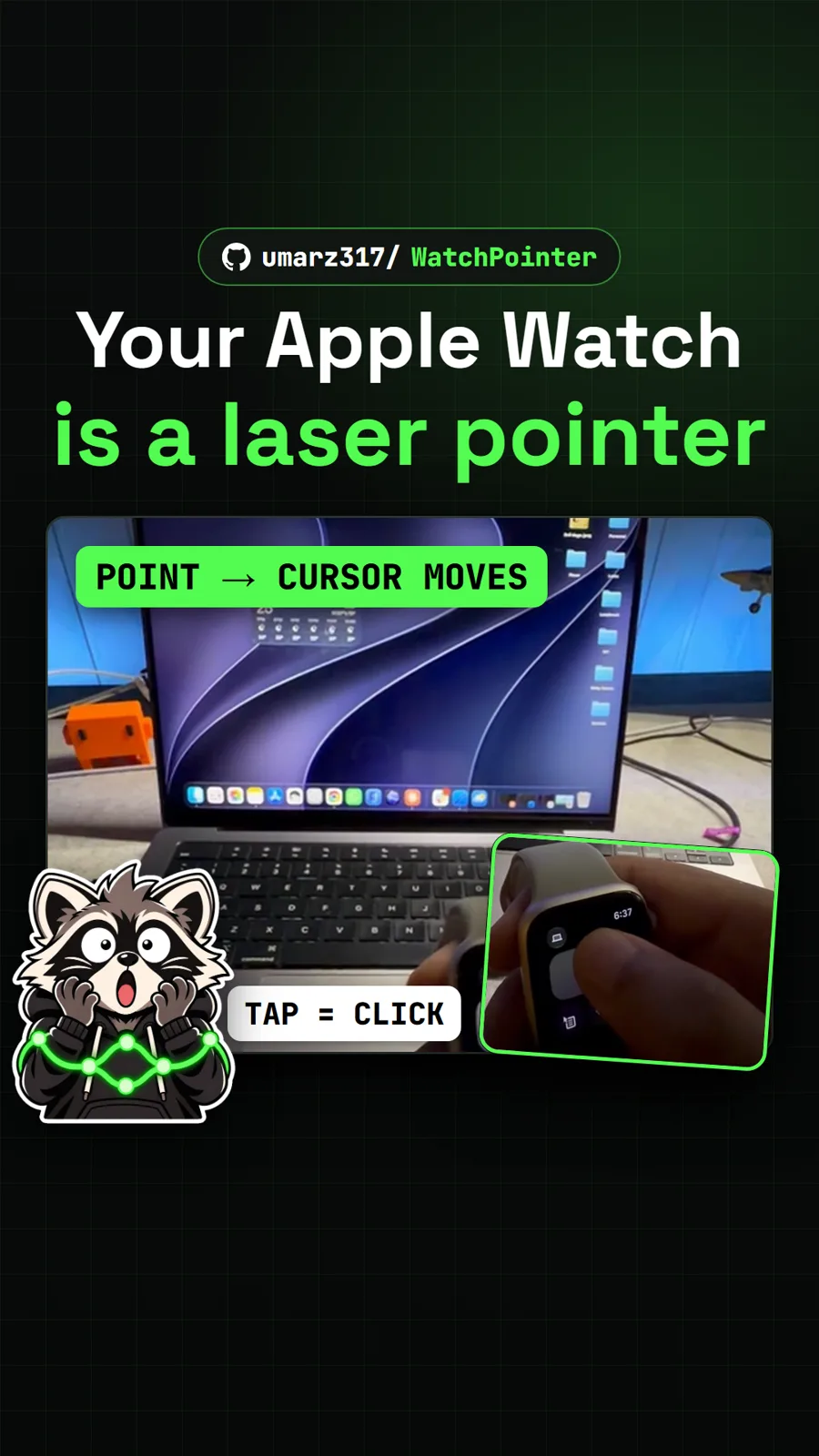
umarz317/WatchPointer
WatchPointer: point your Apple Watch at your Mac and the cursor follows
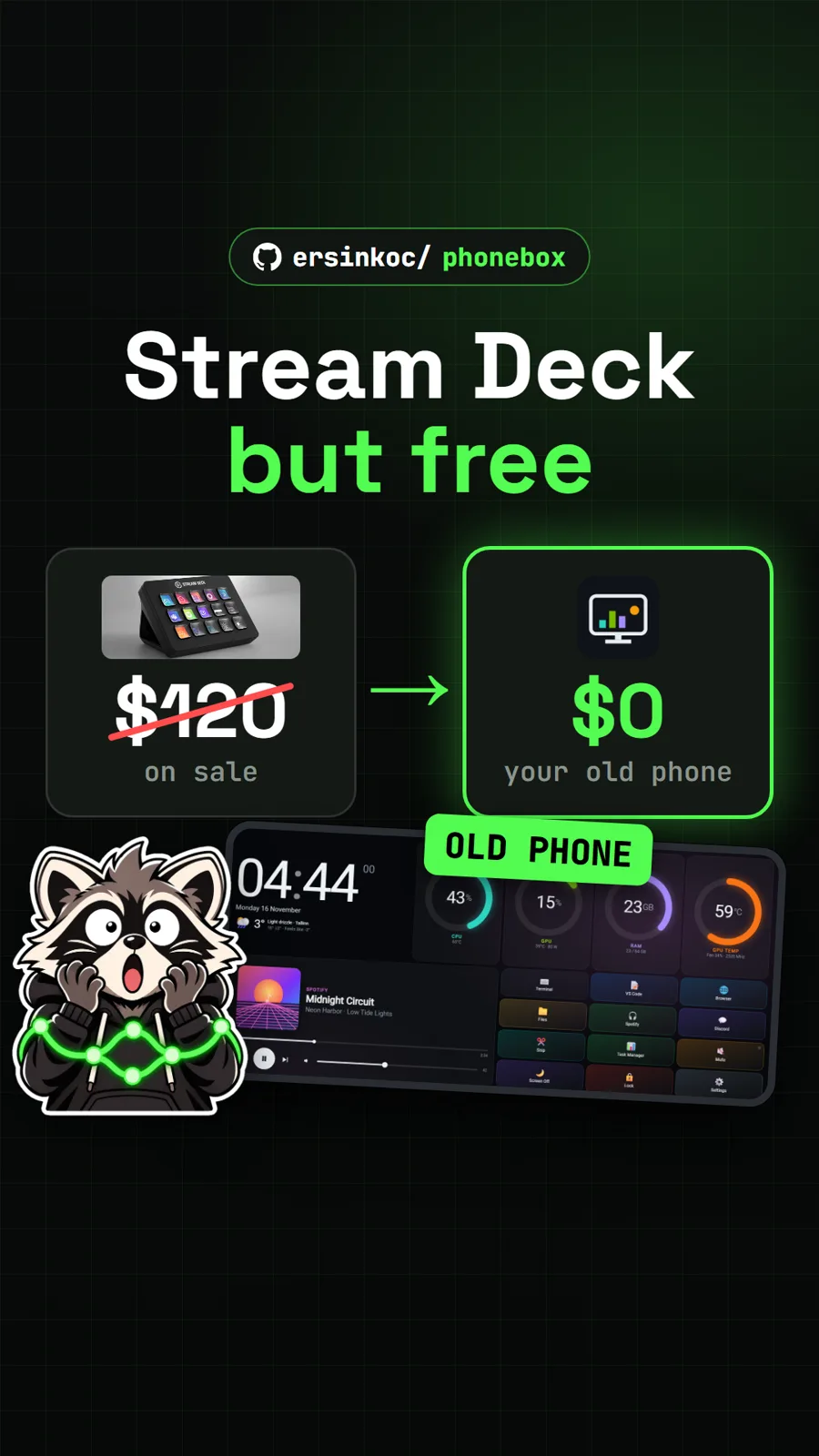
ersinkoc/phonebox
PhoneBox: turn an old Android phone into a free Stream Deck for your PC
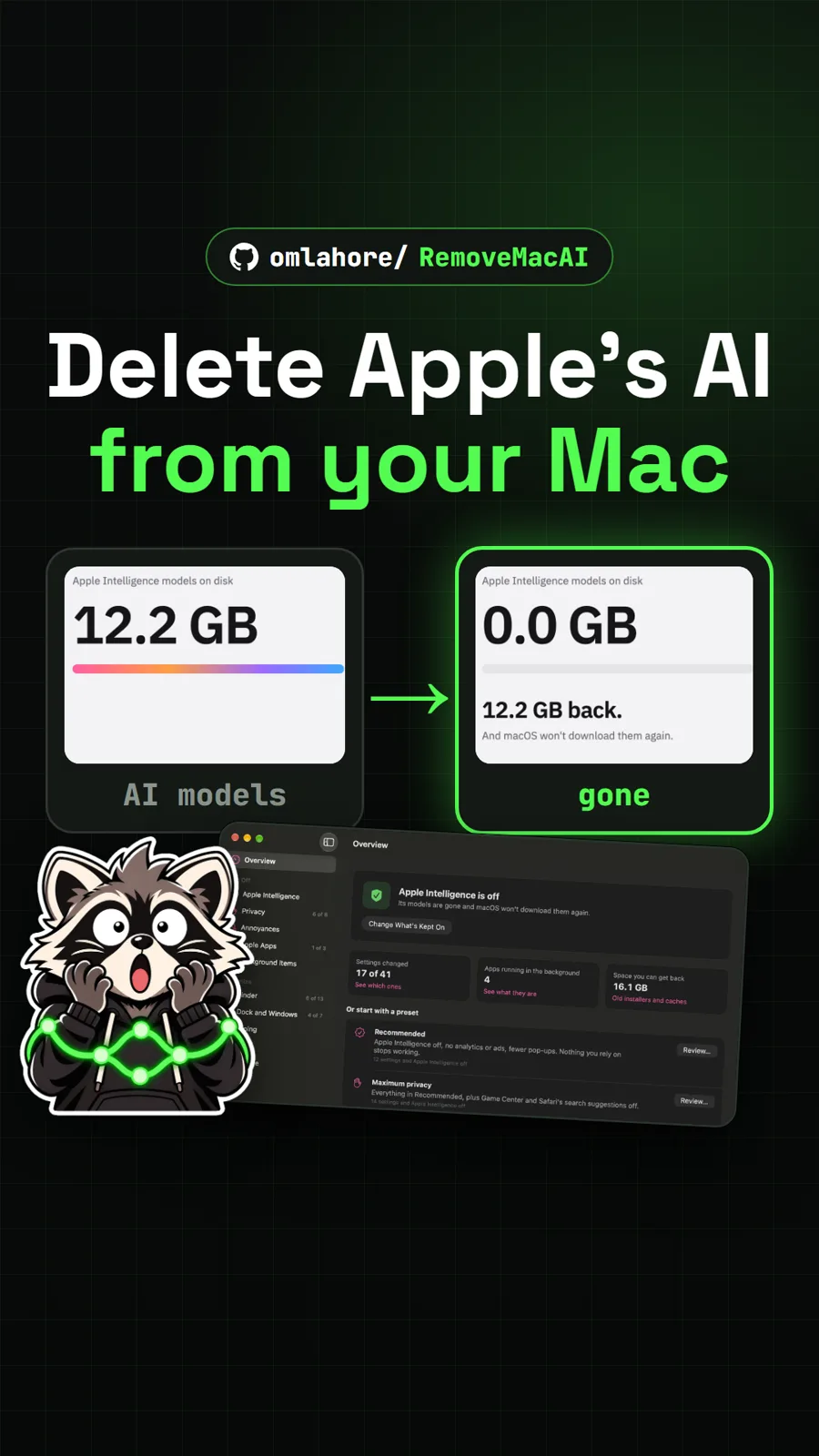
omlahore/RemoveMacAI
RemoveMacAI: turn off Apple Intelligence and reclaim its storage on your Mac
Get tomorrow's repo in your feed
One free, open source repo a day as a short video, shown working, with the catch named. Pull it. Stash it.