braiNOTES: free handwritten notes and a whiteboard in your browser
By Pull This RepoPosted 4 min read
Short answer
braiNOTES is a free, MIT-licensed app for handwritten notes and a whiteboard that runs in a browser tab. You get five pens with pressure, lecture PDFs you can write on or keep beside your notes, shapes that snap, PDF export and offline use, with no account. It is a small one-developer project with no sync between devices.
braiNOTES is a handwriting app that lives in a browser tab. You write with a pen on blank, lined, grid or dotted paper, open your lecture slides beside your notes or write straight on them, and draw on a whiteboard where rough circles snap clean. There is no account and no server. We wrote in the hosted app and imported our own lecture PDF, so the walkthrough below is what actually worked for us.
What is braiNOTES?
braiNOTES is an open source note app by swimmingbrain, released under the MIT licence. The README describes it as an app for writing by hand, like OneNote or GoodNotes, but in a browser tab, made for lectures. The repo was created on 5 October 2026 and had 88 stars when we checked on 18 November 2026. It is built with Svelte 5 and TypeScript.
What it does, from the README:
- Five pens: ballpoint, fountain pen, marker, pencil and highlighter, with pen pressure
- Paper: blank, lined, grid or dotted notebooks, plus whiteboards without edges
- PDFs two ways: write on a PDF, or read it on the side and snip parts of it into your notes
- Pictures, shapes, text, a lasso, an eraser and a laser pointer
- Export to PDF with the original pages and vector ink on top, or a single page to PNG
.brainotesfiles to back up or share a notebook- Saves by itself and works offline once it has been opened
How do you start using braiNOTES?
Open notes.swimmingbrain.dev in a current browser. That is the whole setup. On a tablet, add the page to your home screen (Safari: Share, Add to Home Screen; Chrome: menu, Add to home screen or Install app) so it opens like an app.
For a lecture:
- Pick a pen from the presets bar and a paper style from the four paper buttons.
- Tap Import and choose the slides PDF.
- Pick Write on it to turn every slide into a page you write on, or Read on the side to keep the PDF in a panel.
- To pull a diagram into your notes, open Study mode (
Ctrl+2), pick the Snip tool (X) and drag a box over the slide. The clip keeps a page badge that jumps back to its slide. - Export a
.brainotesfile now and then and save it somewhere safe.
If you want to run it yourself, the README's local route is:
pnpm install
pnpm dev
Then open http://localhost:5173. We did not run it locally.
Which braiNOTES shortcuts matter most?
| Key | What it does |
|---|---|
P H E V | pen, highlighter, eraser, select |
S T X L | shapes, text, snip, laser |
Space (hold) | hand tool |
Ctrl+Enter | new page |
Ctrl+1 Ctrl+2 Ctrl+3 | Notes, Study, Board |
Ctrl+Shift+F | present in fullscreen |
Ctrl+K | command palette |
? | all shortcuts |
How does braiNOTES keep handwriting smooth?
The README explains the approach. Ink is drawn into cached canvas tiles, and only tiles where something changed are redrawn. Each stroke is an outline built by the perfect-freehand library from the points and pen pressure. The line appears the moment the pen moves, a filter calms a shaky hand while you write, and a light refit runs when the pen lifts. PDFs are rendered by pdf.js in a worker, only for the pages and zoom you can see.
What is the catch?
- It is tiny. One developer, and the last code change on GitHub was 13 October 2026, as of our check on 18 November.
- No sync. Everything stays in the browser you used. Moving a notebook means exporting a
.brainotesfile and opening it on the other device. - Clearing site data deletes your notes, so the backup file matters.
- It is best with a pen. It works with a mouse, but handwriting with a mouse is slow. Our own test was with a mouse, so pen pressure is the README's claim, not something we felt.
- Goodnotes does more. Goodnotes has features braiNOTES does not list, such as handwriting to text, audio recording, AI features and real-time collaboration.
Who is braiNOTES for?
It fits students who annotate lecture slides on a laptop or tablet and do not want another subscription, teachers or presenters who want a whiteboard with a laser pointer in a browser tab, and anyone who prefers notes that never leave their own device. If you need your notes on a phone, a tablet and a laptop at the same time, the lack of sync will get in the way.
How does braiNOTES compare with Goodnotes and other free apps?
| App | Price | Runs on | Notes |
|---|---|---|---|
| braiNOTES | free, MIT | any modern browser | no account, no sync, PDF export with vector ink |
| Goodnotes Pro | $35.99 a year (Essential $11.99 a year) | Goodnotes' own apps | adds features such as handwriting to text and AI |
| Saber | free, GPL-3.0 | Android, iOS, Windows, Mac, Linux | optional sync through your own server |
| Xournal++ | free, GPL-2.0 | Windows, Mac, Linux | PDF annotation made for pen tablets |
| Rnote | free, GPL-3.0 | Linux, Windows, Mac | sketching and notes on an endless canvas |
If you are building a free study setup, see VibeOffice for Word, Excel and PowerPoint files in a browser, and DigUp for finding files by describing what is in them.
What did we run for the video?
We used the authors' hosted app at notes.swimmingbrain.dev in Chrome on a Windows PC, wrote a heading and drew a cell diagram with the mouse, and imported a two-page lecture PDF we made ourselves with Write on it. Some clips in the video are the authors' own README demos. We did not install or build the code.
Pull it. Stash it.
Questions people ask
Is braiNOTES really free?
Yes. It is open source under the MIT licence, the hosted app at notes.swimmingbrain.dev needs no account, and there is no paid tier. For comparison, Goodnotes Pro was $35.99 a year on Goodnotes' own pricing page when we checked on 16 November 2026.
Where does braiNOTES store my notes?
In your browser. The README says notebooks, pages and files live in the browser's IndexedDB storage and there is no server. Clearing that site's data deletes them, so export a .brainotes backup file regularly.
Can I use braiNOTES on an iPad or Android tablet?
It runs in the browser, so you can open it on a tablet and add it to the home screen. The README says it works offline once it has been opened. We only tested it in Chrome on a PC with a mouse, not on a tablet with a pen.
Does braiNOTES sync between devices?
No. Everything stays in the browser you used. To move a notebook, export it as a .brainotes file, which is a zip with every page plus the PDFs and pictures, and open it on the other device.
Can I write on lecture slides in braiNOTES?
Yes. Importing a PDF offers Write on it, which turns every page into a page you can write on, or Read on the side, which keeps the PDF in a panel so you can snip parts of a slide into your notes.
Sources
More repos like this
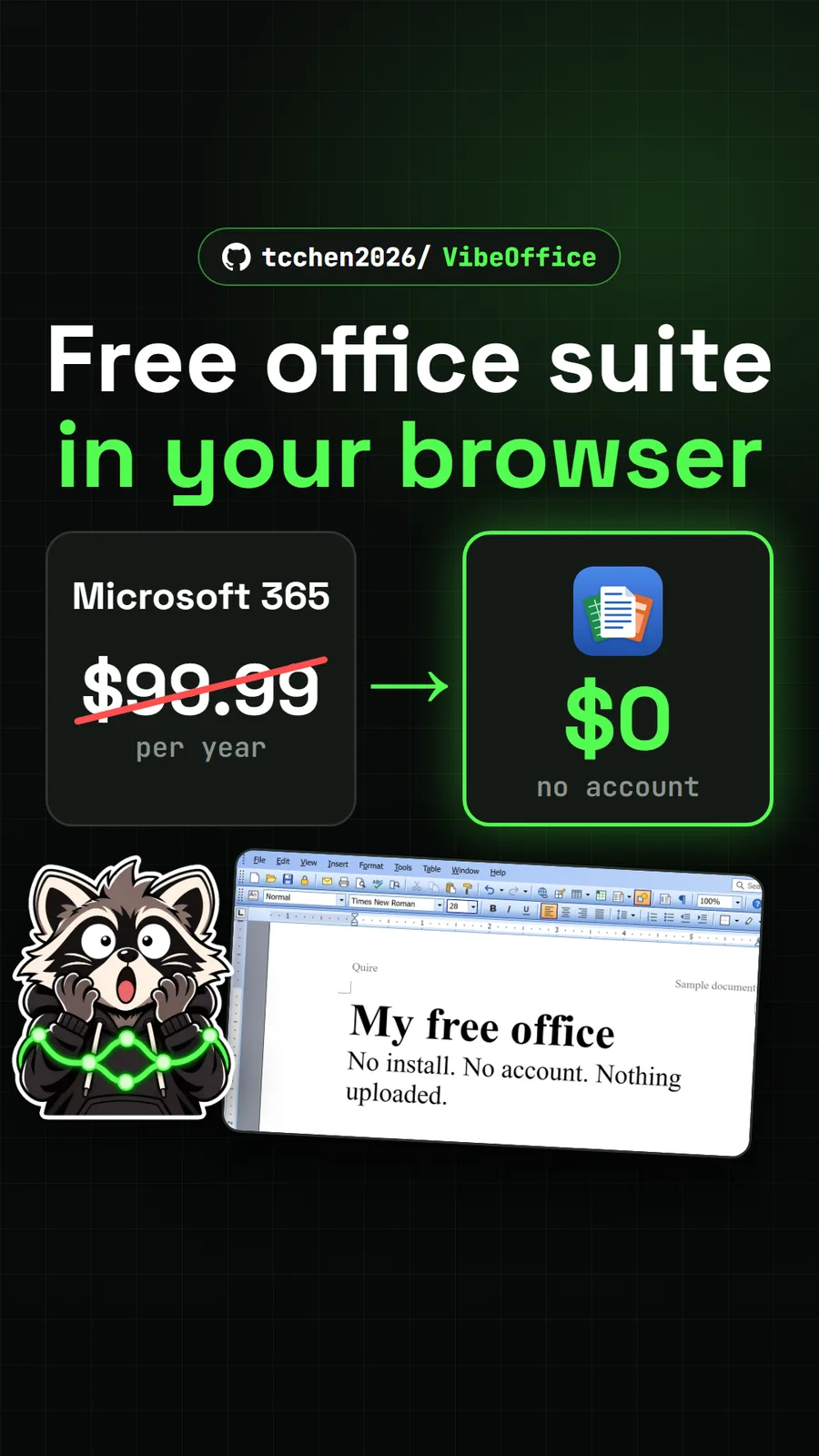
tcchen2026/VibeOffice
VibeOffice: a free Office lookalike in your browser that saves real Word files
Get tomorrow's repo in your feed
One free, open source repo a day as a short video, shown working, with the catch named. Pull it. Stash it.