
DigUp: find files on your computer by describing what is in them
By Pull This RepoPosted 4 min read
Short answer
DigUp is a free, MIT-licensed search app that finds files on your computer when you describe what is in them, such as a dog on the beach or the clause about pets in a lease. It reads photos, PDFs, documents, audio and video with a model that runs locally, so nothing you index is uploaded. The Mac build is stable; Windows and Linux are in beta.
DigUp lets you search your own computer the way you remember things. Instead of a file name, you type "a dog on the beach", "zebra in a video" or "the clause about pets in the lease", and it finds the photo, opens the clip at the moment the zebra appears, or shows the right PDF page. It is free, open source, and the model that does the reading runs on your machine.
What is DigUp?
DigUp is a search panel for the files on your computer, built by ARahim3 and released under the MIT licence. You pick the folders, it reads what is inside them, and a keyboard shortcut opens the search from any app. The repo was created on 8 October 2026 and had 6,465 stars when we checked on 18 November 2026.
Under the hood it uses EmbeddingGemma 2, a multimodal embedding model from Google DeepMind. The README explains the idea simply: text, images, audio and video land in one shared space, so a photo of a dog on a beach sits next to the words "a dog on the beach". The model has 740 million parameters, which is small enough to run on a laptop, and knows more than 100 languages.
What the README says it reads:
- Pictures and screenshots, by what they show, and on a Mac by the text inside screenshots too
- PDFs page by page, scans included, up to 5,000 pages a file
- Documents such as txt, md, rtf, docx, odt and html
- Spreadsheets and slides: xlsx, ods, pptx and odp, including speaker notes
- Audio and video of any length, matched to the moment
- Code, only if you turn code search on and start the search with
code:
Exact words still count. Invoice numbers, error codes and names are matched as written, so you get both meaning and exact matches.
How do you install DigUp?
The project publishes only on its GitHub Releases page and at digup.arahim.dev, and warns that other sites offering DigUp are not the project's.
Mac (stable, version 0.6.2). It needs an Apple silicon Mac on macOS 14 or later. Download the DMG from the releases page, or use Homebrew:
brew install --cask arahim3/tap/digupWindows (beta, version 0.7.0-beta.3). Download the x64-setup.exe file from the beta release and run it. It installs for your user only, with no admin rights, on 64-bit Windows 10 or 11. The installer is not signed yet, so Windows may say it does not recognize the app; the README says to choose More info, then Run anyway.
Linux (beta). For Ubuntu, Debian, Mint and similar, on 64-bit Intel or AMD:
sudo apt install ./DigUp_x.y.z_amd64.debThe package is called dig-up, because Debian already has an unrelated digup. Anywhere else, use the AppImage.
On first launch, pick your folders while the 865 MB model downloads. DigUp shows how long the first pass will take for each folder, measured on your computer, so start small. Then press Shift+Command+Space on a Mac or Ctrl+Shift+Space on Windows and Linux in any app.
What can you search for?
These come straight from the project's own demo:
| You type | What DigUp does |
|---|---|
zebra in a video | opens the clip at the moment the zebra shows up |
where they talk about sleep | jumps to that minute of a podcast |
the clause about pets in the lease | shows the PDF page |
a dog on the beach | finds the photo, even if you type it in Bengali or Arabic |
code: retry a failed call with backoff | finds the function and opens it in your editor |
A tip from how it works: describe what you would see or hear, add one specific detail, and use the exact number when you have one. Press Enter to open a result at the page or moment, Space for a big preview, and Ctrl+O (Command+O on a Mac) for a bigger window with a picture grid and filters.
What is the catch?
- Windows and Linux are beta. The Mac build is the stable one.
- The first scan can be slow. On Windows and Linux, a picture takes a few seconds on the processor alone, about five on a 2017 Core i5 laptop according to the README, so a large photo library can take hours. On a Mac, a big Downloads folder can take about an hour. After that, new files become searchable within seconds.
- An 865 MB model download, once.
- Some features are Mac only for now: searching text inside screenshots, and reading old Word .doc files.
- An unsigned Windows installer, so expect a warning.
- Language quality varies. The model covers 100+ languages, but the project only evaluates English, Bengali and Arabic.
Who is DigUp for?
It suits anyone with years of photos, scans, recordings and downloads who remembers what a file looked like but not what it was called. It is a good fit if you want that kind of search without sending your files to a cloud service. If your files are mostly text documents you already find with Spotlight or Windows Search, the gain is smaller: those tools already search names, text and metadata, as the README itself points out.
How does DigUp compare with similar tools?
| Tool | What it does | Best for |
|---|---|---|
| DigUp | desktop search panel across photos, PDFs, documents, audio and video | everyday file finding, locally |
| rclip | offline photo search from the terminal | photo libraries if you like the command line |
| Queryable | the same idea for your iPhone photo library | searching photos on the phone |
| Khoj | self-hostable AI assistant that answers questions from your documents | chat-style answers rather than a quick search |
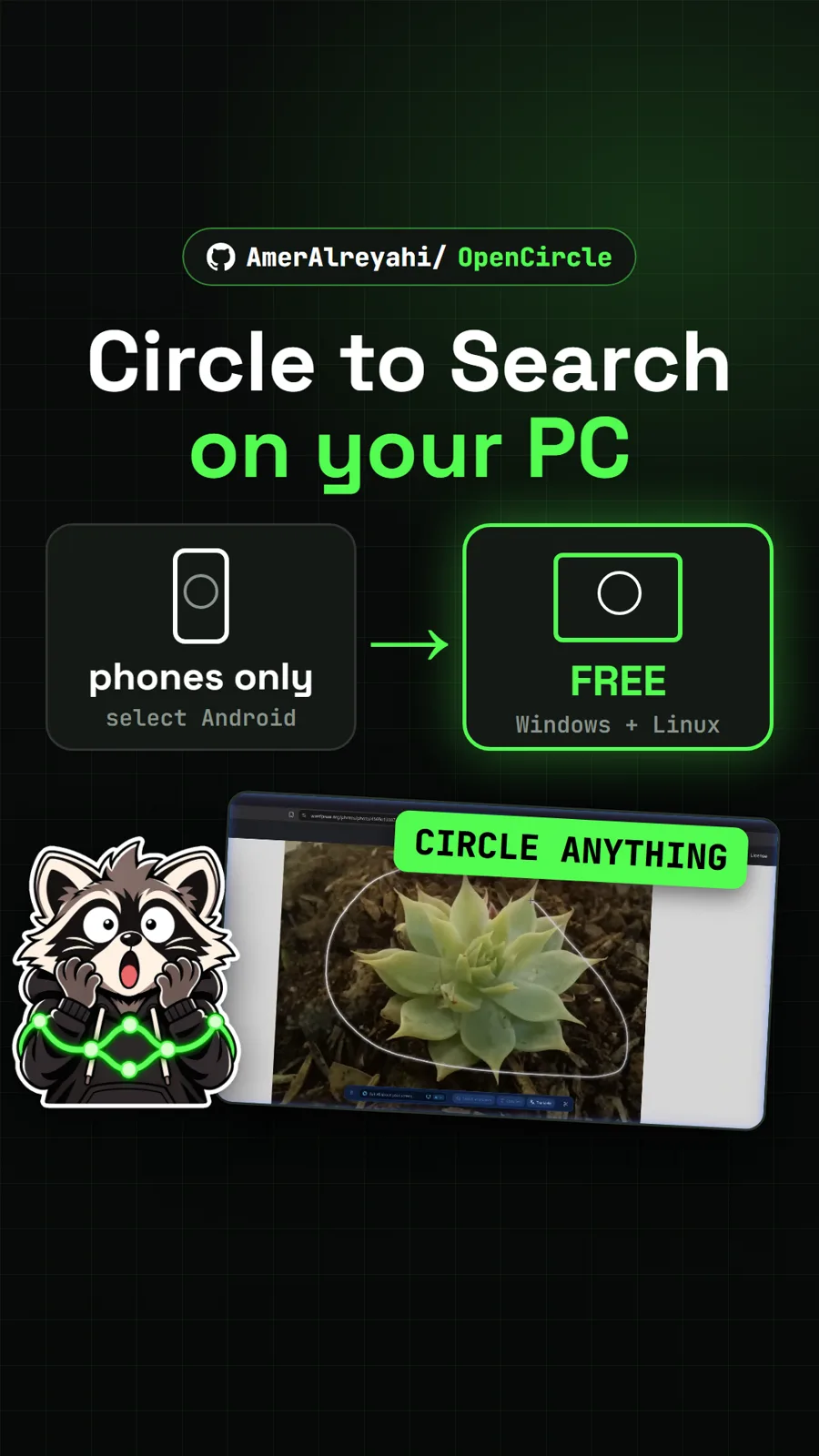
For more apps that keep AI on your own machine, see Yogurt, a local AI notetaker, and Cicada for offline live subtitles. OpenCircle brings Circle to Search to a PC.
What did we run for the video?
We did not install or run DigUp. The video used the project's own published demo and our captures of the GitHub page and the project site, so the search examples above are the authors' results. The setup steps come from the README. The versions and requirements are unchanged since our video on 13 November.
Pull it. Stash it.
Questions people ask
Does DigUp upload my files?
No, according to its README. Nothing you index leaves your computer. DigUp goes online only to download the model once and to check for updates once a day, which you can turn off. There is no account and no telemetry, and it never changes, moves or uploads your files.
What kinds of files can DigUp search?
Pictures and screenshots, PDFs page by page including scans, documents such as docx, odt and markdown, spreadsheets and slides, audio and video of any length, and code if you turn code search on. Videos and recordings open at the matching moment and PDFs at the matching page.
Does DigUp work on Windows and Linux?
Yes, in beta. The Windows and Linux builds are version 0.7.0-beta.3, a pre-release. The stable build is 0.6.2 for Apple silicon Macs on macOS 14 or later.
How is DigUp different from Spotlight or Windows Search?
Those already search file names, text and metadata, as DigUp's own README notes. DigUp adds search by meaning across pictures, audio and video, so a description like a zebra in a video can find the clip and the moment it appears.
How long does the first scan take?
It depends on your computer. The README says a Mac takes a few minutes for a few hundred files and can take an hour for a big Downloads folder. On Windows and Linux without a fast graphics card, a picture takes a few seconds, so a large photo library can take hours. DigUp shows an estimate per folder before it starts.
Sources
More repos like this
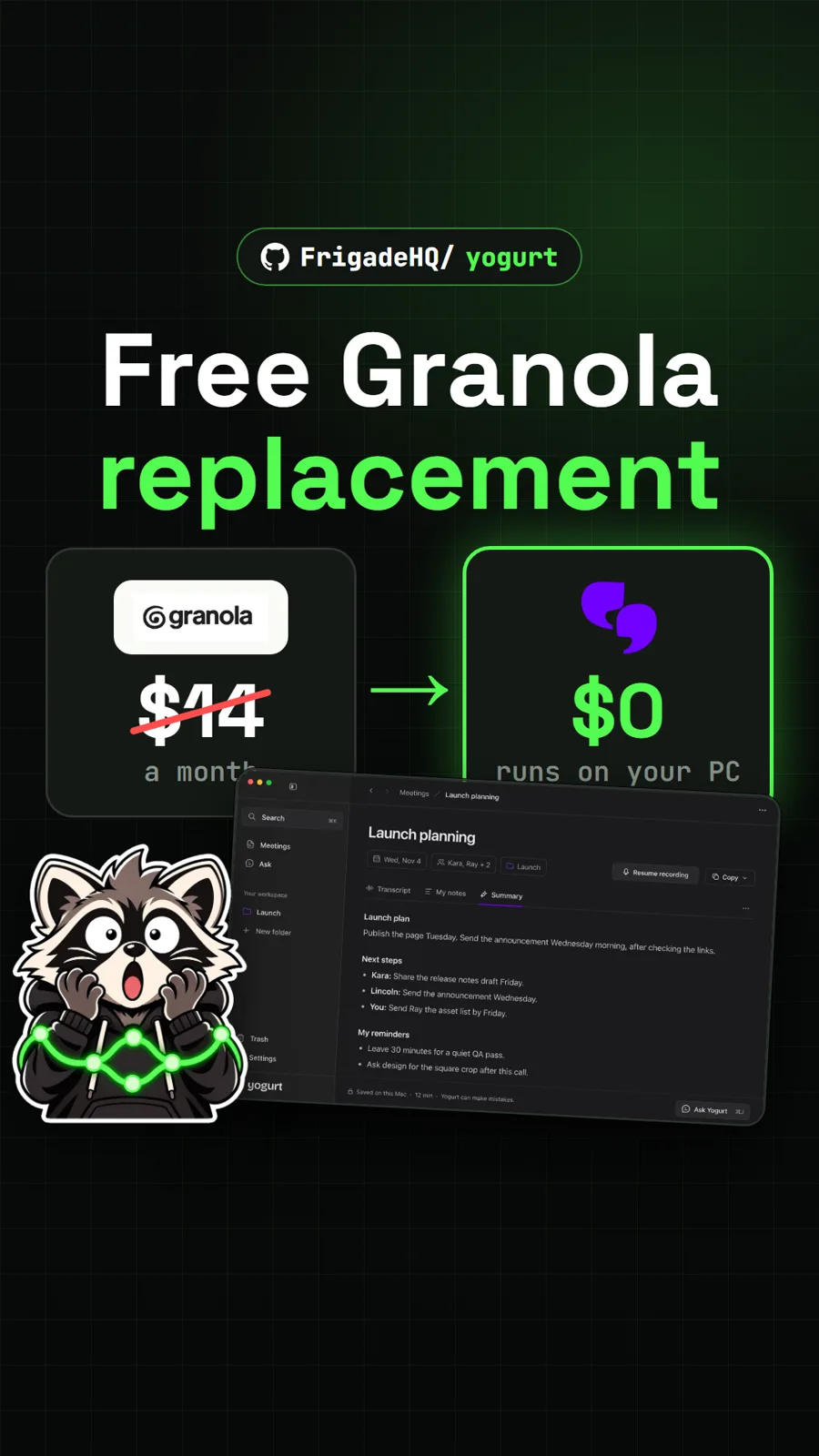
FrigadeHQ/yogurt
Yogurt: a free, open source AI notetaker that runs on your own computer
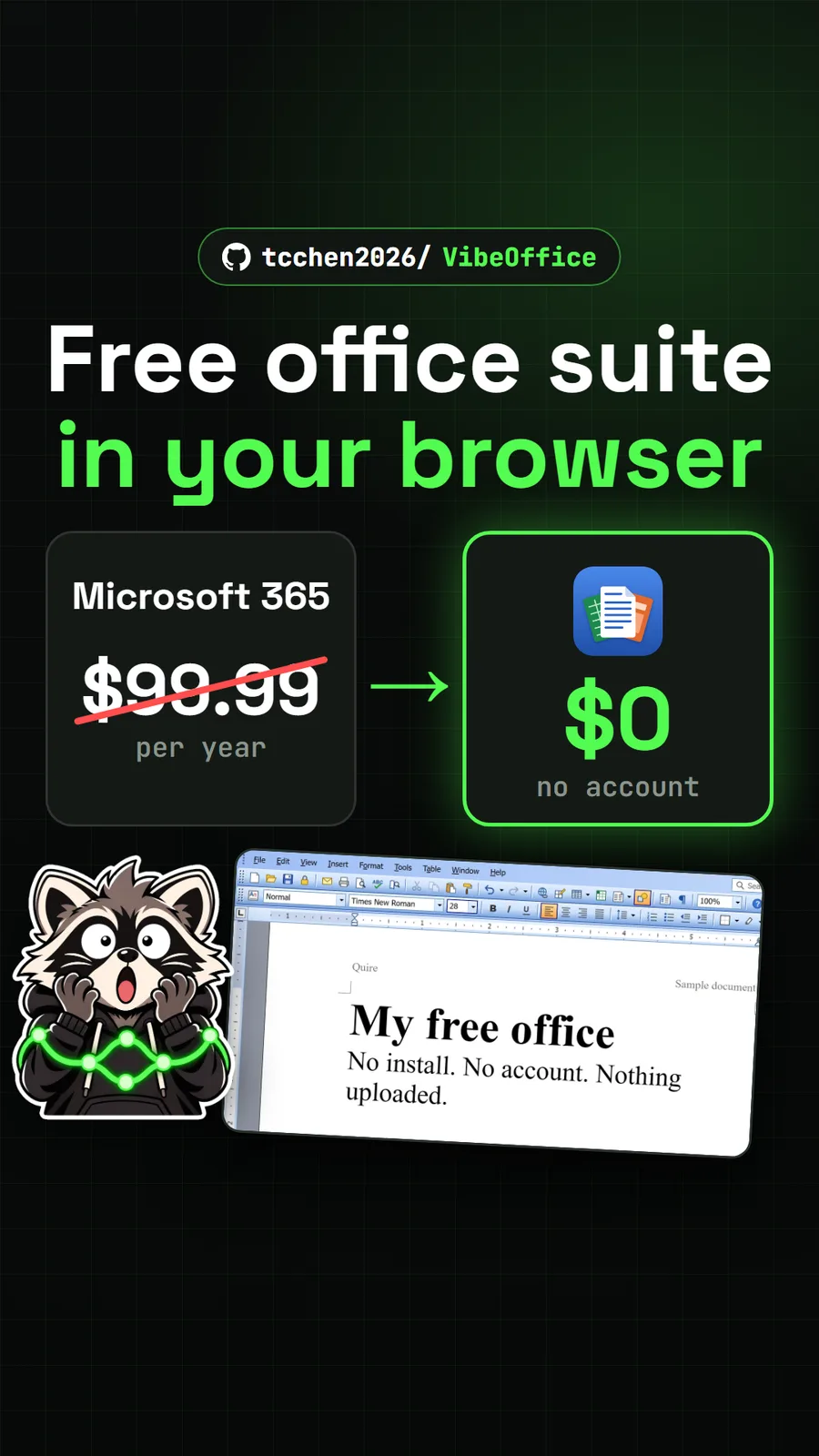
tcchen2026/VibeOffice
VibeOffice: a free Office lookalike in your browser that saves real Word files
Get tomorrow's repo in your feed
One free, open source repo a day as a short video, shown working, with the catch named. Pull it. Stash it.
