OpenIDEA: a free, open source IDE with IntelliJ-style shortcuts
By Pull This RepoPosted 4 min read
Short answer
OpenIDEA is a free, Apache-2.0 desktop IDE that copies the IntelliJ IDEA way of working: the same default keymap, tool windows and Search Everywhere, in a native app with a Rust core. It has a debugger, Git, terminal, database and HTTP clients for 60+ languages. It is version 0.1 and not made by JetBrains, while IntelliJ IDEA Ultimate costs $199 for the first year.
OpenIDEA is a free, open source desktop IDE built for people whose hands already know IntelliJ IDEA. Double Shift opens Search Everywhere, Alt+Enter offers quick fixes, Ctrl+K commits, and the tool windows sit where you expect them. Underneath it is a new app with a Rust core, not a JetBrains product. We did not install it; everything here comes from the README, the release pages and the repo's own keymap files.
What is OpenIDEA?
The README describes it as "the IDE you know, rebuilt in Rust": the IntelliJ IDEA keymap, tool windows and search habits in a native app. It covers an editor, code insight, a debugger, Git, a terminal, and database and HTTP clients, for more than 60 languages, on macOS, Windows and Linux.
The repo was created on 21 October 2026 under Apache-2.0. Our video said 8,000 stars in 20 days; on 18 November 2026 it had 9,381. The video showed version 0.1.40. The latest release is now v0.1.48, published on 18 November, so it still ships several builds a week. GitHub lists the main language as TypeScript, since the interface is built with Tauri, with the core in Rust.
How do you install OpenIDEA?
Everything comes from the latest release page. File names carry the version number, so match the pattern rather than an exact name:
| System | x86-64 | ARM64 |
|---|---|---|
| Windows | x64-setup.exe, .msi, or a portable zip | arm64-setup.exe, .msi, or a portable zip |
| macOS | x64.dmg (Intel) | aarch64.dmg (Apple silicon) |
| Linux | .AppImage, .deb or .rpm (amd64 / x86_64) | .AppImage, .deb or .rpm (aarch64) |
A few notes from the project's own docs:
- Windows without admin rights: unzip the portable build to a folder you own and run
openidea.exe. - macOS: move OpenIDEA to Applications first, because the terminal launcher links into the app bundle there.
- Linux: install a
.debwithsudo apt install ./<file>.deb. Keep an AppImage in a permanent folder, since theopenideacommand points at that exact file. - Updates: the release notes say an installed copy updates itself through Check for Updates.
To open projects from a terminal, run Install 'openidea' Command from the Tools menu (the OpenIDEA menu on macOS). Then:
openidea .
openidea src/main.rs:12:5
openidea diff before.txt after.txt
The first opens the current folder as a project, the second opens a file at line 12, column 5, and the third compares two files.
Which IntelliJ shortcuts work in OpenIDEA?
OpenIDEA ships keymap presets for IntelliJ, Eclipse and VS Code under Settings, Keymap. These come from the repo's IntelliJ keymap files; the Windows file says it matches IntelliJ IDEA's Windows keymap.
| Action | Windows / Linux | macOS |
|---|---|---|
| Search Everywhere | Shift Shift | Shift Shift |
| Find action | Ctrl+Shift+A | Cmd+Shift+A |
| Go to class | Ctrl+N | Cmd+O |
| Go to file | Ctrl+Shift+N | Cmd+Shift+O |
| Go to declaration | Ctrl+B | Cmd+B |
| Find usages | Alt+F7 | Alt+F7 |
| Quick fix | Alt+Enter | Alt+Enter |
| Rename | Shift+F6 | Shift+F6 |
| Reformat code | Ctrl+Alt+L | Cmd+Alt+L |
| Toggle breakpoint | Ctrl+F8 | Cmd+F8 |
| Commit | Ctrl+K | Cmd+K |
| Terminal | Alt+F12 | Alt+F12 |
Tool windows follow IntelliJ's numbering on Windows: Alt+1 for Project, Alt+9 for Git, Alt+0 for Commit. If you come from VS Code instead, switch presets rather than relearning.
Is OpenIDEA faster than IntelliJ IDEA?
On the author's machine, yes, by a lot. The README's benchmark opens the freqtrade Python project (about 770 files) with warm caches, median of 5 runs, on Windows 11 with a 32-core AMD CPU:
| Measure | OpenIDEA | IntelliJ IDEA 2026.2.3 |
|---|---|---|
| Window with the project | 0.9 s | 3.1 s |
| Ready (CPU settled) | 1.1 s | 13.2 s |
| Memory, all processes | 169 MB | 2,011 MB |
| Quit | 0.3 s | 5.9 s |
Read the fine print: the README itself says IDEA analyses Python more deeply, so "ready" is not the same amount of work on both sides. The repo includes a perf/compare folder to rerun the test on your own projects. We did not.
What about plugins?
Plugins run as sandboxed WebAssembly components and can add actions, completion, quick fixes, tool windows, themes and languages. Themes, icon themes and languages need no code. Install them from Settings, Plugins. Releases ship official plugins such as a test runner, a Git toolbox, a CSV editor and a regex tester. The README says the plugin API is still a preview.
What is the catch?
- It is version 0.1. It ships several releases a week, so things will change under you.
- The benchmark is the author's own, with the Python caveat above.
- The plugin API is a preview, and JetBrains plugins do not carry over.
- It is not JetBrains. No JetBrains support or marketplace.
- Price context: IntelliJ IDEA Ultimate for individuals was $199 for the first year on JetBrains' buy page when we read it on 10 November 2026, then $159 and $119. Check what JetBrains' current free tier covers before you switch.
Who is OpenIDEA for?
It fits developers with IntelliJ muscle memory who want a lighter, free editor for side projects or a slower laptop, and anyone curious to try a fast native IDE without learning new keys. Teams that depend on JetBrains' deeper code analysis or its plugin catalogue should keep IntelliJ for now.
How does OpenIDEA compare with other editors?
| Editor | What it is |
|---|---|
| OpenIDEA | IntelliJ-style IDE with a Rust core, Apache-2.0 |
| Zed | fast editor written in Rust, with real-time collaboration |
| IntelliJ Community source | the open source code of the IntelliJ platform itself |
| Lapce | lightweight code editor written in Rust, Apache-2.0 |
What did we run for the video?
Nothing from the repo was installed or run. The footage came from the repo's own demo video, our screen captures of its GitHub pages, and an animated chart of the README's benchmark numbers.
If you like free replacements for paid desktop software, see Mister Download Manager, a free IDM alternative, and Yogurt, an AI notetaker that runs on your own computer.
Pull it. Stash it.
Questions people ask
Is OpenIDEA made by JetBrains?
No. It is a community project, and its README says so in its last line: it is not affiliated with JetBrains, and IntelliJ IDEA is a JetBrains trademark. It copies the way of working, not the code, so JetBrains plugins and support do not carry over.
Does OpenIDEA use the same shortcuts as IntelliJ?
Its IntelliJ keymap preset follows IntelliJ IDEA's default keymap: Shift Shift for Search Everywhere, Alt+Enter for quick fixes, Ctrl+B to go to a declaration and Ctrl+K to commit on Windows and Linux. It also ships Eclipse and VS Code presets under Settings, Keymap.
Is OpenIDEA faster than IntelliJ IDEA?
In the README's own benchmark, opening a Python project of about 770 files, OpenIDEA was ready in 1.1 seconds against 13.2 for IntelliJ IDEA 2026.2.3, using 169 MB of memory against 2,011 MB. The README adds that IDEA analyses Python more deeply, so the two are not doing the same work.
Which systems does OpenIDEA run on?
Windows, macOS and Linux, on x86-64 and ARM64. Each release has Windows installers and a portable zip, macOS disk images for Intel and Apple silicon, and Linux AppImage, deb and rpm packages, plus remote server builds.
Sources
- 1openidea repository and README
- 2OpenIDEA latest release (v0.1.48, 2026-11-18)
- 3OpenIDEA command line docs (docs/command-line.md)
- 4OpenIDEA IntelliJ Windows keymap (src/platform/keymaps/intellij-windows.ts)
- 5OpenIDEA docs site
- 6GitHub API: l0ng-ai/openidea (stars, licence, language, created date, checked 2026-11-18)
- 7IntelliJ IDEA buy page (prices read 2026-11-10)
- 8zed-industries/zed
- 9JetBrains/intellij-community
- 10lapce/lapce
More repos like this
swimmingbrain/brainotes
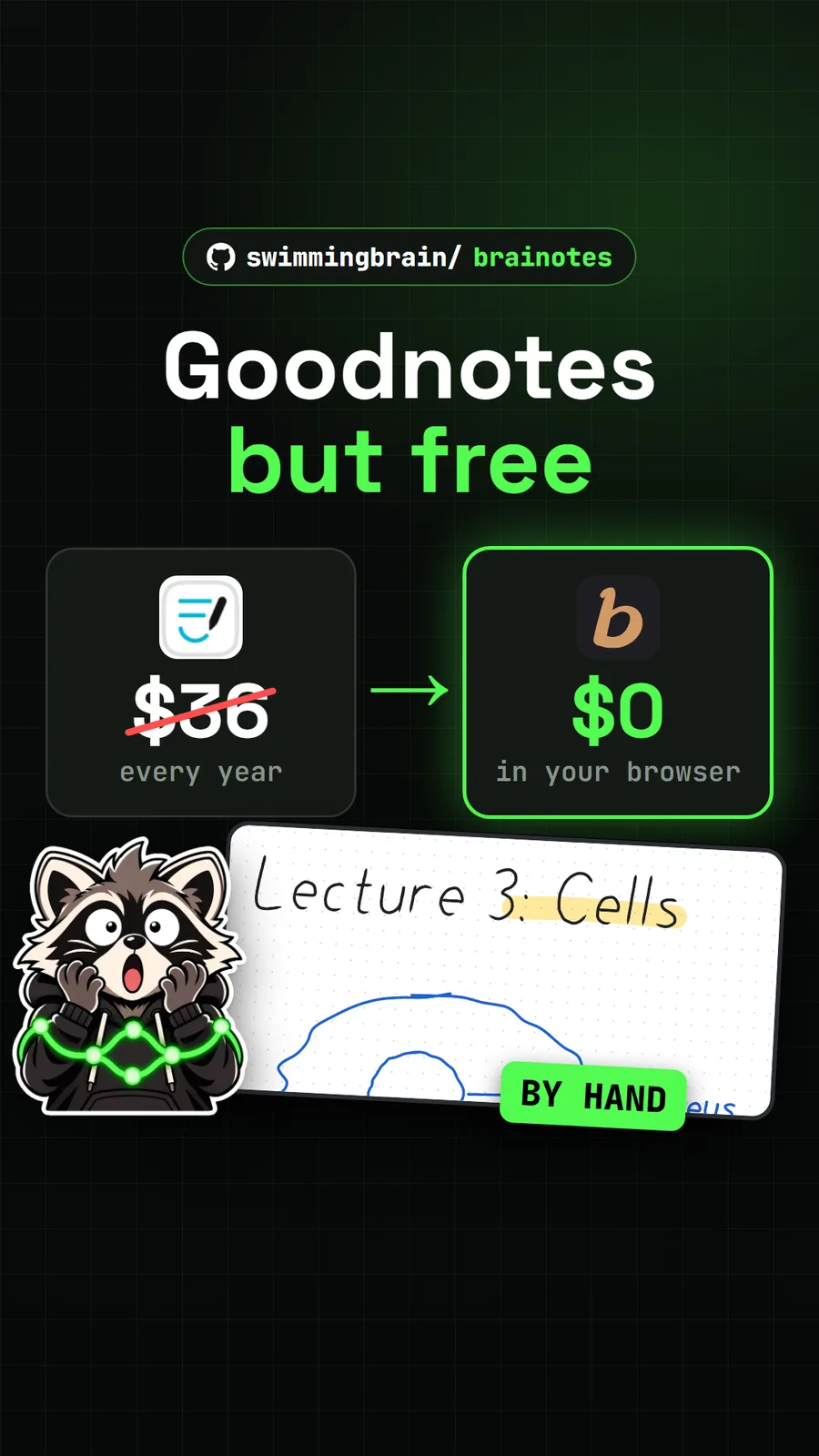
braiNOTES: free handwritten notes and a whiteboard in your browser
Get tomorrow's repo in your feed
One free, open source repo a day as a short video, shown working, with the catch named. Pull it. Stash it.