
Reelbird: a free, open source Screen Studio alternative for Mac
By Pull This RepoPosted 5 min read
Short answer
Reelbird is a free, MIT-licensed screen recorder for Apple silicon Macs. It zooms in on your clicks, redraws a smooth cursor, writes captions on your Mac, and copies a share link the moment you stop recording. Screen Studio charges $29 a month. The catch: it is Mac only, and free links need your own storage bucket.
Reelbird is a free, open source screen recorder for the Mac that does the trick people pay Screen Studio for: it zooms in on every click and smooths out your cursor. It also does the thing Loom is known for. Stop recording and the share link is already on your clipboard. Later you can polish the same take, and the link you already sent shows the new version.
What is Reelbird?
Reelbird is a native Swift app by btahir, released under the MIT licence. It records a display, a window or an area, with camera, microphone and system audio on separate tracks. The repo was created on 13 October 2026 and had 52 stars when we checked on 18 November 2026. The latest release is v0.4.1, from 3 November.
The workflow, in the README's three steps:
- Record. Press Option + Shift + R from any app. Option + Shift + M drops a marker you can find again later.
- Stop. With Share while recording on, Reelbird streamed a 1080p copy to your storage as you recorded, so the link is on your clipboard and plays in a browser a moment later.
- Polish it later. Open the same take. Zooms are already planned on your clicks and typing, the cursor is smoothed and your voice is levelled. Trim, add captions, pick a background, then choose Update link.
What can Reelbird do?
It covers most of what a paid demo recorder does. From the current README:
- Auto-zoom and a smooth cursor. It logs clicks, typing, scrolls and pointer movement, plans zooms from them, and redraws the cursor from that log so it glides instead of jittering. One slider sets how hard it zooms.
- Captions made on your Mac with Apple's on-device speech recognition, in six styles: Classic, Highlight, Marker, Pop, One Word and Slam.
- Blur for private info. Press B and drag, or use Find Sensitive Info, which suggests blurs for emails, API keys, card numbers and phone numbers it reads on screen.
- Clean Up. Press W to shorten pauses, cut ums and speed up typing and waiting.
- Audio polish: auto level to a steady loudness, a voice clean-up option and lowering system sound while you talk.
- Exports MP4, HEVC, ProRes and GIF, with no watermark.
- Crash recovery. Tracks are written in 2-second segments, so a crash loses at most the last two seconds.
Two features have appeared in the README since our video: a step-by-step guide built from the same take (each click becomes a numbered step with a picture), and camera layouts you can switch while recording.
How do you install Reelbird?
You need an Apple silicon Mac on macOS 15 or later. Download the zip from the releases page, unzip it and drag Reelbird into Applications. It is signed and notarised by Apple, so it opens like any other app and lives in the menu bar. You can check the zip's SHA-256 against the release page first:
shasum -a 256 ~/Downloads/Reelbird-0.4.1.zipThe welcome tour asks for permissions one by one. Screen and System Audio Recording is required; microphone and camera are optional; Accessibility and Input Monitoring are only for the keystroke overlay. One gotcha the README calls out: Screen Recording only takes effect after the app restarts, so choose Quit & Reopen.
The app never checks for updates itself. To update, download the new zip, quit Reelbird and drag the new copy over the old one. Your recordings and permissions stay.
To build it yourself, install the Command Line Tools for Xcode 26 (xcode-select --install), then:
git clone https://github.com/btahir/reelbird.git
cd reelbird
make install
open /Applications/Reelbird.app
How do you get free share links?
Free links need a storage bucket you own. Recording, editing and exporting work with no setup, but a link has to live somewhere. The README recommends Cloudflare R2, whose free tier includes 10 GB of storage with no download fees (it does ask for a payment method on file). The one-time setup takes about ten minutes:
- In the Cloudflare dashboard, create an R2 bucket, for example
reelbird. - Give it a public URL: a custom subdomain, or the quick Public Development URL, which is rate limited but fine for trying it.
- Create an Account API token with Object Read & Write, limited to that bucket. Copy both keys; the secret is shown once.
- In Reelbird, open Settings, then Sharing, and fill in the endpoint (
https://<ACCOUNT_ID>.r2.cloudflarestorage.com), bucket name, regionauto, both keys and the public URL. Click Test Connection, then Save. The secret goes into your macOS Keychain. - Turn on Share while recording in the picker.
AWS S3, Backblaze B2 and MinIO also work. If you skip all of this, Reelbird Pro hosts links for $5 a month and adds viewer counts.
One privacy note from the README: a link shared while recording plays the raw take until you choose Update link. If you blur something afterwards, update the link.
What is the catch?
- Mac only. Apple silicon, macOS 15 or later. The roadmap says plainly that Windows and Linux are not planned. It compiles for Intel Macs on macOS 15, but the README says that is untested.
- Free links take setup: the bucket steps above, or $5 a month for Pro.
- It is brand new. The first release was 13 October 2026, so expect rough edges.
- Small community so far. About fifty stars, compared with tens of thousands for older recorders.
How does Reelbird compare with Screen Studio and other recorders?
| Recorder | Price | Open source | Platforms | Notes |
|---|---|---|---|---|
| Reelbird | free, optional Pro $5 a month | yes, MIT | Mac | link on stop, auto-zoom later on the same link |
| Screen Studio | $29 a month, or $9 a month billed yearly | no | Mac | the polished auto-zoom recorder Reelbird copies |
| Cap | free for personal use | yes | Mac, Windows (beta), Linux | open source Loom alternative with Instant and Studio modes |
| OpenScreen | free | yes, MIT | Mac, Windows, Linux | auto-zoom demos, no share links |
| OBS Studio | free | yes, GPL-2.0 | Mac, Windows, Linux | the classic for long sessions, scenes and streaming |
Prices are from each vendor's page as read on 15 November 2026.
Who is Reelbird for?
It suits Mac users who record product demos, bug reports or tutorials and want them to look edited without paying a subscription. Developers get extra: a reelbird command line tool and an MCP server, so a coding agent can record a demo of the change it just made and hand back the link. If you are on Windows, it is not for you.
For other free Mac tools, see Cicada for offline live subtitles and Deskworlds for living 3D wallpapers. If an agent makes your videos, Earshot lets it listen to what it made.
What did we run for the video?
We did not install or run Reelbird. It is a Mac app and our editing machine runs Windows. The footage in the video is the authors' own site and README demo videos and screenshots, plus our capture of Screen Studio's pricing section. Every step on this page comes from the README and the sharing docs.
Pull it. Stash it.
Questions people ask
Is Reelbird really free?
Yes. The app is open source under the MIT licence, with no account, no watermark and no telemetry. Recording, editing and exporting cost nothing. The only paid part is optional: Reelbird Pro hosts your share links for $5 a month if you would rather not set up your own storage bucket.
Does Reelbird work on Windows?
No. It needs an Apple silicon Mac on macOS 15 or later, and the README's roadmap says Windows and Linux are not planned because the app is built on Apple frameworks. On Windows, look at OpenScreen or OBS Studio instead.
How do Reelbird share links work for free?
Links point at a storage bucket you own. The README recommends Cloudflare R2, which charges no download fees and includes 10 GB of storage at no cost. R2 asks for a payment method on file. Setup takes about ten minutes, once.
Can I polish a video after I already sent the link?
Yes. Open the same take in the editor, adjust the planned zooms, trim and add captions, then choose Update link. The URL stays the same and everyone who has it now sees the polished version.
Does Reelbird upload my recordings anywhere?
Only when you share. The README says recordings, edits and captions stay in ~/Movies/Reelbird, captions are made on-device, and shares go only to the bucket you configured or to Reelbird Pro if you sign in to it.
Sources
- 1reelbird repository and README
- 2Reelbird sharing setup (docs/SHARING.md)
- 3GitHub API: btahir/reelbird (stars, licence, language, created date, checked 2026-11-18)
- 4Reelbird releases (v0.4.1, 2026-11-03)
- 5Reelbird Pro pricing
- 6Screen Studio pricing section (read 2026-11-15)
- 7CapSoftware/Cap
- 8getopenscreen/openscreen
- 9obsproject/obs-studio
More repos like this
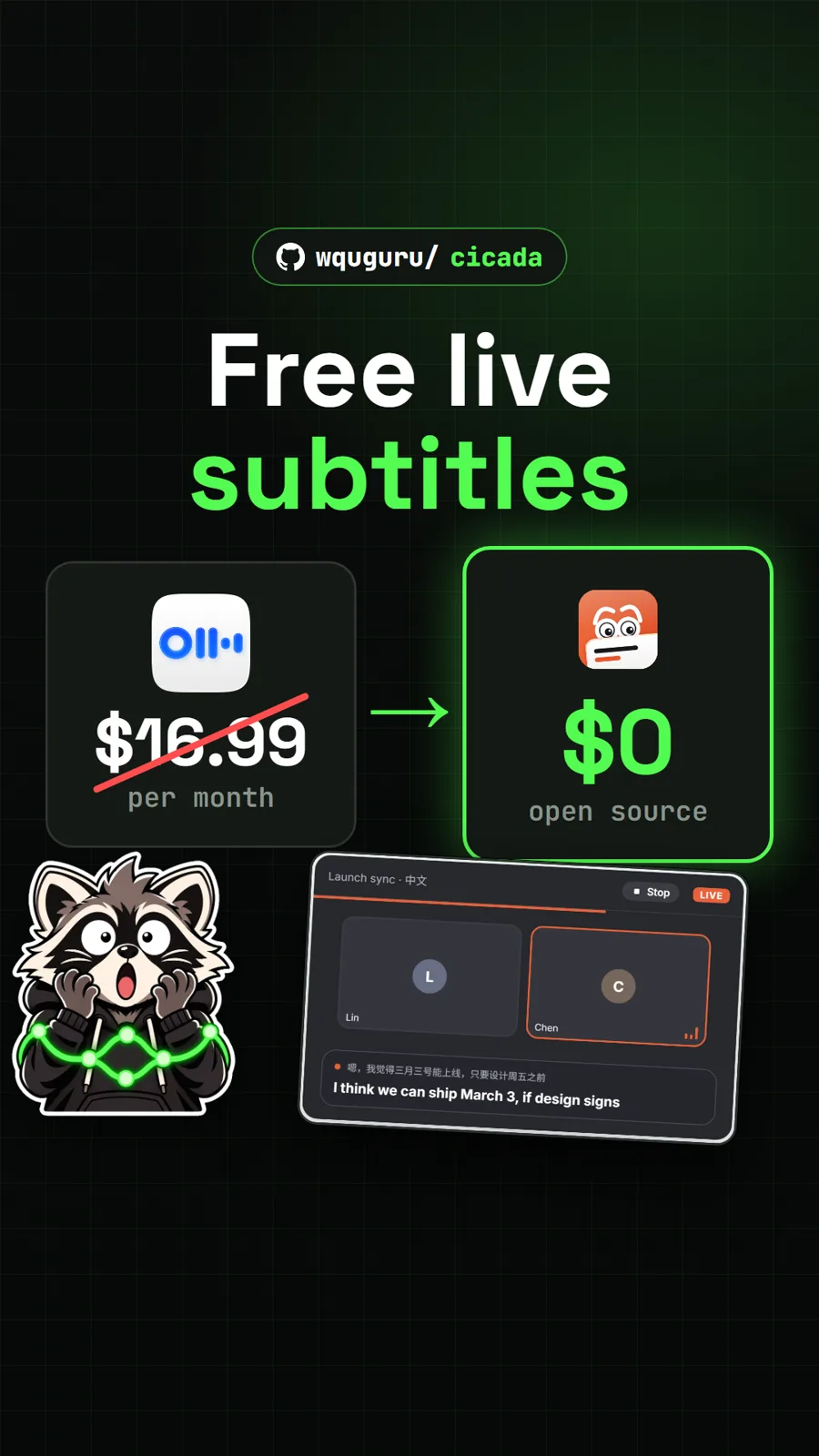
wquguru/cicada
Cicada: free live subtitles and translation for any call, a free Otter alternative
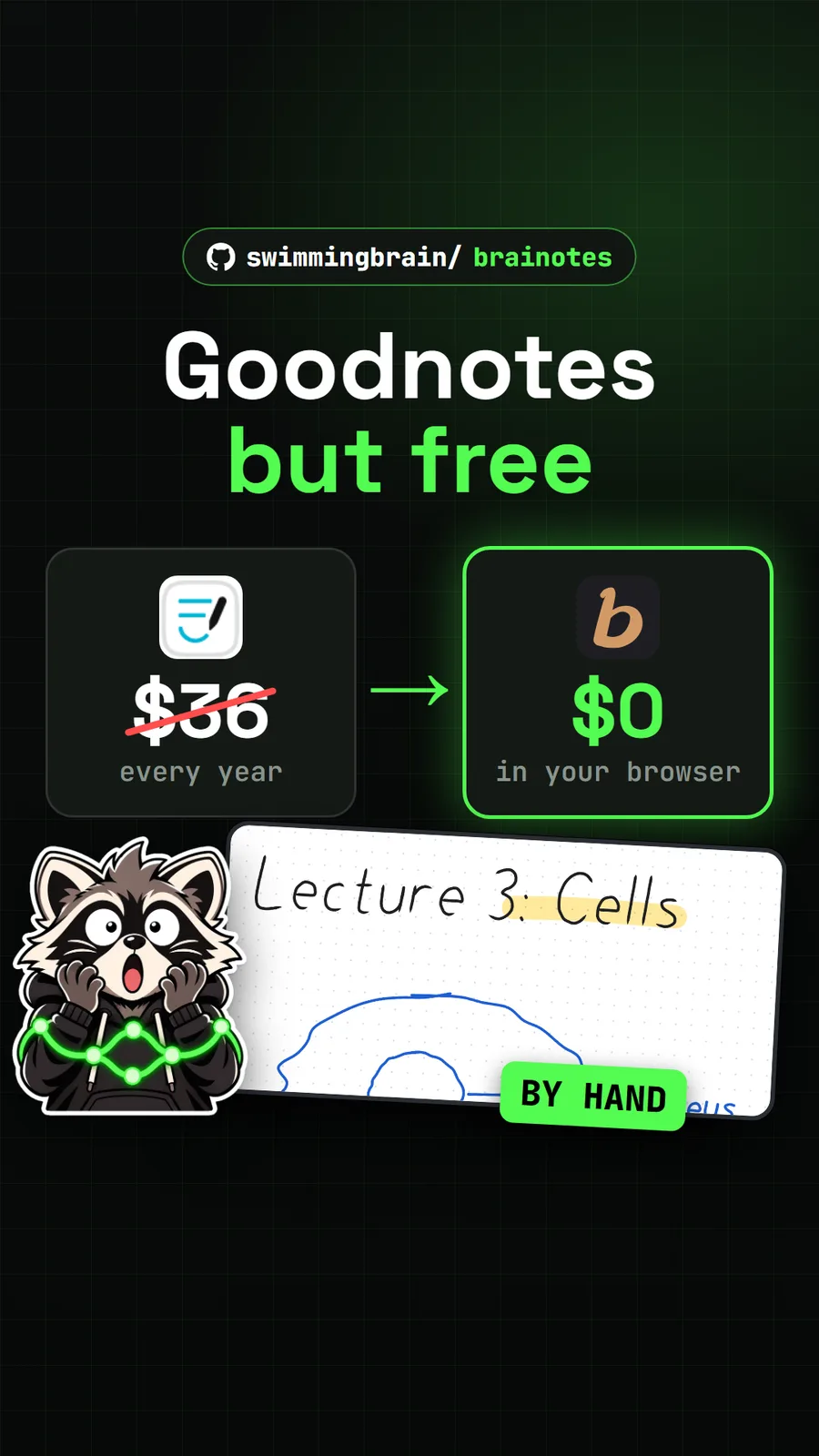
swimmingbrain/brainotes
braiNOTES: free handwritten notes and a whiteboard in your browser
Get tomorrow's repo in your feed
One free, open source repo a day as a short video, shown working, with the catch named. Pull it. Stash it.
