
pixelfx: 244 free pixel art effects for your game, drawn in code
By Pull This RepoPosted 5 min read
Short answer
pixelfx is a free, MIT-licensed library of 244 pixel art effects for games, from fire and explosions to spells, weather and UI pickups. Every effect is a small piece of JavaScript with no images, so you can play it live in a browser gallery, swap its palette, drop the code into a browser game, or export sprite sheets for Godot, Unity or any engine.
pixelfx is a free pack of 244 pixel art effects for games, and every one of them is code rather than a sprite file. That one design choice is why it is worth a look: because each effect is drawn by a small script, you can recolor it, mirror it, change its speed and render it at any size before you ever export a frame. We played the whole thing in its hosted gallery, so the walkthrough below separates what we saw from what the README promises.
What is pixelfx?
pixelfx is an MIT-licensed JavaScript library by patch-gg. The README calls it "244 pixel art effects and animations, every one a small piece of code." Each effect lives in its own file under src/fx/<category>/<name>.js, with no images and no runtime dependencies.
The repo was created on 30 October 2026 and had 8,128 stars when we checked on 18 November 2026. Our video, made three days earlier, said "seven and a half thousand"; it was 7,516 then. The package is on version 0.3.1.
The effects are split into 21 categories. A few examples from the README's catalog:
| Category | Count | Examples |
|---|---|---|
| Fire | 12 | campfire, fire ring, fire tornado |
| Explosions | 12 | barrel explosion, cartoon pow, firework burst |
| Lightning | 11 | chain lightning, plasma ball, charge up |
| Moves | 12 | arrow shot, fireball throw, ground pound |
| UI | 12 | achievement, coin collect, combo counter |
| Critters | 12 | bat, butterfly, flying skull |
How do you try pixelfx without installing anything?
Open the live gallery. Pick a category chip or search, then click any effect. The detail view lets you:
- change the speed (0.25x, 0.5x or 1x)
- switch the backdrop
- swap the palette: ice, poison, neon, blood, holy and more
- mirror it or roll a new random seed
- preview its sprite sheet and copy the import code
We did exactly this on 15 November. The Campfire effect switched from its own orange to ice blue and then poison green from the palette menu, with no code touched.
What does "acted out" mean in pixelfx?
Attacks come with a character and a target. The README describes it: the character "winds up, lets go, freezes on contact and recovers, and a target takes the hit." There are 61 effects that use the grey stock character and 12 whole moves that chain effects into one attack. In our capture of the "Meteor call" move, a magic circle, a beam and a meteor landed on a straw target that rocked back.
The timing is stored as plain data (act.hits[].freeze in the exported JSON), so you can reuse the hit-freeze timing with your own character. One limit from the README: effects drawn on the body, such as frost or poison, paint the stock dummy, so regenerate those before you ship them.
How do you use pixelfx in a browser game?
For a canvas, Phaser, PixiJS, Kaplay or three.js game, install it from GitHub:
npm i github:patch-gg/pixelfxThen call createFx(effect, { x, y }), run fx.update(dt) and fx.draw(frame) every tick, and composite() the result into your canvas. Swap createFx for createAct to play the character and the target as well. Scale the canvas up with image-rendering: pixelated to keep the pixels sharp.
How do you export pixelfx sprite sheets for Godot or Unity?
The gallery previews sheets but does not download them, which we confirmed. Export needs Node 18 or newer and nothing else:
git clone https://github.com/patch-gg/pixelfx
cd pixelfx
node tools/render.mjs fire/campfire --sheet
That writes records/fire/campfire/campfire.png and campfire.json. Other commands from the README and the repo's tools:
node tools/sheets.mjs fire explosionsexports whole categories, andnode tools/sheets.mjsexports the full library tosheets/.node tools/act.mjs melee/sword-slash --sheetexports a whole move with the character baked in.--opts '{"palette": [...]}'recolors before export, using a dark-to-bright list of hex colours.--gifand--mp4previews need ffmpeg on your PATH.
In Godot or Unity, read four numbers from the JSON's meta.pixelfx block first: fps, frameSize, columns and pivot. Set texture filtering to nearest (Godot) or Point, no filter (Unity) so the pixels stay crisp, slice the grid by frameSize, and set the animation speed to fps. Those engine steps are standard editor settings, not from the README.
Does pixelfx work with Claude Code?
Yes. It ships a Claude Code skill that finds, uses, exports and makes effects. Install it as a plugin:
/plugin marketplace add patch-gg/pixelfx
/plugin install pixelfx@pixelfx
Then ask in plain words, for example "Export the fire and explosions categories as sprite sheets for Godot." To make an effect by hand, node tools/new.mjs arcane/my-spell creates a starting file, node tools/render.mjs arcane/my-spell renders a contact sheet to look at, and node tools/check.mjs arcane/my-spell checks for seams, unseeded randomness and slow frames.
What is the catch?
- Effects, not a game maker. Characters, levels and game logic are yours to build.
- Export needs a terminal. The gallery shows a sprite sheet preview only. The PNG and JSON files come from a Node command.
- Body effects paint the dummy. Frost, poison and similar effects follow the stock character, so regenerate them for yours.
- One font is not MIT. The Patch Pixel font in
gallery/fontsis excluded, per NOTICE.md. - Credit where it is due. The README says the method and some effects adapt open source work published by Sprite Fusion, and the files that do so say it at the top.
Who is pixelfx for?
Indie developers making a pixel art game in the browser or in an engine, game jam teams who need hit effects and pickups fast, and anyone who wants to learn how good effects are timed. If you need to draw sprites or characters from scratch, a pixel editor fits better.
How does pixelfx compare with other free pixel art tools?
| Tool | What it is | Good for |
|---|---|---|
| pixelfx | 244 code-drawn effects with a gallery, sprite sheet export and an agent skill | ready-made game effects you can recolor |
| Pixel Composer | node-based editor for pixel art effects and animation | building your own effects without code |
| Pixelorama | full pixel art editor on Windows, Mac, Linux and the web | drawing sprites, tiles and animation |
| Piskel | simple sprite editor in the browser | quick sprites, sprite sheets and GIFs |
What did we run for the video?
We played and recolored effects in the hosted gallery and captured it. We did not clone, install or run the library, the export tools or the skill, so the setup commands above come from the README and the repo's tool files.
If you like making things move, StykAnimate brings back stick figure animation in the browser, and Deadboard is a free browser game about fixing a dead laptop.
Pull it. Stash it.
Questions people ask
Are the pixelfx effects free for commercial games?
Yes. The README says the code and the effects are MIT licensed and can be used in anything, commercial included. The one exception is the Patch Pixel font in the gallery's fonts folder, which NOTICE.md says is not covered by the MIT licence.
Can I use pixelfx effects in Godot or Unity?
Yes, through sprite sheets. Each export is a transparent PNG grid plus an Aseprite-style JSON file with frame sizes, durations, frame rate, loop and pivot. The README says the Aseprite importers for Godot and Unity read that JSON, and Phaser's atlas loader reads it too.
Do I need to install anything to try pixelfx?
No. The live gallery at patch-gg.github.io/pixelfx plays every effect in the browser, with palette, speed, mirror and backdrop controls. You only need Node 18 or newer when you want to export sprite sheet files.
How many effects are in pixelfx?
244 when we checked on 18 November 2026, in 21 categories: moves, fire, explosions, water, ice, lightning, sci-fi, melee, impacts, projectiles, spawn and death, arcane, holy, shadow, status, nature, weather, UI, pickups, transitions and critters.
Sources
- 1pixelfx repository and README
- 2pixelfx live gallery
- 3pixelfx effect catalog (docs/CATALOG.md)
- 4GitHub API: patch-gg/pixelfx (stars, licence, language, created date, checked 2026-11-18)
- 5Sprite Fusion open pixel art effects (credited in the README)
- 6Ttanasart-pt/Pixel-Composer
- 7Orama-Interactive/Pixelorama
- 8piskelapp/piskel
More repos like this
tholtman1-del/deadboard
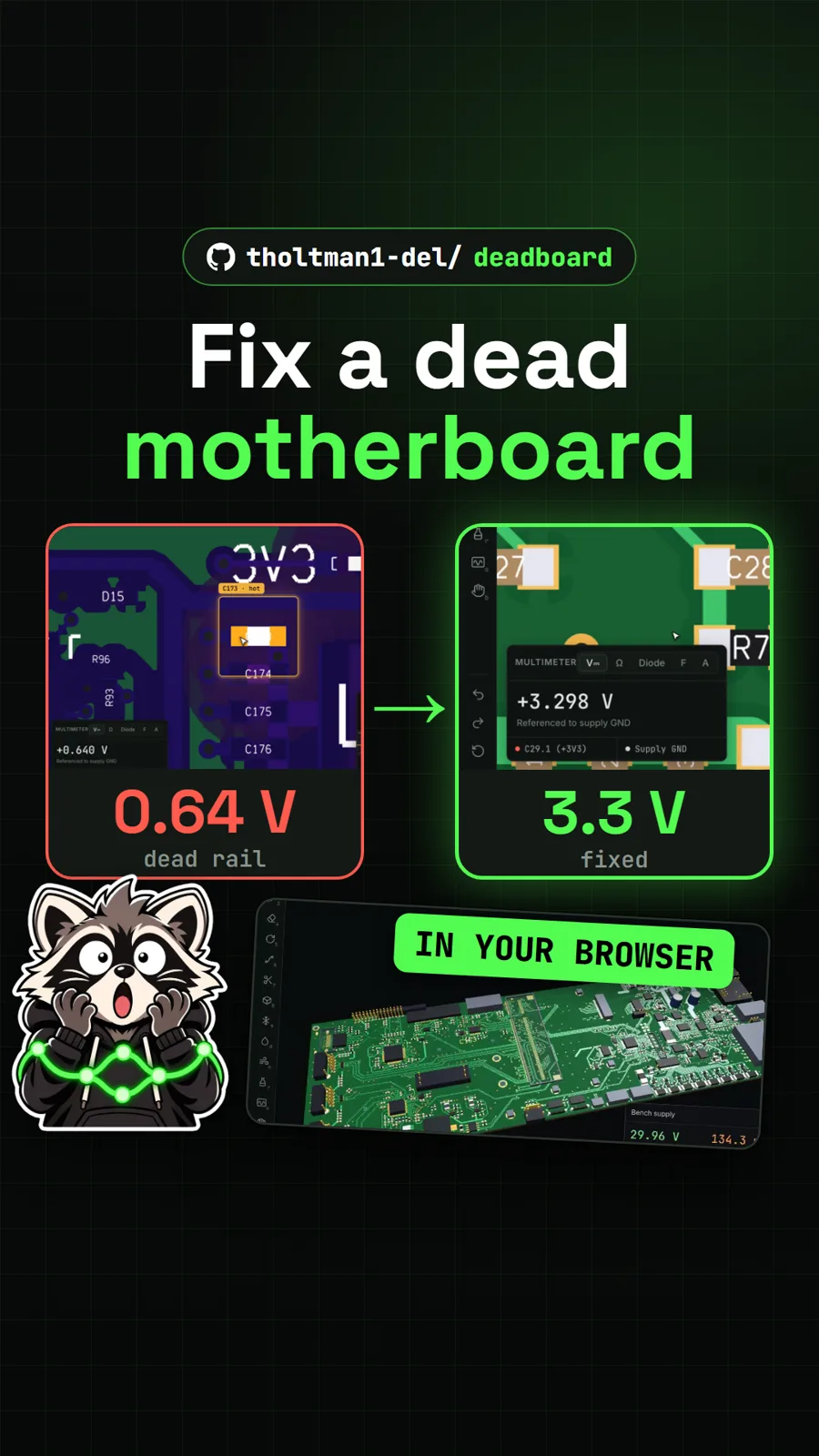
Deadboard: fix a dead laptop motherboard in a free browser game
Get tomorrow's repo in your feed
One free, open source repo a day as a short video, shown working, with the catch named. Pull it. Stash it.
