
Web Ocean: a whole ocean simulated live in one web page
By Pull This RepoPosted 4 min read
Short answer
Web Ocean is a free, MIT-licensed ocean renderer that runs live in your browser on WebGPU, with no game engine. Six layers of FFT wave simulation, whitecaps, sun glitter and a physically based sky are computed every frame, so you can change the wind or the sun and watch the sea respond. It ships as one 61 KB HTML file and needs Chrome with WebGPU and a capable GPU.
The sea in our video looks filmed. It is not. Web Ocean is one web page that computes the waves, the foam, the sun on the water and the sky on your graphics card, every frame, while you fly a camera over it. We opened the author's hosted copy in Chrome, turned the wind up and dragged the sun around, so the controls and presets below are ones we used.
What is Web Ocean?
Web Ocean is a real-time ocean renderer "written from scratch on WebGPU, with no engine or rendering library", in the README's words. It draws a sunset sea with simulated waves, whitecaps, sun glitter and a physically based sky with clouds. You move with a free camera that always stays above the water.
The repo is MIT licensed, was created on 16 October 2026 and had 1,066 stars when we checked on 18 November 2026 (1,024 when our video went out). The whole page ships as one self-contained file: ocean.min.html is 61 KB and the readable ocean.html is 102 KB.
How do you open Web Ocean?
You open the hosted page in a browser with WebGPU. The steps:
- Use Chrome or another browser with WebGPU switched on. To check, open
chrome://gpuand look for WebGPU as hardware accelerated. - Open ocean-noniv.vercel.app, the hosted copy linked from the repo. It shows "starting..." for a few seconds while it builds the sky tables and wave spectra.
- On a laptop, the README says to force Chrome onto the dedicated GPU in Windows graphics settings, or it falls back to the integrated chip.
- To run it offline, download
ocean.min.htmlfrom the repo and double-click it. It works fromfile://.
To edit it, clone the repo and run it from source with Node.js:
npm install
npm start
That serves the page at http://localhost:8080/. After editing anything under js/, npm run build regenerates both HTML files.
What are the Web Ocean controls?
| Input | What it does |
|---|---|
| Click the canvas | capture the mouse for looking around (Esc releases it); holding the right mouse button also works |
| W A S D | move |
| Space or E / Q or C | up / down |
| Shift | 5x speed |
| Mouse wheel | change base speed |
| H | settings panel |
The H panel has sliders for wind speed (2 to 20 m/s), wind direction, fetch, swell height (0 to 4 m), swell wavelength and direction, choppiness, water turbidity, foam, sun elevation and azimuth, haze, low clouds, cloud deck, exposure and bloom.
What we saw: raising the wind from 7 to 20 m/s with a 4 m swell turned a calm sunset into breaking whitecaps within a couple of seconds. Raising the sun from 2.6 to 25 degrees flipped the scene to a bright turquoise midday, and dropping it below zero gave a red dusk.
Which URL presets work?
Any setting can go in the address. These are the ones we tested on the hosted page; add them after the link:
| Add after the link | You get |
|---|---|
?ui=0 | clean view with no on-screen text |
?ui=0&windSpeed=20&swellHs=4 | storm with big swell and whitecaps |
?ui=0&sunElev=35 | bright midday |
?ui=0&sunElev=0.5&windSpeed=10 | red sunset over a choppy sea |
The README also lists w=2560&h=1440 to force the render resolution, cam=x,y,z,yawDeg,pitchDeg to place the camera and fov=deg for the field of view.
How does it simulate an ocean in a browser?
It stacks six layers of wave simulation and runs them as compute shaders on the GPU. In more detail, from the README:
- Waves. A Tessendorf FFT simulation with six cascades of 256 by 256 samples. The patches range from 1,103 m down to 0.26 m, so wavelengths run from about a kilometre to a few millimetres. The smallest layer makes the sharp sparkles near the camera.
- Surface. A mesh with 17 levels of detail reaches 160 km, with vertices 6.25 cm apart near the camera.
- Foam. Whitecaps start where the simulated surface folds over, then decay, drift downwind and break into streaks.
- Sky. A physically based atmosphere following Hillaire's method, with two cloud layers that dim the sunlight reaching the water.
- Speed. The author measured about 6 to 8 ms per frame at 2560 by 1440 on an RTX 5070 Ti.
What is the catch?
- WebGPU and a capable GPU are required. No WebGPU, no ocean, and integrated laptop graphics may stutter.
- Open ocean only. The README lists no shoreline, surf or objects in the water.
- Flat clouds. The two cloud layers are not volumetric, and far water reads somewhat darker than the bright horizon.
- A renderer, not a library. To reuse it you would read and adapt the shaders in
js/wgsl/.
How does it compare with other web ocean projects?
| Project | What it is | Good for |
|---|---|---|
| Web Ocean | WebGPU FFT ocean with a physically based sky, one HTML file | a full sea and sky scene to open and explore |
| dli/waves | a browser FFT ocean in WebGL, MIT | a classic reference that many web water demos learned from |
| jbouny/ocean | a realistic water shader for Three.js, MIT | dropping water into your own Three.js scene |
| UnrealEngineSkyAtmosphere | reference code for Hillaire's sky method, MIT | the sky technique Web Ocean follows |
What did we run for the video?
We ran the author's hosted page in Chrome on Windows 11 with an NVIDIA graphics card and recorded it: the opening view, a low skim over the waves, a climb above the sea, and the wind and sun sliders. The page's counter showed 75 fps at 1080x800. We did not clone or run the repo's code on our own machine.
If you like worlds drawn entirely in code, see Abyssal Garden, an underwater scene in one web page, and Globes, where you shake a glass globe of simulated water. For pixel art made the same way, there is pixelfx.
Pull it. Stash it.
Questions people ask
Is Web Ocean a video or a real simulation?
A real simulation. Every frame is computed live on your graphics card with WebGPU, which is why the wind and sun sliders change the sea and sky as you drag them. In our capture on an NVIDIA card the page's own counter showed 75 fps at 1080x800.
What browser do I need for Web Ocean?
The README asks for a recent Chrome with WebGPU and a reasonably capable GPU. You can check yours at chrome://gpu and look for WebGPU listed as hardware accelerated. On a laptop, set Chrome to use the dedicated GPU in Windows graphics settings.
Can I run Web Ocean offline?
Yes. Download ocean.min.html (61 KB) or the readable ocean.html (102 KB) from the repo and open it directly. Both are self-contained and work from file:// with no server.
Can I use Web Ocean as a live wallpaper or background?
The page has a ui=0 URL setting that hides all on-screen text, which gives a clean view for screen recording. The repo does not ship a wallpaper app, so using it as a desktop background would need a separate tool.
Who made Web Ocean?
The repo is by Noniv. The README says it was built with Claude Code (Opus 5.5): the author asked for the most realistic water it could produce and left the architecture and code to it, with critic subagents reviewing rendered screenshots.
Sources
More repos like this
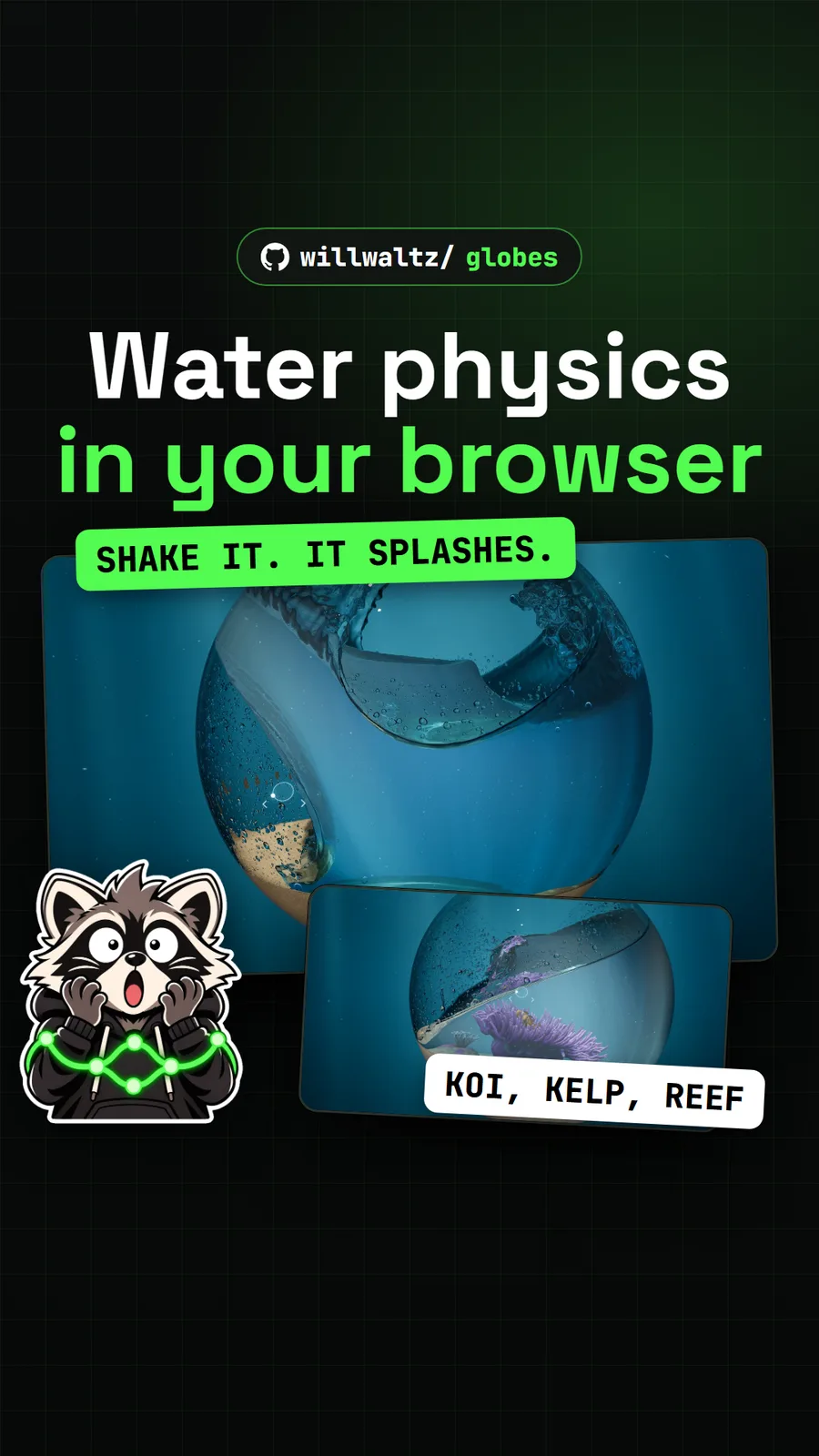
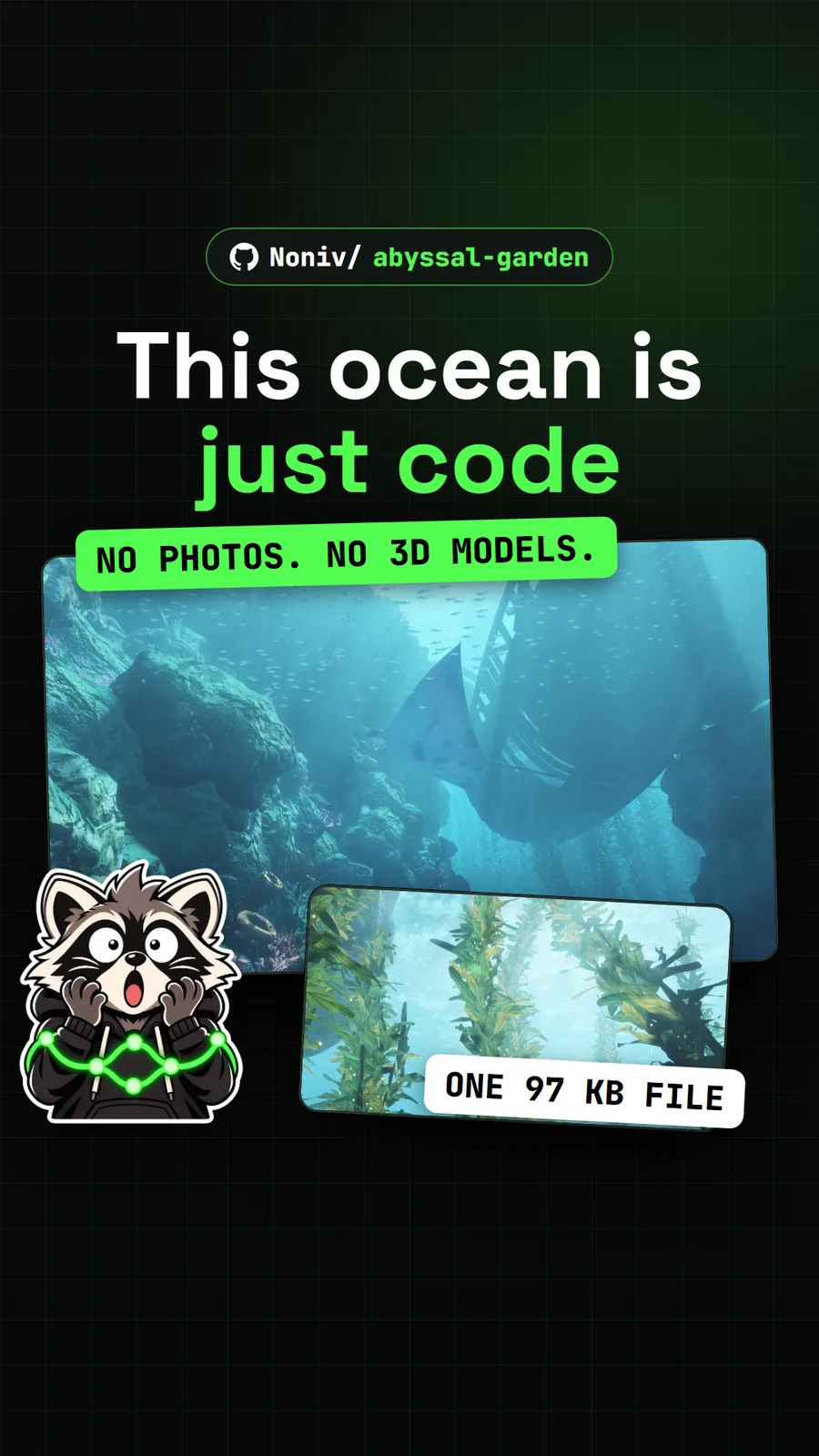
Noniv/abyssal-garden
Abyssal Garden: an underwater world drawn entirely by code in one web page
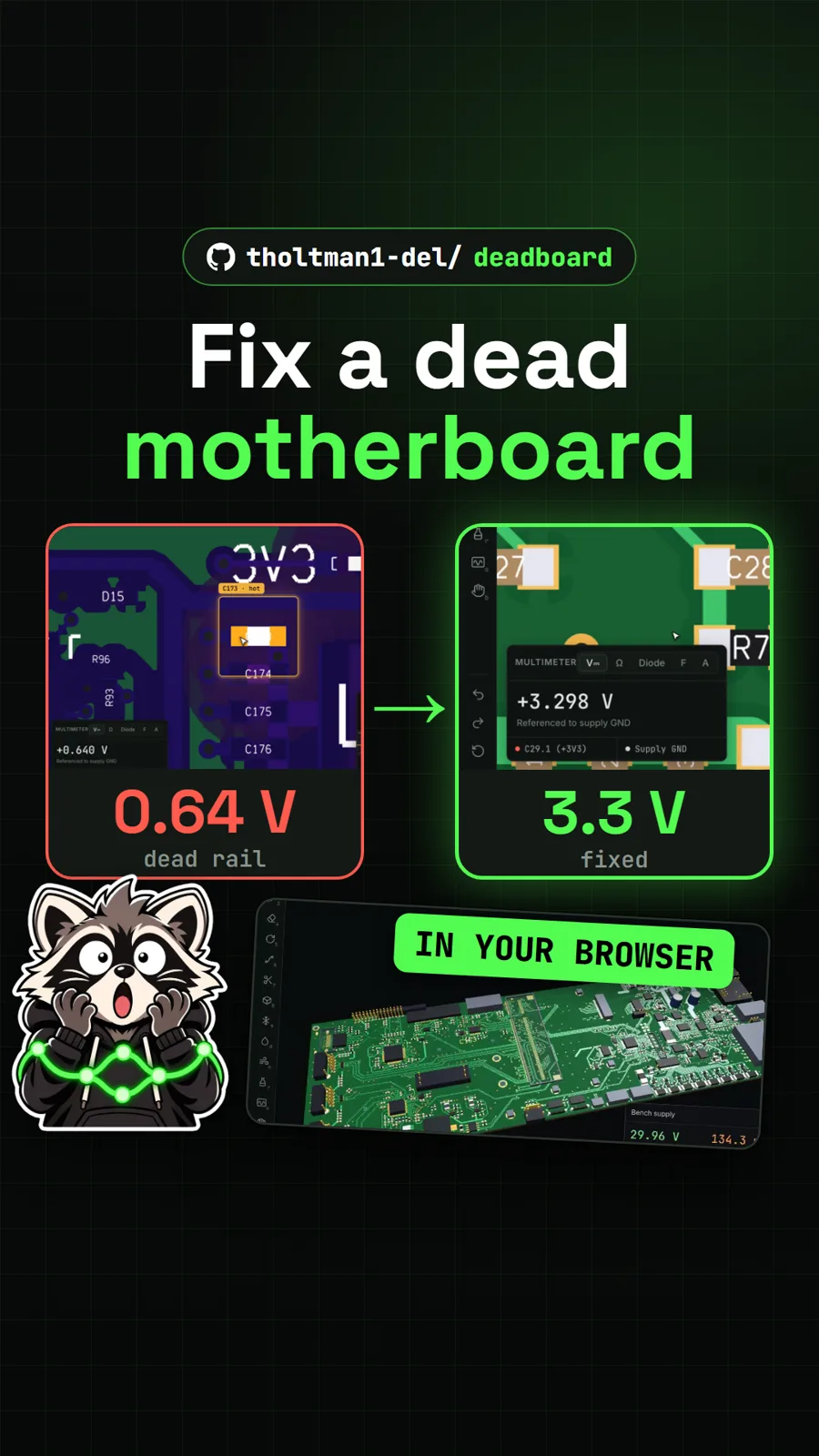
tholtman1-del/deadboard
Deadboard: fix a dead laptop motherboard in a free browser game
Get tomorrow's repo in your feed
One free, open source repo a day as a short video, shown working, with the catch named. Pull it. Stash it.
