
Abyssal Garden: an underwater world drawn entirely by code in one web page
By Pull This RepoPosted 5 min read
Short answer
Abyssal Garden is a free, MIT-licensed underwater world you swim through in your browser. Kelp forests, sunbeams, a sunken ship and manta rays are all generated by code with WebGPU, with no images, 3D models or sound files, in one HTML file of about 97 KB. It needs Chrome or Edge with WebGPU on a computer.
Abyssal Garden is an ocean you can swim through in a browser tab. Towering kelp, light rays through a rippling surface, a sunken wooden ship, a giant stone whale tail, manta rays and a purple grotto, and not one of them is a photo or a 3D model. Everything is generated by code with WebGPU, and the whole world ships as a single HTML file of about 97 KB. We opened the hosted page, dived in and used every viewpoint key, so the controls and tips below are what actually happened.
What is Abyssal Garden?
Abyssal Garden is a free, open source WebGPU scene by Noniv, released under the MIT licence. The repo was created on 12 November 2026 and had 2,381 stars when we checked on 18 November 2026, up from 678 on the day we made our video three days after launch.
What is down there, from the README:
- Kelp forests that sway in the current, with tiny gold and green specks
- Light rays from a wavy surface, with shimmering caustics on the sea floor
- A sunken wooden ship, a giant stone whale tail, rock arches, canyons and floating boulders
- Manta rays, schools of fish, bubbles and drifting particles
- A purple grotto with magenta ground cover, coral and barrel sponges
- A soundscape made live as you listen: a deep rumble, distant whale calls, chimes and bubbles
How do you open Abyssal Garden?
The fastest way is the hosted page at noniv.github.io/abyssal-garden. Open it in Chrome or Edge on a desktop computer, wait while the loading bar runs, then press Dive in and click into the scene to capture the mouse. Esc gives the mouse back and opens the menu.
To keep it offline, the README's route is just as short:
- Open
index.htmlin the repo and download the raw file. - Open the downloaded file in Chrome or Edge.
- Wait a few seconds while the world is built, then press Dive in.
There is nothing to install and no account.
How does a whole ocean fit in 97 KB?
Because nothing in it is stored as an asset. Every time the page opens, your graphics card sculpts the seabed, then the scene is decorated with about two million kelp leaves and plants, tens of thousands of rocks, and thousands of sponges, corals and fish. The README says the ship, whale tail, mantas, fish and corals are built from simple mathematical shapes, the sound is synthesised live with the Web Audio API, and no game engine or 3D library is used. Our loading screen showed the stages as it went, including growing kelp, building set pieces and letting the light in.
The repo also includes prompt.txt, the brief the project was built from. It is worth reading if you build things with AI coding tools.
What are the Abyssal Garden controls?
| Action | Keyboard and mouse |
|---|---|
| Look around | move the mouse |
| Swim | W A S D |
| Up and down | E up, Q down |
| Swim faster | hold Shift |
| Jump to a viewpoint | 1 to 6 |
| Menu | Esc |
| Sound on or off | M |
| Performance stats | H |
The rock is solid, so you glide along cliffs and arches instead of passing through them. Kelp, plants, coral, sponges, the ship and the whale tail you can swim straight through.
The six viewpoints are the spots from the README screenshots. In our run, 1 was the whale tail rising out of the kelp, 2 the shipwreck with a manta ray overhead, 3 looking up through the kelp into light rays, 4 the barrel sponge garden, 5 the kelp basin with long sunbeams, and 6 the purple grotto. Hold S at the start spot for a wide reveal.
What is the catch?
- WebGPU is required. Without it you only get the message "This scene needs WebGPU. Try a current Chrome or Edge." We saw exactly that screen when we hid WebGPU from the browser.
- A decent graphics card helps. The README reports about 180 fps at 2560x1440 on an RTX 5070 Ti, and our NVIDIA card held 60 fps. On slower hardware it lowers resolution and draw distance to hold 60 fps, and you can pick Low detail in the menu.
- Phones are experimental. Touch controls work but are marked experimental, and a low-end phone reaches about 20 fps on Low, according to the README.
- It is not a game. There are no goals and no score; it is a place to explore.
Can you change the colours yourself?
Yes, if you are comfortable editing code. The readable source sits in the source folder, and rebuilding needs Node.js 18 or newer:
cd source
npm install
npm run build
That writes a new index.html. The README's suggested first tweaks: WCOL (blue-green water), PCOL (purple grotto water) and SUNC (sunlight) near the top of shaders.js, EXPO and RAYS in main.js for brightness and light rays, and the 26 : 7 line in main.js for fast and normal swimming speed. npm run build:dev adds a fly-through on F and a benchmark on B. We did not run these build steps ourselves.
Who is Abyssal Garden for?
It suits anyone who wants a calm, good-looking scene to explore for a few minutes, creative coders and graphics students who want readable WebGPU source to learn from, and people who build with AI coding tools and want to see the prompt behind a polished result. It is not useful on a browser without WebGPU.
How does it compare with other code-only water scenes?
| Project | What it is | Tech |
|---|---|---|
| Abyssal Garden | underwater world you swim through, one HTML file | WebGPU |
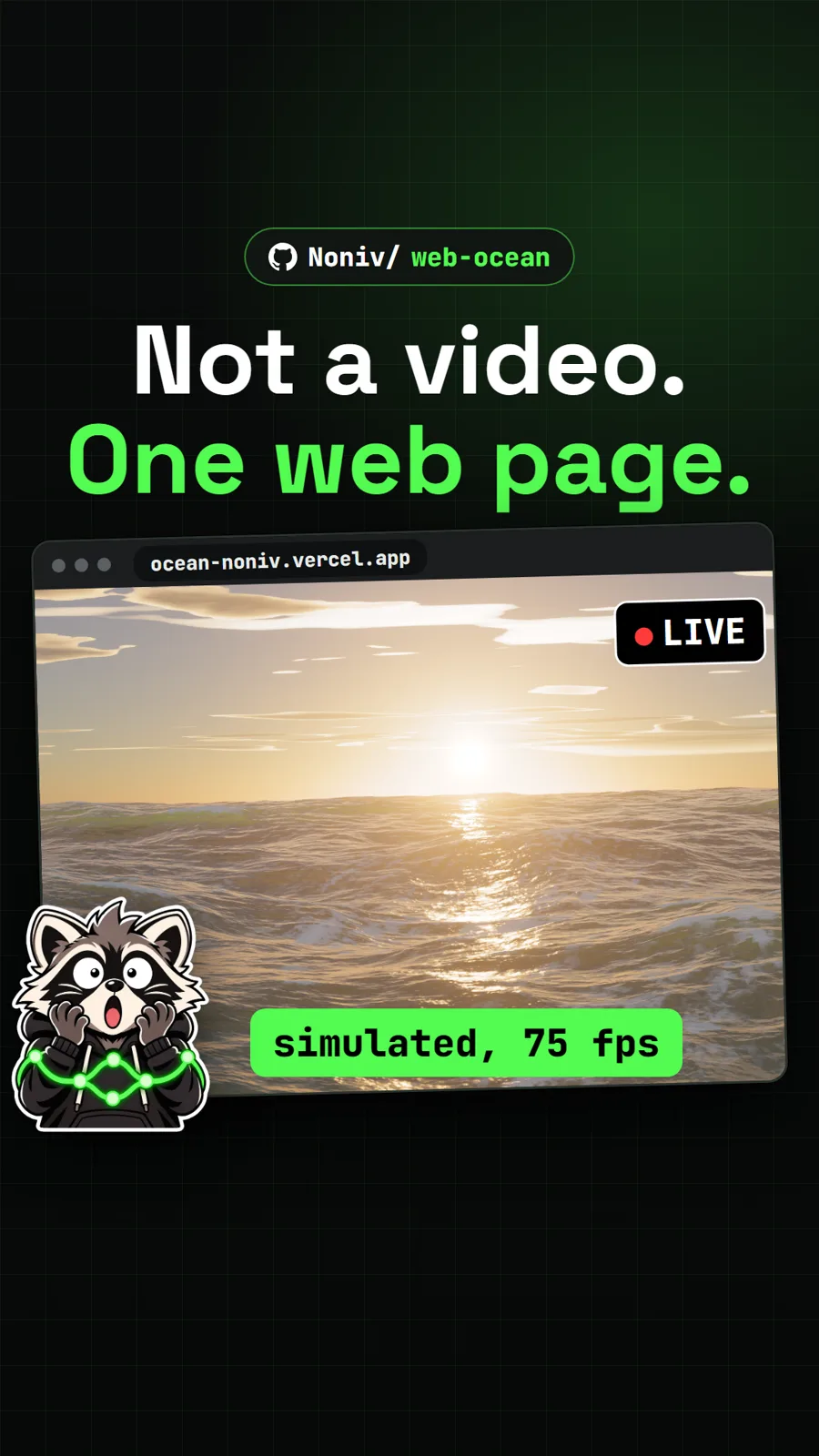
| Web Ocean | the same author's open ocean seen from above the water, also one HTML file | WebGPU |
| webgl-water | classic pool demo with ripples you drag and caustics on the floor | WebGL |
| waves | browser ocean wave simulation many later projects learned from | WebGL |
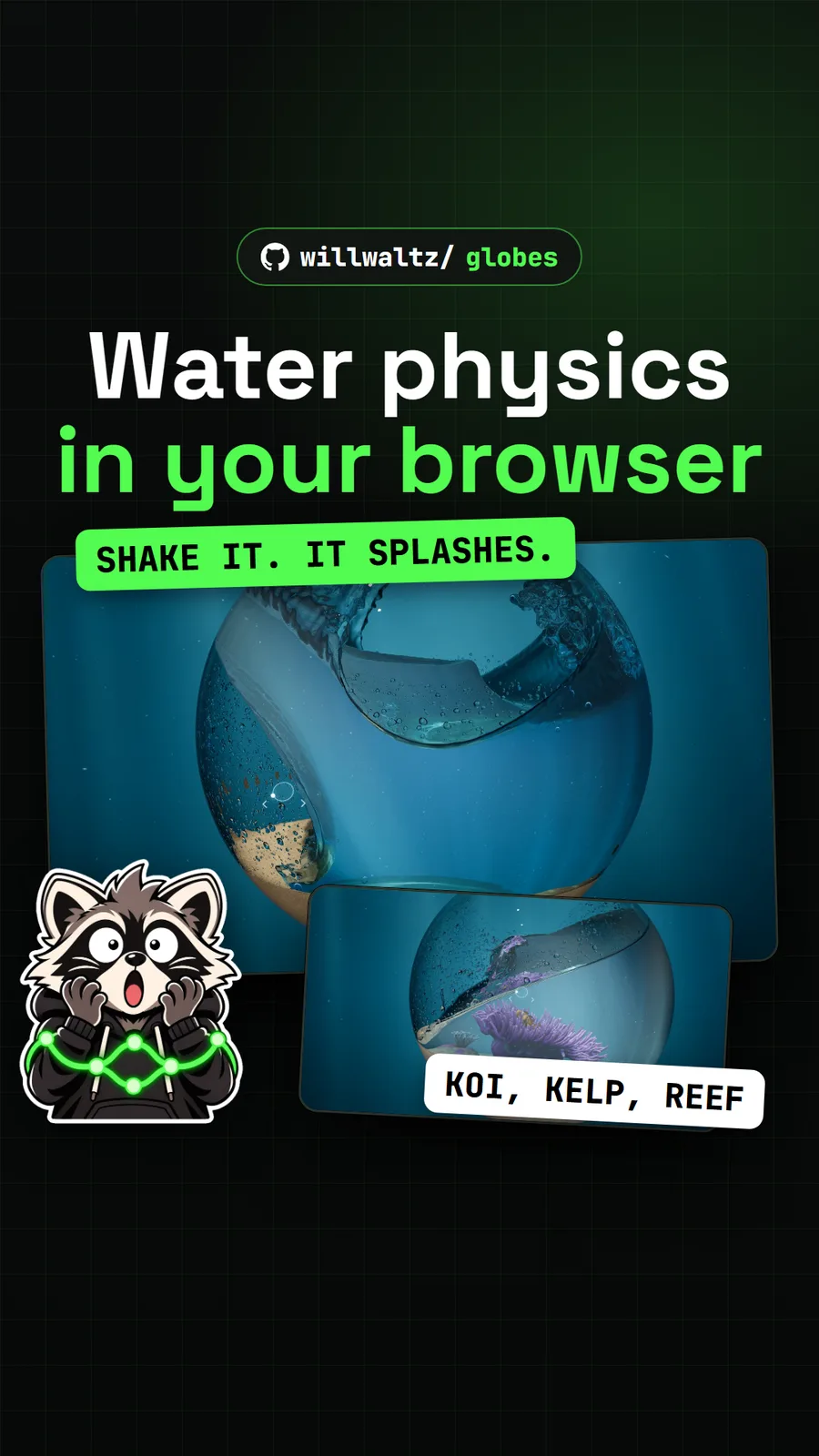
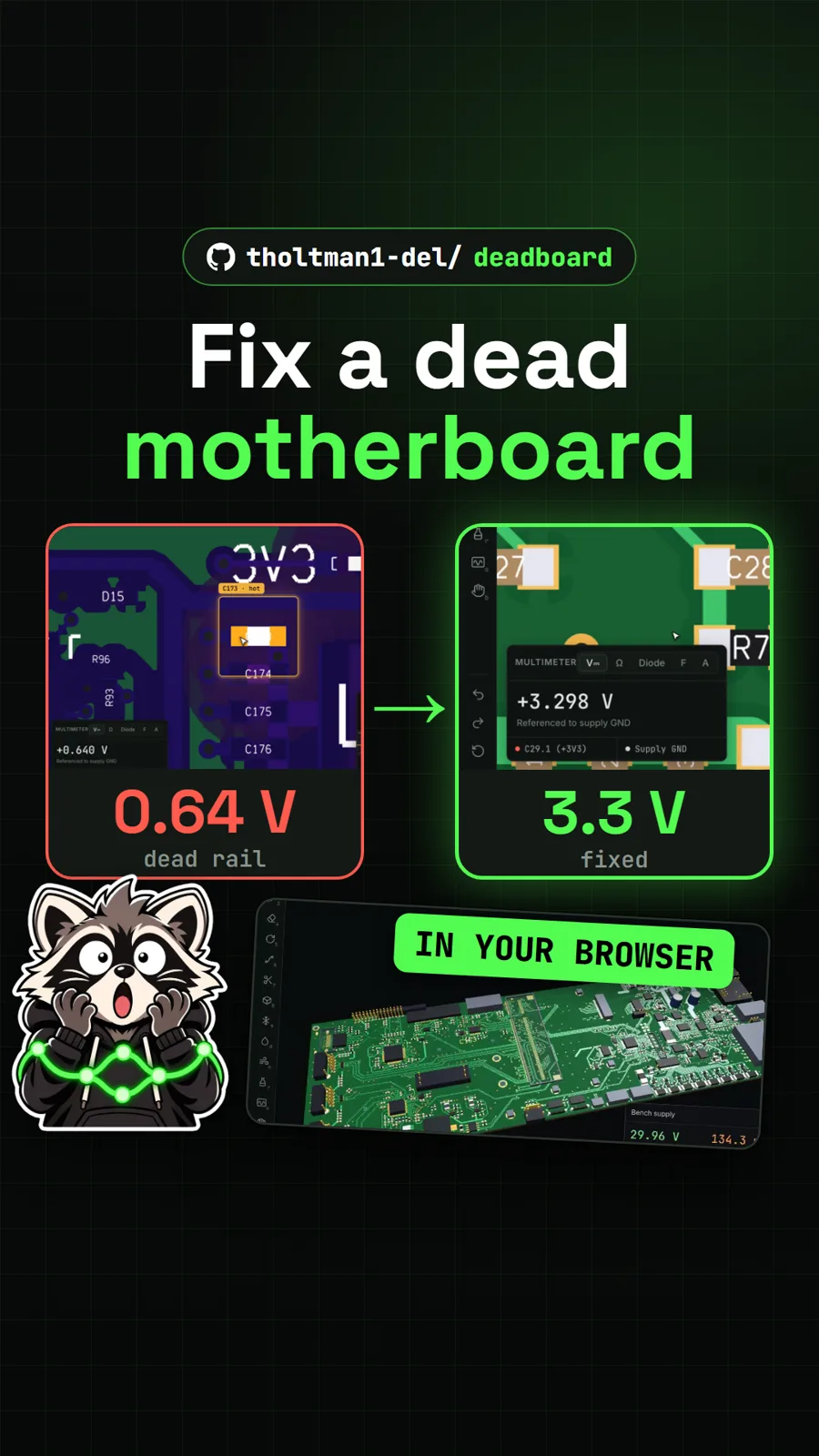
For more scenes that run live in a tab, try Globes, a glass globe of simulated water you can shake, or Deadboard, a browser game about fixing a dead laptop motherboard.
What did we run for the video?
We opened the authors' hosted page in Chrome with WebGPU on a Windows PC with an NVIDIA card, dived in, swam around and pressed all six viewpoint keys. We did not download or build the repo's code on our machine.
Pull it. Stash it.
Questions people ask
Is Abyssal Garden a video or a game?
Neither, exactly. It is a live 3D scene running in a web page that you swim through with the mouse and keyboard. Your graphics card builds the seabed when the page opens. There are no goals, no score and no levels.
Why does Abyssal Garden say this scene needs WebGPU?
The scene is drawn with WebGPU directly, with no fallback. If your browser does not expose WebGPU, the page shows the message This scene needs WebGPU. Try a current Chrome or Edge. Updating the browser or switching to Chrome or Edge on a desktop computer is the fix the README gives.
Does Abyssal Garden work offline?
Yes. The README says to download index.html from the repo and open it in Chrome or Edge. Nothing installs, there is no account, and no internet connection is needed once you have the file.
Can I play Abyssal Garden on a phone?
Touch controls exist but are marked experimental. Phones start on Low or Medium detail, and the README reports about 20 fps on Low on a low-end Samsung Galaxy A16.
How big is Abyssal Garden?
The whole world is one HTML file. GitHub lists index.html at 99,514 bytes, about 97 KB. The README rounds it to 96 KB.
Sources
More repos like this
tholtman1-del/deadboard
Deadboard: fix a dead laptop motherboard in a free browser game
Get tomorrow's repo in your feed
One free, open source repo a day as a short video, shown working, with the catch named. Pull it. Stash it.
