Globes: shake a glass globe of simulated water in your browser
By Pull This RepoPosted 4 min read
Short answer
Globes is a free, MIT-licensed web page of glass globes filled with water that you tilt and shake with the mouse. The water is a live fluid simulation of about four million particles running on your graphics card with WebGPU and three.js, with sand, bubbles and drops running down the glass. It needs WebGPU and a fast GPU.
Globes is a web page of glass globes full of water. Drag one and the water sloshes and the sand slides. Shake it hard and the water splashes against the glass, churns with bubbles, and leaves drops above the water line that merge and run down in trails. None of it is a video: it is a fluid simulation running live on your graphics card. We captured the hosted page ourselves, tilting, shaking and switching globes, so the controls and frame rates here are ones we saw.
What is Globes?
Globes is a free, open source project by willwaltz, released under the MIT licence. It is built with three.js and its WebGPU renderer, plus Vite, and there is also an Electron desktop app. The repo was created on 20 October 2026 and had 73 stars when we checked on 18 November 2026.
What is inside, from the README:
- Water: a FLIP/APIC fluid on a 128 by 128 by 128 grid, about four million particles, all in compute shaders
- Sand: a bed that flows like a granular material when the globe tilts
- Light: ray-marched water refracted through thin glass, with caustics on the sand, light shafts and drifting motes
- Splash: bubbles, spray, and drops that cling to the glass, merge, run and leave trails
- Sea foam: foam with real thickness and light scattering through it
- Life: a koi, a kelp forest, and an anemone reef with two clownfish
How do you open Globes?
There is nothing to install. Open globes-nine.vercel.app in Chrome or Edge on a computer with a decent graphics card, wait for the loading bar, then grab the globe with the mouse. In our tests in a fresh browser, the first load took 25 to 60 seconds while the simulation was built on the graphics card.
If the page only shows an error, the browser has no working WebGPU. Update Chrome or Edge and check that hardware acceleration is turned on.
What are the Globes controls?
| What you do | What happens |
|---|---|
| Drag the globe | tilts it; let go and it rocks back upright |
| Drag fast, back and forth | shakes it: splashes, bubbles and drops on the glass |
| Ctrl + drag | spins it about its axis, or leans it toward or away from you |
| Scroll or pinch | zoom |
| Left and right arrow keys | switch globes |
| Right-click (Koi, Anemone Reef) | drops in fish food |
| Move the pointer | stirs the water around the globe |
We tried drag, shake, scroll zoom, pointer stirring and the arrow keys on the live page. The fish food is in the README; it was too small to see clearly in our capture.
How do you make Globes lighter to run?
The README lists URL options for tuning. Two of them cut the work for your graphics card:
| Option | What it does |
|---|---|
?res=96 | a coarser simulation grid (the default is 128) |
?aa=1 | one ray per pixel instead of four |
?splash=0 | no bubbles, spray or drops on the glass |
?globe=koi | start on a given globe: water, koi, kelp, reef or foam |
?stats | log the frame rate and the simulation's substeps to the console |
Combine them with &, for example https://globes-nine.vercel.app/?globe=kelp&res=96&aa=1.
What is the catch?
- It needs a fast GPU. The author developed it on an NVIDIA RTX 4090, where it runs at about 80 to 120 fps depending on the globe. On our RTX 5070, in a headless Chrome, Clear Water ran at about 37 fps and the other globes at 16 to 23 fps. To get smooth footage for the video we stepped the page's clock frame by frame, so the video looks smoother than it felt live.
- It needs WebGPU. It was developed in Chromium-based browsers and Electron. Other browsers are untested.
- One browser build struggled. The headless Chrome that ships with our video tool could not compile one of its compute shaders, so we used a regular installed Chrome. Your experience will depend on your browser and driver.
- It is a toy. There is nothing to win or make; it is there to play with.
Can you run Globes yourself?
Yes, with Node.js 22.12 or newer. These are the README's commands; we did not run them:
npm install
npm run web
npm run web starts a Vite dev server whose address you open in a WebGPU browser. npm run dev runs the Electron app, which can put a globe on your desktop and bend your wallpaper through its glass. The README notes the desktop globes read GNOME's wallpaper settings, and the project was developed and tested on Linux. The design log in docs/architecture.md covers the solver, the sand, caustics and the performance lessons along the way.
There is also an optional hardware ray tracing path that only works in a patched Chromium build from the same author. The README says it gives the same picture about 10 to 30% faster, and ?rt=0 turns it off.
Who is Globes for?
It is for anyone with a strong graphics card who wants something satisfying to play with for a few minutes, and for graphics programmers and students who want a readable, modern WebGPU fluid simulation with a design log to learn from. On a laptop with integrated graphics, start with ?res=96&aa=1 or expect it to stutter.
How does Globes compare with other browser water simulations?
| Project | What it is | Tech |
|---|---|---|
| Globes | 3D water you tilt and shake inside glass globes | WebGPU, three.js |
| WebGL-Fluid-Simulation | colourful 2D fluid you smear with a finger or mouse, works on phones too | WebGL |
| WebGPU-Ocean | a real-time 3D fluid simulation | WebGPU |
| webgl-water | the classic pool demo with caustics | WebGL |
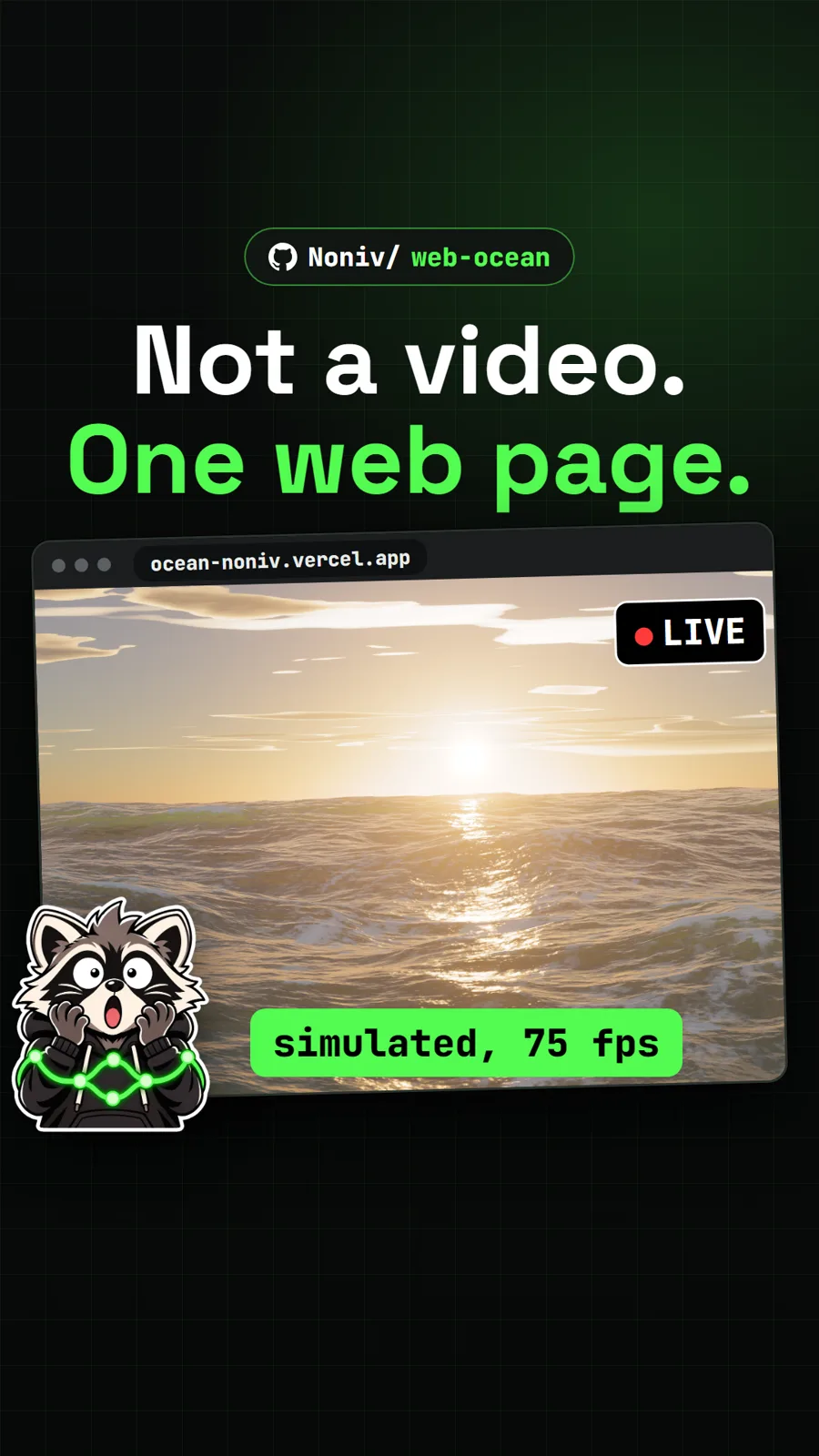
For more scenes built entirely in code, see Abyssal Garden, an underwater world you swim through, and Web Ocean, a whole ocean in one web page.
What did we run for the video?
We opened the hosted page in Google Chrome with WebGPU on a Windows PC with an NVIDIA RTX 5070, and used real mouse drags, scrolls and arrow keys while recording. We did not clone, build or run the repo's code on our machine.
Pull it. Stash it.
Questions people ask
How do I shake the globe in Globes?
Drag the globe with the mouse to tilt it, and drag fast back and forth to shake it. Let go and it rocks back upright. Ctrl plus drag spins it about its axis, scroll zooms, and the left and right arrow keys switch globes.
Why is Globes slow on my computer?
It runs a full 3D fluid simulation on the graphics card every frame. The author reports about 80 to 120 fps on an RTX 4090. Adding ?res=96 to the address uses a coarser grid and ?aa=1 casts one ray per pixel instead of four, which both lower the load.
Which browsers does Globes work in?
It needs WebGPU. The README says it was developed in Chromium-based browsers and Electron, and other browsers are untested, so a current Chrome or Edge is the safe choice. Phones and tablets get a lighter version automatically.
What globes are there?
Five: Clear Water, Koi, Kelp Forest, an Anemone Reef with two clownfish, and Sea Foam. In the Koi and Reef globes, right-click drops in fish food. You can open one directly with ?globe=water, koi, kelp, reef or foam.
Sources
More repos like this
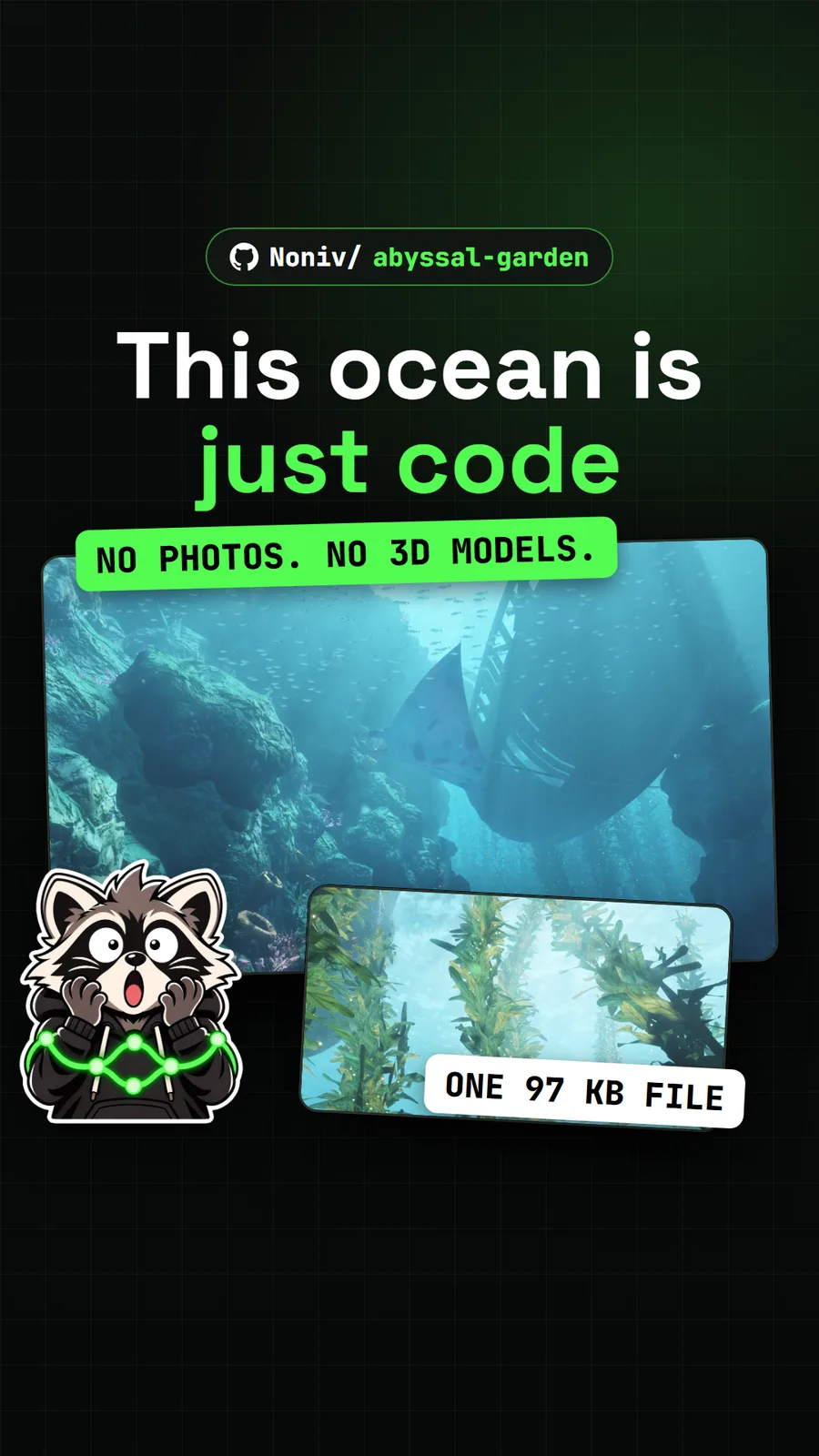
Noniv/abyssal-garden
Abyssal Garden: an underwater world drawn entirely by code in one web page
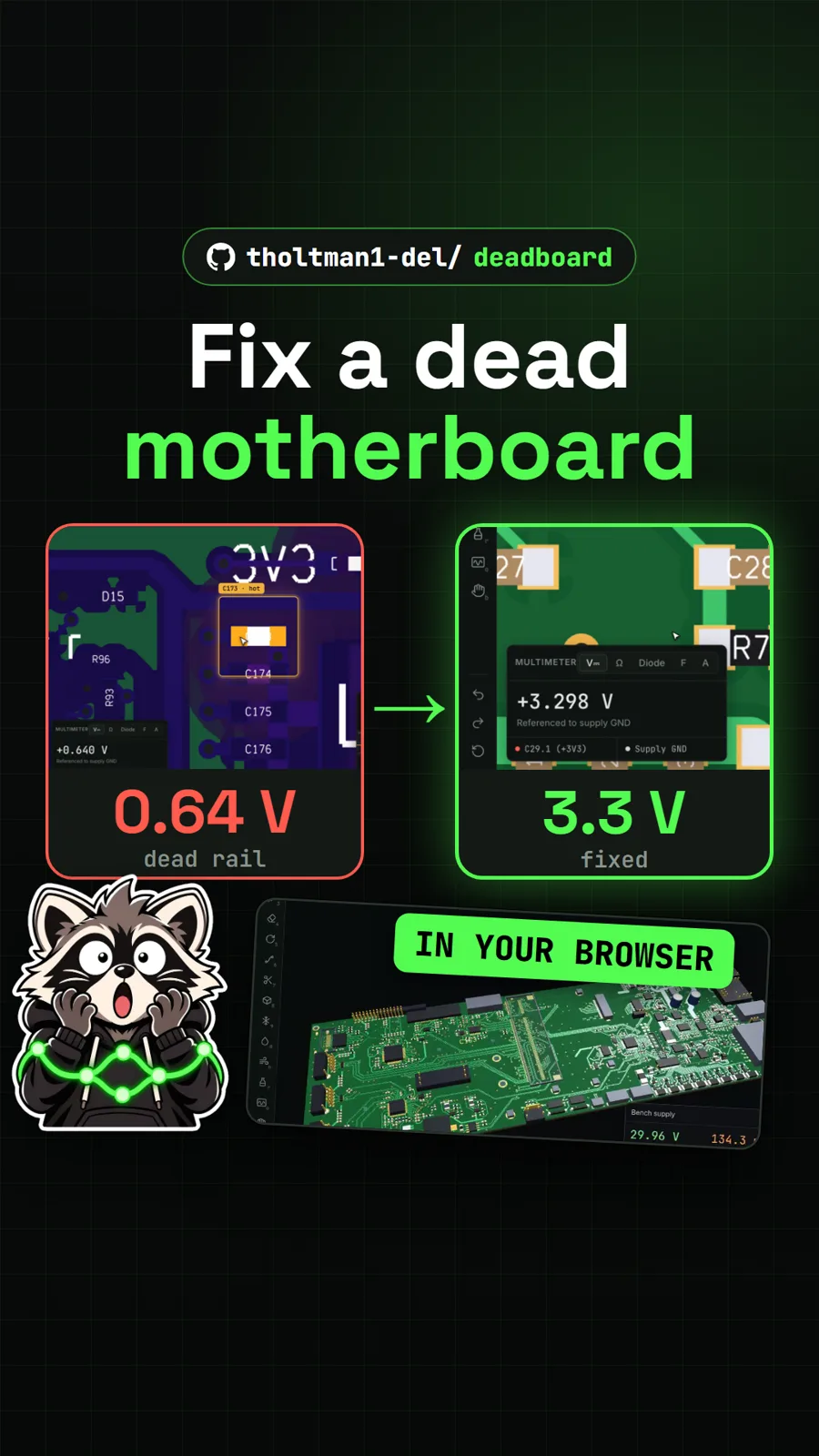
tholtman1-del/deadboard
Deadboard: fix a dead laptop motherboard in a free browser game
Get tomorrow's repo in your feed
One free, open source repo a day as a short video, shown working, with the catch named. Pull it. Stash it.