
SculptForge: a free, open source ZBrush alternative
By Pull This RepoPosted 5 min read
Short answer
SculptForge is a free, open source digital sculpting app for Windows, macOS and Linux, licensed GPL-3.0 or later. It has the classic brush set and keys, sculpt layers, vector stamps, remeshing, UVs and texture painting, with no account or subscription. ZBrush costs $399 a year on Maxon's annual plan. Its optional AI runs on free demos with a daily limit.
SculptForge is a free, open source digital sculpting app for Windows, macOS and Linux, built by islandmed. It works the way people who sculpt already expect: classic brushes, symmetry, masking, subdivision levels and familiar navigation keys, with no account and no subscription. ZBrush, the paid app most sculptors know, costs $399 a year on Maxon's annual plan. This page covers what SculptForge does, how to install it, how its free AI works and where it still falls short.
What is SculptForge?
SculptForge is a native desktop sculpting app written in C++ and released under GPL-3.0 or later. The repo was created on 21 October 2026 and had 729 stars when we checked on 18 November 2026. It moves fast: our video and guide were made on version 0.13.1, and the latest release is v0.13.8, published on 18 November.
The README and feature list cover a lot for a project this young:
- Brushes: Standard, Clay, Clay Block, Smooth, Move, Inflate, Crease, Pinch, Trim, Flatten, Layer and more, with symmetry, tablet pressure, alphas and Lazy Stroke
- Topology: subdivision levels, dyntopo (live topology while you sculpt), voxel remesh and quad remesh
- Sculpt layers that work like blend shapes: move a feature on its own layer and dial its weight in and out
- Vector displacement stamps that turn with your drag direction
- Texturing: UVs, UDIM packing, layered PBR texture painting and baking in the same app
- Pipelines: FBX, glTF, OpenUSD, OBJ, PLY and STL, LOD chains, Send to Unreal, a free Blender add-on, and a headless command line with an MCP server and a Python API
The licence note matters for working artists: you own everything you make, and the GPL covers the program, not your models.
How fast is SculptForge on dense meshes?
The project publishes its own benchmark. When we made the video, it said the app orbits 104 million micro triangles at an average of 208 frames a second on a capped M1 Pro laptop. The README for v0.13.8 now says 805 million triangles of detail still orbit at 208 frames a second on the same benchmark. These are the authors' numbers, with raw results on their site; we did not run the benchmark.
How do you install SculptForge?
Download the build for your system from the latest release: a -setup.exe for Windows, a .dmg for macOS, or an AppImage for Linux. The install folder in the repo also lists .deb, .rpm, ARM64, portable zip and Arch packages. Or use the one-command installer, which checks the release checksums first:
# macOS / Linux
curl -fsSL https://raw.githubusercontent.com/islandmed/SculptForge/main/install/install.sh | sh# Windows (PowerShell)
irm https://raw.githubusercontent.com/islandmed/SculptForge/main/install/install.ps1 | iexOn a Mac with Homebrew:
brew install --cask islandmed/tap/sculptforgeThe builds are not code-signed yet. On Windows, if SmartScreen appears, choose More info, then Run anyway. On macOS, right-click the app and choose Open the first time. Only download from the official release links.
On first start, pick Classic sculpting keys if you come from another sculpting app, so your Alt, Shift and Ctrl habits carry over. The welcome screen also asks whether to turn on AI features.
How do you use the free AI in SculptForge?
Every AI feature is optional and off until you use it. SculptForge has no servers of its own, and the first request to any outside service shows what will be sent and waits for you to allow it.
Generate 3D turns a description or a picture into a model:
- Open Mesh > Generate 3D, or drop an image onto the window.
- Pick From text or From image.
- Leave the service on Hugging Face, free models. Hunyuan3D 2.1 is the default; Hunyuan3D 2 mini Turbo is the fastest; Stable Fast 3D removes the background itself.
- Generate, pick the strongest of the candidates, then click Use as sculpting base. It remeshes the result so you can sculpt on it right away.
The free route runs each model author's public demo on Hugging Face's shared ZeroGPU hardware, and the docs say GPU time is rationed per user per day. A free Hugging Face read token, pasted into Edit > Preferences > AI, raises the allowance and unlocks TRELLIS.2. One licence note from the docs: the Hunyuan3D models are not licensed for use in the EU, the UK or South Korea, so pick TRELLIS.2 or Stable Fast 3D there.
Brush Lab builds a brush from a description such as "dry cracked mud". Paid services, such as fal.ai, Meshy, Hyper3D and Tripo, work with your own key and are billed to your account. You can also run everything on your own GPU through ComfyUI, or start the app with --no-ai to switch it all off.
What is the catch?
- The free AI is someone else's computer. Daily GPU limits, queues, and demos their owners can pause.
- No code signing yet, so expect a SmartScreen or Gatekeeper warning.
- It is about four weeks old. It ships often and is well documented, but keep backups of work that matters.
- No iPad or web version. The early Android build is members only until 26 November, per the install guide.
- Benchmarks are the project's own, measured on their hardware.
Who is SculptForge for?
It suits hobby sculptors and 3D printing makers who do not want a yearly licence, students learning digital sculpting, and game artists who want a sculpting app that feeds Blender, Unreal and USD pipelines without a seat fee. If you need a complete studio toolset that has been tested for years, keep that in mind before switching a paid job to a month-old app.
How does SculptForge compare with other sculpting apps?
| App | Price | Best for |
|---|---|---|
| SculptForge | free, GPL-3.0 or later | a dedicated sculpting app with classic keys, layers and texture painting |
| ZBrush | $399 a year (annual plan) | the long-established paid standard |
| Blender | free, GPL | a full 3D suite with a mature Sculpt Mode, bigger to learn |
| SculptGL | free, MIT | sculpting in a browser with nothing to install; the repo is archived |
| Dust3D | free, MIT | building a quick base mesh to sculpt detail onto elsewhere |
For parts with exact dimensions instead of organic shapes, see SolidCraft, a free parametric CAD app. To start from a prompt instead of a sphere, see 3D Model Anything. If you paint more than you sculpt, ProCraft is a free painting app for tablets and PCs.
What did we run for the video?
We did not install or run SculptForge. Our video used the project's own published demo recordings, its README GIFs and screenshots, and our captures of its GitHub page and Maxon's price page. The install and AI steps above come from the project's documentation.
Pull it. Stash it.
Questions people ask
Is SculptForge really free?
Yes. The app is GPL-3.0 or later, with no account, no subscription and no licence server. The README says nothing in the app is ever paywalled. There is an optional $5 a month membership for betas, early builds and a monthly feature vote, but every release stays free for everyone.
Is SculptForge a good ZBrush alternative?
It covers the core: the classic brushes, symmetry, masking, subdivision levels, dyntopo, voxel and quad remesh, sculpt layers and vector displacement stamps, and it offers a classic sculpting keys preset at first start. The project does not name ZBrush itself; that comparison is ours. It is weeks old, so expect rough edges a mature app does not have.
Does SculptForge work on a Mac or an iPad?
It runs on macOS 11 or newer, on Apple silicon and Intel, plus Windows 10 and 11 and 64-bit Linux. There is no iPad or web version. An early Android test build exists: members get it now, and the install guide says it is free for everyone on 26 November.
How does the free AI in SculptForge work?
Generate 3D turns a text description or a picture into a model, then remeshes it so you can sculpt on it. The free option runs each model author's public demo on Hugging Face's shared GPUs, which are rationed per user per day. A free Hugging Face read token raises the allowance. Paid services need your own key.
What computer do I need for SculptForge?
A GPU and driver that support OpenGL 3.3, which the install guide says covers any graphics card from the last ten years, integrated ones included. Sculpting works fully offline; only the AI features and the community brush gallery go online.
Sources
- 1SculptForge repository and README
- 2SculptForge install guide (docs/guide/installing.md)
- 3SculptForge AI services and privacy (docs/ai-services.md)
- 4SculptForge features (docs/features.md)
- 5SculptForge site and benchmark
- 6SculptForge latest release (v0.13.8, 2026-11-18)
- 7GitHub API: islandmed/SculptForge (stars, licence, language, created date, checked 2026-11-18)
- 8Maxon official buy page (ZBrush, US region, read 2026-11-14)
- 9Blender
- 10stephomi/sculptgl
- 11huxingyi/dust3d
More repos like this
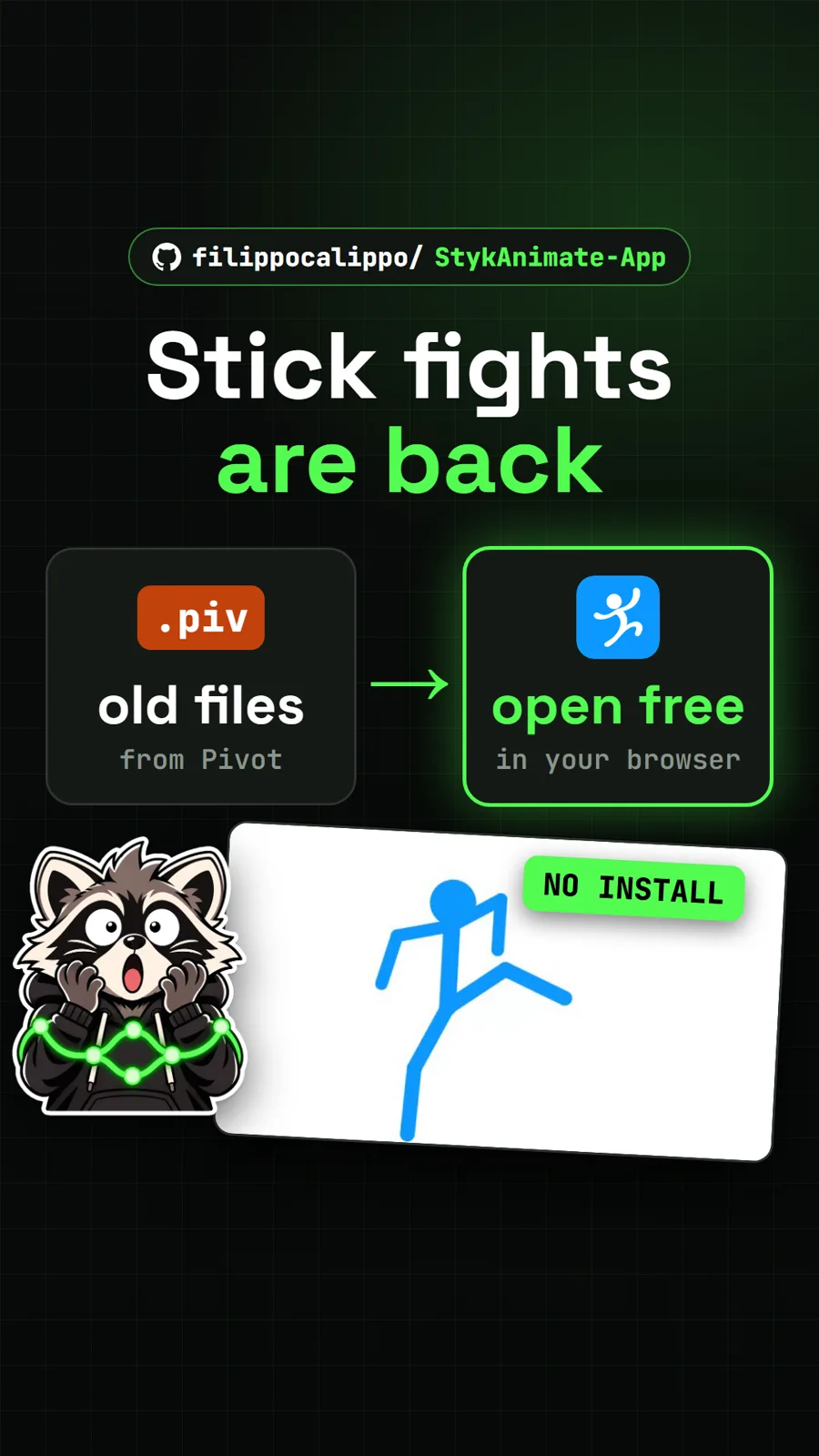
filippocalippo/StykAnimate-App
StykAnimate: the stick figure animator, rebuilt free for the browser
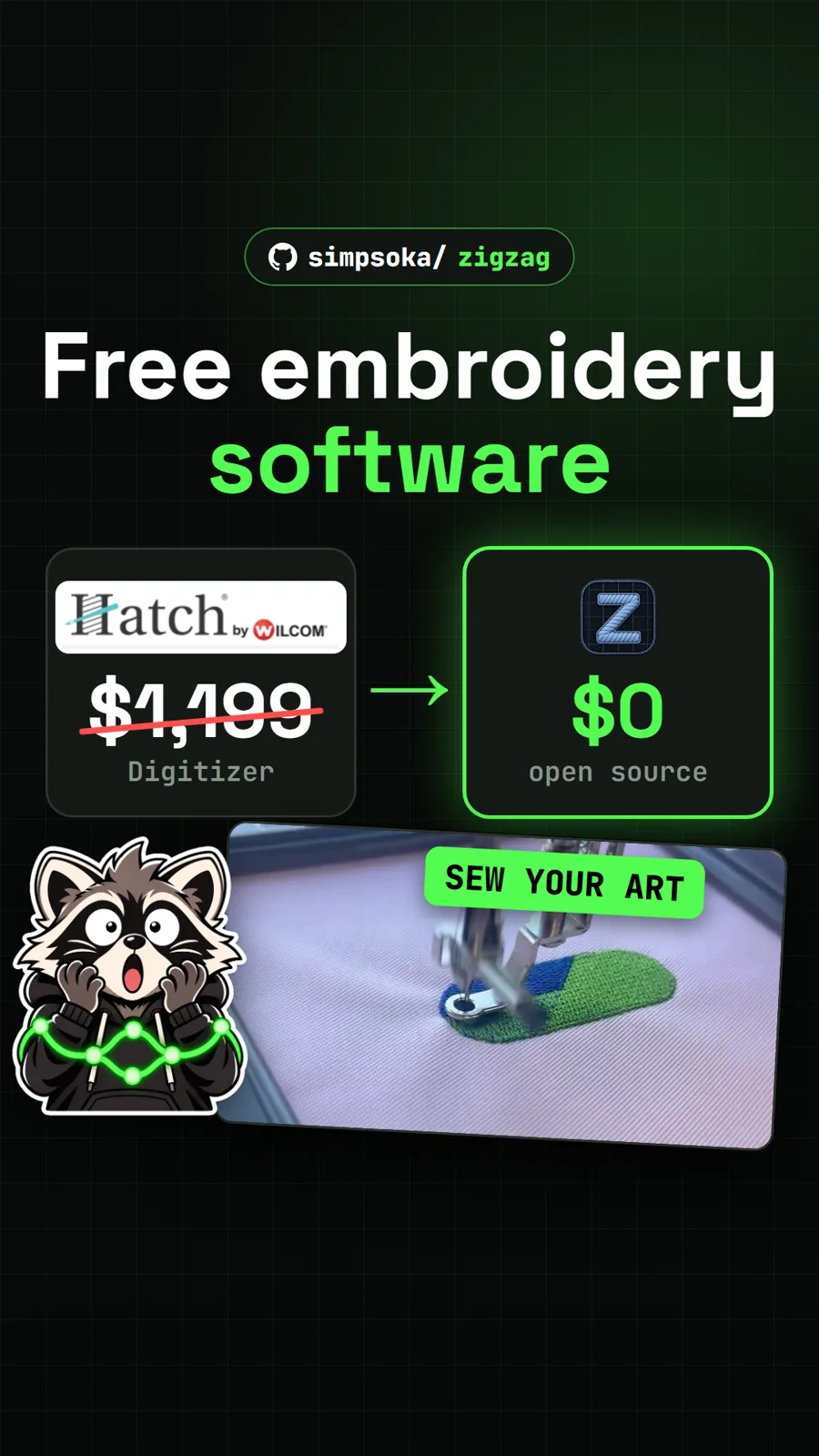
simpsoka/zigzag
ZigZag: a free embroidery digitizer that turns artwork into machine stitches
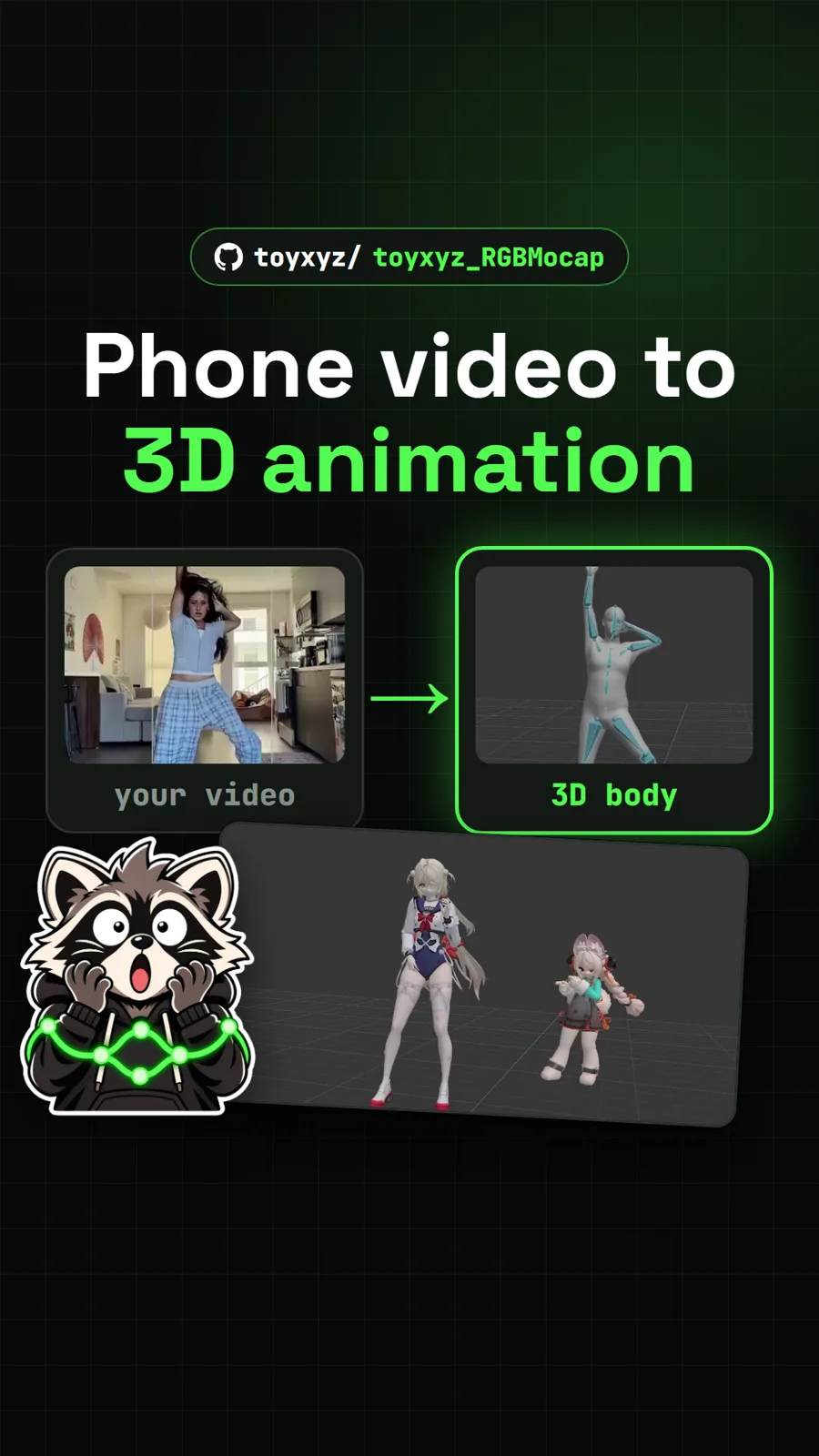
toyxyz/toyxyz_RGBMocap
RGB MoCap: free motion capture from ordinary video on a Windows PC
Get tomorrow's repo in your feed
One free, open source repo a day as a short video, shown working, with the catch named. Pull it. Stash it.
