
LivLiv Player: a free VTuber player that lip syncs to your voice in the browser
By Pull This RepoPosted 4 min read
Short answer
LivLiv Player is a free, open source character player for the web. It puts a 2.5D anime character in a page, stream overlay or app, moves its mouth with your voice and can follow your face through the webcam, all in the browser. It ships with 25 characters, which carry a small LivLiv logo and have their own licence.
LivLiv Player puts a talking anime character on a web page with no app to install. Click the microphone button, talk, and the character's mouth moves with your voice. Turn on the camera and its head follows your face. It is free, open source, and comes with 25 ready-made characters, with one licence detail every streamer should read first.
What is LivLiv Player?
The repo describes it as "a lightweight 2.5D character player for the web, with lip sync and webcam face tracking". The code is under Apache-2.0. It was created on 4 November 2026 and had 1,590 stars when we checked on 18 November 2026. The latest release is v0.5.1.
What it does, according to the README:
- Lip sync from a microphone, an audio file or a video
- Webcam face tracking with Google's MediaPipe, running in the browser
- One API for three kinds of character: LivLiv's own format, VRM and PNGTuber
- Full-body characters (new in 0.5.0) that sway and crouch with their feet planted, in a shot you pick
- WebGL2 with no dependencies, about 30 KB gzipped for the core
- 25 featured characters in the repo's
characters/folder, ready to load
How do you try LivLiv Player without installing anything?
The examples run on the project's GitHub Pages site:
- Open livliv-dev.github.io/player in a browser with WebGL2: Chrome or Edge 97+, Firefox 104+ or Safari 15.4+.
- Click Featured characters to see all 25 and put one on the stage.
- Open One character (
example/demo.html). The buttons along the top are the real controls: expressions such asSmile,ShyandSad, actions such asnod,shakeandtilt, plusmicrophonefor lip sync andcamerafor face tracking. - Add
?model=../characters/v04/to the address to load a different character, in this case Kai.
The README says it is tested on current desktop browsers, not yet on phones.
How do you put LivLiv Player on your stream with OBS?
The README documents a hosted page made for this, with a transparent background:
https://livliv.ai/live/k01In OBS, add a Browser source, paste that URL (swap k01 for any character id), and set the size; the README's embed uses 480 by 640. That page lives on livliv.ai, LivLiv's own site, not in the open source repo, and we did not test it in OBS ourselves.
To embed a character on your own site, the README gives this iframe:
<iframe src="https://livliv.ai/live/k01" width="480" height="640" allow="camera; microphone"
  style="border:0;background:transparent"></iframe>
How do you use your own VRM or PNGTuber?
The hosted examples include example/vrm.html, where open a .vrm loads a VRM file you made in a tool such as VRoid Studio, and example/png.html, where you pick two pictures (mouth closed and mouth open) for a PNGTuber. The README says the player "reads only the files you point it at". Your own VRM or PNGTuber carries no LivLiv logo.
Developers can add it to a page from npm:
npm install @livliv-dev/playerimport { Player } from '@livliv-dev/player'
const player = new Player(document.querySelector('canvas'))
await player.load('characters/k01/')
player.setExpression('smile')
player.act('nod')Lip sync comes from @livliv-dev/player/voice and face tracking from @livliv-dev/player/tracking, which needs @mediapipe/tasks-vision. VRM support needs three and @pixiv/three-vrm. The npm package is the player alone, so copy the characters you use from the repo, with their licence.
What is the catch?
- The logo. The featured characters show a small LivLiv logo in the bottom-right corner. API.md says the mark is part of each package's licence and the player "has no switch to hide it". Packages without it come from a paid plan on livliv.ai.
- The characters are not Apache-2.0. They have their own licence. You must give credit, for example "Characters: LivLiv (livliv.ai)". You may not sell the character assets or merchandise made from them, use them to train AI models, or use them for a company or organisation's ads, products or paid apps without asking LivLiv first.
- Three characters are different. Kujira, Kujira Q and Pen adapt other people's characters and have their own terms in
characters/CREDITS.md. - The characters were made with AI, and the README asks you to say so when you show them in public.
- No Live2D support, and no phone testing yet.
What changed since our video. Our video on 14 November said the bundled characters were for non-commercial use only. That was true under version 1.0 of the character licence. Version 1.1, dated 16 November 2026, now lets individuals use them commercially: platform income from streams and videos, sponsored content, paid content, or inside a game or app they sell. Company use still needs permission.
Who is LivLiv Player for?
It suits new VTubers and streamers who want a talking character without buying or rigging a model, web developers who want a lightweight animated character on a page, and anyone with an existing VRM or PNGTuber who wants to drive it from a browser. If you need Live2D models or a full desktop VTuber studio, look elsewhere.
How does LivLiv Player compare with similar tools?
| Tool | What it is | Good for |
|---|---|---|
| LivLiv Player | web player with lip sync, face tracking and 25 characters | a character on a page or overlay with no install |
| Inochi Session | desktop streaming app for Inochi2D puppets | an open source alternative to Live2D rigs |
| OpenSeeFace | realtime face tracking on the CPU | the tracking layer behind several VTuber apps |
| Kalidokit | turns MediaPipe tracking into rig values | building your own VRM or Live2D web avatar |
For more creative tools in the browser, see StykAnimate for stick figure animation, and Reelbird if you also record your screen for videos.
What did we run for the video?
We used the project's hosted examples in a browser. For the lip sync shots we fed our own voiceover into the demo page's real microphone button instead of a live microphone. We did not install the repo's code locally and did not film face tracking.
Pull it. Stash it.
Questions people ask
Is LivLiv Player free?
The player code is free and open source under Apache-2.0, including commercial use. The 25 featured characters have a separate licence: free with credit, and since version 1.1 of that licence (16 November 2026) individuals may also use them commercially, but companies need to ask LivLiv first.
Can I use LivLiv Player in OBS?
The README says the hosted page at livliv.ai/live/ followed by a character id has a transparent background and works as an OBS Browser Source. That page is on LivLiv's own site, not part of the open source repo, and we did not test it in OBS.
Can I load my own VRM or PNGTuber avatar?
Yes. The same API plays LivLiv, VRM and PNGTuber characters, and the hosted examples include a VRM page and a PNGTuber page where you pick your own files. Your own VRM or PNGTuber is drawn without the LivLiv logo.
Does LivLiv Player support Live2D models?
No. The README says it uses no Live2D software or Cubism SDK and does not read .moc3 or .cmo3 files.
Does the webcam video get uploaded?
According to the README, face tracking runs Google's MediaPipe in the browser and camera images stay on the device. The player itself calls no AI service and reads only the files you point it at.
Sources
- 1LivLiv Player repository and README
- 2LivLiv Player API.md (The mark)
- 3LivLiv Featured Characters License (characters/LICENSE.md, version 1.1)
- 4LivLiv Player hosted examples
- 5GitHub API: livliv-dev/player (stars, licence, language, created date, checked 2026-11-18)
- 6Inochi2D/inochi-session
- 7emilianavt/OpenSeeFace
- 8yeemachine/kalidokit
More repos like this
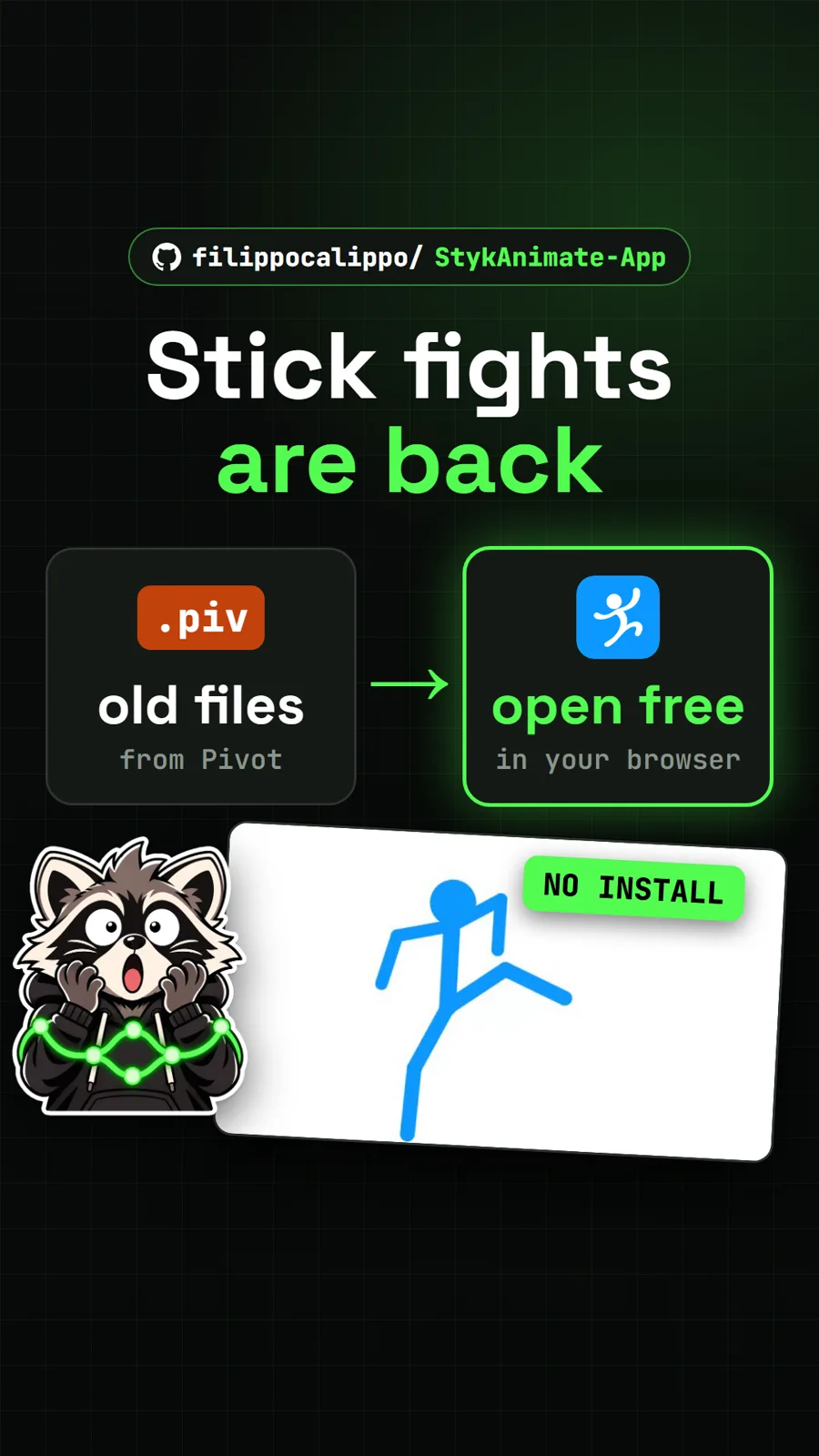
filippocalippo/StykAnimate-App
StykAnimate: the stick figure animator, rebuilt free for the browser
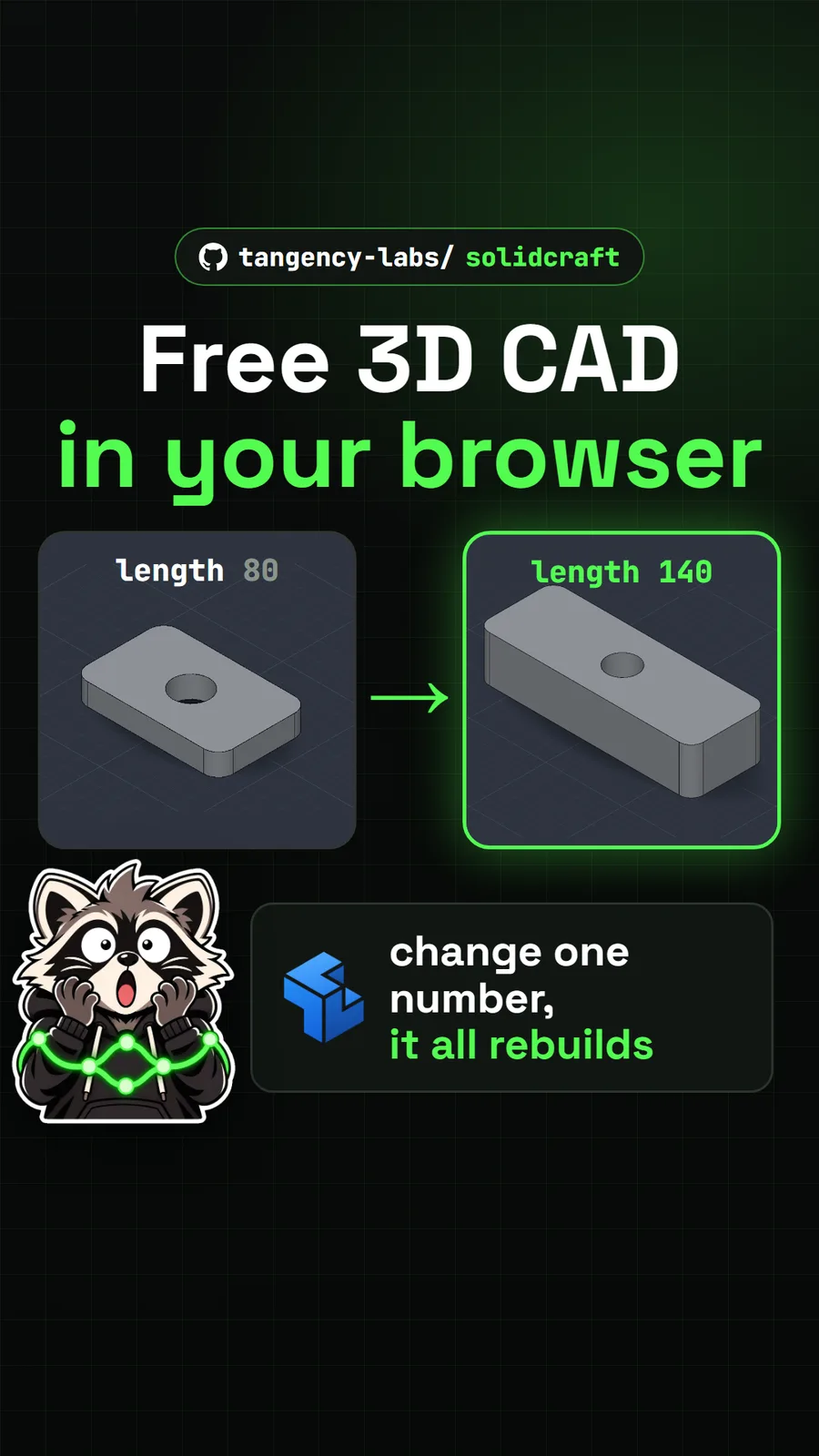
tangency-labs/solidcraft
SolidCraft: free, open source 3D CAD that runs in your browser
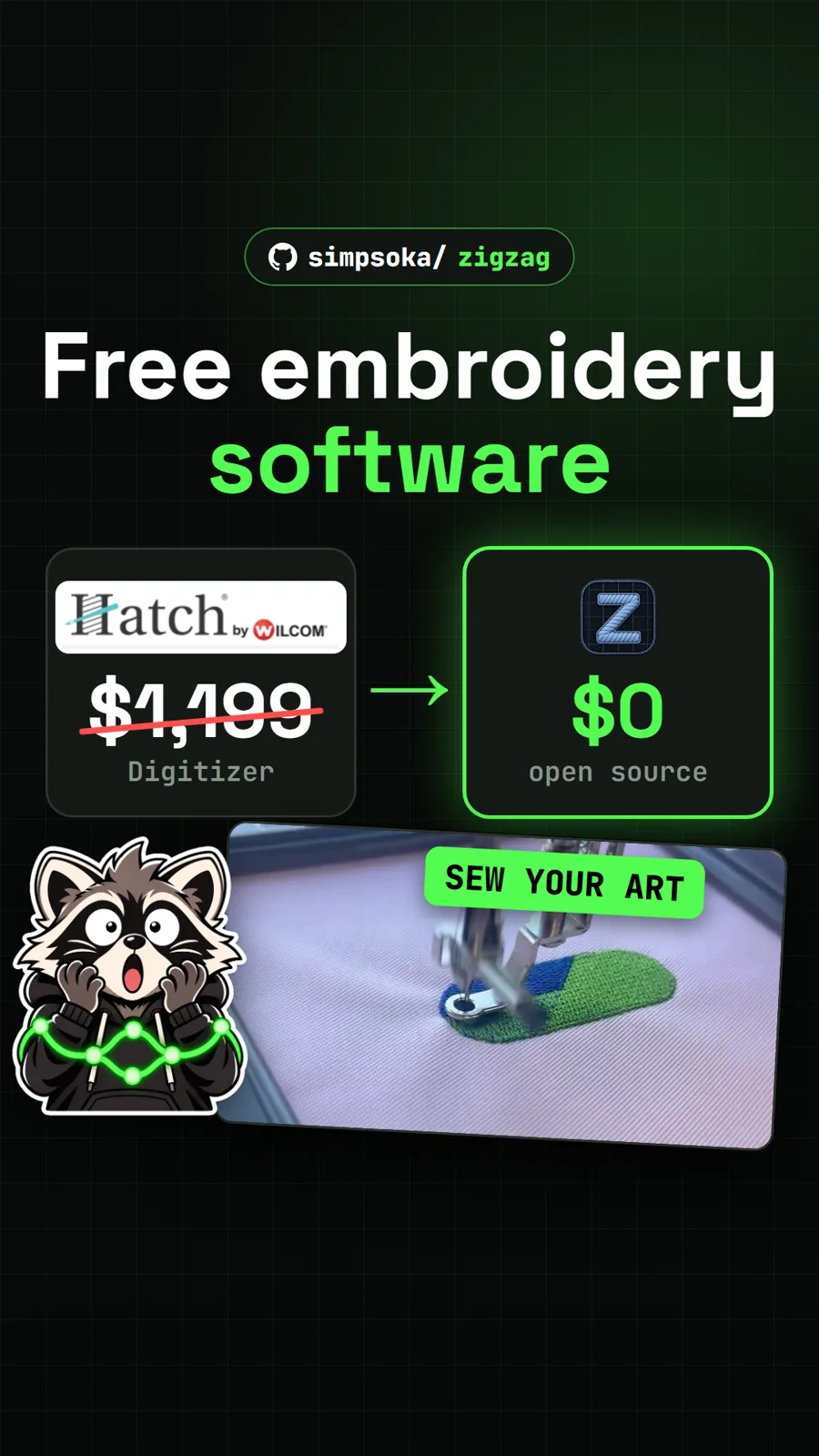
simpsoka/zigzag
ZigZag: a free embroidery digitizer that turns artwork into machine stitches
Get tomorrow's repo in your feed
One free, open source repo a day as a short video, shown working, with the catch named. Pull it. Stash it.
