
3D Model Anything: an iPhone room scan rebuilt as a 3D model in your browser
By Pull This RepoPosted 4 min read
Short answer
3D Model Anything is a free project by Wes Bos with three parts: an iPhone app that records a room's LiDAR geometry and photos, an agent skill that guides an AI coding agent to rebuild the room as an editable Three.js scene, and a browser viewer. His demo office has 197 modeled objects. Scanning needs a LiDAR iPhone or iPad Pro.
3D Model Anything takes a room you scanned on an iPhone and has an AI coding agent rebuild it as an editable 3D scene you can explore in a browser. The worked example is Wes Bos's own office: 197 modeled objects and assemblies, which you can orbit like a dollhouse, walk through, or knock around in a physics playground. We spent our time in the hosted viewer, so this page separates what you can try in ten seconds from what takes a Mac and a Pro iPhone.
What is 3D Model Anything?
The README sums it up in one line: "Capture a room on an iPhone, then use its geometry and photographs to build an editable Three.js scene with an AI coding agent." The repo holds three parts:
- An iPhone app that records a room: Apple RoomPlan walls, doors, windows and furniture boxes, the LiDAR mesh, posed photos and depth frames. It exports everything as a ZIP through the share sheet.
- The
scan-to-threejsagent skill, which walks an agent through measuring first, modeling second, then rendering views from the same camera positions as your photos and fixing the largest differences. - A Three.js viewer with dollhouse, layout, knolling, walk-around and wireframe views, plus a playground.
The repo was created on 21 October 2026 and had 3,062 stars when we checked on 18 November 2026. The demo office measures 5.76 by 6.44 m, about 28.8 square metres, from the October 9 scan measurements shown in the viewer.
How do you try it in your browser?
Open the hosted office viewer. It is a heavy scene, so give it 30 to 60 seconds to load. Things worth trying:
- Dollhouse to orbit the whole room, Layout for the floor plan with measurements, and Knolling to see every modeled object laid out flat.
- Walk around: click into the view, then hold W to glide forward. Esc exits.
- Wireframe shows the bare geometry; switch back to Rebuilt for the textured room.
- The playground (
play.html?room=office-v4&mode=fpv): click Enter office, then click objects to throw them. E carries and drops, Shift sprints, Space jumps.
Scan and Overlay are greyed out on the demo, because the original scans and photos are not published.
How do you scan and rebuild your own room?
These steps come from the README and the app's README. We did not run them.
Run the viewer locally (Node.js 22.12 or newer):
git clone https://github.com/wesbos/3d-model-anything
cd 3d-model-anything
npm ci
npm run dev
Then open http://localhost:5188.
Build the iPhone app on a Mac: install Xcode and XcodeGen, run xcodegen generate in apps/house-capture, open the project, pick your signing team, and run it on your phone. Use a Release build for real scanning, since Debug builds run slower.
Scan: move slowly in good light. The live mesh is coloured by photo coverage, red for areas that need photos and green for covered ones. Keep at least 500 MB free. Then share the room as a ZIP and unzip it into data/captures-in/<room>/, a folder git ignores so your photos stay out of commits.
Rebuild: open the repo in an agent that supports local skills and use the README's example request:
Use scan-to-threejs to rebuild the room in data/captures-in/my-room.
Inspect the measurements and photos, create an editable scene, and
compare rendered views with the original photographs.
The helpers need Python 3 with Pillow for photo comparisons; optional depth reconstruction also needs NumPy and Open3D.
What is the catch?
- Hardware. Scanning needs a LiDAR iPhone Pro or iPad Pro on iOS 17 or later, and installing the app needs a Mac with Xcode.
- Not on the App Store. The README says not to assume an App Store download is available yet.
- Not one click. The README calls it "an iterative reconstruction workflow, not a one-click scan-to-perfect-model converter." A room like the demo office takes many agent passes.
- Rooms and interiors only for now.
- Licence split. The code and skill are MIT, but the office images, textures and measurements are for running and studying the example only. GitHub reports the licence as "Other" because of that split.
Who is 3D Model Anything for?
It suits developers with a Pro iPhone and a Mac who want a real room as a Three.js scene, for a portfolio, a game level, an interior plan or just a good demo. It is also a strong example of an agent skill that checks its own work against photos. Anyone else can still enjoy the hosted office in a browser.
How does it compare with other ways to capture a room in 3D?
| Tool | Input | Output |
|---|---|---|
| 3D Model Anything | iPhone LiDAR scan and posed photos | an editable Three.js scene, object by object |
| Meshroom | ordinary photos from any camera | one textured mesh from photogrammetry; needs a decent GPU |
| nerfstudio | phone video or photos | NeRF and Gaussian splat scenes for photoreal fly-throughs |
| GaussianSplats3D | an existing splat capture | a Three.js viewer for splats in a web page |
What did we run for the video?
We used only the authors' hosted viewer and playground in Chrome, plus the repo's published images. We did not build the iPhone app or run the agent skill.
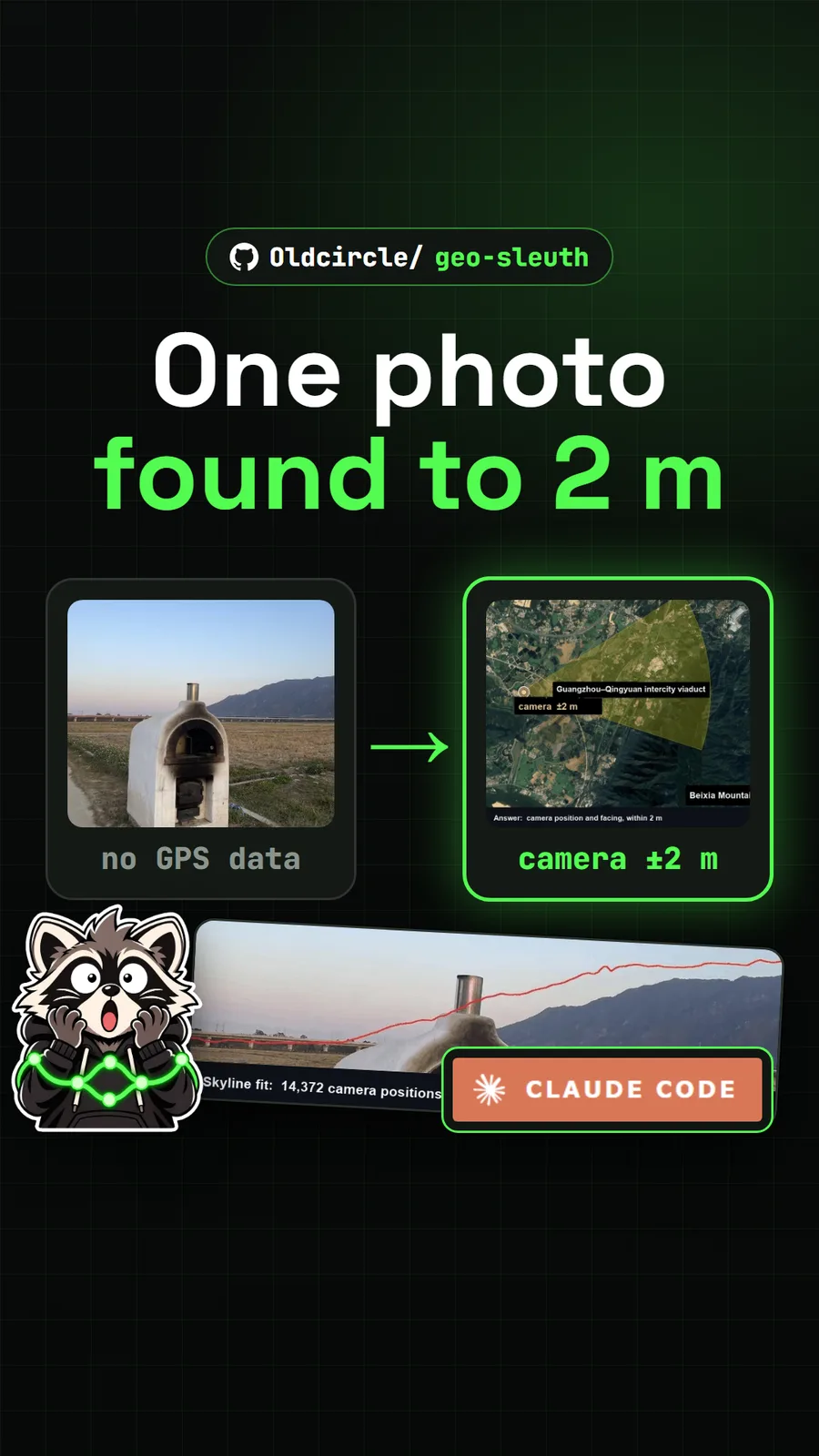
For modelling parts rather than rooms, see SolidCraft, free CAD in the browser. For another skill that turns photos into precise measurements, read about Geo Sleuth.
Pull it. Stash it.
Questions people ask
Can I try 3D Model Anything without an iPhone?
Yes. The demo viewer runs in a browser at wesbos.github.io/3d-model-anything with no install. It shows Wes Bos's office in dollhouse, floor plan, knolling and walk-around views, plus a physics playground. You only need the iPhone app to scan your own room.
Which iPhones can scan a room with it?
The app's support page lists LiDAR-equipped iPhone Pro and iPad Pro models on iOS or iPadOS 17 or later. On iPhone that means the Pro and Pro Max models from the iPhone 12 Pro onward. Devices without LiDAR can still import and view scans.
Is the 3D Model Anything app on the App Store?
No. The README says the app is source-available and that an App Store release is a separate step, so do not assume a download exists. You build it yourself with Xcode on a Mac.
Does the scan turn into a 3D model automatically?
No. The README calls it an iterative reconstruction workflow, not a one-click converter. The agent skill measures first, models the room, then renders views from the same camera positions as your photos and fixes the biggest differences, over and over.
Can I reuse the office model in my own project?
The code and the skill are MIT licensed, but the office images, textures and measurements have separate asset terms that allow running and studying the example, not reselling or redistributing it.
Sources
- 13d-model-anything repository and README
- 2iPhone app README (apps/house-capture)
- 3scan-to-threejs agent skill
- 4Asset licence (ASSETS-LICENSE.md)
- 5Hosted office viewer
- 6App support page (supported devices)
- 7GitHub API: wesbos/3d-model-anything (stars, language, created date, checked 2026-11-18)
- 8Meshroom
- 9nerfstudio
- 10GaussianSplats3D
More repos like this
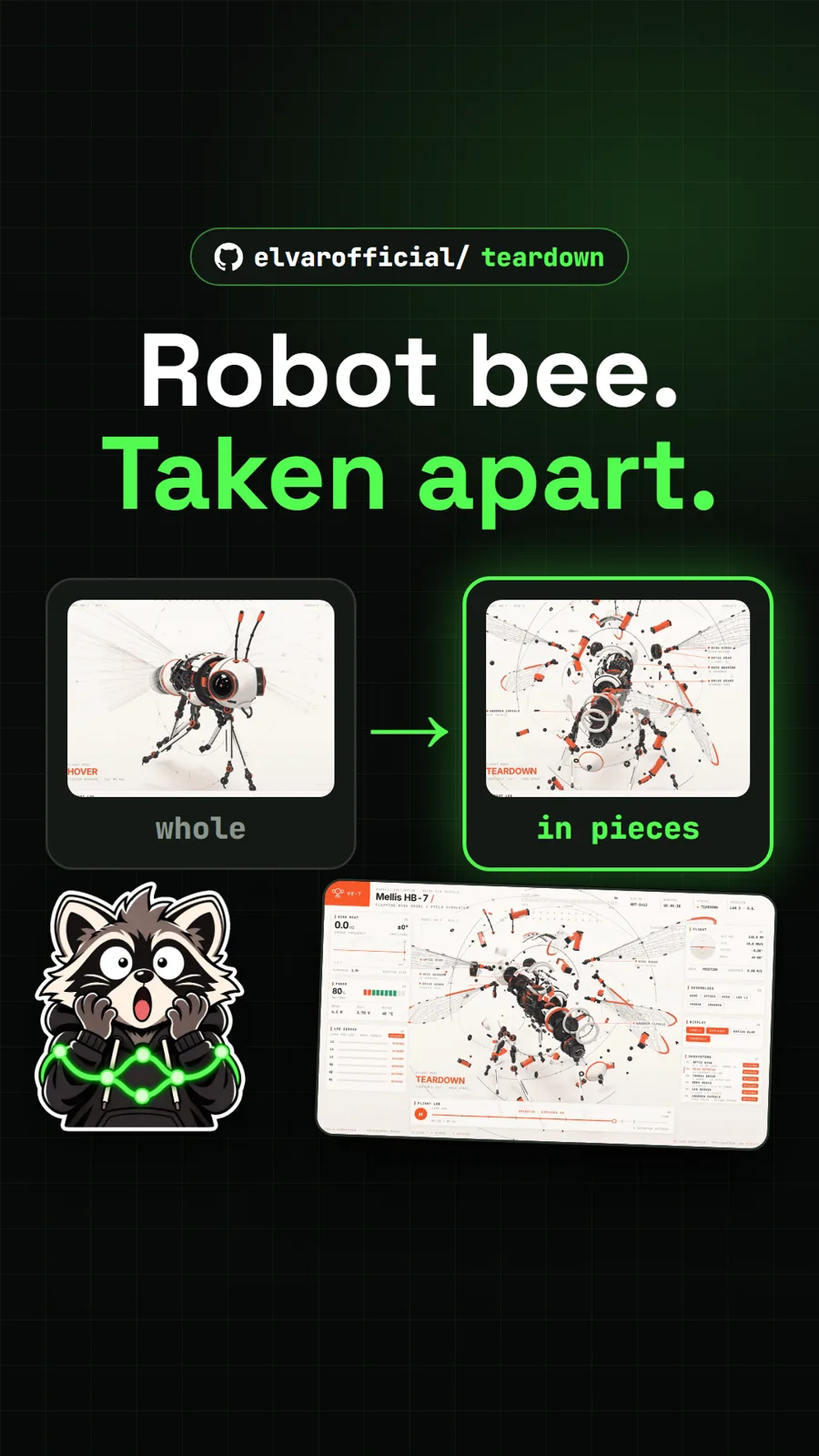
elvarofficial/teardown
Teardown: an AI skill that builds machine simulations you can take apart
Get tomorrow's repo in your feed
One free, open source repo a day as a short video, shown working, with the catch named. Pull it. Stash it.
