REA Video: the AI agent tool that takes any video apart shot by shot
By Pull This RepoPosted 5 min read
Short answer
rea-video is a free, Apache-2.0 tool that reverse engineers a video. Your AI agent runs it on a file and gets every shot labelled as filmed, AI video, avatar, 3D, code or screen recording, plus a remake plan: camera and lighting for filmed shots, batched generations for AI shots and a Remotion plan for code shots. It needs no API key.
rea-video is a free, open source tool that works out how a video was made, one shot at a time. You hand a video file to an AI agent such as Claude Code or Codex, and it comes back with a label for every shot (filmed, AI video, avatar, 3D, code or screen recording) and a plan to remake each one. We installed it on a Windows PC and ran it on two of the repo's sample clips, so the numbers below are from our own runs.
What is rea-video?
rea-video is a Python command line tool built for AI agents, by JuneYaooo, under the Apache-2.0 licence. The repo was created on 29 October 2026. It had 5,686 stars when we made our video on 9 November, and 10,662 when we checked again on 18 November 2026.
It splits a video into shots and splits the audio into voice, music and effects. Then it gathers evidence: frame cadence, sensor noise, whether the whole image moves as one flat plane, AI tags in the metadata, and visual checks like hands, text and physics. Hard evidence beats "looks like", and conflicts get flagged for a visual check.
Each shot type gets its own remake advice:
| Shot type | What the plan gives you |
|---|---|
| Live footage | setups, camera positions, framing, moves, lighting, colour grade |
| AI video | the evidence, a reverse-engineered prompt per shot, how to batch shots into generations |
| Avatar | which shots are avatar shots and what portrait and audio you need |
| 3D or animation | whether to generate it with a video model or render it from 3D code |
| Code or template | text, layout and motion timing, ready to rebuild in Remotion |
| Screen recording | which parts you need to record yourself |
It also maps captions and styled text (exported as SRT and ASS), stickers, cut pacing, voice, music BPM and sound effect hits. Since our video, every breakdown also writes a VIDEO.md, an open layered format that lets an agent read only the part of the breakdown a question needs.
How do you run rea-video?
The README's quick start is one sentence pasted into your agent:
Install https://github.com/JuneYaooo/rea-video, then break down this video: /path/to/video.mp4The agent installs the CLI and runs the workflow. You need ffmpeg and Python 3.10 or newer.
The Windows setup that worked for us
The README targets macOS and Linux. On Windows 11 we hit three problems and fixed each one:
- Use Python 3.12, not 3.13. The OCR extra depends on
rapidocr-onnxruntime, which had no 3.13 build, so the install failed. - Swap OpenCV for the headless build, as the repo's own install script does.
- Set UTF-8 first. Without
PYTHONUTF8=1,rea-video --helpcrashed with aUnicodeEncodeError, because the help text is Chinese.
git clone https://github.com/JuneYaooo/rea-video
cd rea-video
py -3.12 -m venv .venv
.venv\Scripts\python -m pip install -e ".[ocr]"
.venv\Scripts\python -m pip uninstall -y opencv-python
.venv\Scripts\python -m pip install --force-reinstall --no-deps "opencv-python-headless>=4.8,<5"
set PYTHONUTF8=1
.venv\Scripts\rea-video decompose my_video.mp4 -o out\my_video --lang en
Open out\my_video\report.html in a browser for the readable report. The first run also downloads a 67 MB voice and music separation model.
What did rea-video find on a real clip?
On the repo's 19 second mixed clip it found 10 shots and called the video 59% code or template and 41% AI video. That took 98 seconds on a Windows PC with no GPU and no model key. It also found 8.2 seconds of real screen recording, music at 121.6 BPM and 33 subtitle lines.
The remake plan grouped the 5 AI shots into a single generation, because they share one set, and put the 5 code and screen shots into one code project. Tools-only confidence was 55%, and it flagged 8 of 10 shots for review. After Claude Code looked at each shot, confidence rose to 66%.
How does Claude Code check the shots by eye?
When there is no vision model, the agent can play that role. rea-video review writes a task list and shot sheets. The agent opens them, fills in its answers, and apply-review merges them back:
rea-video review out/my_video
rea-video apply-review out/my_video --by claude-code --lang en
This mattered on our second test. On a phone-filmed product ad from the repo's examples, the offline tools said 100% AI-generated. After Claude Code reviewed the frames, all 14 shots flipped to live footage. If a label is still wrong, rea-video correct fixes it, and the tool remembers the correction for later runs.
What is the catch?
- Recompressed downloads fool the offline tools. Social apps re-encode video, which wipes the noise evidence. The README's table shows tools-only accuracy at 98.3% on its tuning set but 88.6% on re-encoded videos, and 99.6% with a vision model.
- It plans, it does not render. AI shots go to the companion repo capsule-cinema, which uses paid video models after a free dry run. Filmed shots are yours to film.
- Windows needs the fixes above. Our storyboard labels also showed as empty boxes on Windows (a missing CJK font); the HTML report was fine.
- Most docs beyond the README are in Chinese, as the README itself says.
- Learning, not reposting. The README is clear that you should not reuse other people's footage, music or likeness.
Who is rea-video for?
It suits creators who want to know how a video they admire was put together, editors who want a shot list and a lighting plan before they film, and people building videos in code who want a Remotion starting point. If you only want a quick lookalike of a video, a one-click remake tool is faster, but it will not tell you how the original was made.
How does rea-video compare with similar repos?
| Tool | What it does | Good for |
|---|---|---|
| rea-video | labels every shot and writes a remake plan | understanding how a video was made |
| capsule-cinema | same author; generates the AI shots back onto the original timeline | the remake step after a breakdown |
| hypit | one-command clone of a reference video with AI agents | a fast lookalike, not forensics |
| video-analyzer | describes what happens in a video with an LLM, vision and speech recognition | summaries of content |
What did we run for the video?
We cloned the repo on a Windows 11 PC, installed it in a Python 3.12 environment and ran decompose on two of the repo's own sample clips with no model key. Claude Code then reviewed the shots with review and apply-review. The verdicts above (41% AI, 14 of 14 shots flipped) are from those runs. We did not run the global skill installer, which links into your agent folders.
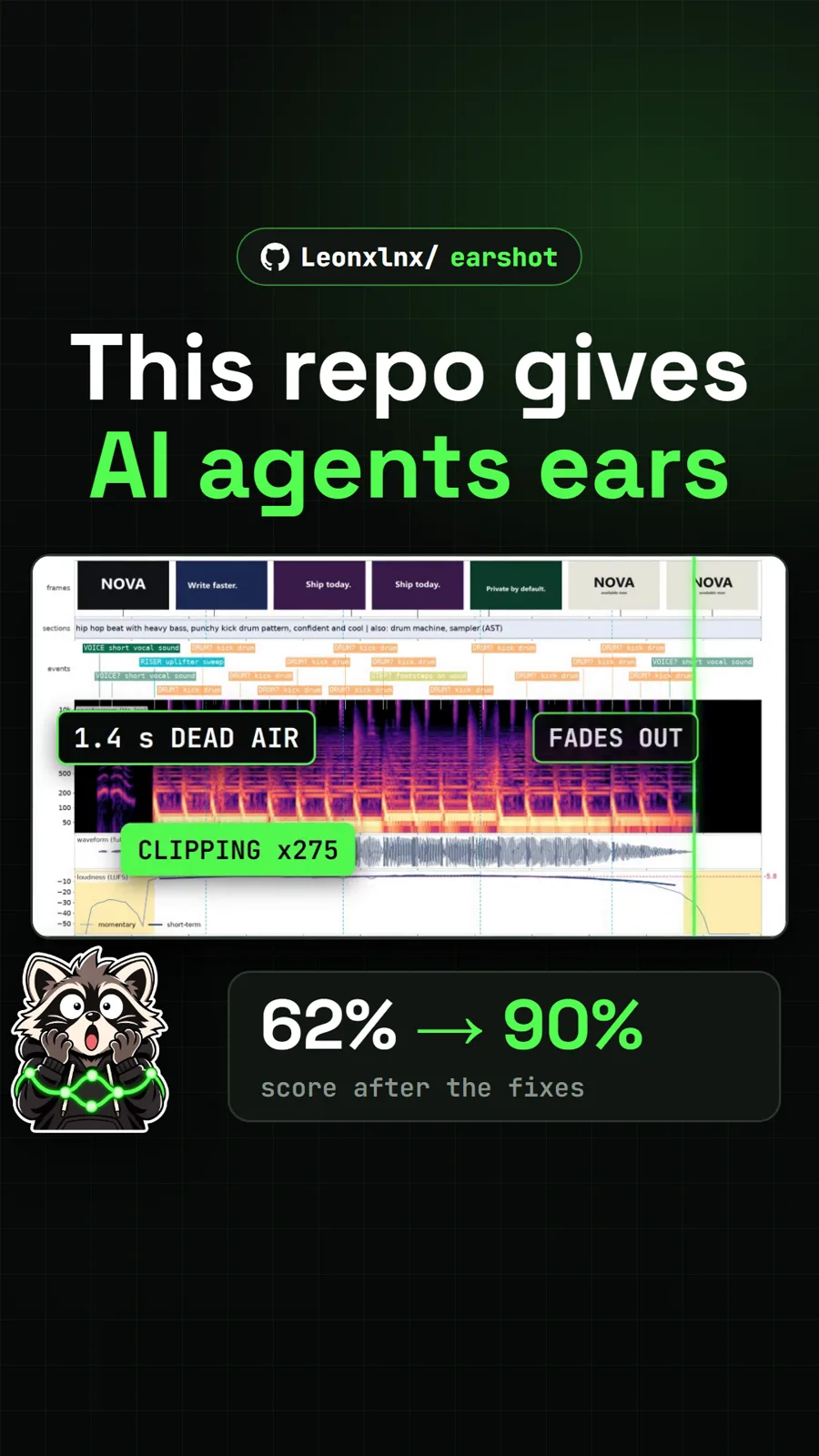
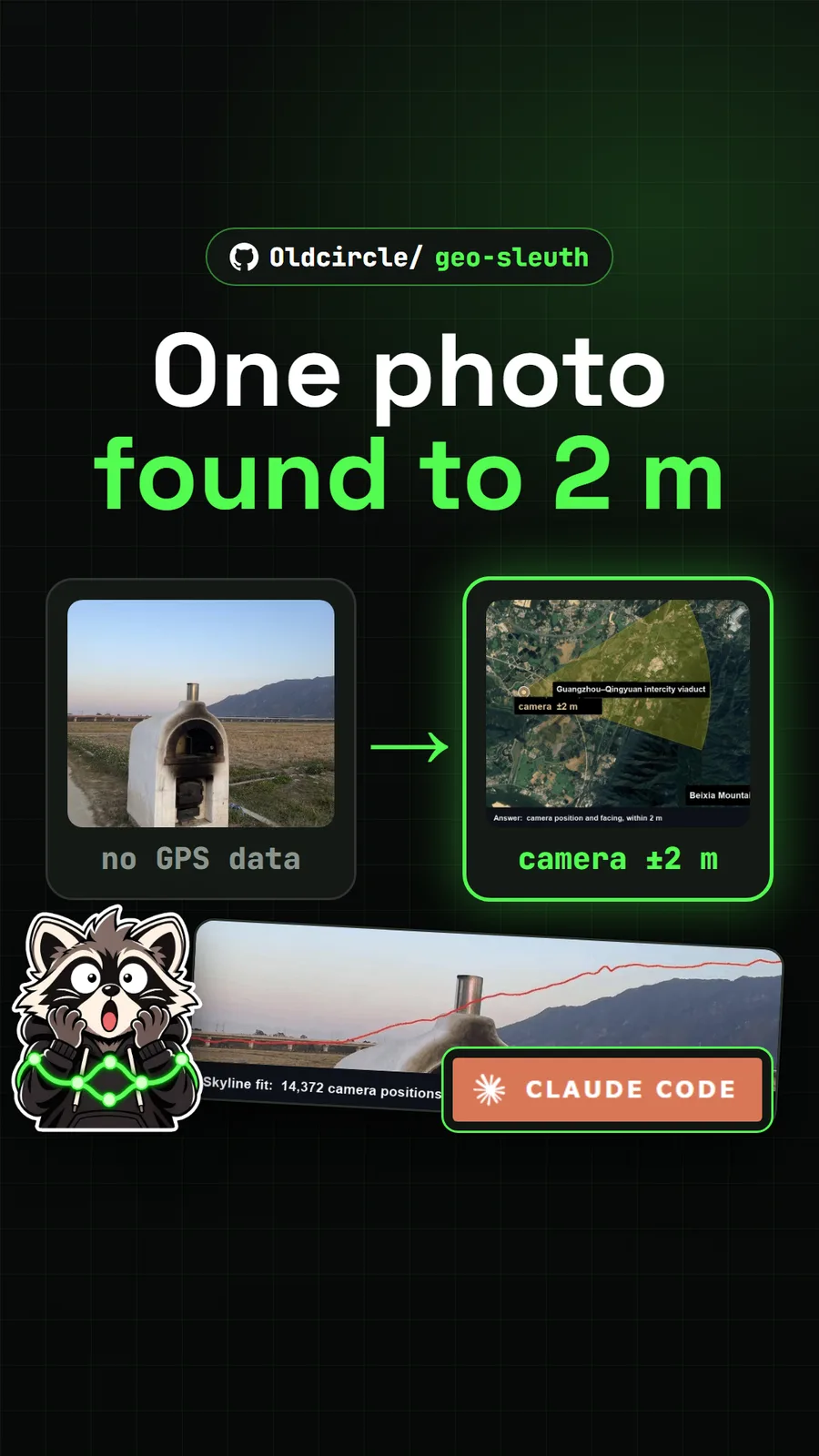
For an agent skill that gives your agent ears for the soundtrack, see Earshot. For another skill that pulls hard answers out of pixels, see Geo Sleuth, and for recording your own screen demos to break down later, Reelbird.
Pull it. Stash it.
Questions people ask
Can rea-video tell if a video is AI generated?
It judges each shot separately and gives a percentage verdict, such as 59% code or template and 41% AI video for our test clip. On original files its own tools are accurate. On videos downloaded from social apps the README reports tools-only accuracy of 88.6%, rising above 99% once a vision model or an agent checks the frames.
Do I need an API key to use rea-video?
No. Tools-only mode runs offline and is free. A video-capable model such as Gemini or Doubao is optional and adds a reverse-engineered prompt for every shot. If your agent can see images, as Claude Code can, it can review the uncertain shots itself.
Does rea-video work on Windows?
Yes, with a few changes from the README, which targets macOS and Linux. On our Windows 11 PC we needed Python 3.12 rather than 3.13 for the OCR extra, the headless OpenCV package, and PYTHONUTF8=1 set before each run.
Can rea-video remake the video for me?
Partly. rea-video writes the plan but does not render. Its companion repo capsule-cinema can generate the AI shots and place them on the original timeline. Filmed shots you film yourself, and code shots your agent can build as a Remotion project.
Can I use it to repost someone else's video?
No. The README says it is for learning a video's structure, pacing and techniques, then remaking it with material you have the rights to. Do not reuse other people's footage, music, characters or likeness.
Sources
More repos like this
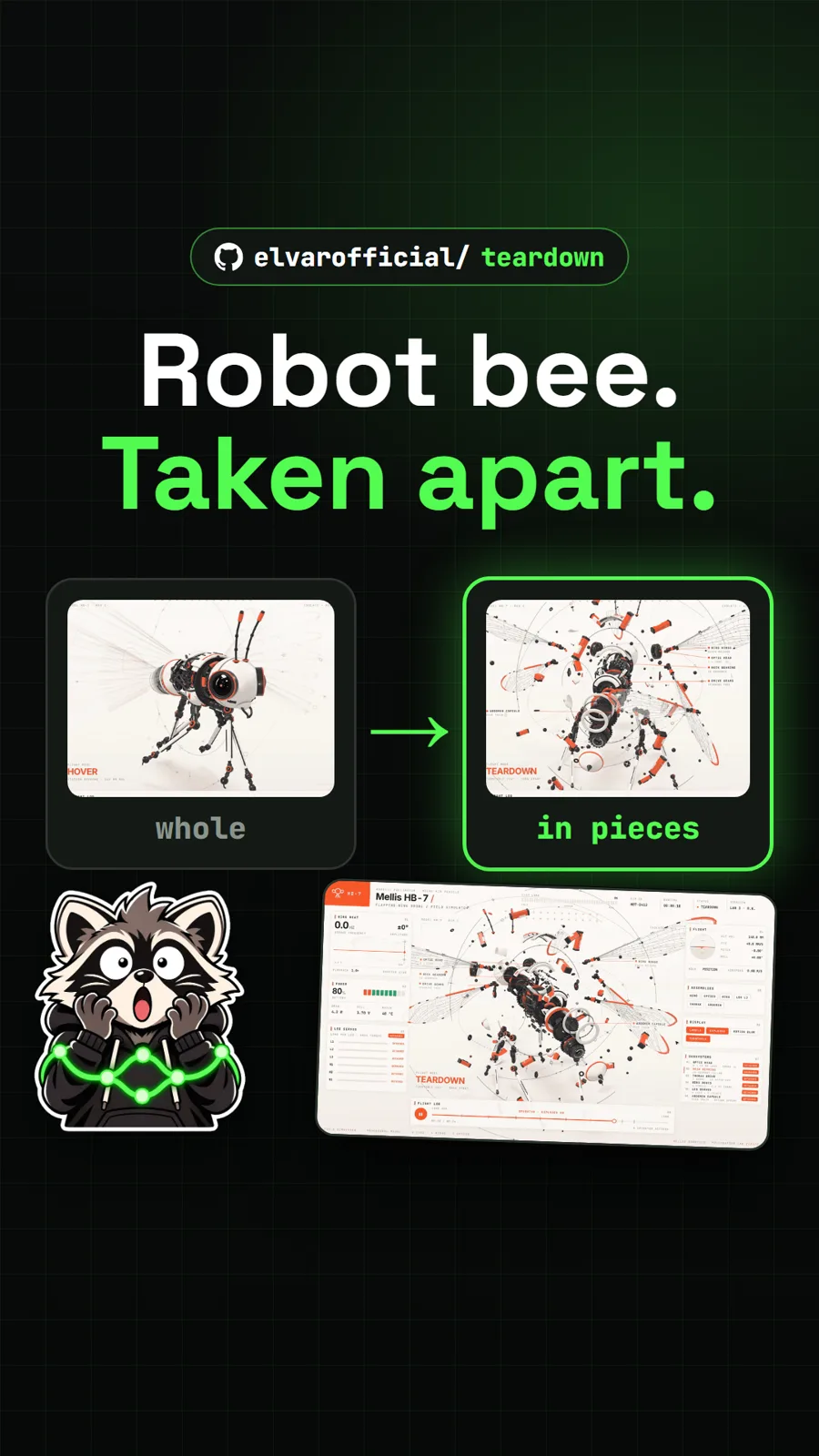
elvarofficial/teardown
Teardown: an AI skill that builds machine simulations you can take apart
Get tomorrow's repo in your feed
One free, open source repo a day as a short video, shown working, with the catch named. Pull it. Stash it.