
Teardown: an AI skill that builds machine simulations you can take apart
By Pull This RepoPosted 5 min read
Short answer
Teardown is a free, MIT-licensed Claude Code skill. You ask how a machine works, and Claude builds it as one offline HTML page: a 3D model in the middle, panels that read the real numbers, a button that opens the part doing the work, and an auto tour when nobody touches it. It needs Claude Code and Node.js 20 or newer.
Teardown is a skill for Claude Code that turns a question about a machine into a simulator. Ask how a mechanical watch keeps time, and Claude builds the watch as a 3D model in one offline web page, with gauges that read the real numbers and a button that opens the part doing the work. The README's demo is a robotic bee that hovers, flies apart into labelled pieces, then puts itself back together.
What is Teardown?
Teardown is a free, open source agent skill by elvarofficial, released under the MIT licence. The README describes it as "a Claude Code skill that turns any machine into a 3D simulator you can take apart". The repo was created on 30 October 2026 and had 3,770 stars when we checked on 18 November 2026, up from 3,104 when our video was made a week earlier.
Every page it builds follows the same layout:
- the machine runs in the middle of the page
- every panel around it reads the real numbers from the same function that poses the parts, so the charts cannot drift from the motion
- a button opens the part doing the work, by isolating, cutting or x-raying it
- when nobody touches the page, it plays an auto tour with a visible cursor
The skill is built on claude-motion, an MIT motion design toolkit that supplies the runtime, frame capture, sound engine and review rules.
How do you install Teardown?
You need Claude Code and Node.js 20 or newer. Install the skill globally for Claude Code:
npx skills add elvarofficial/teardown -g -a claude-codeThen, once, inside the installed skill folder, install its dependencies. This pulls in three.js, esbuild and Playwright, and downloads a Chromium for frame capture:
npm install && npx playwright install chromiumBoth commands run code from the internet on your machine, so read package.json first and use a normal user account rather than an admin one. For recorded videos you also need ffmpeg, and Python 3 for the sound.
Which machines can you open right away?
Three complete machines ship in the sims/ folder. Each one writes a single offline HTML file to teardown-out/dist/:
node sims/build.mjs v8-live
node sims/build.mjs cessna-live
node sims/build.mjs strandbeest-live| Example | What it is | One input drives it |
|---|---|---|
v8 | a cross-plane V8 with glass cylinder liners, firing order 1-8-4-3-6-5-7-2 | crank angle |
cessna | the Cessna 337 main landing gear folding into the airframe | a rack turning a 32-tooth pinion |
strandbeest | Theo Jansen's Strandbeest, 20 legs on one crankshaft | wind |
Each machine comes in three parts: -shared is the machine itself, -live is the page you drive, and -film is the recorded tour. Open the live page, press the buttons and drag to orbit.
The robot bee (Mellis HB-7), the scorpion (Telson SC-8) and the octopus (Pelagos OC-8) shown at the top of the README are GIFs only. Their code is not in the repo, so treat them as examples of what the skill can produce, not files you can open.
How do you get a good machine out of it?
Give it a real reference and real numbers. The skill's first rule is to start from a reference, never from imagination, because machines invented from a sentence come out generic every time. Its second rule is to get the real dimensions first, such as bore, stroke, tooth count or link lengths.
The README's own example prompts are a starting point:
Build me a simulator of a 4-stroke motorcycle engine I can take apart.
How does a mechanical watch keep time? Show me as a simulator.
They work better with an attachment. Add a cutaway drawing of the engine and paste in its bore and stroke, or attach a photo of a watch movement and name its beat rate. A few more habits from SKILL.md:
- Ask for one input that drives everything, such as crank angle or cylinder stroke, so nothing is keyframed by hand.
- Ask for the working part to open up with a button.
- Ask for quality tiers on a laptop. SKILL.md warns that a page running at 60 fps on a desktop graphics card can drop to 15 fps on a built-in one.
- After the first build, ask Claude to run the review loop: render stills, check them against the checklist, and fix parts that pass through each other or labels that are too small.
Can Teardown record a video of the machine?
Yes. Each machine has a film version, and the capture script renders it frame by frame to a 60 fps mp4. The commands from SKILL.md for the V8:
node "$SKILL_DIR/sims/build.mjs" v8-film
node "$SKILL_DIR/sims/capture.mjs" v8-film --size 1600x900 --dpr 1.2 --out teardown-out/v8-silent.mp4
python "$SKILL_DIR/run_sfx.py" "$SKILL_DIR/sims/v8-shared/score.py"
The sound is procedural, timed to the film, and mastered to -14 LUFS. You then join picture and sound with ffmpeg, using the command in SKILL.md.
What is the catch?
- It needs Claude Code and Node.js 20 or newer. There is no hosted demo and no app to download.
- The bee, scorpion and octopus are GIFs, not code. You can open the V8, the Cessna gear and the Strandbeest.
- Invented machines come out generic, in the skill's own words. Bring a photo or drawing and the numbers.
- Each new machine is a full build. Expect a long Claude Code session, real token use and a few review passes before it looks right.
- Built-in laptop graphics can struggle with the heavier pages.
- The repo is small and new: two commits, with the last push on 31 October 2026.
Who is Teardown for?
It suits Claude Code users who want to explain how something works with a model people can poke at: engineering students, teachers, makers documenting a build, and creators who want a clean machine animation without opening 3D software. If you want a 3D file to print or edit, this is the wrong tool, since the output is a web page and a video. For that, see 3D Model Anything or SculptForge.
How does Teardown compare with similar skills?
| Repo | What it does | Licence |
|---|---|---|
| Teardown | machine simulators you take apart, with live panels and an auto tour | MIT |
| claude-motion | the motion design toolkit Teardown is built on: runtime, capture, sound and review rules | MIT |
| open-3d-skills | eight agent skills for 3D websites, including exploded views and 60 fps recording | MIT |
| claude-animation-skills | Claude Code skills that make short animations with no footage, including an exploded view | not stated |
What did we run for the video?
We did not install or run Teardown. Our video used the repo's own published GIFs and screen captures of its GitHub pages, and the setup steps above are the README's, not something we tested. If you like skills that study a real thing and rebuild it, Craft Anything does the same for apps and websites.
Pull it. Stash it.
Questions people ask
What does the Teardown skill do?
It teaches Claude Code to build a working machine as a single offline HTML page. The machine runs in the middle, the gauges and charts around it read from the same model that moves the parts, a button isolates the part doing the work, and the page tours itself when left alone.
Can I open the robot bee from the README?
No. The robot bee, scorpion and octopus are GIFs in the docs folder, and their code is not in the repo. The three machines you can build and open are a V8 engine, the Cessna 337 main landing gear and Theo Jansen's Strandbeest.
What do I need to run Teardown?
Claude Code and Node.js 20 or newer. A one-time npm install in the skill folder brings in three.js, esbuild and Playwright, and downloads Chromium. To record a video of the tour you also need ffmpeg, and Python 3 for the sound.
Why do my Teardown machines look generic?
The skill's own first rule warns about this: machines invented from a sentence come out generic every time. Give Claude a real reference, such as a photo, a cutaway drawing or a clip, plus the real numbers like bore, stroke or tooth count.
Can Teardown make a video of the simulation?
Yes. Each example has a film version, and capture.mjs renders it frame by frame to a 60 fps mp4. A separate script adds procedural sound mastered to -14 LUFS, and ffmpeg joins picture and sound.
Sources
- 1teardown repository and README
- 2teardown SKILL.md
- 3teardown sims folder (V8, Cessna, Strandbeest)
- 4GitHub API: elvarofficial/teardown (stars, licence, language, created date, checked 2026-11-18)
- 5whaleyxbt/claude-motion (the toolkit Teardown is built on)
- 6Moh4696/open-3d-skills
- 7artemnovitckii/claude-animation-skills
More repos like this
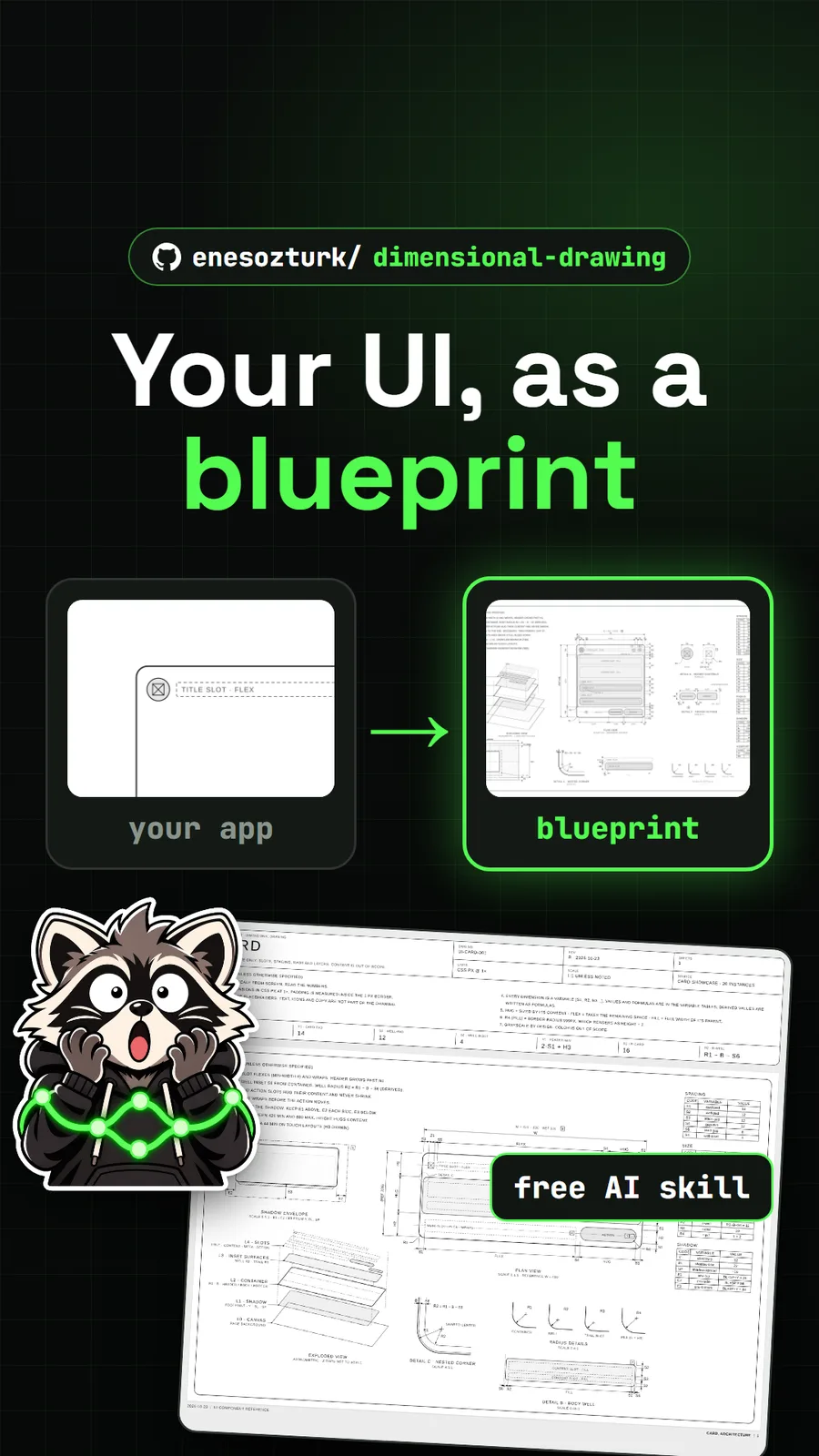
enesozturk/dimensional-drawing
Dimensional Drawing: an AI skill that turns your UI into Apple-style blueprints
Get tomorrow's repo in your feed
One free, open source repo a day as a short video, shown working, with the catch named. Pull it. Stash it.
