Craft Anything: Claude Code studies an app and builds your own version
By Pull This RepoPosted 4 min read
Short answer
Craft Anything is a free, open source engine in Rust that studies a website, app or game with real inspection tools, then has a coding agent, Claude Code first, build your own version. It checks the build against the original, websites at three screen widths, and refines it until it is close. It is early alpha, and building needs a signed-in coding agent.
Craft Anything points real inspection tools at a website, app or game, then hands what it learned to a coding agent that builds you a new project. After each build it compares the result with the original and refines it. We built it from source on Windows and ran its study step against a real site, so this page covers both what the project says and what we saw.
What is Craft Anything?
Craft Anything is a desktop app, a command line tool and an MCP server, all driven by one reverse-engineering engine written in Rust. Its README describes it as a way to "see how any website, app or game works, then have AI build your own version". The repo was created on 31 October 2026. Our video said almost 25,000 stars in nine days; by 18 November 2026 it had 36,890.
Every project runs in four steps:
- Study: inspect the original, such as its pages at several widths, its code, its files and how it runs.
- Build: a coding agent builds a new project in the stack your request names, or a sensible default.
- Check: compare the build with the original and list what does not match yet.
- Ready: open or play the result, or ask for changes.
The engine has 320 tools, and each one is both a CLI command and an MCP tool, so any agent can drive the same engine the app uses. No AI is needed just to inspect.
How do you install Craft Anything?
It needs Rust 1.97 or newer. On Debian or Ubuntu the desktop app also needs some system libraries, listed in the README. The README's own route:
git clone https://github.com/storytold/craft-anything && cd craft-anything
cargo run --release -p craft-anything
cargo install --path apps/craft-anything-cli
craft-anything-cli doctor
Public releases with installers for Windows, macOS, Linux and FreeBSD are also on the releases page. The latest is v0.6.1, newer than the v0.6.0 we built against.
What we ran on Windows
We kept our default Rust toolchain and installed 1.97 beside it:
rustup toolchain install 1.97 --profile minimal
git clone https://github.com/storytold/craft-anything
cd craft-anything
cargo +1.97 build --release -p craft-anything -p craft-anything-cli
The build took 11 minutes 34 seconds and about 1.9 GB of build files. Put target/release on your PATH, because a build checks that craft-anything-cli starts before it does anything: Claude Code reaches the engine's tools through it. craft-anything-cli doctor then found Chrome, which it needs to study websites, and its MCP server passed a self-test.
To pick Claude Code as the builder, these are the exact commands we used:
craft-anything-cli ai add "Claude Code" --kind agent_cli --model claude-code
craft-anything-cli ai model "Claude Code" claude-sonnet-5-5
craft-anything-cli ai effort "Claude Code" medium
craft-anything-cli ai builder "Claude Code"
craft-anything-cli ai test "Claude Code"
Running ai model without a model name lists the models your Claude Code can use. If ai test says Claude Code is not signed in, run claude auth login in a normal terminal.
What does the study step actually capture?
We pointed it at excalidraw.com over its MCP server with two calls: web_site_open, then web_site_capture at widths 1440, 768 and 390. It finished in 7.7 seconds and wrote:
- full-page screenshots at all three widths
- the page's fonts (Assistant and Excalifont)
- text and background colours such as
#6965db,#1b1b1fand#ececf4 - corner radii, spacing and a layout outline with positions
Clean room mode was on, so it kept only what a visitor sees. No AI was involved in that step.
How does it check the copy against the original?
For websites, the build is compared with the original at 1440, 768 and 390 pixels wide. The project's STATUS file says it refines for up to 6 rounds, or until a website reaches 90% likeness. The project page shows a likeness score per page and a list of what does not match yet. Games get their own self-test, and apps are checked by running them.
What are good first prompts?
Start small: one page, one round.
| Try this | Why |
|---|---|
craft-anything-cli rebuild - "A snake game in Rust" --rounds 1 | no target to study, so you see Build and Ready end to end |
craft-anything-cli rebuild https://example.com "Recreate this website" | the README's own example, one small page |
| "Recreate this website" on a small site you own, in the app | shows the three-width check and the likeness score |
--continue-in "<project folder>" with "Make the header blue" | a follow-up change on a finished project |
Say the stack in the request, such as "in React" or "in Godot", and add screenshots of the original with the paperclip button.
What is the catch?
- Early alpha. The README's status list says the app, CLI, MCP server and the full workflow with Claude Code as the builder work today.
- Partly there: building with API keys and other coding agents (built, not yet run live), behaviour checks for apps and games, and some engine tools tested only against stand-ins.
- Building needs a signed-in coding agent. Questions and analysis can use API providers or a local model, but building is Claude Code first.
- Clean room is not a sandbox. Your coding agent still runs as you, with its own permissions.
- Installing dependencies runs code. It asks before a new kind of command, such as
npmorcargo. - Permission matters. Use it on software you own or are allowed to examine.
Who is Craft Anything for?
It suits developers who already use Claude Code and want a structured way to rebuild a layout, a small tool or a game mechanic they admire, and people curious how a site or program is put together. For a one-off "turn this screenshot into HTML" job, a lighter tool is quicker.
How does it compare with other clone tools?
| Tool | What it does |
|---|---|
| Craft Anything | studies websites, apps and games, builds with a coding agent, checks against the original |
| screenshot-to-code | turns a screenshot into HTML, Tailwind, React or Vue |
| open-lovable | clones and recreates a website as a React app |
| ai-website-cloner-template | clones a website with one command using AI coding agents |
What did we run for the video?
We built Craft Anything from source and ran its real study step on excalidraw.com. The Claude Code sign-in on our test PC had expired, so we could not run a Build or Check. The likeness scores in the video come from the repo's own README screenshots, not from our run.
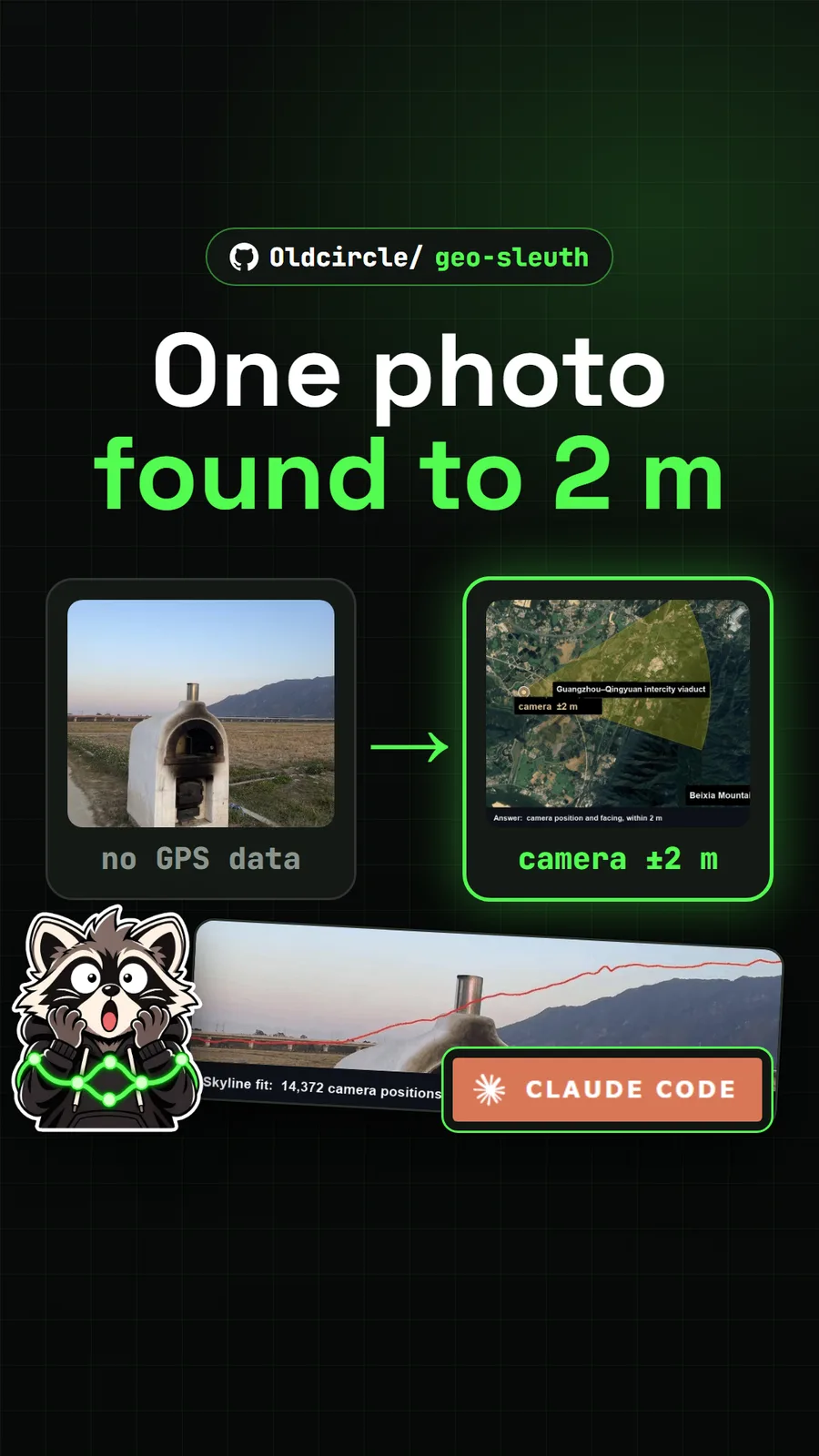
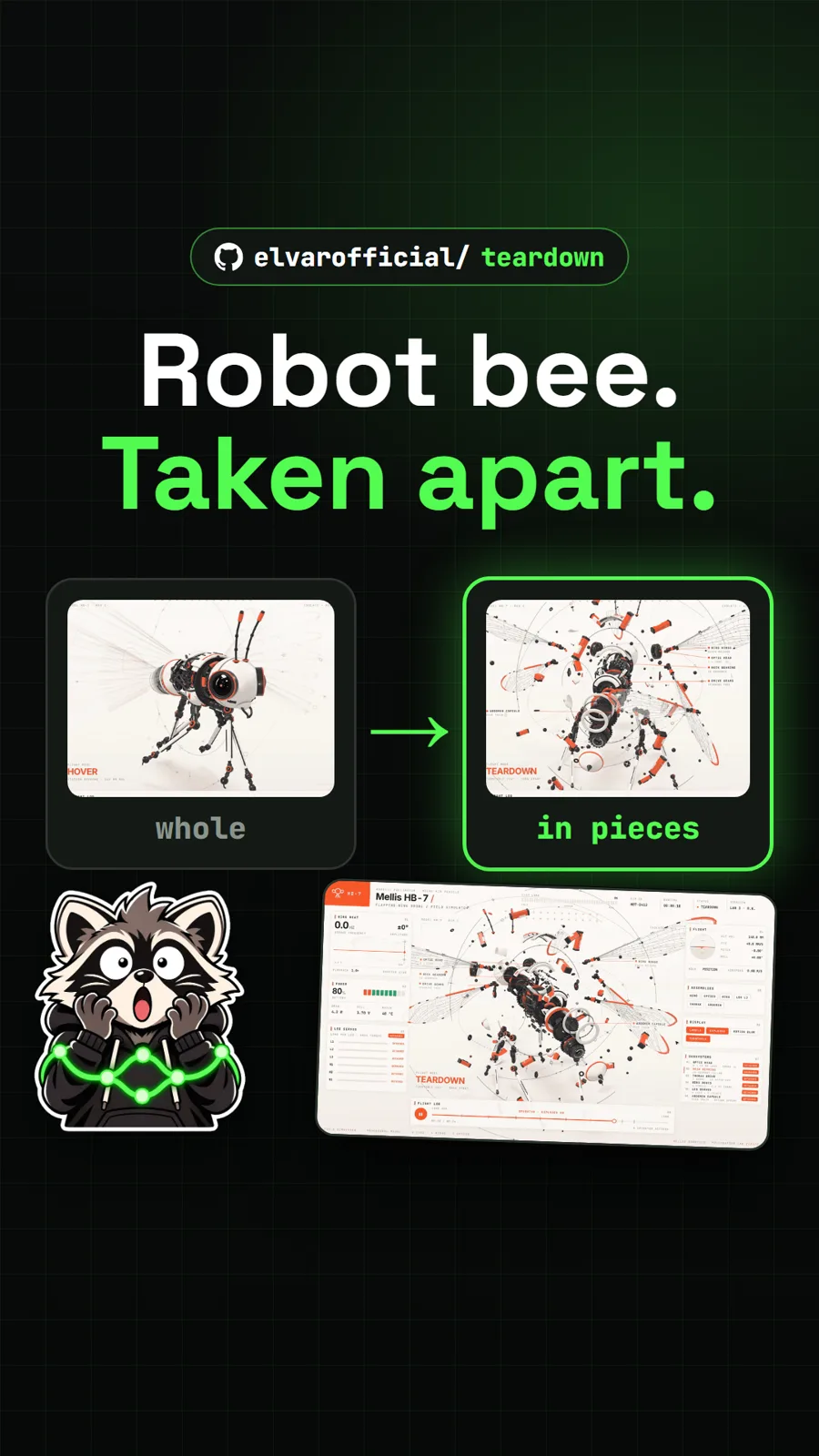
For other agent add-ons, see Teardown, which builds machine simulations you can take apart, and Geo Sleuth, which finds where a photo was taken.
Pull it. Stash it.
Questions people ask
Is Craft Anything free?
Yes. The code is open source under MIT or Apache-2.0, at your option, and you can build it yourself or download a release. Building a project uses your own coding agent, so any usage limits or costs come from that agent's plan, not from Craft Anything.
Does Craft Anything need Claude Code?
Building needs a coding agent signed in on your computer, and Claude Code is the one supported first. The README says it runs your own claude program with your own sign-in. A Codex adapter exists but was not verified on a real install, and other agents such as GitHub Copilot and Grok can connect over ACP.
Can Craft Anything copy any website?
It can study any site you can open, but the project says to use it on software you own or are allowed to examine. It never bypasses DRM, logins or anti-cheat, and the builder is told not to copy logos, photos or text without permission.
What is the difference between Clean room and Deep mode?
Clean room, the default, reads nothing inside the original: it works from screenshots, visible text and measured layout, colours, fonts and spacing. Deep mode uses every tool, including a program's code and a site's JavaScript, for private use. Clean room is a rule about which tools are offered, not a sandbox.
Sources
- 1craft-anything repository and README
- 2craft-anything docs/STATUS.md
- 3craft-anything docs/claude-code.md
- 4craft-anything latest release (v0.6.1, 2026-11-12)
- 5GitHub API: storytold/craft-anything (stars, licence, language, created date, checked 2026-11-18)
- 6abi/screenshot-to-code
- 7firecrawl/open-lovable
- 8JCodesMore/ai-website-cloner-template
More repos like this
elvarofficial/teardown
Teardown: an AI skill that builds machine simulations you can take apart
Get tomorrow's repo in your feed
One free, open source repo a day as a short video, shown working, with the catch named. Pull it. Stash it.