
Who Are You: the free page that shows what every website learns about you
By Pull This RepoPosted 5 min read
Short answer
Who Are You is a free, MIT-licensed web page at who.1ms.dog that runs the checks any website can run the moment you open it, with no permission prompt. It writes the result as a paragraph: your likely city, language, device, screen, graphics card, network and browser fingerprint. A disguise check then shows whether a VPN or proxy would really fool a site, with a fix for each leak.
Every website you open can read a surprising amount about you before you click anything: roughly where you are, what device you use, even your graphics card. Who Are You is a free, open source page that runs those same checks on you and writes down the result in plain sentences. We ran the hosted page on our own PC for the video, and it found our city, an RTX 5070 graphics card, and labelled us "big spender".
What is Who Are You?
Who Are You is a single web page, hosted at who.1ms.dog, with its code on GitHub under the MIT licence. Its README says it "runs the sniffers any site can run the moment you open it, without a single permission prompt". The repo was created on 1 November 2026 and had 767 stars when we checked on 18 November.
The page fills in a portrait paragraph: likely country and city, language, time zone, device, browser, screen, graphics card, network and fingerprint. Hover a blank and the checks behind it light up. Age is the one blank it leaves open, because nothing in a browser reveals it.
Our video said 127 checks. The README now lists 134, so the page has grown since we filmed.
What did it find on our PC?
On our run in Chrome on Windows 11, the page:
- named our country and city (we blurred the city in the video)
- read the device as a PC running Windows 11 with Chrome 157 and a 1920x1080 screen
- named the graphics card, an NVIDIA GeForce RTX 5070, and marked it rare
- labelled us the way an ad system might: "big spender", "multi-screen worker", "easy to track"
- reported that of 194,803 checks on the site, 4 others had our fingerprint
That last number changes run to run. Across our test runs it read 0, 2, 3 and 4 others.
How do you use it?
- Open who.1ms.dog in the browser you normally use, not a private window, and wait a few seconds while the rows fill in.
- Read the top paragraph, then open Read the whole portrait for the device, network and fingerprint lines.
- Scroll to the disguise check. Amber and red rows are what a site would notice.
- Open the groups under Every signal and the value it read to see raw values.
- Press Blur location before you screenshot or share anything.
- Change one setting, press Run again, and compare. The page remembers your last run in your browser only and shows what changed.
There are also topic pages for single tests, such as a DNS leak test, a WebRTC leak test and a canvas fingerprint test, linked from the README.
What does the disguise check look for?
It compares your readings with each other the way a site would to spot a VPN or proxy. The README now lists fifteen rows, with an A to F grade overall. The main ones:
| Check | What it catches |
|---|---|
| Time zone vs IP | your clock says one place, your IP another |
| Language vs IP | browser language does not match the IP country |
| DNS leak | your DNS resolver sits in your real country |
| WebRTC | video-call tech reveals a public address the site would not otherwise see |
| Data center network | cloud and VPN ranges are easy to flag |
| User agent vs system | a changed user agent that the graphics card contradicts |
| Tampered environment | browser functions replaced or redefined |
| Automation | signs of a script or AI agent at the controls |
Each row that gives you away has a How to fix tip, and the DNS and WebRTC fixes name the settings for your own system.
How do you fix the leaks it finds?
The page's own tips come down to a short list:
- Turn on secure DNS in your browser, and in a VPN or proxy app send DNS through the tunnel.
- Match your system time zone to your VPN's region if you want to look local.
- Use full-tunnel mode so WebRTC traffic goes through the VPN too.
- Use a browser that fights fingerprinting: Brave, Firefox with resistFingerprinting, or Tor Browser. Keep it near default settings so you blend in.
- Do not change only the user agent. The graphics card gives it away.
- Keep fewer extensions. Wallets, writing helpers and dark mode tools leave marks the page can see.
What is the catch?
- Outside services see your address. To find your exits and DNS resolver, the page asks a few outside services directly. The README names IPIP.NET, IP.SB, the Cloudflare trace on several sites, Cloudflare Radar, ip-api's DNS server and two STUN servers.
- It counts traits. After a check it sends anonymous trait values, such as system, browser and the first 8 characters of each fingerprint hash, to its own counter. Don't count me turns this off, and Global Privacy Control is honoured.
- Some readings look wrong. On our home connection it said a Unix-like system opened the connection and treated that as a proxy hint. Read amber rows as "a site might think", not as proof.
- It shows leaks; it does not fix them.
Can you run your own copy?
Yes. It runs as a Cloudflare Worker, so you need Node.js and a Cloudflare account. From the README (we did not run these):
git clone https://github.com/yt1988/who-are-you
cd who-are-you
npm ci
npm run dev
npx wrangler deploy
npm run dev serves it on localhost port 8795. Set SITE_URL for your own domain.
How does it compare with other fingerprint tools?
| Tool | Best for |
|---|---|
| Who Are You | a plain-English portrait plus a VPN disguise check with fixes |
| CreepJS | a deep fingerprinting lab that also spots lies from privacy tools |
| FingerprintJS | the tracker's side: the open source library many sites use |
| arkenfox user.js | hardening Firefox once you know what leaks |
What did we run for the video?
We used only the hosted page at who.1ms.dog in Chrome and recorded it. We did not clone, install or run the repo's code. Before anything was recorded, we masked our IP address, city, network and coordinates on screen.
Photos leak too: see Geo Sleuth for how much a plain picture gives away. To clear the ads off a Google TV home screen, see Free My TV.
Pull it. Stash it.
Questions people ask
What can a website find out about me without asking?
More than most people expect. Without a single permission prompt, a site can read your rough location from your IP, your language and time zone, your system, browser, screen size and graphics card, some extensions, and a browser fingerprint built from canvas, WebGL, audio and fonts. Who Are You shows each reading and where it came from.
Is Who Are You safe to use?
The README says everything except a few lookups is read in your browser and stays there, and the site's server keeps no log. To find your exits and DNS resolver it asks a few outside services directly, and those see your address as any site does. After a check it sends anonymous trait counts, which the Don't count me button turns off.
Can it tell if my VPN is leaking?
Yes, that is what the disguise check is for. It compares your system time zone, browser language, DNS resolver and WebRTC addresses with the country your IP points to, and flags data center IPs and proxy traces. Each row that gives you away comes with a How to fix tip.
How do I make my browser harder to fingerprint?
Use a browser that scrambles or standardises the fingerprint, such as Brave, Firefox with resistFingerprinting, or Tor Browser, and keep it near default settings so you look like everyone else. Clearing cookies alone does not help, because a stable fingerprint survives it.
Sources
More repos like this
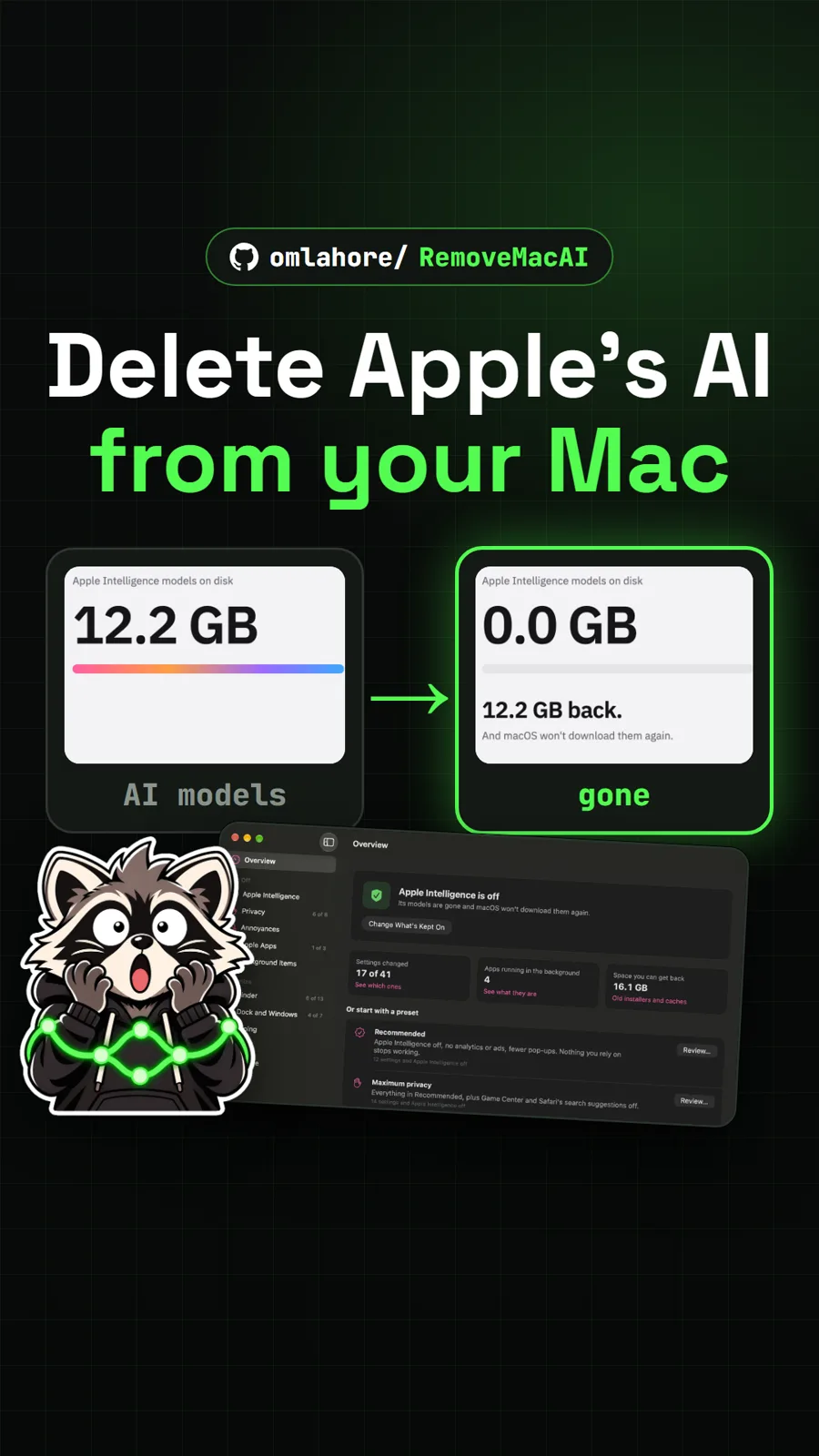
omlahore/RemoveMacAI
RemoveMacAI: turn off Apple Intelligence and reclaim its storage on your Mac
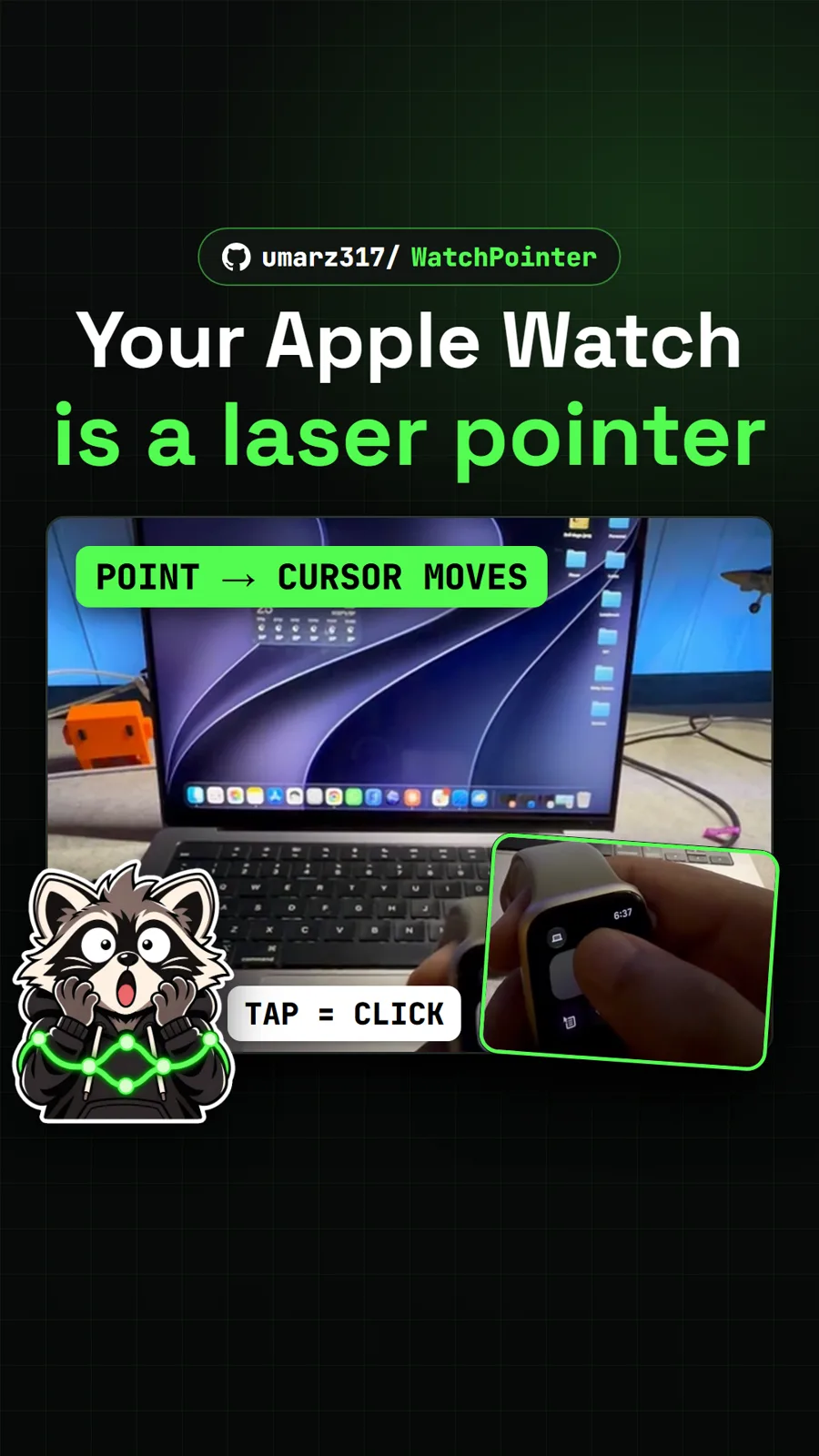
umarz317/WatchPointer
WatchPointer: point your Apple Watch at your Mac and the cursor follows

simbasjungles/free-my-tv
Free My TV: swap the ad-filled Google TV home screen for a clean one
Get tomorrow's repo in your feed
One free, open source repo a day as a short video, shown working, with the catch named. Pull it. Stash it.
