
Earshot: the free repo that lets AI agents hear the videos they make
By Pull This RepoPosted 5 min read
Short answer
Earshot is a free, MIT-licensed tool that turns sound into text and numbers an AI agent can reason about. Point it at audio or video and it reports loudness, clipping, silent gaps and how each sound lines up with the picture cuts, then ranks the fixes. It runs on your CPU as a CLI, a Python API and an MCP server for Claude Code.
Earshot gives AI coding agents a sense of hearing. Agents can now write the code that renders a whole video, but, as the README puts it, they "still cannot hear what they made". Earshot listens for them and answers in words and numbers. We installed it on a Windows PC, built a 12 second clip with a deliberately broken mix, and ran it before and after the fixes.
What is earshot?
Earshot is a Python tool by Leonxlnx under the MIT licence. It was created on 15 October 2026, and the latest release is v0.4.1 from 6 November. It had 4,384 stars when we made our video and 5,154 when we checked on 18 November 2026.
It listens with two open models (a CLAP text and audio model and an AudioSet tagger) plus plain measurements, all on your CPU. You can use it three ways: the earshot command line, a Python API, or an MCP server that Claude Code and other agents call as tools.
The commands you reach for first:
| Command | What you get |
|---|---|
earshot critique film.mp4 | a scorecard against 7 professional launch films and a ranked FIX FIRST list with timestamps |
earshot timeline film.mp4 | a listening transcript: every event, its time, level and tag, plus sync to each cut |
earshot sheet film.mp4 -o sheet.png | one annotated image of frames, events, spectrogram, waveform, loudness and cut markers |
earshot measure file.wav | LUFS, true peak, loudness range, tempo and key, with no models |
earshot sfx render ID -o x.wav | a sound effect from its bank of 252, made in code |
The sheet is the clever part. It turns a soundtrack into a picture, so an agent that reads images can see where the dead air and clipping sit against the cuts.
How do you install earshot?
The README's quick install uses uv tool install. We installed from a clone instead, which keeps the code, the environment and the models in one folder you can delete later. You need Python 3.10 or newer, Git and ffmpeg on your PATH.
git clone https://github.com/Leonxlnx/earshot
cd earshot
python -m venv .venv
.venv\Scripts\python -m pip install torch --index-url https://download.pytorch.org/whl/cpu
.venv\Scripts\python -m pip install -e ".[mcp,dev]"
.venv\Scripts\python -m earshot doctor --fetch
Install torch from the CPU index first; a plain pip install torch can pull a far larger CUDA build. doctor --fetch downloads the two models, about 1.1 GB, and should end with "earshot looks healthy". Python 3.13 worked for us. On macOS and Linux the paths are .venv/bin/python.
How do you connect earshot to Claude Code?
Register it once as an MCP server, pointing at your environment's Python (use your own path):
claude mcp add earshot --scope user -e EARSHOT_THREADS=3 -- D:\tools\earshot\.venv\Scripts\python.exe -m earshot mcpThe server keeps the models loaded, which matters because each CLI call reloads them first (about 20 to 40 seconds, per the README). Our own MCP client confirmed "earshot mcp 0.4.1: serving 16 tools on stdio". The repo also ships an agent skill in skills/earshot/SKILL.md that tells the agent which command answers which question.
What did earshot find on our broken test clip?
We made a 12 second fake launch film with ffmpeg, a synthesized beat, a computer voice and whooshes from earshot's own bank. Then we broke the mix on purpose: music 1.4 seconds late and driven into hard clipping, the voice buried, two whooshes late and a fade into silence.
earshot critique rated it "needs work": 13 of 23 scored metrics in range, weighted 62%. The fix list led with:
- [critical] turn the master down by 6.2 dB (it measured -5.8 LUFS)
- [major] true peak +3.7 dBTP, so end the chain with a true-peak limiter at -1.0 dBTP
- [minor] the opening sits 25.4 LU below the body
earshot timeline added "CLIPPING: 275 runs of clipped samples" and a 1.4 second quiet lead-in.
After the fixes (music from the start, whooshes just after each cut, a limiter, normalised to -14 LUFS), the score rose to 21 of 23 metrics, weighted 90%, with 0 major issues. The timeline showed all 4 cuts with a sound onset within one frame, median offset 6 ms.
It also missed things, and that is worth knowing. It did not call out the two late whooshes, because they were buried under the clipped music and the kick drums near the cuts counted as sync. It only noted the buried voice as "voice / speech presence 33%".
What is the catch?
- It hears, it has no taste. The README says it cannot judge taste or emotion, speech content or licences. Our fixed mix still drew a critical flag, "realness leans code-synthesized", because our music really was made in code.
- Tags in a busy mix are hints. It called our synth pads "hip hop beat with heavy bass".
- The scorecard assumes a launch film. For a podcast or tutorial, read the loudness, clipping and sync numbers and skip the style rows.
- Slow per call. Each CLI call loads the models; use the MCP server or one Python script for loops.
- Alpha software. It was first released on 15 October 2026.
Who is earshot for?
It is for people whose agents build videos in code, with HyperFrames, Remotion or plain ffmpeg, and who want the sound checked before a human listens. It also helps anyone who wants loudness, clipping and sync measured in one command rather than read off meters by hand.
How does earshot compare with other audio tools?
| Tool | What it is | Good for |
|---|---|---|
| earshot | agent-facing listening tool with critique, timeline, sheet and MCP | letting an agent check and fix a mix |
| CLAP | the text and audio model earshot listens with | raw "does this sound match this description" scores |
| Essentia | large C++ and Python audio analysis library | hundreds of descriptors, no agent layer |
| AudioCraft | music and sound generation from text | making sounds that earshot can then check |
| pyloudnorm | a LUFS meter in Python | when loudness is all you need |
What did we run for the video?
We cloned earshot on a Windows 11 PC, installed the CPU build of torch, fetched the models with doctor, rendered three sounds from its bank for our test film, and ran critique, timeline and sheet on both the broken and fixed clips. We started the MCP server from our own client and listed its tools. We did not run it inside Claude Code itself; that integration is described from the README.
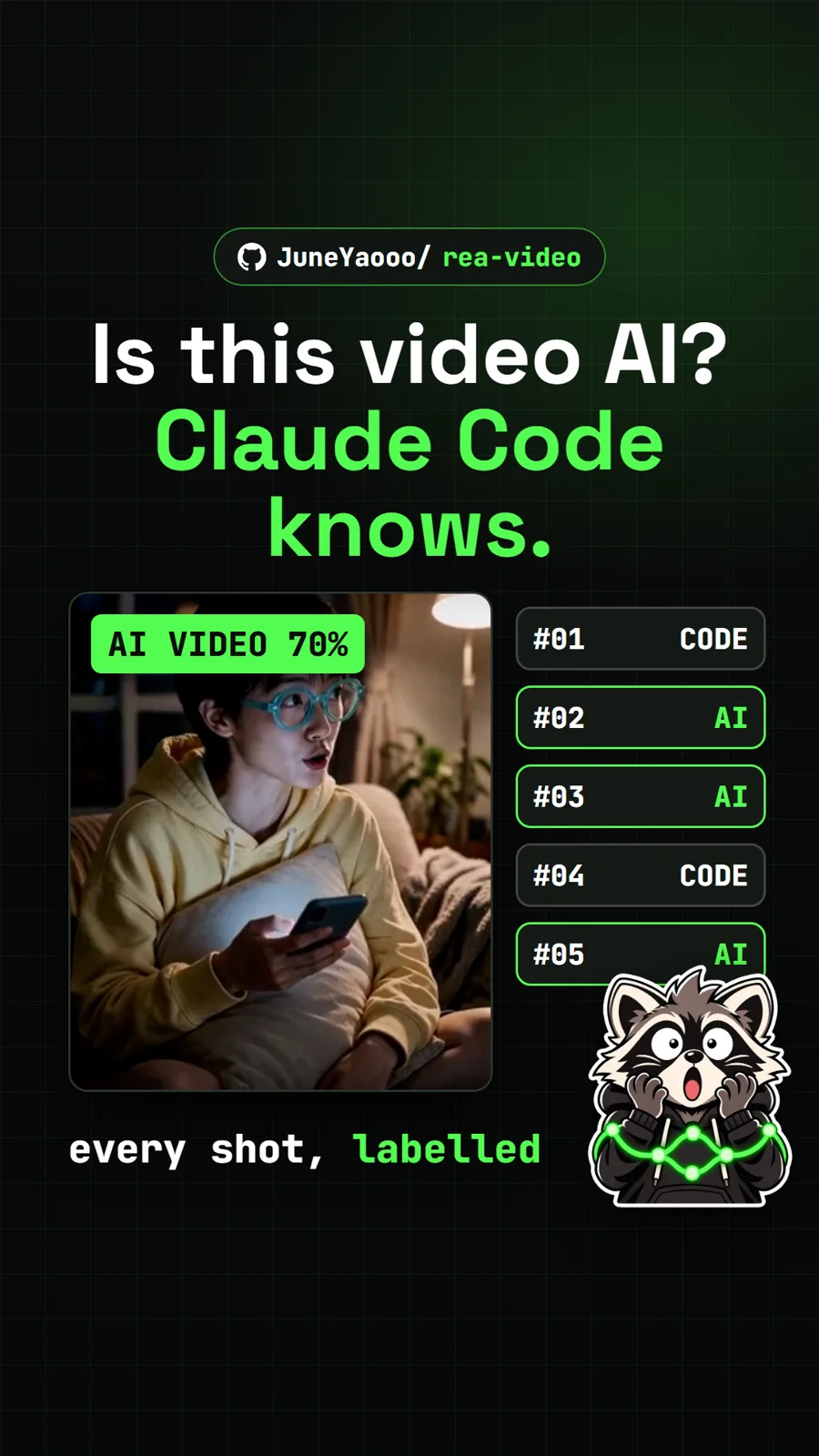
If your agent makes the picture too, see REA Video, which breaks a finished video down shot by shot. For sound you make yourself, Chimera builds a voice from a simulated throat.
Pull it. Stash it.
Questions people ask
What does earshot do?
It lets an AI agent listen. It describes what a file sounds like, measures loudness and true peak, finds clipping and silent gaps, checks whether sounds land on the picture cuts, scores a film against a profile of 7 professional launch films and draws the soundtrack as an annotated image.
Does earshot need a GPU or an API key?
No. The README says it runs on the CPU only, and the two open models it listens with download once, about 1.1 GB. An optional Gemini critique exists, but it uploads your audio and needs your own key. We did not use it.
How do I use earshot with Claude Code?
Run it as an MCP server. The README has a claude mcp add command, and on Windows you point it at your virtual environment's python.exe with the arguments -m earshot mcp. Our own MCP client saw version 0.4.1 serving 16 tools. The repo also ships an agent skill file.
Can earshot fix my audio for me?
No. It tells you what is wrong, with timestamps and ranked fixes, such as turning the master down 6.2 dB or adding a true-peak limiter. Your agent or you make the changes, then run it again to check.
Is earshot good for podcasts?
The loudness, clipping and silence measurements apply to any audio. The critique scorecard is built against launch films, so for a podcast or tutorial read the measurements and ignore the style rows.
Sources
More repos like this
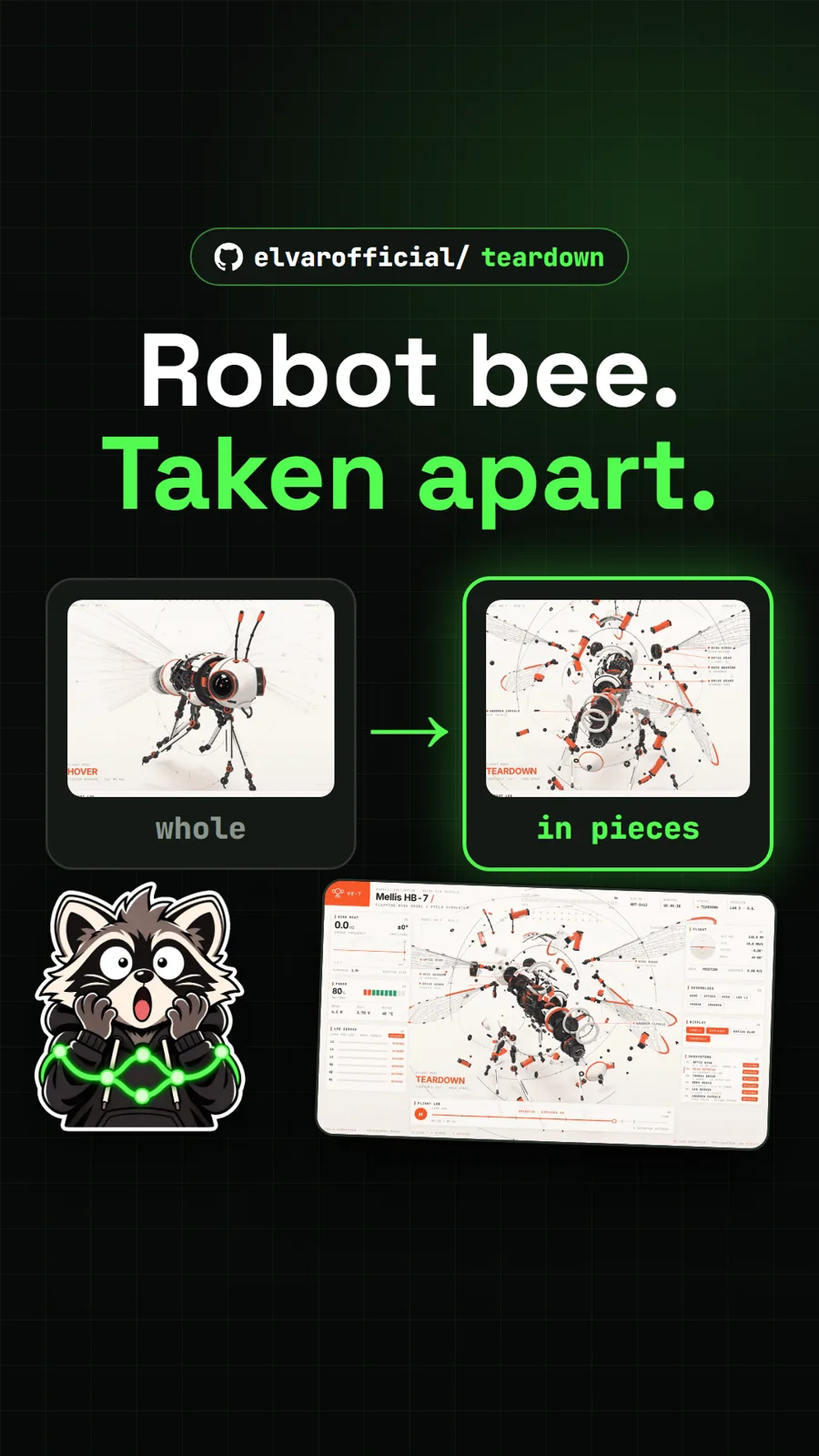
elvarofficial/teardown
Teardown: an AI skill that builds machine simulations you can take apart
Get tomorrow's repo in your feed
One free, open source repo a day as a short video, shown working, with the catch named. Pull it. Stash it.
