
Rembrandt: a free photo editor you tell what to change
By Pull This RepoPosted 4 min read
Short answer
Rembrandt is a free, GPL-3.0 photo editor and RAW developer for Windows, macOS and Linux in the style of Lightroom Classic. You type or say what you want, such as golden hour, shadows +25, and it moves the sliders for you. It adds on-device AI lens blur, refocus and 4x super resolution. Lightroom costs US$11.99 a month. It is young, and its engine still changes.
Rembrandt is a free photo editor where the main control is a sentence. You open a photo, type "golden hour, shadows +25", and a small Rembrandt drawn in gold dots works through the edit while the normal sliders move on their own. Underneath, it is a full Lightroom Classic style RAW developer and library, open source under GPL-3.0, with its AI running on your own machine.
What is Rembrandt?
The README's one-line pitch: "A free photo editor for macOS, Windows and Linux. No account needed, no subscription." Its quick facts describe it as "a RAW developer and photo library, in the same family as Lightroom Classic: develop, adjust, mask, retouch, organise and export your own photos." Every edit is non-destructive, and edits are saved as standard XMP sidecars that Lightroom and darktable can read.
The repo was created on 29 September 2026 and had 211 stars when we checked on 18 November 2026, so it is small and brand new. It moves fast, though: the latest release is v0.3.36 from 11 November, the 39th release in about six weeks.
How does editing in words work?
Press Ctrl+K (Cmd+K on a Mac), or click the microphone and say it. Exact requests like "shadows +25" are applied directly. Everyday phrasing goes through a small language model that runs on your computer. Each change lands on the regular sliders, with Undo, so you can fine-tune by hand afterwards.
Requests to try, taken from the README and the project's own demo videos:
| Type or say | What it does |
|---|---|
golden hour, shadows +25 | warms the light and opens the shadows in one go |
warmer and a bit brighter | temperature and exposure together |
down exposure by ten points and vignette | an exact amount plus a darkened edge |
lens blur up a lot | background blur from the on-device depth map |
It understands photo edits, not general requests. Keep one idea per clause and join them with "and".
What AI tools does Rembrandt have?
All of these run on your device, according to the README:
- Masks: brush and gradients, plus AI subject, background, object and depth masks
- Lens Blur with aperture shapes, from on-device depth and subject maps
- Refocus, which brings back detail in out-of-focus photos
- Super Resolution at 2x and 4x on your graphics card
- Touch: drag on the photo to change the tone or colour under the pointer
The README is also clear about what the AI does not do. It is not a generative tool: "it doesn't make images from a prompt or invent new objects." Its fog, sun ray and lens blur effects are built from each photo's own depth and subject.
How do you install Rembrandt?
From the README's download table. On macOS and Linux, one line installs it with no administrator password:
curl -fsSL https://raw.githubusercontent.com/thesnarkitecht/rembrandt/main/install.sh | bashOn a Mac that puts Rembrandt.app in ~/Applications and adds a rembrandt command: rembrandt gui opens it, rembrandt update updates it and rembrandt uninstall removes it. The README says it opens without the "can't verify" prompt. This line has changed since our video was made: the project's guide then pointed at an install address on its own website, and the README now uses the script in the repo.
On Windows, download Rembrandt-windows-x64-setup.exe (or the ARM64 version) from the latest release. It installs for your account only. The builds are not code-signed yet, so choose More info, then Run anyway if SmartScreen warns. Checksums are on the release page.
There are also Mac disk images for Apple silicon and Intel. With those, the first launch needs System Settings, Privacy and Security, Open Anyway.
Can you self-host Rembrandt?
Yes, on Linux and macOS. This serves the editor and your photo folder to any browser:
curl -fsSL https://raw.githubusercontent.com/thesnarkitecht/rembrandt/main/install.sh | bash -s -- --serverIt asks which photo folder to use, starts at login and prints a private link. Add --lan to reach it from other devices on your network.
What is the catch?
- The engine still changes. The README warns: "The same edit can look slightly different after an update." Originals are never touched and edits are kept as XMP, but check important work after updating before you export again.
- Not a layer editor. No layers, text or painting, so it does not replace Photoshop.
- Unsigned builds for now, which means one extra click on Windows and with the Mac disk images.
- Tiny and young. About 200 stars and six weeks old when we checked. Expect rough edges.
- It needs WebGL 2 graphics (OpenGL 3.3 class). The README says it times your graphics card once and picks a working size an older computer can keep up with. If you want no AI at all, Settings, Workspace turns it off, and then no model is downloaded or run.
Who is Rembrandt for?
Photographers who want Lightroom-style RAW editing without a subscription, people moving a Lightroom Classic catalog off Adobe, and anyone who would rather describe an edit than hunt for the right slider. It also suits privacy-minded users, since nothing leaves the computer. If you need layers, compositing or text, look elsewhere.
How does Rembrandt compare with other free photo editors?
| Editor | What it is | Good for |
|---|---|---|
| Rembrandt | Lightroom-style RAW editor with editing in words and on-device AI | quick edits by description, Lightroom catalog moves |
| Adobe Lightroom | the paid incumbent, US$11.99 a month | Adobe's paid editor; the Photography plan adds Photoshop for US$19.99 a month |
| darktable | mature open source RAW editor | deep control, at the cost of a steeper learning curve |
| RawTherapee | long-running free RAW developer | fine control over demosaicing, noise and colour |
| LightCraft | newer open source Lightroom reimplementation in Rust | more of Lightroom's library and export features |
What did we run for the video?
We did not install or run Rembrandt. The footage came from the authors' own demo videos and site images, plus our captures of the GitHub page and Adobe's US pricing, so the features above are the project's claims, not our test results.
If you want a free design tool in the browser too, see Doory. For painting rather than photo editing, see ProCraft.
Pull it. Stash it.
Questions people ask
Is Rembrandt a free Lightroom alternative?
Yes, for the develop and library side of Lightroom Classic. It is GPL-3.0, needs no account or subscription, edits RAW files from over 1,000 cameras and imports Lightroom Classic catalogs and presets. Adobe's US plans page listed Lightroom at US$11.99 a month on 15 November 2026.
Does Rembrandt upload my photos to use its AI?
No. The README says your photos stay on your computer and its AI masks, lens blur, refocus and super resolution run on your device. Everyday phrasing is handled by a small language model that also runs locally. You can turn AI off entirely in settings.
Can Rembrandt open my Lightroom catalog?
Yes. It imports Lightroom Classic catalogs with edits, keywords, labels, virtual copies and collections, and gives a report of anything that cannot come over. It also imports Lightroom presets in .xmp, .lrtemplate and zip packs.
Is Rembrandt a Photoshop alternative?
No. The README says plainly that it is not a layer-based pixel editor like Photoshop or GIMP: there are no layers, text or painting. It is a RAW developer and photo library.
Why does Windows warn me when I install Rembrandt?
The README says the builds are not code-signed yet. On Windows, click More info, then Run anyway. With a downloaded Mac disk image, use System Settings, Privacy and Security, Open Anyway. The Mac install line avoids that prompt.
Sources
- 1Rembrandt repository and README
- 2Rembrandt latest release (v0.3.36)
- 3Rembrandt website and demo video
- 4GitHub API: thesnarkitecht/rembrandt (stars, licence, language, created date, checked 2026-11-18)
- 5Adobe Lightroom plans, US prices (read 2026-11-15)
- 6darktable-org/darktable
- 7RawTherapee/RawTherapee
- 8storytold/lightcraft
More repos like this
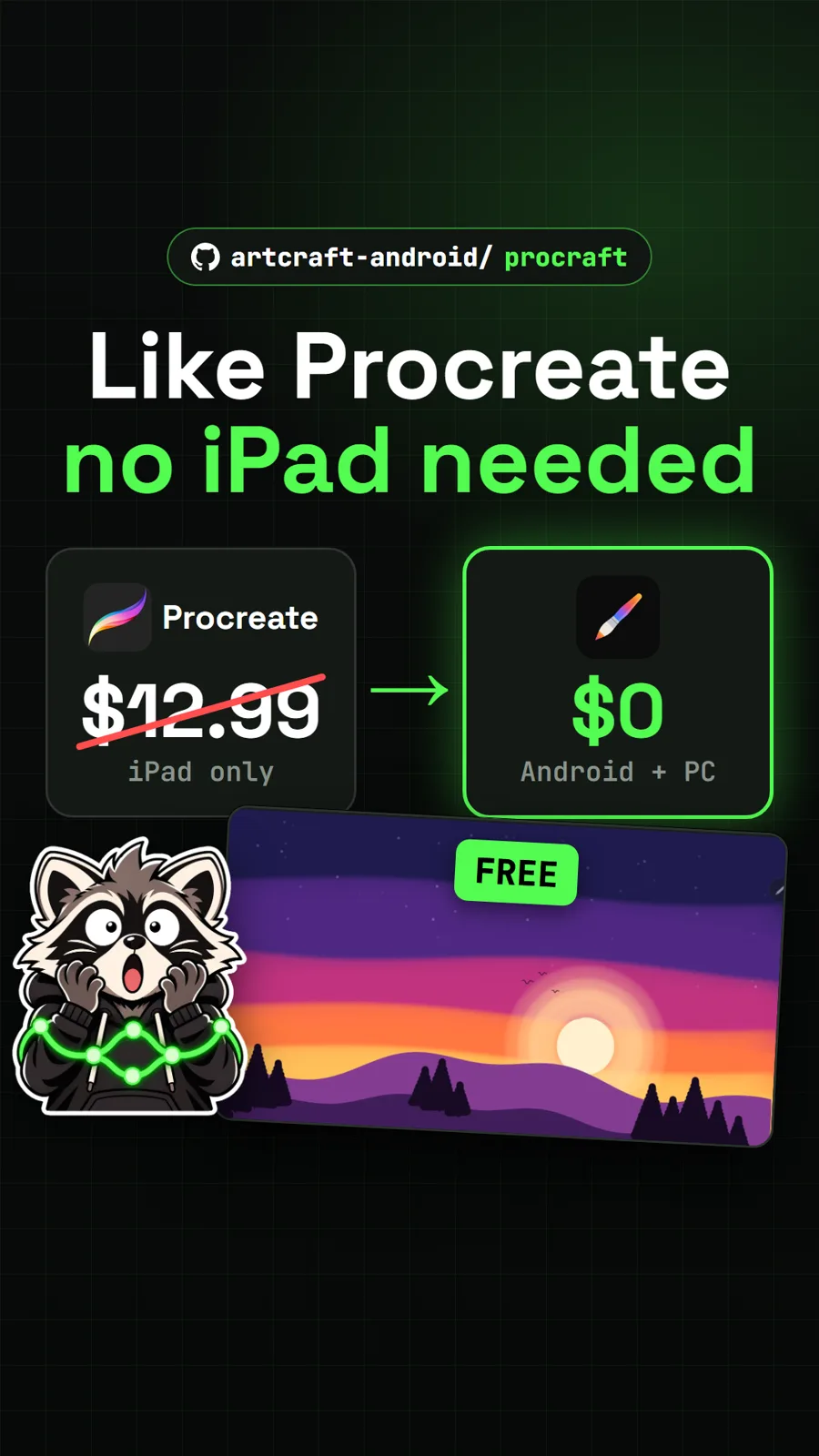
artcraft-android/procraft
ProCraft: a free Procreate-style painting app for Android tablets and PCs
Get tomorrow's repo in your feed
One free, open source repo a day as a short video, shown working, with the catch named. Pull it. Stash it.
