
Kokon: a free AI photo editor that runs on your own computer
By Pull This RepoPosted 4 min read
Short answer
Kokon is a free, open source photo editor that makes edits from a typed sentence or a brushed area, running an open image model on your own graphics card. It removes objects, adds new ones, restores old photos and splits images into layers you can export as a PSD. It needs a strong GPU or an Apple silicon Mac, and its images are not for commercial use.
Kokon lets you edit a photo by saying what you want changed. Type "remove the tourists" or brush over a scooter and press Remove, and an open image model running on your own graphics card makes the edit. There is no account, no upload and no daily limit, which is the main difference from editing images in a cloud AI app.
What is Kokon?
Kokon is a free, open source desktop photo editor by Gabriele Lozupone, released under AGPL-3.0 and written mostly in Rust. One installer for Windows, Mac and Linux sets up the open model it uses, Qwen-Image 2.1. The repo was created on 8 October 2026 and had 442 stars when we checked on 18 November 2026. The latest release is v0.12.1.
What it does, from the README and the author's own demo videos:
- Edit with a sentence. Drop in a photo, type the change, press Enter. It keeps the photo's size and everything you did not mention.
- Brush edits. Paint over an area and pick Change, Remove, Replace or Add. Remove needs no prompt at all.
- Restore and recolour. In the author's demo, a creased wedding photo is restored, then put back in colour with "colorize it".
- Layers lab (new in 0.12, experimental). Click the things you want on their own layer, and Kokon cuts each one out, fills the background behind it and exports a PSD.
- More tools: new images from text, combining photos, expanding the frame, upscaling and colour grading.
- Use it from another device in a browser over your home Wi-Fi, while the PC with the graphics card does the work.
What hardware does Kokon need?
This is the first thing to check, because without the hardware there is no Kokon. From the README's requirements tables:
| Minimum | Recommended | |
|---|---|---|
| Windows or Linux GPU | NVIDIA with 12 GB of video memory (RTX 3060 12 GB, 4070); 8 GB in beta. AMD and Intel through Vulkan, in beta | NVIDIA with 16 GB or more |
| Mac | Apple silicon with 16 GB of memory (works, but slowly) | 32 GB or more |
| RAM | 16 GB | 32 GB |
| Disk | about 12 GB of models on first run | an SSD |
Speed varies a lot. The README gives about 24 seconds per edit at the Balanced setting on an RTX 5070 Ti 16 GB, and about 4 minutes for a 1-megapixel image on a 16 GB M2 Pro Mac. Integrated graphics and Intel Macs are not supported.
How do you install Kokon?
There is no single install command; you download the installer for your system from the latest release.
Windows. Download Kokon_<version>_x64-setup.exe and run it. It installs for your user only. If Windows shows "Windows protected your PC", click More info, then Run anyway.
Mac (Apple silicon, beta). Open Kokon_<version>_aarch64.dmg and drag Kokon to Applications. The app is not notarized, so the first launch is blocked: open System Settings, Privacy & Security and click Open Anyway. If that button does not appear, the README's fallback is:
xattr -dr com.apple.quarantine /Applications/Kokon.appLinux (x86-64, beta). On Ubuntu, Debian or Mint:
sudo apt install ./Kokon_<version>_amd64.debOn first launch, Kokon detects your graphics card or Mac memory, recommends a preset and downloads about 12 GB of models. If you already have Qwen-Image 2.1 files from ComfyUI, choose Use models I already have to skip most of the download.
What prompts work best in Kokon?
The project's prompt guide is worth reading because the model takes you literally. The rules that matter most:
- Say what is there, not what is missing. Writing "no laptop" tends to put a laptop in. Write "the desk is clean and empty except for a small potted plant".
- Name the exact thing to change. "Make it blue" can paint the wrong object. "Paint the wall behind the armchair a dusty blue. Keep everything else unchanged."
- "Better" means nothing. Describe what better looks like: the light, the time of day, the objects.
- Put text in quotes and keep it short.
Edits to try, from the guide: brush an object and pick Remove with no words; brush a spot, pick Add and type a ginger cat sitting on the cobblestones; or run restore this old photo followed by colorize it.
What is the catch?
- Hardware. A 12 GB graphics card (8 GB in beta) or an Apple silicon Mac with 16 GB or more. Mac, Linux, AMD and Intel support are all in beta.
- No commercial use. The default model is under the Qwen Research License, so you cannot sell or commercially use the images it makes.
- Every AI image is marked, in the file and with an invisible watermark. The author asks you not to remove it.
- It is young, a one-person project with a first release in October 2026.
- Unsigned builds. Windows warns, and the Mac app is not notarized.
Who is Kokon for?
People with a capable gaming PC or a high-memory Apple silicon Mac who want AI photo edits without uploading their pictures or paying a monthly fee, for personal photos and experiments. It is not a fit for client or commercial work under the default model's licence, and it does not replace Photoshop's full layer editing. The price comparison in our video was Photoshop at $22.99 a month on Adobe's US plans page.
How does Kokon compare with other free photo editors?
| Tool | What it is | Good for |
|---|---|---|
| Kokon | one-installer desktop app around Qwen-Image 2.1 | sentence and brush edits with no setup of workflows |
| krita-ai-diffusion | AI fill inside the free Krita paint app | painters who want layers and brushes plus AI |
| IOPaint | local web app for removing objects and defects | quick object removal on smaller GPUs |
| ComfyUI | node-graph tool for open image models | full control if you are happy to build workflows |
What did we run for the video?
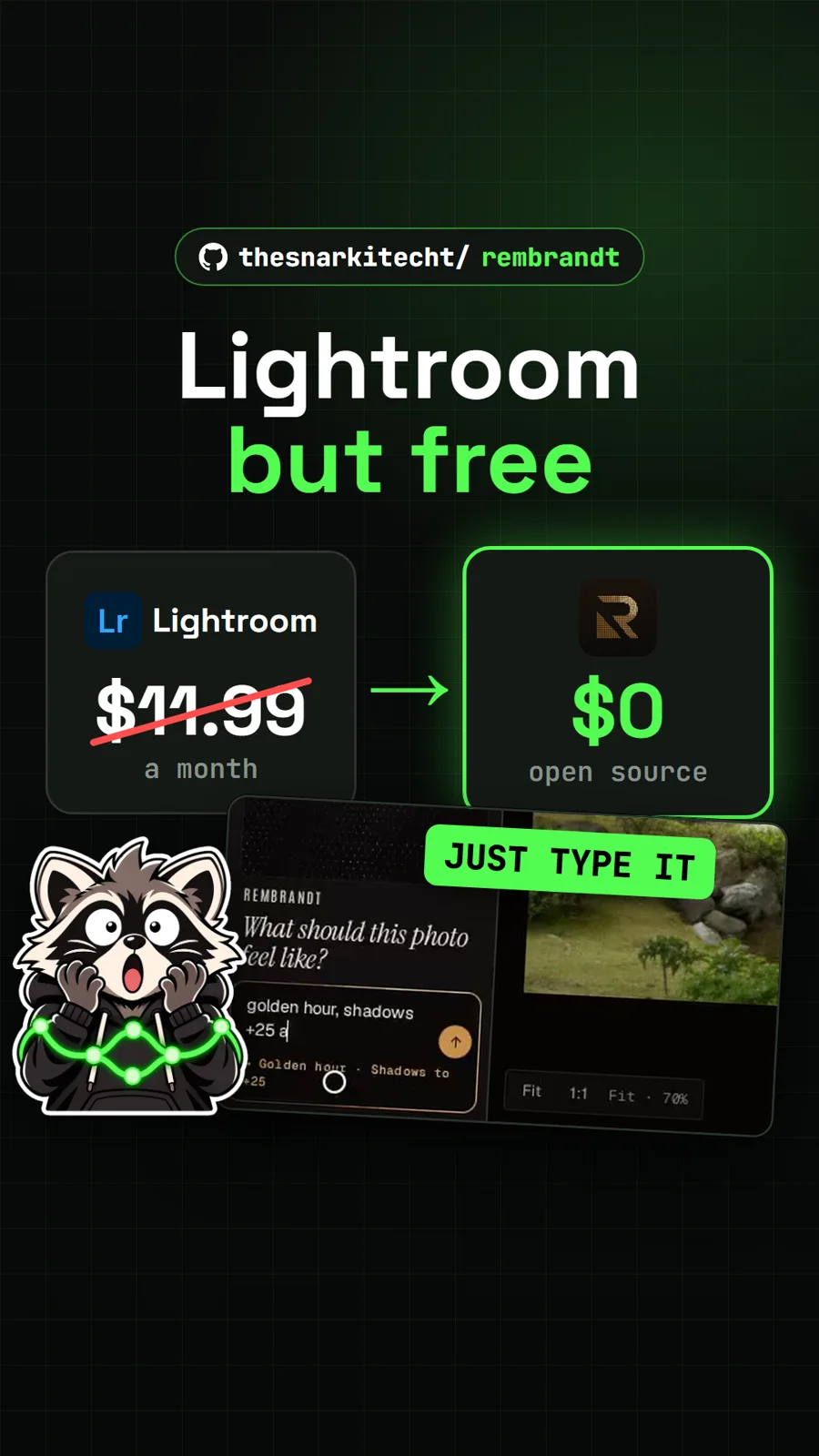
We did not install Kokon; our test PC did not have a suitable graphics card. The video used the author's own published demo videos and our capture of the free layers demo on kokon.app. For other free photo tools, see BG0 for background removal in the browser and Rembrandt, a photo editor you also describe changes to.
Pull it. Stash it.
Questions people ask
Can I sell images I make with Kokon?
Not with the default model. The app's code is AGPL-3.0, but the README says the bundled model, Qwen-Image 2.1, is under the Qwen Research License: research and evaluation only, and that includes selling or using the images commercially.
What graphics card does Kokon need?
The README's minimum is an NVIDIA card with 12 GB of video memory, such as an RTX 3060 12 GB or 4070, with 8 GB cards in beta. AMD and Intel cards run in beta through Vulkan. On a Mac it needs Apple silicon with at least 16 GB of memory, and 32 GB or more is recommended.
Does Kokon upload my photos?
No. The README says nothing leaves your computer: there is no account, no uploads and no daily limit. It downloads about 12 GB of models on first run and then works offline.
Can Kokon open in Photoshop?
Its layers lab, added in version 0.12 and marked experimental, cuts the parts you pick onto their own layers and exports a PSD file you can open in Photoshop, GIMP or Photopea.
Can AI agents use Kokon?
Yes. It includes an MCP server and a local HTTP API, so tools such as Claude Code or Cursor can create and edit images on your own machine.
Sources
- 1Kokon repository and README
- 2Kokon latest release (v0.12.1)
- 3Kokon prompt guide
- 4Kokon image to layers demo
- 5GitHub API: GabrieleLozupone/kokon (stars, licence, language, created date, checked 2026-11-18)
- 6Adobe Photoshop plans, US region (price read 2026-11-15)
- 7Acly/krita-ai-diffusion
- 8Sanster/IOPaint
- 9Comfy-Org/ComfyUI
More repos like this
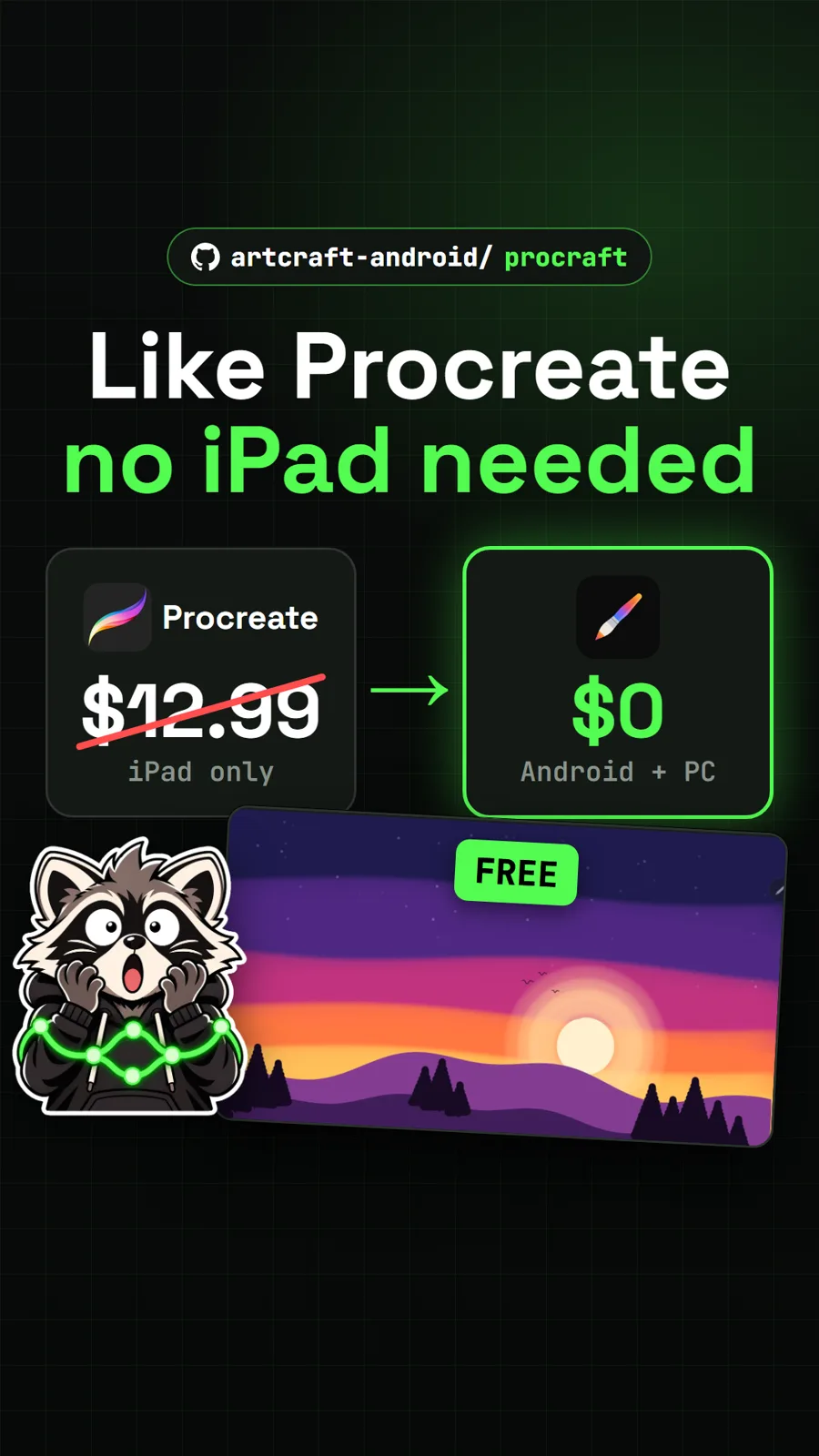
artcraft-android/procraft
ProCraft: a free Procreate-style painting app for Android tablets and PCs
Get tomorrow's repo in your feed
One free, open source repo a day as a short video, shown working, with the catch named. Pull it. Stash it.
