How to download a GitHub repo, even if you never code
By Pull This RepoPosted 4 min read
Short answer
To download a GitHub repo, open its page, click the green Code button and choose Download ZIP, or copy the HTTPS address and run git clone with it. If you only want to use the app, skip the code: click Releases on the repo page and download the installer for your computer from the newest release's Assets.
Every app on this site lives on GitHub, and GitHub was built for programmers. The good news: to use most of these apps you never touch the code. This page shows the three ways to get something from a GitHub repo, which one to pick, and how to judge whether a repo is safe to run. The steps come from GitHub's own documentation.
Which download do you actually need?
Pick by what you want to do:
| You want to | Use | Needs |
|---|---|---|
| install and use the app | a release | nothing but a browser |
| look at the files, or copy a skill folder | Download ZIP | nothing but a browser |
| follow the project and update it later, or build it | git clone | Git installed |
Most people want the first row. If a repo has no releases, its README will say how to run it, often with one command.
What is a release, and when should you use it?
A release is the ready-to-run version. GitHub's docs describe releases as a way "to package software, along with release notes and links to binary files". Those binary files are the installers: .exe or .msi for Windows, .dmg for Mac, .apk for Android, .AppImage, .deb or .rpm for Linux.
To get one:
- Open the repo's main page.
- Click Releases (on most repos it sits in the right-hand column).
- Open the newest release and scroll to Assets.
- Download the file for your computer. The README usually has a table saying which file is which.
For example, PhotoSplice ships a .dmg for Mac, an .msi for Windows and .deb, .rpm and .AppImage files for Linux on each release. GitHub also adds Source code (zip) and Source code (tar.gz) to every release; ignore those unless you plan to build the app yourself.
Some projects also publish to a package manager, which is often easier. The README will give the line. Two examples from our pages: PecoFence installs on Windows with winget install DayuanJiang.PecoFence, and Tendedero on a Mac with brew install tendedero.
How do you download a repo as a ZIP?
Use this when you want the files themselves, such as an agent skill folder. From GitHub's docs:
- Go to the repository's main page.
- Above the list of files, click Code.
- Click Download ZIP.
Unzip it and you have every file as it was at that moment. The docs note that "snapshots don't contain the entire repository history", so there is no way to update a ZIP: download a new one when the project changes.
How do you clone a repo with git?
Cloning gives you the files plus the full history, and you can update later with one command. You need Git installed. From GitHub's docs:
- On the repository's main page, click Code.
- Under HTTPS, click the copy icon to copy the address.
- Open Terminal on Mac or Linux, or Git Bash on Windows, and move to the folder where you want the copy.
- Type
git clone, paste the address and press Enter:
git clone https://github.com/Oldcircle/geo-sleuthThat creates a geo-sleuth folder. Later, inside that folder, git pull fetches the latest changes. Many READMEs on this site start their install steps with exactly this line; Geo Sleuth and Dimensional Drawing are two. For copying skills into Claude Code after a clone, see how to install Claude Code skills.
How do you know a repo is safe to run?
You cannot be certain, but a few checks catch most problems:
- Download only from the project's own Releases page, the one linked from its README, not from a mirror or a video description.
- Check the checksum when the release lists one. Projects such as OpenCircle and PhotoSplice publish a
SHA256SUMS.txt. On Windows,Get-FileHash .\file.exe -Algorithm SHA256in PowerShell prints the hash to compare. - Expect an unsigned warning, but read it. Many young projects are not code-signed yet, so SmartScreen or Gatekeeper warns. That is normal for a new project; a warning on a file you did not get from the official page is not.
- Read install scripts before piping them into a shell. A line like
curl ... | bashruns whatever the script says. Save it first and read it. - Look at the repo's age and activity. A weeks-old project with one release is fine to try, but keep backups of anything it touches.
Our own rules for which repos we feature, and how we label what we ran, are on how we pick.
What if the repo has no download at all?
Some repos are code only, such as libraries or skills, or they expect you to build the app. In that case, follow the README's install section line by line. It usually lists what to install first (Node.js, Python, Rust or Xcode), then the commands. If a page on this site covers the repo, it gives those exact steps and says whether we ran them.
Not sure which repo to start with? Browse free open source alternatives to paid apps, sorted by the paid app each one stands in for.
Pull it. Stash it.
Questions people ask
How do I download a GitHub repository as a ZIP?
Go to the repository's main page, click the Code button above the list of files, then click Download ZIP. GitHub's docs note the ZIP is a snapshot of the code without the full history; clone the repository if you need the history.
What is the difference between cloning and downloading a ZIP?
A ZIP is a one-off copy of the files. A clone made with git clone brings the full history and lets you pull updates later with git pull. For running an app, neither is usually needed: download the release instead.
What is a GitHub release?
GitHub's docs describe a release as a way to package software with release notes and links to binary files. That is where projects put ready-made installers such as .exe, .msi, .dmg, .apk or .AppImage files. Each release also gets automatic source code zip and tarball links.
Why does Windows or macOS warn me about an app from GitHub?
Many small projects do not pay for code signing yet, so Windows SmartScreen or macOS Gatekeeper warns on first launch. Only continue if the file came from the project's own Releases page, and check its checksum if the release lists one.
Sources
More repos like this
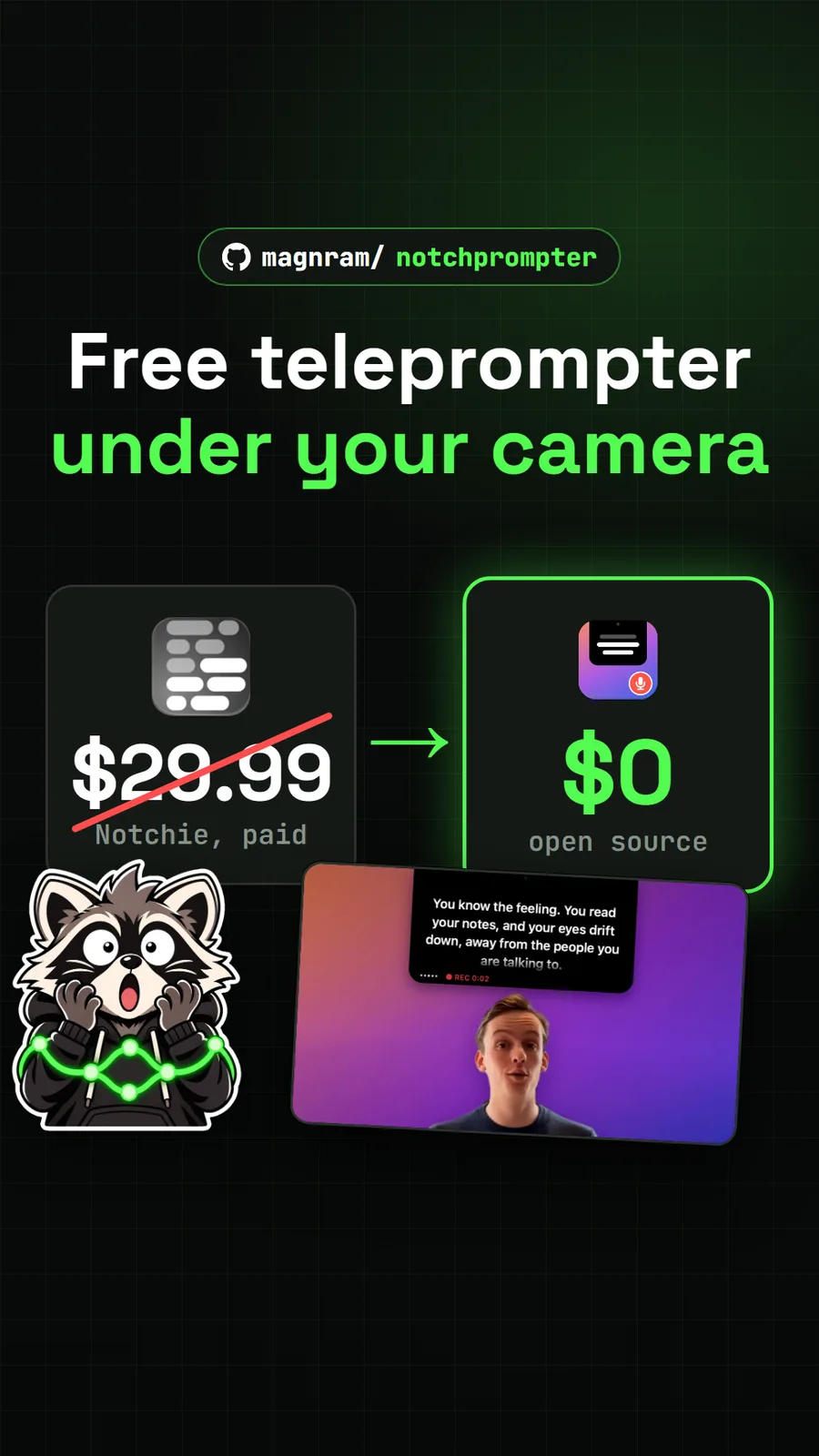
magnram/notchprompter
NotchPrompter: a free teleprompter that sits under your Mac's camera
Get tomorrow's repo in your feed
One free, open source repo a day as a short video, shown working, with the catch named. Pull it. Stash it.