How to install Claude Code skills (and 8 free ones to try)
By Pull This RepoPosted 4 min read
Short answer
To install a Claude Code skill, put its folder, the one holding a SKILL.md file, in ~/.claude/skills/ for every project or .claude/skills/ inside one project. You can clone the repo and copy the folder, run the npx skills add command many READMEs give, or install a plugin with /plugin install. Claude Code picks up new skills without a restart.
A Claude Code skill is a folder you drop into the right place on your computer. Once it is there, Claude reads it and uses it when your request matches, or when you call it by name. Below: what a skill is, where the folders live, the three ways to install one from GitHub, and eight free skills we have covered, each with the exact install line from its README.
What is a Claude Code skill?
A skill is a folder with a SKILL.md file inside. Anthropic's Claude Code docs put it simply: "Create a SKILL.md file with instructions, and Claude adds it to its toolkit."
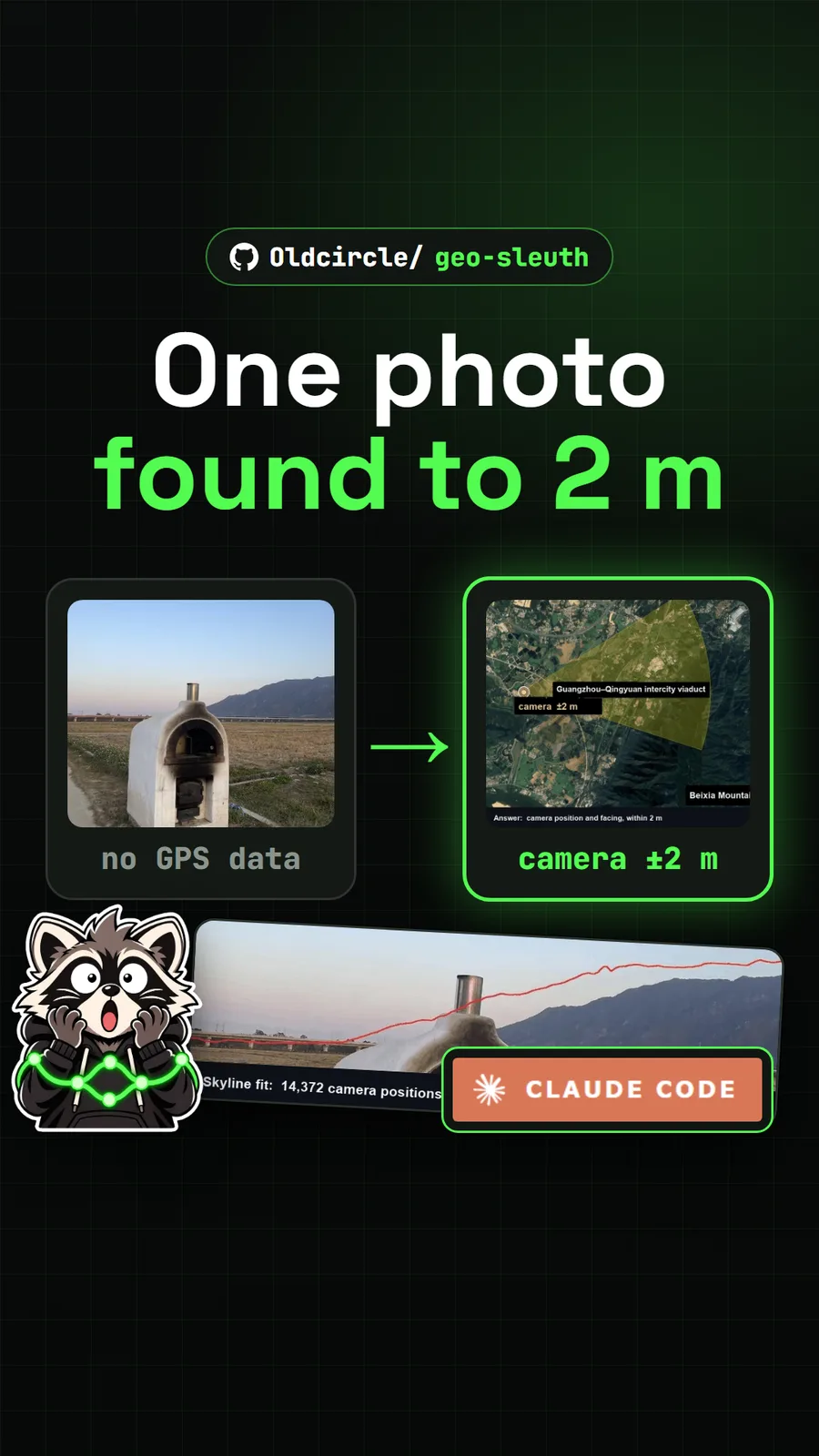
The file has two parts. At the top, between --- lines, is a short header. The description field matters most: the docs say Claude uses it "to decide when to apply the skill". Below the header are the instructions, written in plain markdown. A skill can also carry scripts, reference notes and lookup tables in the same folder, which is how a skill like Geo Sleuth ships about twenty Python scripts alongside its instructions.
A minimal skill looks like this:
---
description: Summarizes uncommitted changes and flags anything risky.
---

Read the git diff, list each changed file in one line,
and flag anything that touches secrets or deletes data.
The folder name becomes the command you type. A folder called summarize-changes is called with /summarize-changes.
Where do skills live on your computer?
Skills load from a few fixed places. These are the ones you will use, from Anthropic's docs:
| Where | Path | Loads in |
|---|---|---|
| Personal | ~/.claude/skills/<skill-name>/SKILL.md | all your projects on this machine |
| Project | .claude/skills/<skill-name>/SKILL.md | sessions in that repository; commit it so your team gets it |
| Plugin | <plugin>/skills/<skill-name>/SKILL.md | wherever the plugin is installed, as /plugin-name:skill-name |
On Windows, ~ is your user folder, so the personal path is C:\Users\<you>\.claude\skills\. If two skills share a name, the docs say personal wins over project.
How do you install a skill from GitHub?
There are three common ways, and the repo's README tells you which one it supports.
1. Copy the folder by hand. This works for any skill. Clone the repo and copy the skill folder into your personal skills folder. This is the README's route for Dimensional Drawing:
git clone https://github.com/enesozturk/dimensional-drawing
cp -r dimensional-drawing/skills/* ~/.claude/skills/
On Windows PowerShell, the copy line is Copy-Item -Recurse dimensional-drawing\skills\* $HOME\.claude\skills\.
2. Use the npx skills add command. Many skill READMEs give a one-line install through the skills command line tool, which needs Node.js. It asks which agents to add the skill to:
npx skills add Oldcircle/geo-sleuthSome READMEs add flags. Teardown installs globally for Claude Code only with npx skills add elvarofficial/teardown -g -a claude-code.
3. Install a plugin. Some repos ship the skill inside a Claude Code plugin. You type two commands at the Claude Code prompt. This is how pixelfx installs:
/plugin marketplace add patch-gg/pixelfx
/plugin install pixelfx@pixelfx
Whichever way you use, read the SKILL.md and any scripts before the first run. A skill's scripts run on your machine with your permissions. Some skills also need a setup step after install: Teardown, for example, asks you to run npm install inside its folder. New to cloning repos? Our guide on how to download a GitHub repo covers ZIP downloads and git clone.
How do you use a skill once it is installed?
You can let Claude pick it, or call it directly. The docs describe both:
- Automatically. Ask for the job in plain words, such as "find where this photo was taken". Claude matches your request against each skill's description and loads the right one.
- By name. Type
/and the skill's name, such as/geo-sleuth, to run it on purpose.
To check what is installed, type /skills. Claude Code watches the skill folders, so the docs say a new or edited skill is picked up "within the current session, without a restart". The one exception: if you create a top-level skills folder that did not exist when the session started, run /reload-skills.
If you used custom slash commands before, they still work. The docs say custom commands "have been merged into skills", and a file in .claude/commands/ keeps working.
Which free skills are worth trying?
These are the eight skill repos we have covered in full, with the install route each README gives. Our best free Claude Code skills page compares them in more depth, including which ones we actually ran.
| Skill | What it does | Install route |
|---|---|---|
| Geo Sleuth | works out where a photo was taken from its skyline, structures and map data | npx skills add Oldcircle/geo-sleuth |
| REA Video | breaks a video down shot by shot and plans a remake | paste the README's install sentence into your agent |
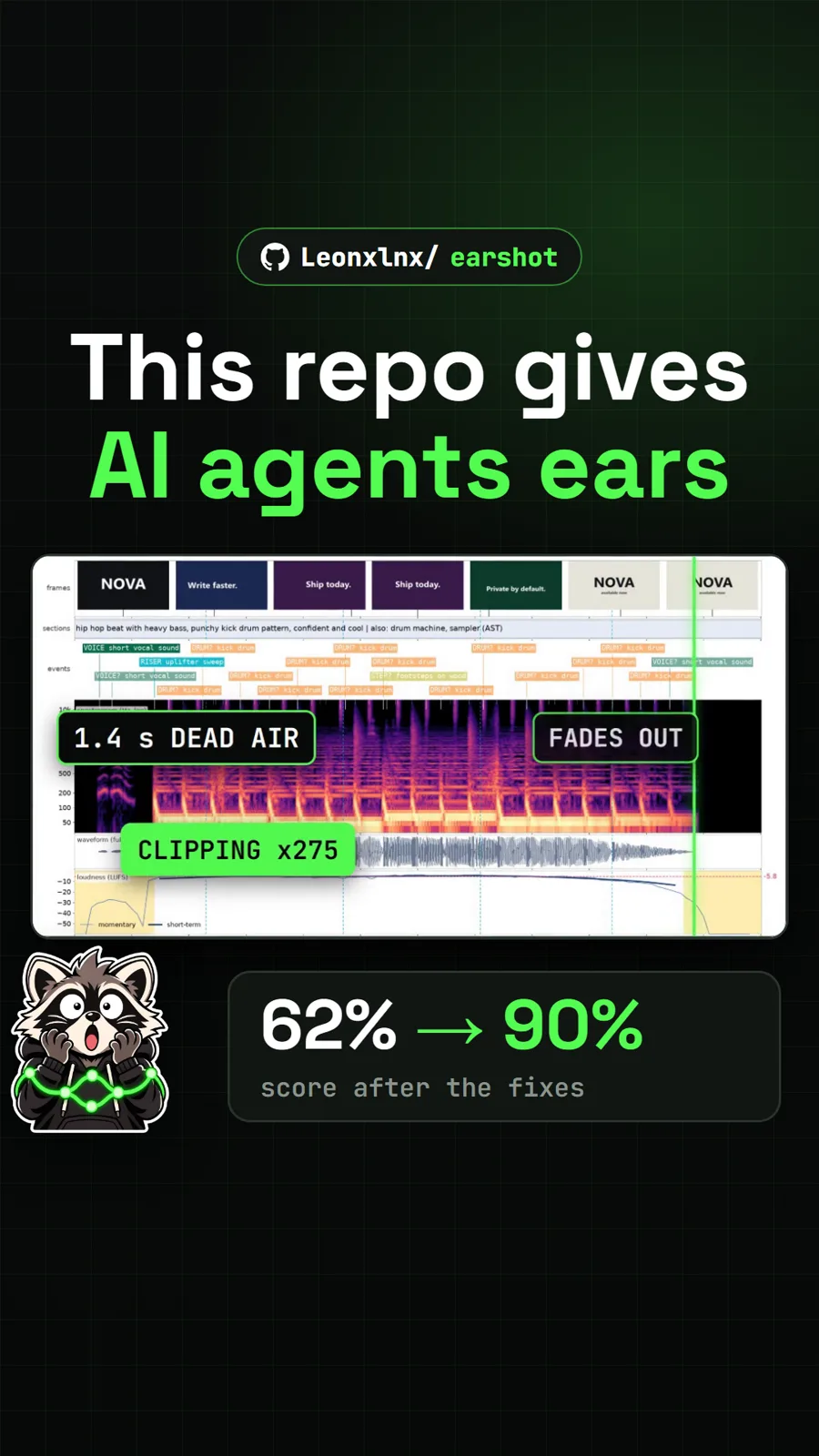
| Earshot | lets an agent measure loudness, clipping and sync in audio and video | Python install, then add it as an MCP server |
| Dimensional Drawing | draws measured blueprint sheets of a UI component | copy the folder, or npx skills add |
| Teardown | builds a machine simulation you can take apart in one HTML page | npx skills add ... -g -a claude-code |
| Craft Anything | studies an app or site, then has Claude Code build your own version | build from source or a release installer |
| 3D Model Anything | rebuilds a LiDAR room scan as an editable Three.js scene | clone the repo, open it in your agent and ask for scan-to-threejs |
| pixelfx | finds, exports and makes pixel art effects for games | /plugin install pixelfx@pixelfx |
Each linked page has the full install steps, the hardware or accounts it needs, and the catch.
What is the catch with skills?
- They run as you. A skill's scripts have the same access to your files as you do. Read them first.
- Long skills cost tokens. Geo Sleuth's published runs took 32 to 72 minutes with many tool calls, and Teardown builds are long sessions. Expect real use on your plan.
- Results vary by model. Several READMEs, Geo Sleuth's included, say a different model may not reach the same answer.
- Extra setup is common. Python, Node.js, ffmpeg or a browser download often come with the skill.
Pull it. Stash it.
Questions people ask
Where are Claude Code skills stored?
Anthropic's docs list two main places: ~/.claude/skills/<skill-name>/SKILL.md for skills available in all your projects, and .claude/skills/<skill-name>/SKILL.md inside a repository for skills that load only in that project. Plugin skills live inside the plugin and load as /plugin-name:skill-name.
Do I need to restart Claude Code after adding a skill?
Usually not. The docs say Claude Code watches skill folders and picks up added, edited or removed skills within the current session. If you create a top-level skills folder that did not exist when the session started, run /reload-skills.
How do I see which skills are installed?
Type /skills in Claude Code. The docs say it lists your skills and notes any name conflicts. /context also groups skills, and /doctor flags skills you never use.
Are Claude Code skills safe to install?
A skill is instructions plus any scripts it ships, and Claude runs those on your computer with your permissions. Read the SKILL.md and scripts first, prefer repos with a clear README and licence, and check what an install command downloads before you run it.
Do skills work in Codex and Cursor too?
Many do. Several READMEs we covered, such as Geo Sleuth and Dimensional Drawing, list Codex, Cursor and Gemini CLI as well, usually through a shared ~/.agents/skills/ folder or the npx skills add tool. Check each repo's README for the agents it supports.
Sources
More repos like this
Get tomorrow's repo in your feed
One free, open source repo a day as a short video, shown working, with the catch named. Pull it. Stash it.