NotchPrompter: a free teleprompter that sits under your Mac's camera
By Pull This RepoPosted 5 min read
Short answer
NotchPrompter is a free, MIT-licensed teleprompter for the Mac. Your script hangs in a small panel right under the camera, and on a MacBook it blends into the notch. It follows your voice: said words fade, it waits when you pause and keeps up when you skip. It is hidden from screen sharing. It needs macOS 15 or later.
NotchPrompter puts your script right where you need to look: in a small black panel hanging from the top of your Mac's screen, under the camera. Talk, and the text follows your voice, so you keep eye contact on calls and videos without your eyes drifting down to notes. It is free and open source. We did not run it ourselves; what follows comes from the project's README and its own demo.
What is NotchPrompter?
NotchPrompter is a Mac teleprompter by Magnus Ramm, released under MIT and written in Swift. Its README describes it as "a free teleprompter for the Mac that sits right under your camera and follows your voice." On a MacBook with a notch, the panel blends into the notch. On other Macs it hangs from the top of the screen in the same spot.
The repo was created on 23 September 2026 and had 36 stars when we checked on 18 November 2026. Version 1.2 was released on 12 November.
What it does, per the README:
- Follows your voice. Words you have said fade out, and the next line stays where you look.
- Keeps up when you go off script. Skip a sentence and it finds your place. Say "uh" or repeat a sentence and it stays put. Pause and it waits.
- Or press play for steady scrolling with a 3-2-1 countdown and speed controls.
- Hidden from your audience. The prompter is left out of screen sharing, screenshots and recordings.
- Records you. Film your camera, your screen or both while the script follows your voice; takes go to Movies, NotchPrompter.
How do you set up NotchPrompter?
You need a Mac on macOS 15 Sequoia or later. These steps are from the README:
- Get it from the Mac App Store. If the App Store is blocked on your Mac, as on some work machines, download the DMG from the latest GitHub release instead. It is the same app, signed and notarized by Apple, but it does not update itself. Use only one of the two copies.
- Open it and allow the microphone and speech recognition. The welcome guide walks you through it.
- Click Try It Now and read the practice script out loud. The text should move as you talk.
- Write your own script in the editor (press E), or import Word, Markdown, RTF, HTML or plain text.
- Put stage directions in (parentheses) or [brackets]. They show on screen but are not read out.
New to GitHub? Start with how to download a GitHub repo, which also covers how to check a download is safe.
What do you do when the text won't move?
Work through the README's own checklist, in order:
| Check | Where |
|---|---|
| Microphone allowed for NotchPrompter | System Settings, Privacy and Security, Microphone |
| Speech recognition allowed | System Settings, Privacy and Security, Speech Recognition |
| Dictation turned on | System Settings, Keyboard, Dictation |
| Microphone button in the prompter is on | click the prompter, then press V |
| The right language | it reads the language from your script, or set it in Settings |
Still stuck? Press Space for play mode and Up or Down to change the speed. Click any word in the prompter to continue from there.
Which shortcuts are worth learning?
These two work in any app, even while a video call or a presentation is in front:
| Keys | What it does |
|---|---|
Control+Option+P | show or hide the prompter |
Control+Option+V | pause or resume |
And these work once you click the prompter:
| Key | What it does |
|---|---|
V | follow my voice, on or off |
Space | play or pause |
C | record, or stop recording |
R | back to the top |
+ / - | bigger or smaller text |
Left / Right | narrower or wider prompter |
What else can NotchPrompter do?
A few features the video did not have time for:
- Subtitles with each take. Turn on Save a transcript with each take for an .srt file next to every movie.
- Screen light. During a take, the rest of the screen can turn a soft warm white to light your face, or black to stop glare in glasses.
- Scripts as files. Turn on Keep scripts as files in a folder and each script becomes a Markdown file. Edits go both ways, so any text editor, or an AI assistant such as Claude Code or Codex, can write or tighten a script for you.
- Private by default. Speech is recognised on the Mac, there is no account, and the README says there is "no analytics and no network code of our own".
What is the catch?
- Mac only, macOS 15 or later. The iPhone app from the same maker is a separate app, not open source, with paid Pro extras.
- Voice-follow needs Dictation on. Languages the Mac cannot recognise by itself need Apple's servers, which you allow in Settings.
- A small, young project. One developer, 36 stars and one GitHub release so far.
- The DMG does not update itself. If you install from GitHub, check the releases page for new versions.
Who is NotchPrompter for?
It suits anyone who reads from notes on camera: people giving talks or sales demos on video calls, creators filming talking-head videos on a MacBook, and teachers recording lessons. If you work on Windows, or need a teleprompter for a separate camera rig, look elsewhere.
How does NotchPrompter compare with other teleprompters?
| App | Price (US) | Follows your voice | Open source |
|---|---|---|---|
| NotchPrompter | free | yes | yes, MIT |
| Notchie | $29.99 on the US Mac App Store (read 2026-11-17) | its listing says it scrolls when you speak | no |
| Textream | free | see its README | yes, MIT; macOS teleprompter for streamers and presenters |
| notchprompt | free | see its README | yes, MIT; teleprompter hidden in the MacBook notch |
| openTeleprompt | free | yes, voice-activated | open source; lives in the Mac's notch |
What did we run for the video?
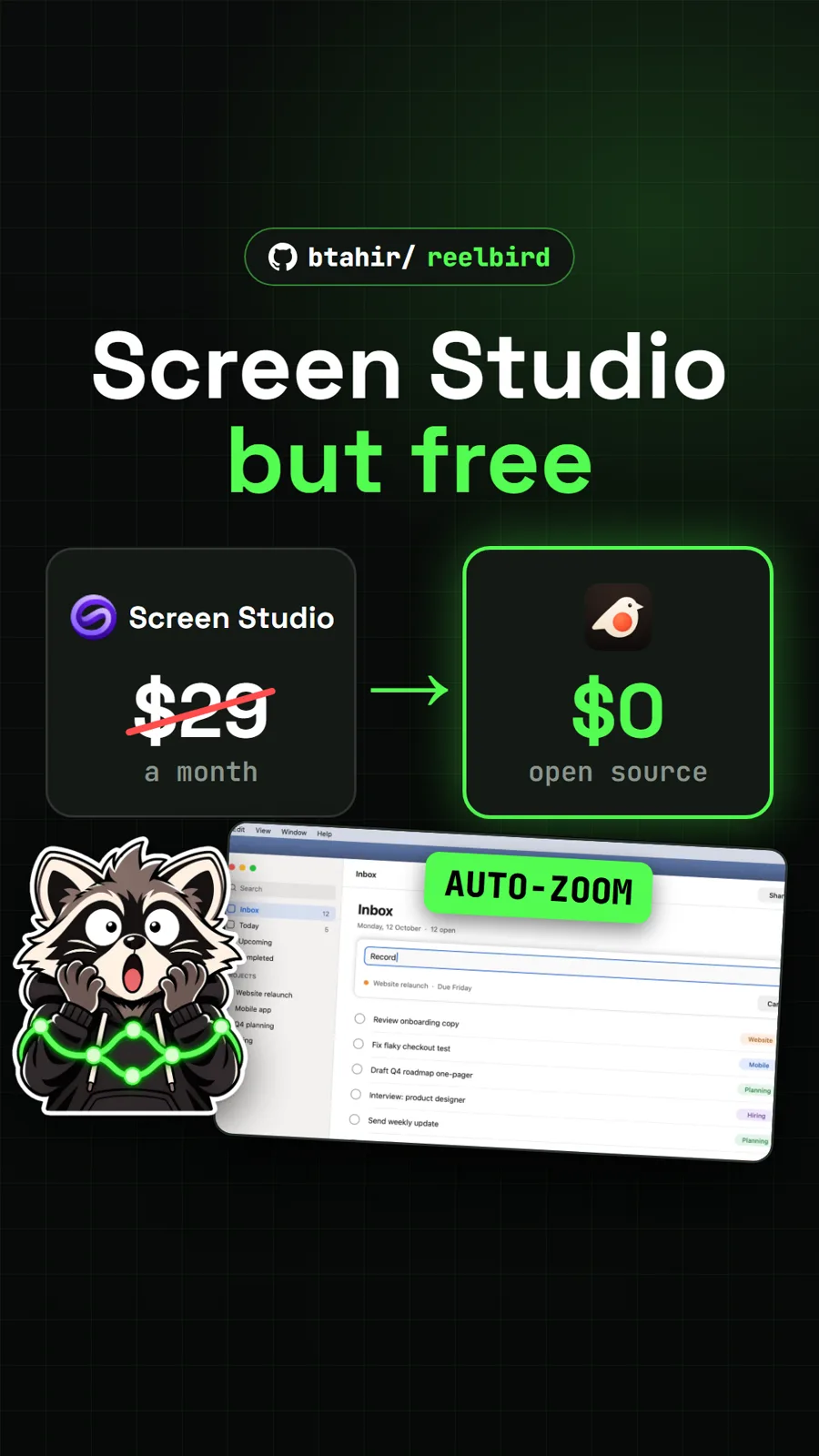
We did not install or run NotchPrompter. The video used the author's promo video, the README's animation and screenshots, and our own captures of the GitHub page and Notchie's US App Store listing. For another free Mac tool for people who film themselves, see Reelbird, a free Screen Studio alternative, and for meeting notes that stay on your Mac, see Yogurt.
NotchPrompter sits with the rest of our Mac picks in free Mac apps.
Pull it. Stash it.
Questions people ask
Is NotchPrompter a free Notchie alternative?
Yes. The Mac app is free on the Mac App Store and as a DMG on GitHub, with no account, and its code is MIT-licensed. The separate iPhone app from the same maker is not open source, and it sells optional Pro extras. Notchie, for comparison, was $29.99 on the US Mac App Store on 17 November 2026.
Do I need a MacBook with a notch?
No. The README says that on a Mac without a notch the prompter hangs from the top of the screen, under the camera, in the same way. It works on any Mac with a camera above the screen.
Can people on a video call see the prompter?
No, by design. The prompter window is left out of screen sharing, screenshots and screen recordings. You can switch that off in Settings, Privacy if you want to show it.
Why doesn't the text move when I talk?
Check that NotchPrompter can use the microphone and speech recognition in System Settings, Privacy and Security, that Dictation is on under Keyboard, and that the microphone button in the prompter is on. Press V to toggle it, or Space for steady scrolling.
Which languages does voice-follow understand?
Every language Apple's speech recognition supports on your Mac. NotchPrompter picks the language from your script, or you choose it in Settings. Languages the Mac cannot recognise by itself need Apple's servers, which you allow in Settings, Privacy.
Sources
- 1NotchPrompter repository and README
- 2NotchPrompter releases (v1.2, 2026-11-12)
- 3GitHub API: magnram/notchprompter (stars, licence, created date, checked 2026-11-18)
- 4NotchPrompter website and promo video
- 5NotchPrompter on the Mac App Store
- 6Notchie on the US Mac App Store (price read 2026-11-17)
- 7f/textream
- 8saif0200/notchprompt
- 9ArunNGun/openTeleprompt
More repos like this
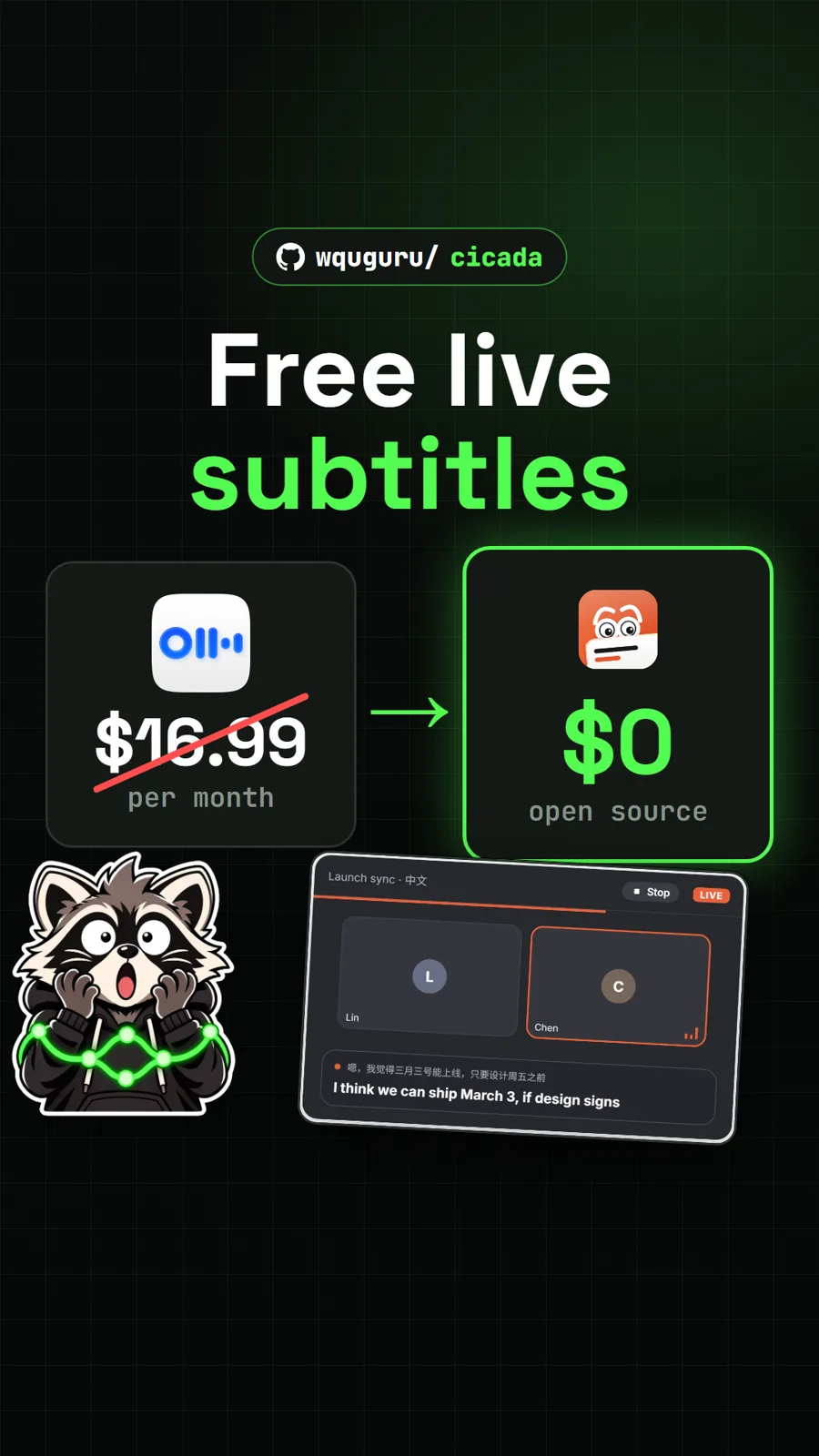
wquguru/cicada
Cicada: free live subtitles and translation for any call, a free Otter alternative
Get tomorrow's repo in your feed
One free, open source repo a day as a short video, shown working, with the catch named. Pull it. Stash it.