PhotoSplice: a free Photoshop clone that opens PSD files in your browser
By Pull This RepoPosted 5 min read
Short answer
PhotoSplice is a free, open source image editor that copies classic Photoshop: the same menus, panels and shortcuts, with PSD as its native format. It runs in a browser tab at photosplice.com/web and on Mac, Windows and Linux. We opened a Photoshop-made PSD with every layer effect intact. The catch: it is version 0.9 with no generative AI.
PhotoSplice is a free image editor that looks and works like classic Photoshop, and it runs in a browser tab. Open photosplice.com/web, drop in a JPG or a PSD, and the menus, panels and shortcuts are the ones Photoshop users already know. We ran the web version ourselves and opened a file made in real Photoshop, so the results below are ours.
What is PhotoSplice?
PhotoSplice is an open source image editor from eolix/PhotoSplice, licensed under your choice of MIT or Apache-2.0 and written mostly in Rust. Its README describes it as a desktop editor "faithfully replicating classic Adobe Photoshop" and adds: "If you know Photoshop ~CS6, you already know PhotoSplice." PSD is its native format, not an import filter.
It comes two ways: a web app at photosplice.com/web and desktop apps for Mac, Windows and Linux. There is no account and no cloud. The repo was created on 15 October 2026 and had 81 stars when we checked on 18 November 2026. It is not made by or endorsed by Adobe.
What the README lists:
- pixel, type, shape, fill and adjustment layers, groups, clipping masks, layer and vector masks, and Photoshop's blend modes
- layer styles: drop shadow, inner shadow, glows, bevel and emboss, satin, colour, gradient and pattern overlay, stroke
- Smart Objects with Smart Filters, and 8, 16 and 32-bit documents in RGB, Grayscale, CMYK and Lab
- Camera Raw, Lens Correction, Liquify, Puppet Warp, Perspective Warp, Vanishing Point, Content-Aware Fill and Scale
- opens PSD, PSB, camera RAW files, PDF and HEIC; saves PSD, PSB, Photoshop PDF, PNG, JPEG, WebP and TIFF
- Actions and Batch, sandboxed plug-ins and 38 interface languages
Can PhotoSplice really open Photoshop files?
Yes, in our test. We opened layer_effects.psd, a public test file from the psd-tools project whose metadata says it was made in Adobe Photoshop CC 2017. Here is what happened in the web app on 17 November 2026:
| Test | Result |
|---|---|
| Open the Photoshop-made PSD | every type layer and its effects came in: bevel, glows, shadows, overlays, stroke, satin |
| Edit one of its text layers | the text changed and kept its Color Overlay effect |
| Add a type layer with a drop shadow and stroke, then save as PSD | a real .psd downloaded; the psd-tools library read it as two layers with DropShadow and Stroke |
| Reopen our saved PSD in PhotoSplice | the type layer and its effects were still editable |
| Liquify, Hue/Saturation, Layer Style | all worked, with live preview |
| A font the file used but the browser lacked | a warning, and a stand-in font |
That round trip is the main reason to try it: the layers stayed layers, and the effects stayed editable, in both directions.
How do you use PhotoSplice in your browser?
It takes four steps, and nothing to install:
- Open photosplice.com/web in a recent Chrome or Edge. It draws with WebGPU, so a current browser matters.
- Click Open (or press
Ctrl+O) and pick a JPG, PNG or PSD, or drag a file onto the window. - Edit as you would in Photoshop. For a non-destructive change, use Layer, New Adjustment Layer.
- Save with File, Save As (
Ctrl+Shift+S). PSD is the default, and in the browser Save downloads the file.
The shortcuts are the Photoshop ones. We read these from PhotoSplice's own menus:
| Action | Shortcut |
|---|---|
| Free Transform | Ctrl+T |
| Levels / Curves | Ctrl+L / Ctrl+M |
| Hue/Saturation | Ctrl+U |
| Layer via Copy | Ctrl+J |
| Merge Visible | Ctrl+Shift+E |
| Clipping Mask | Ctrl+Alt+G |
| Liquify | Ctrl+Shift+X |
| Camera Raw Filter | Ctrl+Shift+A |
| Every shortcut | Edit, Keyboard Shortcuts (Ctrl+Alt+Shift+K) |
How do you install the PhotoSplice desktop app?
Download it from the project's Releases page. We did not install the desktop app; these steps come from the README and the v0.9.28 release.
| Computer | File | Notes |
|---|---|---|
| Mac, macOS 11 or newer | photosplice-0.9.28-macos-universal.dmg | Apple silicon and Intel |
| Windows 10 or 11 (x64) | photosplice-0.9.28-windows-x64.msi | or the portable .zip |
| Debian or Ubuntu | the .deb for your chip | sudo apt install ./photosplice-0.9.28-linux-x86_64.deb |
| Fedora | the .rpm for your chip | sudo dnf install ./photosplice-0.9.28-linux-x86_64.rpm |
| Any Linux | the .AppImage | make it executable and run it |
Each release also has SHA256SUMS.txt, so you can check the file before you open it. A brand new app may trigger a "downloaded from the internet" warning; only continue if the file came from the official Releases page. New to GitHub? Our guide on how to download a GitHub repo explains releases.
What is the catch?
- It is version 0.9. The web app we used was 0.9.27, and the project is about a month old. Expect rough edges.
- No generative AI. It copies classic Photoshop, so the Edit menu has Content-Aware Fill but no Generative Fill.
- Missing fonts get swapped. A PSD that uses a font you do not have opens with a warning and a stand-in.
- The browser version needs WebGPU. An older browser or graphics card may not run it.
- Adobe's newest features are not here. If your work depends on Creative Cloud libraries or recent Photoshop tools, keep Photoshop. Adobe's US plans page listed the Photoshop plan at US$22.99 a month (annual, billed monthly) on 17 November 2026, and the Photography plan with Photoshop and Lightroom at US$19.99.
Who is PhotoSplice for?
It suits people who learned Photoshop years ago and want that layout back without a subscription, students and hobbyists who receive PSD files and need to edit the layers, and anyone on a borrowed or locked-down computer who can open a browser tab but cannot install software. Designers who rely on AI fill or Adobe's cloud should treat it as a backup editor for now.
How does PhotoSplice compare with other free Photoshop alternatives?
| Tool | What it is | Good for |
|---|---|---|
| PhotoSplice | open source Photoshop CS6-style editor, browser and desktop | editing real PSD layers with Photoshop shortcuts |
| GIMP | long-running open source editor for Windows, Mac and Linux | a mature tool with a big plug-in library, different layout |
| Krita | open source painting and illustration app | painting, plus photo touch-ups with PSD layers |
| Photopea | Photoshop-style editor in the browser | quick PSD edits; ad supported, not open source |
| Kokon | local AI photo editor you describe changes to | edits by typing, on a strong graphics card |
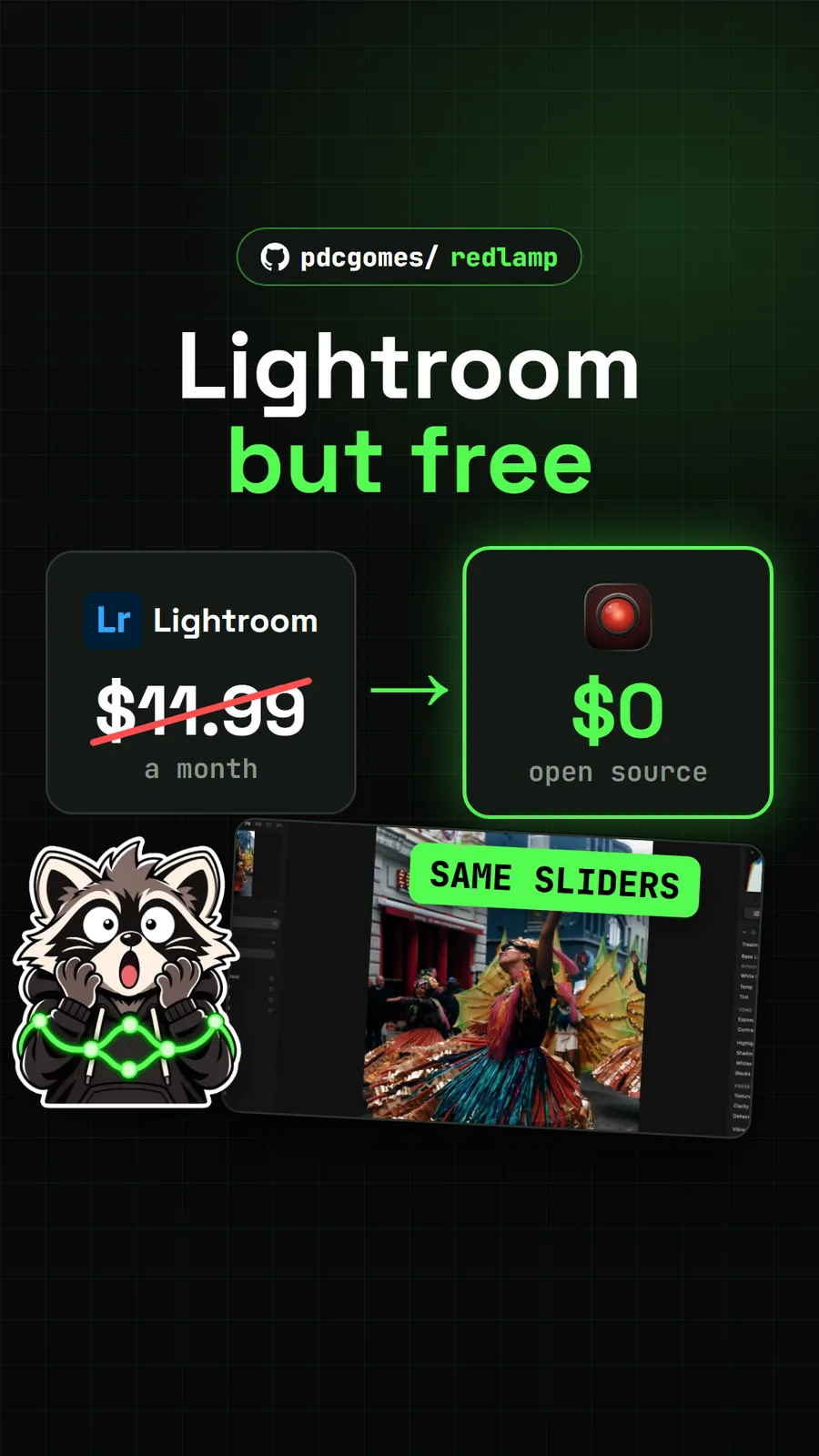
For the full list with what each one does best, see our roundup of free open source Photoshop alternatives. If you only need a background gone, BG0 does that in the browser, and for RAW photos on a Mac see Redlamp.
What did we run for the video?
We used the hosted web app at photosplice.com/web (version 0.9.27) in Chrome and recorded our own session: typing on a photo, layer styles, Liquify, Hue/Saturation, opening the Photoshop-made PSD and saving our own PSD. We checked the saved file with the free psd-tools library. We did not install, build or run the desktop app.
Leaving Adobe altogether? See free Adobe alternatives for Photoshop and Lightroom picks, or free photo editors for Mac if you edit on a Mac.
Pull it. Stash it.
Questions people ask
Is PhotoSplice a free Photoshop alternative?
Yes, for classic Photoshop work. It is free and open source under MIT or Apache-2.0, copies the CS6-era layout and shortcuts, and opens and saves PSD files natively. Adobe's US plans page listed the Photoshop plan at US$22.99 a month on 17 November 2026. It has no generative AI features.
Can PhotoSplice open Photoshop PSD files with layers?
Yes. We opened a PSD made in Photoshop CC 2017 in the web app and every type layer and its effects came in: bevel, glows, shadows, overlays, stroke and satin. We edited one text layer and it kept its Color Overlay effect.
Does PhotoSplice need an account or upload my files?
No account and no cloud. The web app opens files from your computer and, in the browser, Save downloads the PSD back to you. The desktop apps work on local files.
Which browsers run PhotoSplice?
It draws with WebGPU, so use a recent Chrome or Edge. An older browser or graphics card may not run it; in that case use the desktop app for Mac, Windows or Linux.
Is PhotoSplice made by Adobe?
No. The README says it is not affiliated with or endorsed by Adobe. It builds on the PhotoCraft engine and has more than 30 contributors on GitHub.
Sources
- 1PhotoSplice repository and README
- 2PhotoSplice releases (v0.9.28, 2026-11-15)
- 3GitHub API: eolix/PhotoSplice (stars, licence, language, created date, checked 2026-11-18)
- 4PhotoSplice web app
- 5Adobe Photoshop plans, US prices (read 2026-11-17)
- 6psd-tools test file layer_effects.psd (made in Photoshop CC 2017)
- 7GIMP
- 8Krita
- 9Photopea
More repos like this
Get tomorrow's repo in your feed
One free, open source repo a day as a short video, shown working, with the catch named. Pull it. Stash it.