Free open source Photoshop alternatives we ran
By Pull This RepoPosted 4 min read
Short answer
The closest free, open source Photoshop alternative is PhotoSplice: it copies classic Photoshop's menus and shortcuts, opens real PSD files with layer effects intact, and runs in a browser tab. For AI edits you type, try Kokon. For RAW photos, Rembrandt or Redlamp. For backgrounds, BG0, and for social graphics, Doory. Photoshop costs US$22.99 a month.
Photoshop does a lot of different jobs, and no single free app replaces all of them. So this page sorts free, open source alternatives by the job you actually need done, from editing layered PSD files to cutting out a background. Every pick links to our full page on it, which says what we ran, how to install it and the catch. Adobe's US plans page listed the Photoshop plan at US$22.99 a month (annual, billed monthly) on 17 November 2026.
What is the best free Photoshop alternative?
If you know Photoshop and want the same layout, PhotoSplice is the closest we have covered. It copies classic Photoshop (the CS6 era): same menus, panels and keyboard shortcuts, with PSD as its native format. It runs in a browser tab at photosplice.com/web and as a desktop app for Mac, Windows and Linux.
We ran the web version. We opened a PSD made in Photoshop CC 2017 and every type layer and effect came in, edited a text layer without losing its Color Overlay, and saved our own edit back as a layered PSD that reopened with its effects still editable.
The catch: it is version 0.9 from a project about a month old, and there is no generative AI.
Which free editors are there, job by job?
| Job | Free pick | What we did | The catch |
|---|---|---|---|
| Edit layered PSD files like Photoshop | PhotoSplice | ran the web app | version 0.9, no generative AI |
| Edit by typing what you want | Kokon | repo demo only | needs a 12 GB graphics card or a 16 GB Apple silicon Mac |
| Develop RAW photos, Lightroom style | Rembrandt | repo demo only | young engine, unsigned builds |
| RAW photos natively on a Mac | Redlamp | repo demo only | alpha, Apple silicon and macOS 26 only |
| Remove a background | BG0 | ran the hosted app | first run downloads a 452 MiB model |
| Make social posts and graphics | Doory | ran the hosted app | ten starter templates; credit required if you ship it |
| Paint and draw on a tablet | ProCraft | repo demo only | beta from GitHub, no iPad app |
Which one edits by typing what you want?
Kokon is the one built for that. You type a sentence or brush over an area, and an open image model on your own computer makes the change: removing objects, adding new ones, restoring old photos, or splitting an image into layers you can export as a PSD. Nothing is uploaded and there is no daily limit. The README's minimum is an NVIDIA card with 12 GB of video memory (8 GB in beta) or an Apple silicon Mac with 16 GB. The default model's licence is research and evaluation only, so the images are not for commercial use.
Rembrandt takes typed instructions too, but for photo development rather than pixel editing: type "golden hour, shadows +25" and its sliders move. Its README is clear that it is not a layer editor.
Which one removes backgrounds for free?
BG0. Drop a photo in at bg0.dev and you get a transparent PNG back. The AI model runs inside your browser tab, so there is no upload, no account and no limit on images. The first run downloads the model once, 452 MiB for Full or 94 MiB for Lite. On our PC without GPU acceleration, each photo took 10 to 32 seconds. Its engine is also an npm package if you want background removal on your own site.
Which one makes social graphics?
Doory, a free design editor in the browser with templates, animation, music and export to PNG, PDF, MP4 or GIF. You can start at doory.art with no account, and there is no paid plan or watermark. We exported an animated sale post with music as an MP4 in under a minute. It ships only ten starter templates, and its licence asks anyone who ships it to their own users to show the author's credit. For interface design rather than social posts, see FigCraft, a free Figma alternative.
What about RAW photo editing?
For Lightroom-style work, there are two picks:
- Rembrandt runs on Windows, Mac and Linux, imports Lightroom Classic catalogs, and adds on-device AI lens blur, refocus and super resolution.
- Redlamp is a native Apple silicon app with Lightroom's panels, slider names and 186 of Lightroom Classic's shortcut actions, AI masks on the Mac and 36 film looks.
Adobe's US page listed Lightroom at US$11.99 a month in November 2026.
What is the catch with each?
Most of these projects are young, and that is the honest trade. In short:
- PhotoSplice: version 0.9; missing fonts are swapped for a stand-in; the web version needs WebGPU.
- Kokon: strong hardware, and a model licence that rules out selling the images.
- Rembrandt: the README warns an edit can look slightly different after an update.
- Redlamp: alpha, Mac only.
- BG0: a big first download, and slow on a PC without GPU acceleration.
- Doory: few templates so far, and an attribution licence.
- ProCraft: a beta installed from GitHub, not an app store.
If you need Photoshop's newest AI features or Adobe's cloud libraries, none of these replaces that yet.
Which older free editors are worth knowing?
Two long-running open source projects are worth a look alongside these: GIMP, the general image editor for Windows, Mac and Linux with a different layout from Photoshop and a big plug-in library, and Krita, built for painting and illustration and also useful for touch-ups with PSD layers. We have not covered either in a full page.
New to installing apps from GitHub? Start with how to download a GitHub repo.
Want the whole Adobe swap, Lightroom included? Read free Adobe alternatives. Editing on a Mac? See free photo editors for Mac. For design work, see free Canva and Figma alternatives.
Pull it. Stash it.
Questions people ask
What is the best free Photoshop alternative?
For people who know Photoshop, PhotoSplice is the closest match we have covered: the same CS6-era layout and shortcuts, PSD as its native format, and a web version. We opened a Photoshop-made PSD in it with every layer effect intact. It is version 0.9 and has no generative AI.
Is there a free Photoshop alternative that runs in a browser?
Yes. PhotoSplice runs at photosplice.com/web, BG0 removes backgrounds in a browser tab with no upload, and Doory makes social graphics at doory.art. All three are open source. PhotoSplice's web version needs WebGPU, so use a recent Chrome or Edge.
Is there a free AI photo editor like Photoshop's Generative Fill?
Kokon edits photos from a typed sentence or a brushed area using an open image model on your own computer. It needs a graphics card with 12 GB of memory or an Apple silicon Mac with 16 GB, and its default model's licence rules out commercial use.
How much does Photoshop cost?
Adobe's US plans page listed the Photoshop plan at US$22.99 a month, annual billed monthly, when we read it on 17 November 2026. The Photography plan with Photoshop and Lightroom was US$19.99 a month.
Sources
More repos like this
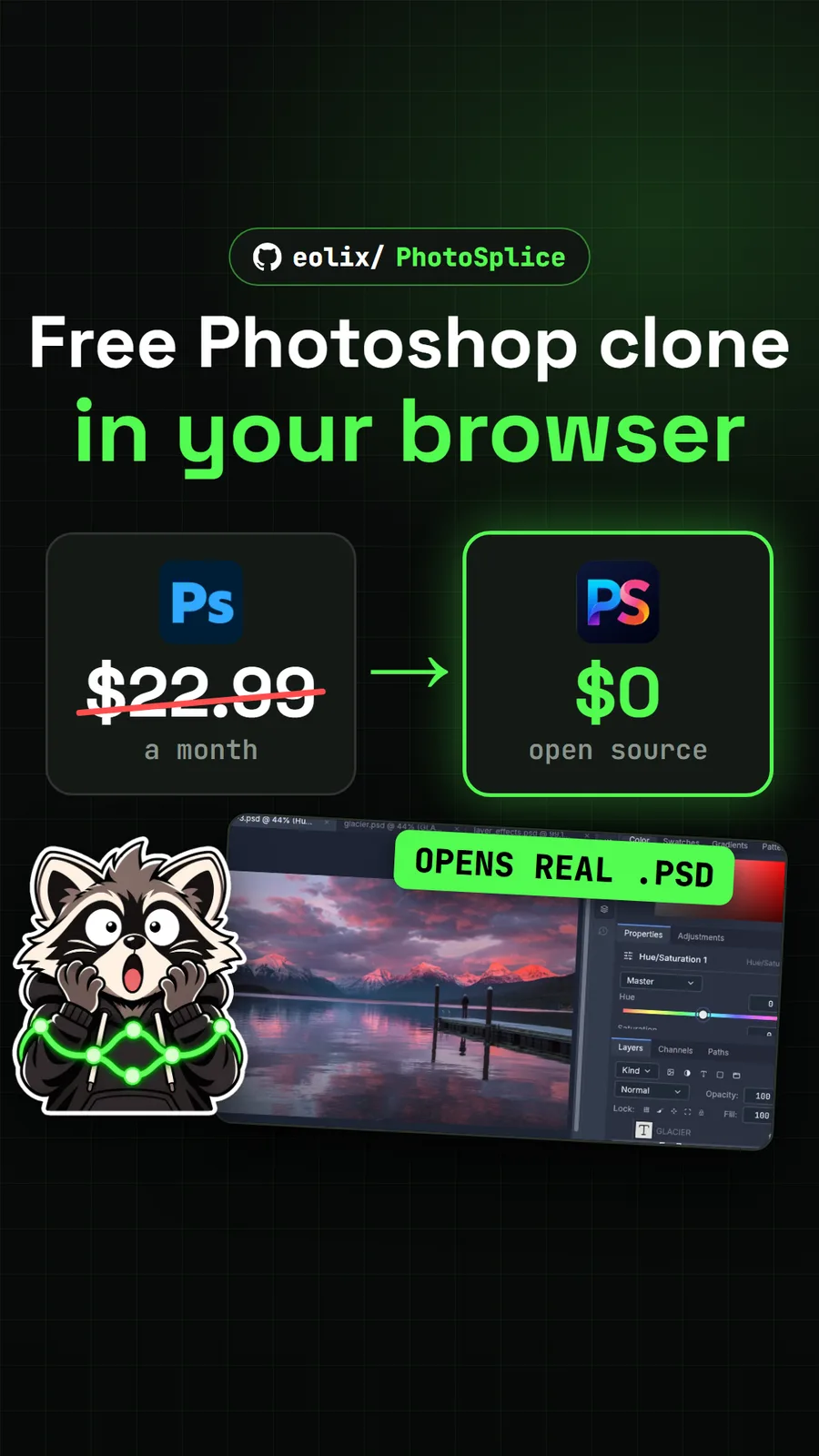
eolix/PhotoSplice
PhotoSplice: a free Photoshop clone that opens PSD files in your browser
Get tomorrow's repo in your feed
One free, open source repo a day as a short video, shown working, with the catch named. Pull it. Stash it.