Free photo editors for Mac: native apps and browser tools
By Pull This RepoPosted 4 min read
Short answer
For Lightroom-style RAW editing, Redlamp is the native pick on Apple silicon Macs running macOS 26, and Rembrandt runs on both Apple silicon and Intel Macs. For Photoshop-style layers, PhotoSplice has a universal Mac app and a browser version. BG0 removes backgrounds in a browser tab, and Kokon makes AI edits on an Apple silicon Mac with 16 GB or more.
A Mac photo editor has to clear two hurdles before features even matter: it has to run on your chip and macOS version, and it has to get past Gatekeeper. This page sorts the free, open source photo tools we have covered by exactly that, from each project's own page: what Mac it needs, whether it is a real Mac app or a browser tab, and how it behaves the first time you open it.
What is the best free photo editor for Mac?
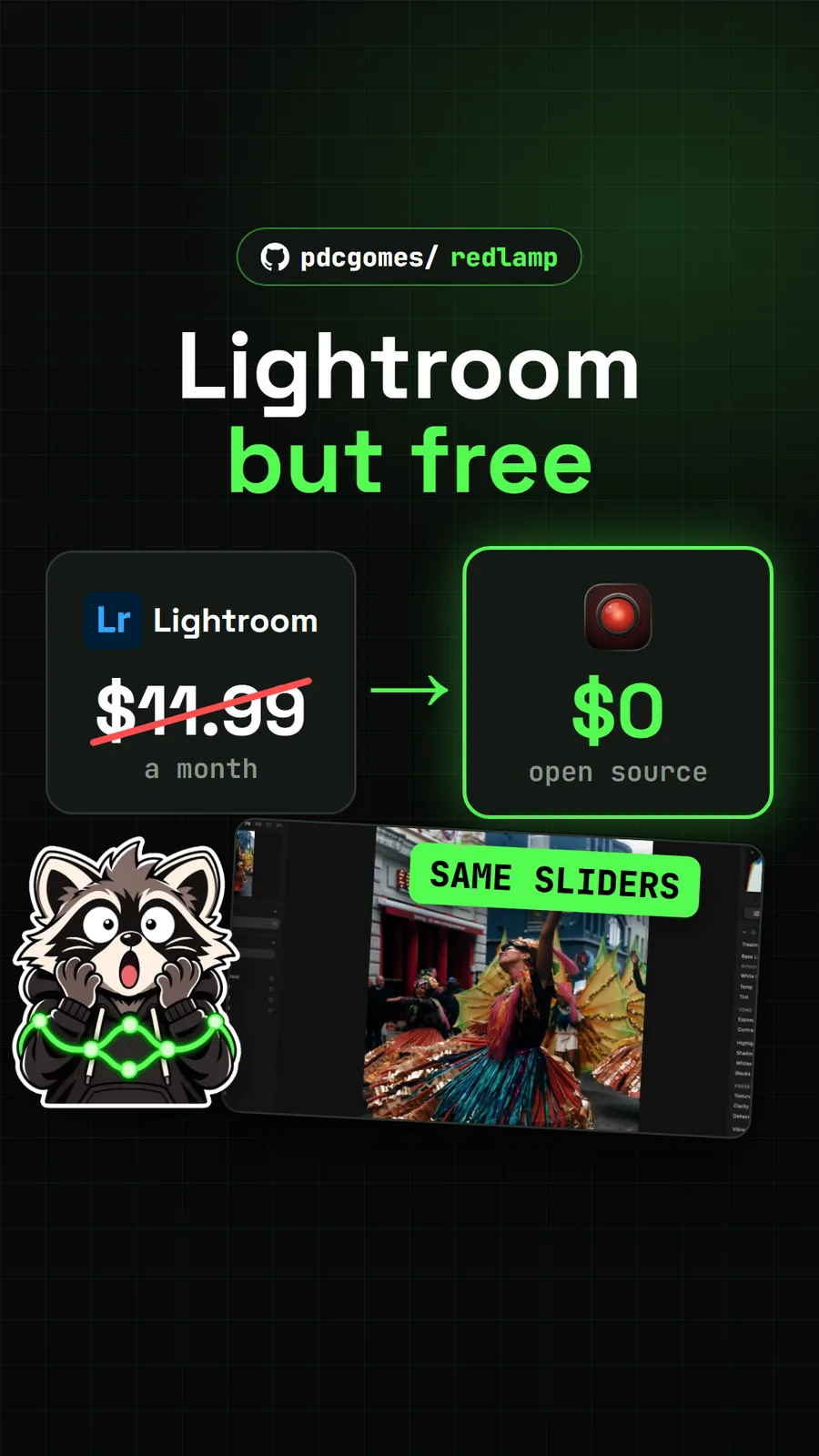
The best pick depends on your Mac and the job. If you shoot RAW and own an Apple silicon Mac on macOS 26, Redlamp is the most Mac-native option we have covered: it is written in Swift and Metal, signed and notarized, and laid out like Lightroom. On an Intel Mac, Rembrandt does the same RAW job and adds editing by typing. For layered, Photoshop-style work, PhotoSplice ships a universal Mac app that goes back to macOS 11.
None of these is a finished 1.0. Redlamp is an alpha, Rembrandt is weeks old and PhotoSplice is version 0.9, so treat any of them as a second editor until it has handled a real shoot for you. Adobe's US page listed Lightroom at US$11.99 a month on 17 November 2026, which is the bill these are measured against.
Which run natively on macOS and which in a browser?
Four install as Mac apps and two run in a browser tab. The Mac requirements below come from each project's README as summarised on our pages.
| App | Job | How it runs on a Mac | Mac needs | What we did |
|---|---|---|---|---|
| Redlamp | RAW editing, Lightroom style | native app, DMG or Homebrew | Apple silicon (M1 or newer), macOS 26+ | shown from the authors' demos |
| Rembrandt | RAW editing by sliders or typed requests | app via install script, or a DMG | Apple silicon or Intel builds; WebGL 2 graphics | shown from the authors' demos |
| PhotoSplice | Photoshop-style layers and PSD files | universal DMG, or in a browser | macOS 11+, Apple silicon and Intel | ran the web app |
| Kokon | AI edits you type or brush | DMG, Mac support in beta | Apple silicon, 16 GB minimum, 32 GB recommended | shown from the authors' demos |
| BG0 | background removal | browser tab | a modern browser; WebGPU if available, CPU fallback | ran the hosted app |
| Doory | social graphics with photo tools | browser tab | a browser, no account needed | ran the hosted app |
Apple silicon matters most for Kokon. Its README gives about 4 minutes for a 1-megapixel edit on a 16 GB M2 Pro, and says Intel Macs are not supported. Redlamp is the other one that leaves Intel out entirely.
Which edit RAW photos?
Three of them open RAW files, and two are built around it.
- Redlamp is a RAW developer first: Lightroom's Develop panels in the same order, AI masks for subject, sky and people that run on the Mac, 36 film looks, and exports to formats including JPEG XL and 16-bit TIFF. It can import a Lightroom Classic catalog, though masks, spots and Upright are left behind for now.
- Rembrandt lists support for more than 1,000 cameras. Press
Cmd+Kand type something like "golden hour, shadows +25", and the normal sliders move. Its lens blur, refocus and super resolution run on your own machine. - PhotoSplice opens camera RAW files and has a Camera Raw filter, but it is a layer editor, so use it after development rather than instead of it.
To install either RAW app from the Terminal, Redlamp uses Homebrew:
brew tap pdcgomes/redlamp https://github.com/pdcgomes/redlamp
brew install --cask pdcgomes/redlamp/redlamp
and Rembrandt has a one-line script that puts the app in ~/Applications with no administrator password:
curl -fsSL https://raw.githubusercontent.com/thesnarkitecht/rembrandt/main/install.sh | bashWhich remove backgrounds?
BG0 is the dedicated one. Open bg0.dev, paste a photo with Cmd+V, and a model running inside the tab hands back a transparent PNG, with no upload and no account. The first visit downloads the model, 452 MiB for Full or 94 MiB for Lite, and later visits reuse it. Our timings were on a PC without GPU acceleration, 10 to 32 seconds a photo, so we cannot give Mac figures.
Doory also removes backgrounds in the browser, inside a design editor, which is handy when the cutout is headed for a post or flyer anyway. Kokon is different again: it removes objects you brush over, and its experimental layers lab cuts chosen parts onto their own layers for a PSD. Redlamp and Rembrandt have AI background masks, but those are for adjusting the background, not deleting it.
What is the catch on a Mac?
Gatekeeper is the first one, and it differs by app:
- Kokon is not notarized. Approve it under System Settings, Privacy and Security with Open Anyway. If that button does not show, the README's fallback is
xattr -dr com.apple.quarantine /Applications/Kokon.app. - Rembrandt's disk images need the same Open Anyway click because the builds are not code-signed yet. The install script above avoids the prompt.
- Redlamp is signed and notarized, but drag it into Applications before the first launch. A copy opened from Downloads or the disk image cannot update itself.
- PhotoSplice may show a "downloaded from the internet" warning as a brand new app. Check the DMG against the release's
SHA256SUMS.txtbefore you continue.
The other catches are about versions and hardware. Redlamp will not install on anything below macOS 26. Kokon wants a lot of memory and its default model forbids commercial use of the images. PhotoSplice's browser version draws with WebGPU, and its page points to a recent Chrome or Edge rather than naming Safari, so the desktop app is the safer route on a Mac if the web version will not start.
If you are leaving Adobe entirely, our free Adobe alternatives page maps each of these to the Adobe app it replaces, and free open source Photoshop alternatives sorts them by job. For DMGs, release pages and checksums in general, see how to download a GitHub repo.
For free Mac utilities beyond photos, see our list of free Mac apps.
Pull it. Stash it.
Questions people ask
What is the best free photo editor for Mac?
It depends on the job. For RAW photos on a recent Apple silicon Mac, Redlamp copies Lightroom's layout natively. On an Intel Mac, Rembrandt is the RAW pick. For layered editing like Photoshop, PhotoSplice runs on macOS 11 or newer. All three are free and open source.
Is there a free Lightroom alternative for Mac?
Yes, two. Redlamp needs an Apple silicon Mac with macOS 26 or later and is signed and notarized by Apple. Rembrandt has Mac builds for Apple silicon and Intel and imports Lightroom Classic catalogs. Both are early releases, so keep backups of your catalog.
Why does my Mac say a free photo app cannot be opened?
Some of these apps are not notarized yet. Kokon's Mac app is not, and Rembrandt's disk images need a click on Open Anyway in System Settings, Privacy and Security. Redlamp's download is signed and notarized, and Rembrandt's install script avoids the prompt.
Can I edit photos on a Mac without installing anything?
Yes. PhotoSplice runs at photosplice.com/web, BG0 removes backgrounds at bg0.dev and Doory makes graphics at doory.art, all in a browser tab with no account. PhotoSplice draws with WebGPU, and its page recommends a recent Chrome or Edge.
Sources
More repos like this
Get tomorrow's repo in your feed
One free, open source repo a day as a short video, shown working, with the catch named. Pull it. Stash it.