Free Adobe alternatives: what replaces Photoshop and Lightroom
By Pull This RepoPosted 5 min read
Short answer
For Photoshop, the free open source picks we cover are PhotoSplice, which opens and saves layered PSD files in a browser tab, and Kokon for AI edits you type. For Lightroom, Rembrandt runs on Windows, Mac and Linux, and Redlamp runs natively on Apple silicon Macs. Adobe's US pages listed Photoshop at US$22.99 a month and Lightroom at US$11.99 in November 2026.
Most people searching for Adobe alternatives want out of one subscription, not all of Creative Cloud. So this page goes app by app: for each Adobe product, which free, open source project we have covered can take over, what it costs Adobe to keep, and what we actually did with the free one. Two Adobe apps are covered here, Photoshop and Lightroom, because those are the ones our repo pages and sources support.
Which free apps replace Adobe?
Four open source projects cover Photoshop and Lightroom between them. Prices are the ones we read on Adobe's US plans pages, annual plan billed monthly.
| Adobe app | Price we read | Free pick | What we did |
|---|---|---|---|
| Photoshop (layers, PSD files) | US$22.99 a month, 17 Nov 2026 | PhotoSplice | ran the hosted web app and round-tripped a PSD |
| Photoshop (AI edits) | US$22.99 a month, 15 Nov 2026 | Kokon | shown from the authors' demos |
| Lightroom, any computer | US$11.99 a month, 15 Nov 2026 | Rembrandt | shown from the authors' demos |
| Lightroom on a Mac | US$11.99 a month, 17 Nov 2026 | Redlamp | shown from the authors' demos |
| Photography plan (Photoshop and Lightroom) | US$19.99 a month, 17 Nov 2026 | PhotoSplice plus Rembrandt or Redlamp | as above |
What replaces Photoshop for free?
PhotoSplice is the direct swap for classic Photoshop work. It is built to feel like the CS6 era of Photoshop, so the menus, panel names and keyboard shortcuts carry over, and PSD is its working format rather than something it converts. Its feature list goes deep for a young project: adjustment and fill layers, clipping and vector masks, layer styles, Smart Objects, Liquify, Puppet Warp, Content-Aware Fill, Actions and Batch. You can use it at photosplice.com/web or install it on Mac, Windows or Linux.
We ran the web version on a PSD that Photoshop CC 2017 had made. The type layers arrived with their bevels, glows and overlays, we changed a line of text without losing its effect, and the file we saved reopened with everything still editable. That is version 0.9 of a project created in October 2026, though, and it has no Generative Fill.
Kokon covers the other half of modern Photoshop: changes you describe instead of draw. Type an instruction, or brush an area and choose Remove, Replace or Add, and an open image model on your own machine does the work. Two limits decide whether it is for you. The README asks for an NVIDIA card with 12 GB of video memory or an Apple silicon Mac with 16 GB, and the default model's licence is research and evaluation only, so nothing you make with it can be sold.
What replaces Lightroom for free?
Both picks are RAW developers with a photo library, in the mould of Lightroom Classic. The difference is where they run and how you drive them.
| Rembrandt | Redlamp | |
|---|---|---|
| Runs on | Windows, macOS, Linux | Apple silicon Macs, macOS 26 or later |
| How you edit | sliders, or type a request such as "warmer and a bit brighter" | Lightroom's panel order, slider names and Classic shortcuts |
| On-device AI | masks, lens blur, refocus, 2x and 4x super resolution | Subject, Sky, People and other AI masks |
| Where edits are saved | standard XMP sidecars | .redlamp sidecar beside each photo |
| Status | v0.3.36, engine still changing | 0.3.5-alpha |
| Licence | GPL-3.0 | MPL-2.0 |
Rembrandt is the one to try if you edit on Windows or Linux, or on an Intel Mac, and it is the friendlier start for anyone who would rather describe a look than hunt for sliders. Redlamp is for Lightroom Classic users on a recent Mac who want zero relearning: the README counts 186 shortcut actions copied from Classic. Neither one syncs to a phone through a cloud the way Lightroom does.
Which other Adobe apps do our picks cover?
None yet. We have not covered an open source project that is pitched as a replacement for Illustrator, Premiere Pro, After Effects or Acrobat, so we are not naming one here. Two nearby jobs do have pages: ProCraft is a painting app whose release notes mention importing Photoshop brushes, and Doory handles social graphics in a browser, compared on its own page with Canva rather than an Adobe app.
What will you miss from Adobe?
The free picks are young, and each page lists what is missing. The gaps that matter most to an Adobe user:
- Generative AI inside the editor. PhotoSplice has Content-Aware Fill but no Generative Fill. Kokon does AI edits, but with heavy hardware needs and no commercial use under its default model.
- Creative Cloud libraries and Adobe's newest tools. The PhotoSplice page advises keeping Photoshop if your work depends on them.
- Cloud and mobile sync. Redlamp has none by design; edits move only if the sidecar files move. Its iPad and iPhone apps are planned, not released.
- Finished feature sets. Redlamp lists AI Denoise as still to come, and Rembrandt warns that the same edit can look slightly different after an update.
- Signed installers. Rembrandt's builds are not code-signed yet, and Kokon's Mac app is not notarized, so Windows and macOS warn on first run.
Can you open Adobe files?
Yes for the common Photoshop and Lightroom formats, with the limits each project states.
| Adobe file or data | Free app | What its page says |
|---|---|---|
| PSD and PSB | PhotoSplice | opens and saves both natively, plus Photoshop PDF |
| PSD export | Kokon | the experimental layers lab exports a PSD |
| Photoshop brushes | ProCraft | release notes mention imported Photoshop brushes |
| Camera RAW files | PhotoSplice, Rembrandt, Redlamp | PhotoSplice opens RAW files; Rembrandt lists over 1,000 cameras |
| Lightroom Classic catalog | Rembrandt | imports edits, keywords, labels, virtual copies and collections, with a report |
| Lightroom Classic catalog | Redlamp | reads it without writing; masks, spots, Upright and panel switches stay behind |
| Lightroom presets | Rembrandt, Redlamp | Rembrandt takes .xmp, .lrtemplate and zip packs; Redlamp maps .xmp into Recipes |
Rembrandt also works the other way: its XMP sidecars are a format Lightroom can read. Fonts are the one PSD snag we hit, since PhotoSplice swaps a missing font for a stand-in and warns you.
If you would rather choose by job than by Adobe app, our free open source Photoshop alternatives roundup is sorted that way and adds background removal. For the wider list of free swaps for paid apps, see the best GitHub repos of 2026, and if installing from a Releases page is new to you, start with how to download a GitHub repo.
On a Mac and only need one editor? Our free photo editor for Mac page narrows these down to what runs on macOS. For social posts and interface design, see free Canva and Figma alternatives.
Pull it. Stash it.
Questions people ask
Is there a free alternative to every Adobe app?
Not from the repos we have covered. Our free picks stand in for two Adobe apps: Photoshop (PhotoSplice and Kokon) and Lightroom (Rembrandt and Redlamp). We have not yet covered an open source project pitched as a replacement for Illustrator, Premiere Pro, After Effects or Acrobat.
How much do Photoshop and Lightroom cost?
Adobe's US plans pages listed the Photoshop plan at US$22.99 a month and Lightroom at US$11.99 a month, both annual billed monthly, when we read them on 15 and 17 November 2026. The Photography plan with both apps was US$19.99 a month on 17 November.
Can a free app open and save Photoshop PSD files?
PhotoSplice can. PSD is its native format, and in our test a PSD made in Photoshop CC 2017 opened with its layer effects intact, then saved back as a layered PSD. Kokon can also export a PSD from its experimental layers lab.
Can I move my Lightroom Classic catalog to a free editor?
Yes, with limits. Rembrandt imports catalogs with edits, keywords, labels, virtual copies and collections, and reports what could not come over. Redlamp reads the catalog without changing it, but masks, spots, Upright and panel switches stay behind for now.
Sources
More repos like this
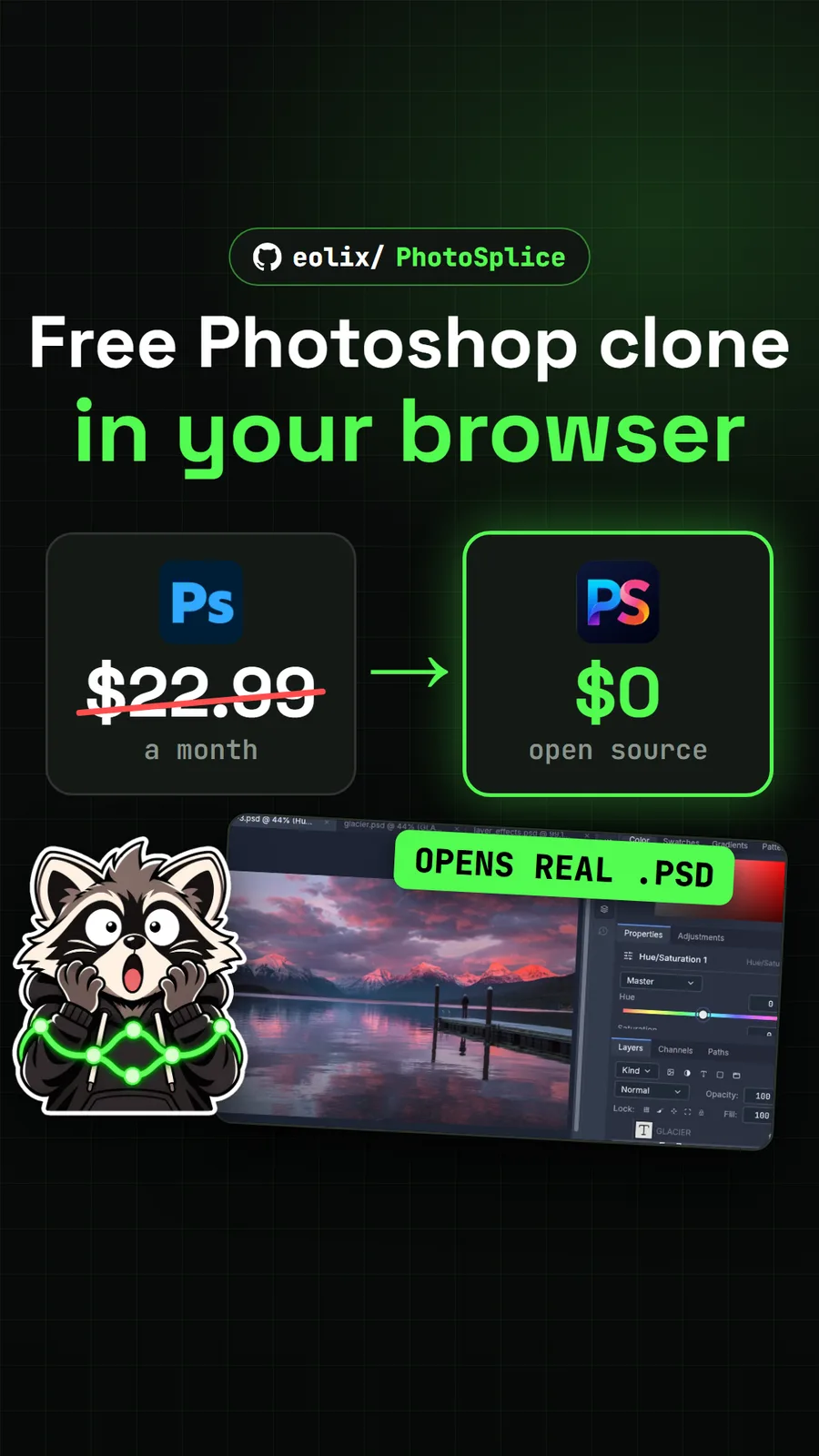
eolix/PhotoSplice
PhotoSplice: a free Photoshop clone that opens PSD files in your browser
Get tomorrow's repo in your feed
One free, open source repo a day as a short video, shown working, with the catch named. Pull it. Stash it.