Best WebGPU demos you can open in your browser
By Pull This RepoPosted 5 min read
Short answer
Four free WebGPU demos are worth opening today: Web Ocean, a live sea and sky in one 61 KB page; Abyssal Garden, an underwater world you swim through; Globes, glass globes of simulated water you shake; and Deadboard, a circuit board repair game. All are open source, and a current Chrome or Edge on a computer runs every one; the heavier scenes want a strong graphics card.
WebGPU lets a web page run serious graphics and simulation code on your graphics card, and the quickest way to understand it is to open something built on it. These are the WebGPU projects we have covered that you can open right now in a tab, with no install and no account. For each one we say what it shows, what it needs, and what we actually did with it.
What WebGPU demos can you try right now?
Four projects in our browser hub are built on WebGPU, and all four have a hosted page you can open straight away.
| Demo | What it shows | Try it | What we did |
|---|---|---|---|
| Web Ocean | a sunset sea and sky computed live, with wind and sun sliders | ocean-noniv.vercel.app | opened the hosted page, changed wind and sun |
| Abyssal Garden | an underwater world with kelp, a shipwreck and manta rays, all generated by code | noniv.github.io/abyssal-garden | opened the hosted page, swam through all six viewpoints |
| Globes | glass globes of simulated water you tilt and shake | globes-nine.vercel.app | opened the hosted page, tilted, shook and switched globes |
| Deadboard | a circuit board repair bench with a meter, thermal camera and soldering iron | tholtman1-del.github.io/deadboard | opened the hosted page and loaded the laptop board; the repair itself is the authors' demo footage |
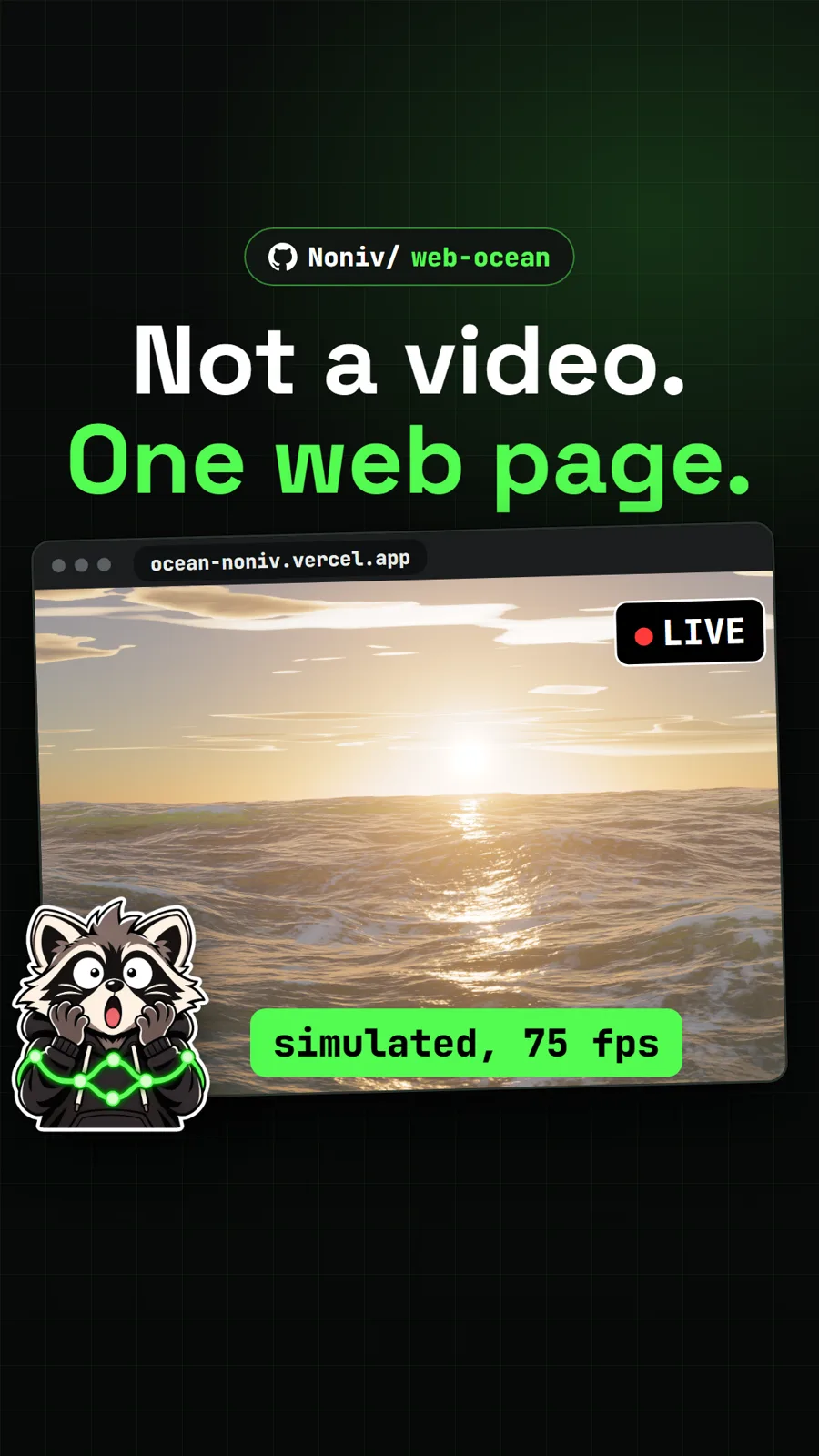
Web Ocean is the one to open first if you want to see what WebGPU can do in a single file. Six layers of wave simulation run as compute shaders, foam forms where the surface folds, and the sky follows a physically based model. The page is 61 KB minified. Press H for the settings panel and push the wind to 20 m/s to watch whitecaps appear.
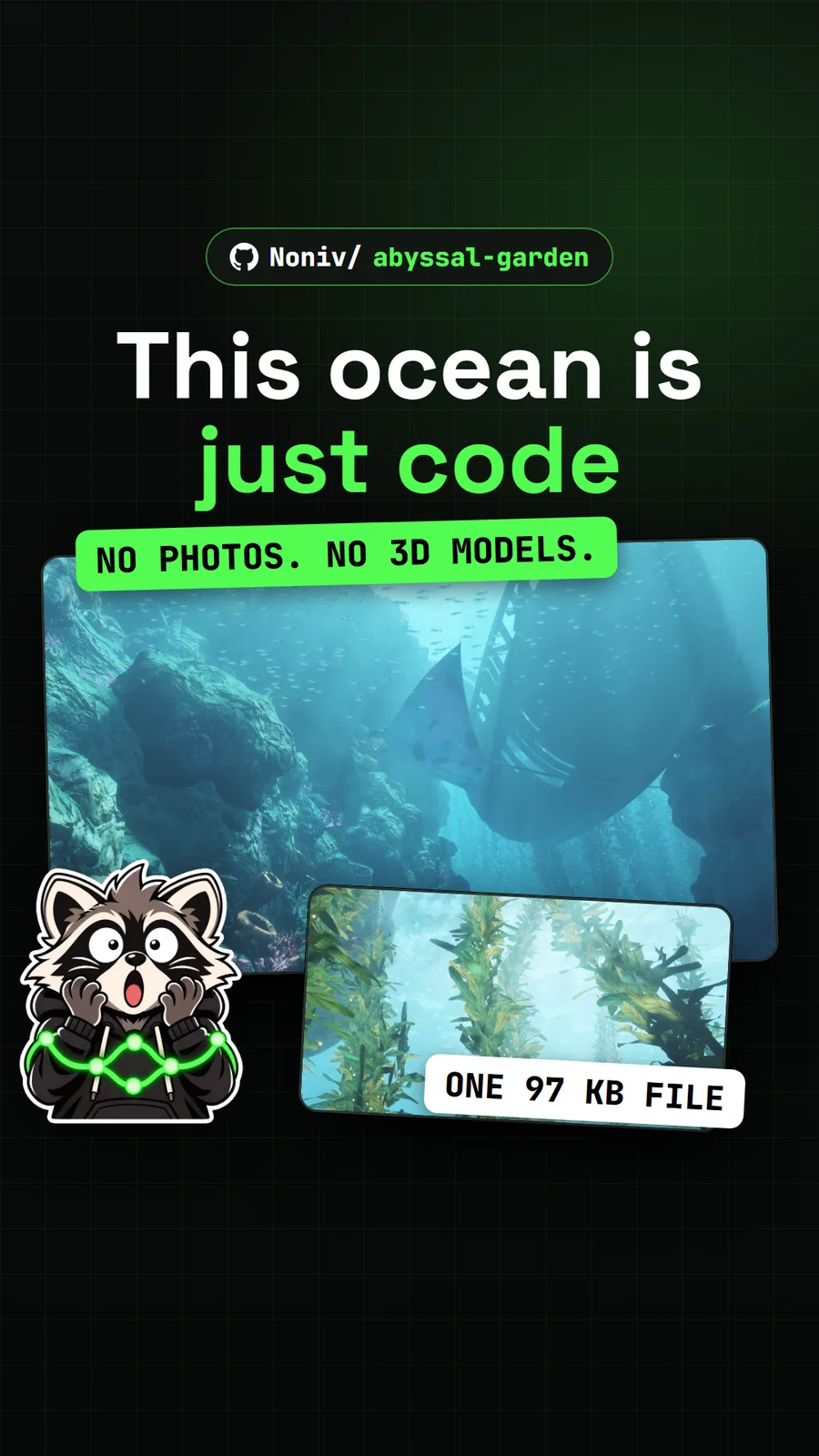
Abyssal Garden comes from the same author and takes the idea underwater. Your graphics card sculpts the seabed each time the page loads, then scatters kelp, rocks, coral and fish across it. There are no image or model files at all, and the whole world sits in about 97 KB. Keys 1 to 6 jump between viewpoints.
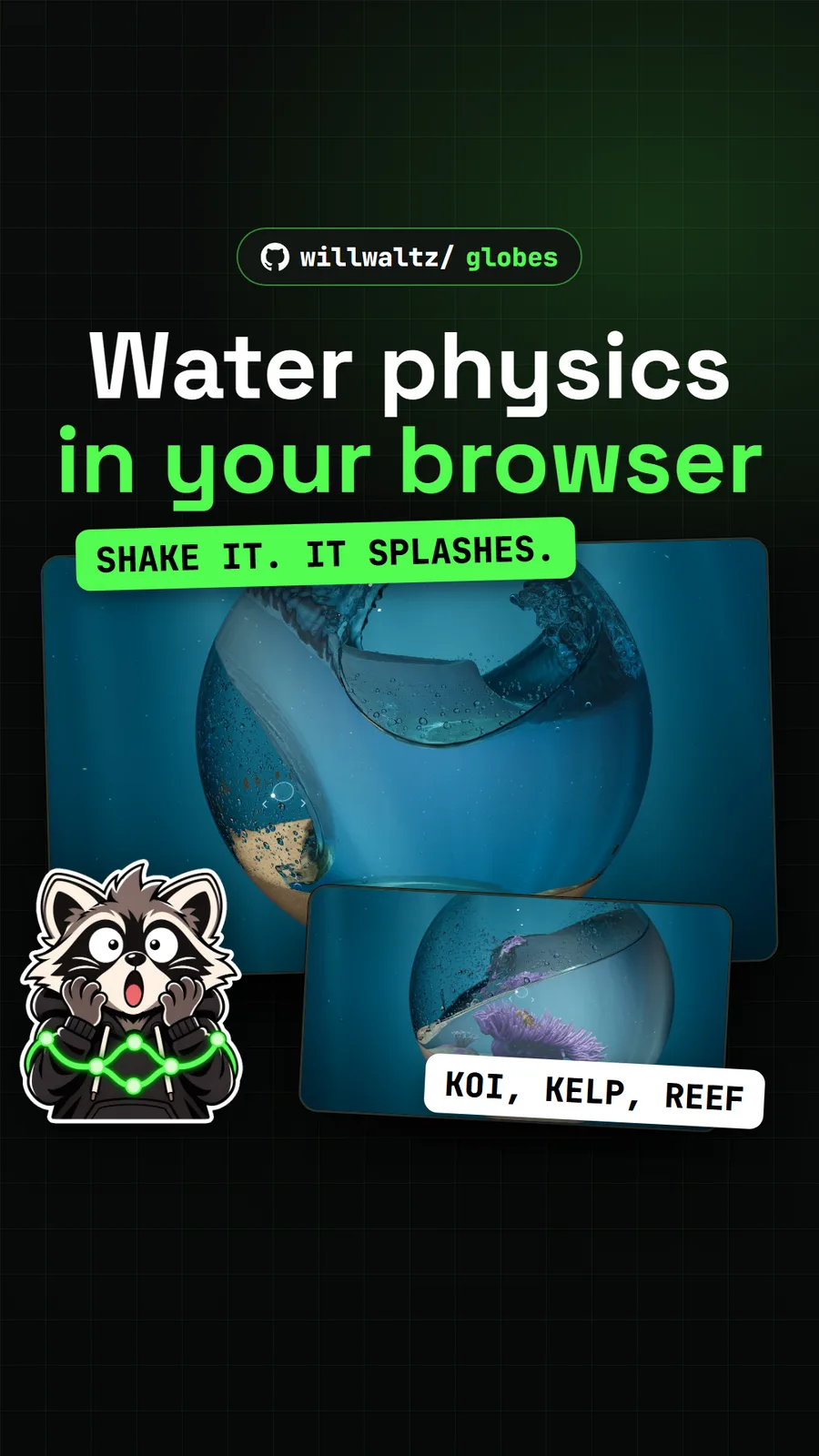
Globes asks far more of your graphics card than the other three. Each globe holds a fluid simulation of about four million particles, built with three.js and its WebGPU renderer, plus sand that slides and drops that run down the glass. Drag fast to shake it.
Deadboard shows WebGPU used for a tool rather than a scene. A SPICE-style simulator decides what the meter reads, and the 3D bench draws a real open hardware laptop mainboard. Start with its beginner boards before the laptop one.
pixelfx sits in the same hub but is not a WebGPU project: its 244 effects are small JavaScript files that draw into an ordinary canvas, so it runs in far more browsers. Outside the hub, the web version of PhotoSplice, a Photoshop-style editor, also draws with WebGPU.
Which browsers run WebGPU?
A current Chrome or Edge on a desktop or laptop computer runs all four, and that is what each project recommends. The details differ by project:
| Demo | Browsers the authors name |
|---|---|
| Web Ocean | a recent Chrome with WebGPU; check chrome://gpu for WebGPU listed as hardware accelerated |
| Abyssal Garden | Chrome or Edge on a desktop computer; touch controls on phones are experimental |
| Globes | developed in Chromium-based browsers and Electron, other browsers untested; phones and tablets get a lighter version |
| Deadboard | Chrome or Edge 113 or newer, Safari 26 or newer; the app also mentions Firefox 141 or newer on Windows |
If a page shows an error about WebGPU, the fix is the same everywhere: update the browser, or switch to Chrome or Edge, and make sure hardware acceleration is on. Abyssal Garden is the clearest about it, with a message telling you the scene needs WebGPU. Some work computers turn WebGPU off, which blocks all of these.
How heavy are they on a laptop?
Globes is heavy, Web Ocean and Abyssal Garden are moderate, and Deadboard publishes no frame rate figures. Here is what the authors measured and what we saw:
| Demo | Authors' numbers | What we saw |
|---|---|---|
| Web Ocean | about 6 to 8 ms of GPU time per frame at 2560 by 1440 on an RTX 5070 Ti (README) | 75 fps at 1080x800 on our NVIDIA card |
| Abyssal Garden | about 180 fps at 2560x1440 on an RTX 5070 Ti; about 20 fps on Low on a low-end Samsung Galaxy A16 | held 60 fps on our NVIDIA card |
| Globes | about 80 to 120 fps on an RTX 4090, depending on the globe | 37 fps for Clear Water and 16 to 23 fps for the rest on an RTX 5070, in a headless Chrome |
| Deadboard | none published | no frame rate measured |
For laptops, three tips come straight from the projects. Web Ocean's README says to force Chrome onto the dedicated graphics chip in Windows graphics settings, or it falls back to the integrated one. Abyssal Garden lowers its own resolution and draw distance to hold 60 fps, and you can pick Low detail from its menu. Globes accepts ?res=96&aa=1 at the end of its address, which uses a coarser grid and one ray per pixel instead of four.
Expect a wait on first load, too. Globes took 25 to 60 seconds in a fresh browser for us while it built the simulation on the graphics card.
Which are open source and what licence?
All four are open source, and three use the permissive MIT licence.
| Demo | Licence | Run it yourself |
|---|---|---|
| Web Ocean | MIT | download ocean.min.html and open it, no server needed; npm start to edit |
| Abyssal Garden | MIT | download index.html and open it offline; rebuild from source with Node.js 18 or newer |
| Globes | MIT | Node.js 22.12 or newer, then npm install and npm run web |
| Deadboard | Apache-2.0 (demo boards keep their own licences) | Node.js 20 or newer, then npm install and npm run dev |
The two single-file demos are the easiest to learn from: open the HTML and the whole program is there. Globes adds a design log in docs/architecture.md that walks through its solver and performance lessons. We ran the hosted pages only and did not build any of these from source, so the commands above come from each README.
If downloading a file from a repo is new to you, our guide on how to download a GitHub repo covers raw files, ZIPs and releases. For more projects across every category, see our 2026 list of GitHub repos worth pulling.
Pull it. Stash it.
Questions people ask
Where can I see a WebGPU demo?
Open one of the hosted pages: ocean-noniv.vercel.app for Web Ocean, noniv.github.io/abyssal-garden for Abyssal Garden, globes-nine.vercel.app for Globes, or tholtman1-del.github.io/deadboard for Deadboard. Nothing installs and none of them asks for an account.
Which browser do I need for WebGPU demos?
A current Chrome or Edge on a desktop computer is the safe pick for all four. Deadboard's site also names Safari 26 or newer, and its app mentions Firefox 141 or newer on Windows. Globes was only tested in Chromium-based browsers and Electron.
Will WebGPU demos run on a laptop?
Often, but slowly on integrated graphics. Web Ocean's README tells laptop users to force Chrome onto the dedicated GPU. Globes is the heaviest: our RTX 5070 ran most globes at 16 to 37 fps, and adding ?res=96&aa=1 to its address lightens the load.
Are these WebGPU examples open source?
Yes. Web Ocean, Abyssal Garden and Globes use the MIT licence, and Deadboard's code is Apache-2.0, though its demo boards keep the licences of their original designs. Web Ocean and Abyssal Garden each ship as a single HTML file you can read.
Sources
More repos like this
Noniv/abyssal-garden
Abyssal Garden: an underwater world drawn entirely by code in one web page
Get tomorrow's repo in your feed
One free, open source repo a day as a short video, shown working, with the catch named. Pull it. Stash it.