Free AI note takers that run on your own computer
By Pull This RepoPosted 4 min read
Short answer
The free AI note taker we would start with is Yogurt: an MIT-licensed app for Mac, Windows and Linux that records calls with no bot, transcribes as people talk and writes summaries with a local AI model, so meetings stay on your computer. For live subtitles and translation on any call, Cicada is free with no key on Apple silicon Macs.
Most AI note takers send your call audio to someone else's servers and charge a monthly fee per person. The two free, open source ones we have covered take a different route: they listen to your computer's own audio, no bot joins the meeting, and much or all of the work happens on your machine. They do different jobs, though, so this page sorts out which one fits, what each needs, and where each falls short.
What is the best free AI note taker?
Yogurt is the closest thing to a full meeting notetaker that we have written up. Press record and it transcribes as people speak; when the call ends, a local open-weight model writes the summary and each person's next steps. You can also ask questions across past meetings, sort them into folders and export Markdown. It is an Electron app under the MIT licence, with no account.
Cicada is built for a different moment: the call itself. It shows live subtitles under anything your computer plays, with a translation underneath, and saves a bilingual transcript you can export to Markdown, Word or SRT. Its AI notes (summary, topics, to-dos) need your own AI service key.
| Yogurt | Cicada | |
|---|---|---|
| Main job | notes and next steps after the call | live subtitles and translation during the call |
| Systems | Mac (Apple silicon), Windows, Linux | Mac, Windows, Linux, Android |
| Bot in the meeting | no | no |
| AI notes | local model, no key | needs your own key |
| Licence | MIT | Apache-2.0 |
| What we did | shown from the authors' demos | shown from the authors' demos |
We did not install either one. Our pages on both use the projects' own demo recordings, and every setup step comes from their READMEs and docs.
Does it record on your own computer?
Yogurt keeps meetings on your computer, and Cicada does too on an Apple silicon Mac, with one exception covered below. Yogurt's docs say audio, transcripts, notes and questions are handled locally, with no telemetry. It goes online only to download models, to fetch Apple's optional speech assets on a Mac, and to look for updates. Audio files are kept by default, which you can switch off in Settings.
Cicada on an Apple silicon Mac recognises speech on the device, so the audio stays put. The recognised text still goes to Google Translate unless you point the app at your own service. On Intel Macs, Windows, Linux and Android, Cicada sends audio in segments to whichever AI service you chose, though the recordings themselves stay on your device. The README says it has no analytics and no server of its own.
Which replaces Otter and which replaces Granola?
Cicada is the one we compared with Otter, and Yogurt is the one that names Granola itself. The prices below are the ones our repo pages cite, with the date we read them.
| Paid app | Price we read | Free pick | Fair comparison? |
|---|---|---|---|
| Otter Pro | $16.99 per user a month billed monthly (otter.ai, 12 Nov 2026); Otter also has a free Basic tier | Cicada | for live transcripts on any call, yes; for polished AI summaries, only with a key |
| Granola Business | $14 per user per month; the free Basic plan has limited meeting history (granola.ai, 14 Nov 2026) | Yogurt | its README pitches it as the free Granola alternative |
Neither is a drop-in clone. Cicada does not record your own speech yet, except while you hold its talk key; that is first on its roadmap.
Does it need an API key or a local model?
Yogurt needs no key but downloads local models; Cicada needs no key only on Apple silicon Macs.
Yogurt transcribes with whisper.cpp and writes notes with an open-weight model through llama.cpp. Every system needs at least 8 GB of memory. Setup first fetches a smaller notes model, then the best one your hardware can run, which the docs put at about 14 GB on a Mac with 64 GB of memory and about 63 GB on one with 96 GB or more. Supported systems: Apple silicon on macOS 14.4 or newer, 64-bit Windows 10 version 2004 or newer, and x64 Linux such as Ubuntu 22.04.
Cicada needs no key for subtitles, translation, meeting records and interpreting on an Apple silicon Mac with macOS 14.4 or later. Everywhere else, and for AI notes on every platform, you paste in a key. The README points to Ling, which gives 10 yuan of free credit a month, an amount it estimates covers roughly 10 to 50 meeting hours. It also accepts OpenRouter, ZenMux, OpenAI or any OpenAI-compatible server, including local ones such as Ollama.
What about handwritten notes?
If "notes" means a pen rather than a meeting, braiNOTES is the free one we have covered. It is not an AI tool: it is a handwriting app that runs in a browser tab, with pressure pens, lecture PDFs you can write on, shapes that snap clean and PDF export. We used the hosted app ourselves. Its catch is that there is no sync, so notebooks live in one browser until you export them.
What is the catch?
- They are brand new. Cicada's repo was created on 1 November 2026 and Yogurt's on 10 November. Both ship updates every few days.
- Consent is on you. With no bot in the call, nobody else gets a notice. Tell people you are recording.
- Hardware and disk. Yogurt wants 8 GB of memory and can pull tens of gigabytes of models.
- Keys off Apple silicon. Cicada on Windows, Linux, Android or an Intel Mac needs an AI service key, and its AI notes need one everywhere.
- Unsigned installers. Cicada's Mac app is not notarized and its Windows installer is not code-signed yet. Yogurt's docs now say its Windows installer is signed.
Both install from GitHub releases. If that is new to you, read how to download a GitHub repo. Both also run on a Mac, so they appear in our list of free Mac apps as well. For more of what we have covered this year, see the best GitHub repos of 2026.
For free swaps for other paid apps, see our index of open source alternatives to paid apps.
Pull it. Stash it.
Questions people ask
What is the best free AI note taker?
Of the ones we have covered, Yogurt is the closest to a full meeting notetaker: live transcripts, summaries, next steps and questions across meetings, all from local models. It is free under MIT with no account. It needs at least 8 GB of memory and a large model download.
Is there a free Otter alternative?
Cicada is the one we compared with Otter. It puts live subtitles and a translation under any call and saves bilingual transcripts, free with no key on Apple silicon Macs. Otter Pro was $16.99 per user a month billed monthly when we read its pricing on 12 November 2026.
Is there a free Granola alternative?
Yogurt's README calls it a free, open source alternative to Granola. It writes notes after the call on your own computer instead of in the cloud. Granola's Business plan was $14 per user per month, with a free Basic plan that limits meeting history, when we read it on 14 November 2026.
Do these AI note takers join the call as a bot?
No. Both listen to the sound playing on your computer, so they work with Zoom, Teams, Meet and other call apps without a bot. That also means nobody else is notified, so tell people you are recording and check the rules where you and they are.
Sources
More repos like this
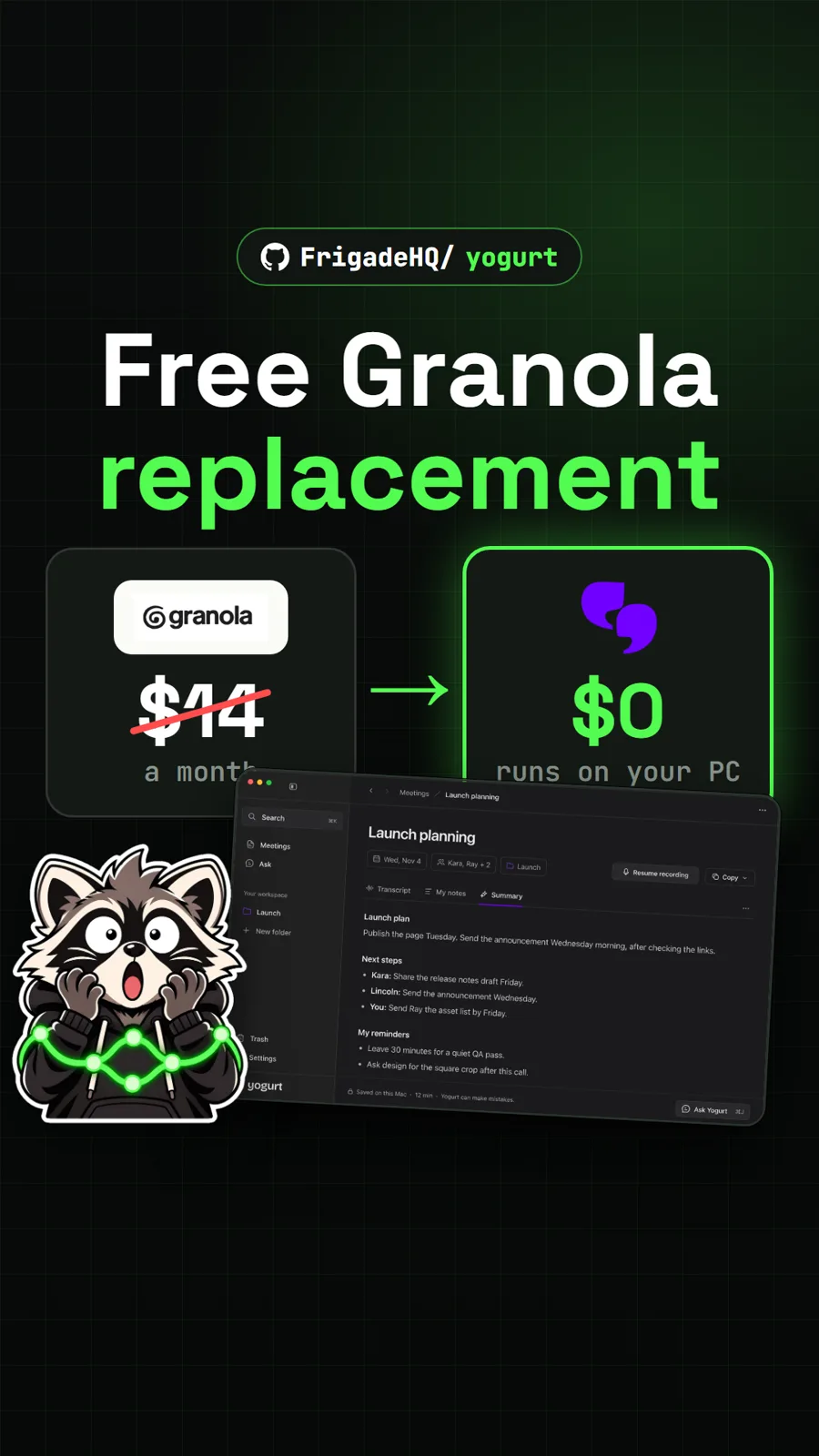
FrigadeHQ/yogurt
Yogurt: a free, open source AI notetaker that runs on your own computer
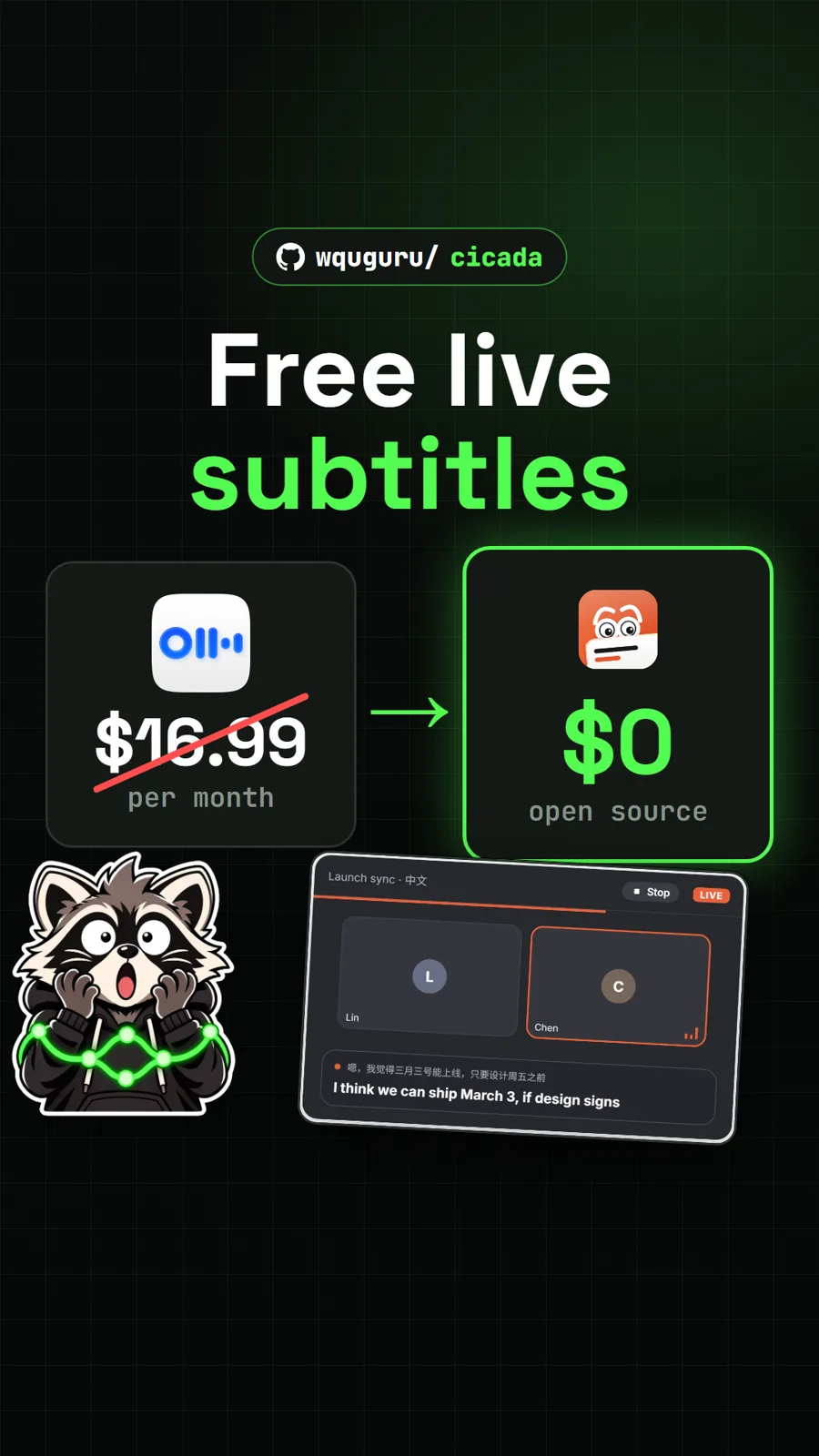
wquguru/cicada
Cicada: free live subtitles and translation for any call, a free Otter alternative
Get tomorrow's repo in your feed
One free, open source repo a day as a short video, shown working, with the catch named. Pull it. Stash it.