Free Canva and Figma alternatives that are open source
By Pull This RepoPosted 5 min read
Short answer
The best free Canva alternative we have covered is Doory, an open source editor at doory.art with templates, animation and MP4 export, no account and no paid plan. For Figma, FigCraft is a free, open source design and prototyping app with auto layout, components and an MCP server for AI agents. Both are young projects, so expect gaps.
Canva and Figma get mentioned together, but they do different jobs. Canva is for social posts, flyers, slides and short promo videos. Figma is for designing app and website screens and clicking through prototypes. So this page gives one free, open source pick for each, says what we did with it, and is honest about how far each one is from the paid tool.
| Paid app | Free pick | What it covers | What we did |
|---|---|---|---|
| Canva Pro | Doory | posts, flyers, slides, invitations, thumbnails, short videos | used doory.art as a guest and exported an MP4 |
| Figma | FigCraft | app screens, components, auto layout, clickable prototypes | ran the browser build and had an AI agent design a screen |
What is the best free Canva alternative?
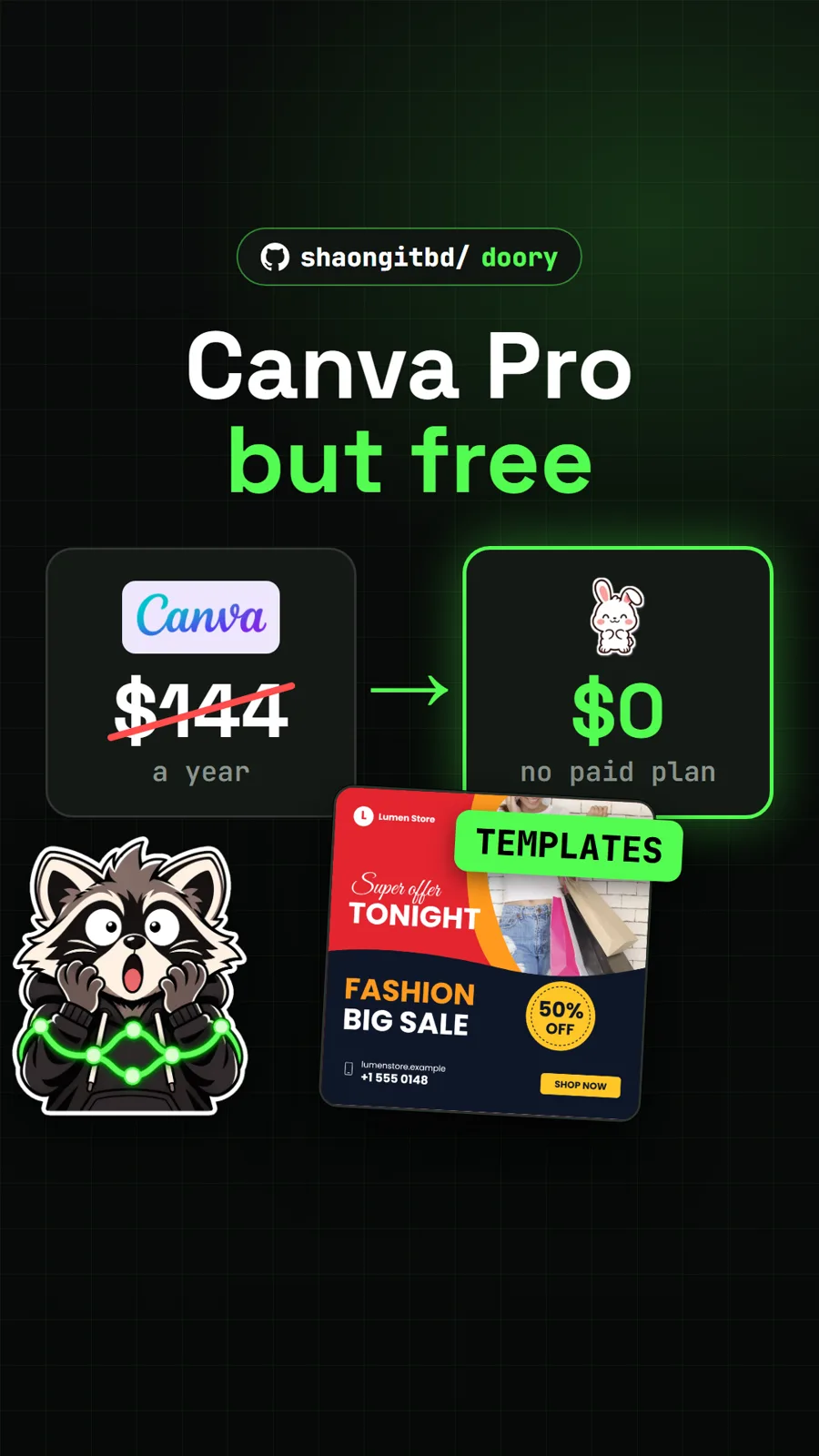
Doory is the best free Canva alternative we have covered. It is an open source design editor that runs in a browser tab, and the hosted copy at doory.art lets you start as a guest with no account. Its README says there is no paid plan, no locked features and no ads.
The everyday Canva workflow is all there. You pick a template, type over the words, add an enter animation or a page transition, drop in one of 24 music loops, and download. Exports cover PNG, JPG, SVG, PDF, MP4, WebM and GIF, with print presets that add bleed and crop marks. The photo tools include crop, masks, filters, background removal in the browser and 2x to 4x upscaling.
We tried it on 15 November. We opened the Bold sale announcement template, changed the headline and discount, added the Rise page animation and a music loop, then exported a square MP4. The result was an 8.7 second clip with sound, about 1.4 MB, made in the browser in under a minute and with no watermark.
Two things to know before you rely on it. Guest designs live only in that browser, so save a .doory backup from the File menu or create an account to keep them in the cloud. And only ten starter templates ship with it, against the 3.6 million or more that Canva's pricing page lists for Pro.
What is the best free Figma alternative?
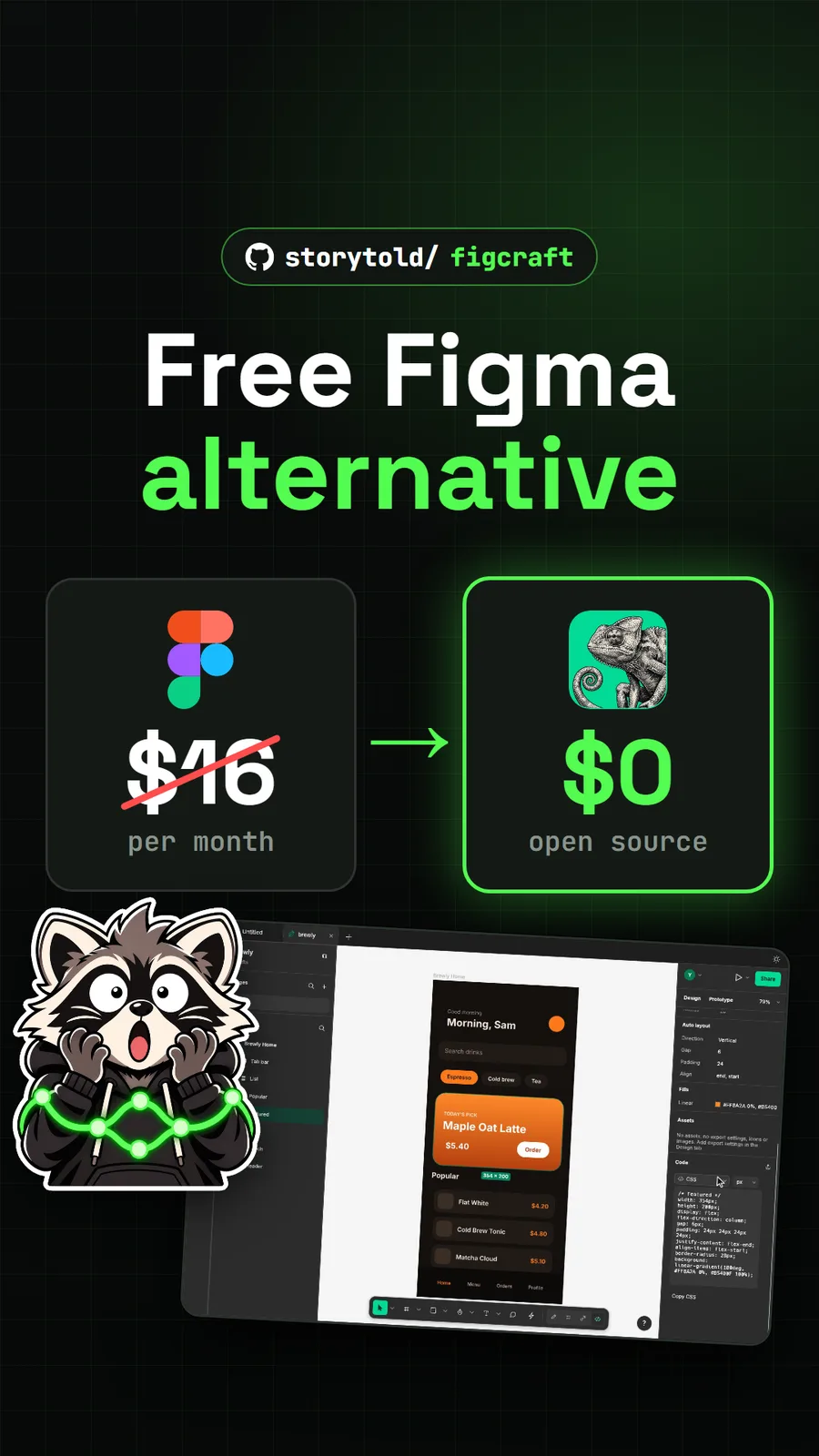
FigCraft is the free, open source Figma alternative we ran ourselves. It is a design and prototyping app written in Rust, dual licensed MIT or Apache-2.0, and it runs on macOS, Windows, Linux and FreeBSD or in a browser through WebAssembly.
The feature list reads like a screen designer's daily kit: auto layout with wrap and grid, main components and instances with overrides, variants, styles and variables with modes, true vector networks, prototype connections with Smart Animate-style transitions, and a developer mode that shows measurements and generates CSS, HTML, React, SwiftUI, Flutter and more. Shortcuts follow the familiar ones, such as F for frame and Shift+A for auto layout. Files are plain .figcraft archives on your own disk, and there is no account and no telemetry.
When we tested release v0.17.0 on 9 November there was no official hosted site. We served the release's web build with a small local server, opened it in Chrome, drew a screen and clicked through the four-screen app prototype in the templates. The browser build needs WebGPU or WebGL2, and it will not run if you just double-click the HTML file. Desktop installers exist for macOS, Windows and Linux; we did not run those.
Can AI agents design in them?
Yes, both can be driven by AI agents, through MCP servers.
FigCraft builds every menu item, tool and gesture from one registry of more than 400 commands, and figcraft-cli mcp exposes them to agents, either headless or attached to the open desktop app. We asked an AI agent for a coffee ordering app home screen with a search field, category chips, a featured card, a list and a tab bar. It finished in 47 tool calls with zero errors and saved a .figcraft file that opened in the browser build with its generated CSS. Give the server read and write root folders so the agent cannot touch anything else.
Doory has an MCP server too, but only on a copy you host yourself, and it is off by default. Its README says it lets AI assistants create and edit designs, and its REST API can fill templates from a spreadsheet. We did not try either, since we used the hosted site.
On the photo side, Kokon also ships an MCP server and a local HTTP API, so an agent can edit images on your own machine.
How do the prices compare?
Both free picks cost nothing, with no paid tier. These are the paid prices our pages cite, read on each vendor's own US page:
| Paid app | Price we read | Free pick | Free pick price |
|---|---|---|---|
| Canva Pro | US$144 a year for one person (canva.com, 15 Nov 2026) | Doory | $0, no paid plan |
| Figma Professional, Full seat | from $16 a month (figma.com, USD, 9 Nov 2026) | FigCraft | $0, MIT or Apache-2.0 |
Self-hosting Doory has no licence fee. You supply the server, and stock photos on a self-hosted copy need your own Unsplash or Pexels key.
What is the catch?
Both projects are only weeks old. They handle everyday work, but neither is ready to carry a team's whole design system.
- Doory has few templates. Ten ship with it, and admins of a self-hosted copy add the rest.
- Doory's licence asks for credit. The Attribution Assurance License allows commercial use and changes, but if you ship it to your own users you must keep the LICENSE and NOTICE files and show the author's credit in the running app.
- FigCraft is early alpha. Its own README puts it at about 49% of the way to replacing paid tools for real work.
- Figma files open best effort. FigCraft has not been checked against real design documents, so do not plan a migration around it yet.
- FigCraft's online sharing is not end-to-end encrypted. Share, Online uploads the file to a server, a public one by default. Use local network sharing or your own server for private work.
If your job is editing photos rather than laying out designs, PhotoSplice is a Photoshop-style editor that opens real PSD files in a browser tab, and our roundup of free open source Photoshop alternatives sorts the rest by job. New to GitHub releases, which is where FigCraft's builds live? Read how to download a GitHub repo.
Moving off Adobe too? Our free Adobe alternatives page maps a free pick to each Adobe app.
Pull it. Stash it.
Questions people ask
Is there a completely free Canva alternative?
Doory has no paid plan, no locked features and no ads, according to its README, and the doory.art home page says there is no watermark. You can design as a guest with no account. It ships ten starter templates, far fewer than Canva.
What is the best open source Figma alternative?
FigCraft is the one we ran. It is dual licensed MIT or Apache-2.0 and has frames, auto layout, components with variants, vector networks, prototypes and a developer mode. Its authors call it early alpha, about 49% of the way to replacing paid tools for real work.
Can FigCraft open Figma files?
Only best effort. The README says it opens .fig files best effort and has not yet been checked against real design documents. It also opens Figma REST API JSON exports, plus SVG, PNG, JPG, WebP and PDF.
How much do Canva Pro and Figma cost?
Canva's US pricing page listed Canva Pro at US$144 a year for one person on 15 November 2026. Figma's pricing page listed a Professional Full seat from $16 a month, in US dollars, on 9 November 2026. Doory and FigCraft are both free.
Sources
More repos like this
shaongitbd/doory
Doory: a free, open source Canva alternative that runs in your browser
Get tomorrow's repo in your feed
One free, open source repo a day as a short video, shown working, with the catch named. Pull it. Stash it.