
How to clone a GitHub repo: HTTPS, SSH, Desktop, VS Code and gh
By Pull This RepoPosted 5 min read
Short answer
To clone a GitHub repo, install Git, open the repo's page, click Code and copy the HTTPS address, then run git clone with that address in Terminal or Git Bash. Git makes a folder named after the repo with the full history. For private repos, use a personal access token instead of your password, or set up an SSH key.

Cloning makes a full working copy of a GitHub repo on your computer: every file, every past commit, and a link back to GitHub so you can pull updates later. This page is for people who want the code itself, to read it, build it or change it. If you only want to run an app, our guide on how to download a GitHub repo is the shorter path. Every command below was checked against GitHub's own docs and the Git documentation on 20 November 2026.
How do you clone a GitHub repo with git clone?
You copy the repo's address from GitHub and hand it to git clone. Step by step:
- Open the repo on GitHub and click the green Code button above the file list.
- Stay on the HTTPS tab and click the copy icon.
- Open Terminal on Mac or Linux, or Git Bash on Windows, and
cdto the folder that should hold the copy. - Type
git clone, paste, and press Enter.
Here is a real one from our Soundbox page, whose README starts its source install this way (we covered it from the authors' demos):
git clone https://github.com/HamSanders/soundbox
cd soundbox
npm install
npm run dev
The Git docs say a clone "creates remote-tracking branches for each branch" in the repo and checks out the branch the repo points at, usually main. The GitHub address is saved as a remote called origin.
Which clone method should you use?
Pick the one that matches the tools you already have:
| Method | Needs | Best for |
|---|---|---|
git clone over HTTPS | Git | most people, public repos, quick copies |
git clone over SSH | Git and an SSH key on your account | private repos you clone and push often |
| GitHub Desktop | the GitHub Desktop app | people who prefer buttons to a terminal |
| VS Code Clone Repository | VS Code and Git | opening the code straight in an editor |
gh repo clone | GitHub CLI | short owner/name commands, forks, private repos |
GitHub Desktop and GitHub CLI are both free and MIT licensed; their repos, desktop/desktop and cli/cli, were both updated on 20 November 2026. We have not covered either in a video.
How do you install Git on Windows, Mac and Linux?
Install it from the official Git site, then check it with git --version; our full guide to downloading and installing Git walks through the Windows installer options and first-time setup. The commands git-scm.com lists:
- Windows: download the Git for Windows installer from git-scm.com, which also gives you Git Bash. The page also lists
winget install --id Git.Git -e --source winget, noting that package is not maintained by the Git for Windows project. - Mac: run
xcode-select --installfor Apple's Command Line Tools, orbrew install gitif you use Homebrew. - Linux:
sudo apt-get install giton Debian or Ubuntu,sudo dnf install giton Fedora.
How do you clone with GitHub Desktop, VS Code or the GitHub CLI?
Each one wraps the same git clone underneath.
GitHub Desktop: sign in to the app first. On the repo page, click Code, then Open with GitHub Desktop. In the Clone a Repository window, click Choose next to Local Path, pick a folder and click Clone.
VS Code: run Git: Clone from the Command Palette, or click Clone Repository in the Source Control view. Paste the URL, or choose Clone from GitHub to sign in and pick from a list. VS Code asks for a folder, then offers to open the clone. It needs Git installed.
GitHub CLI: once you are signed in to the CLI (our guide on how to install GitHub CLI covers setup and gh auth login), pass the owner and name:
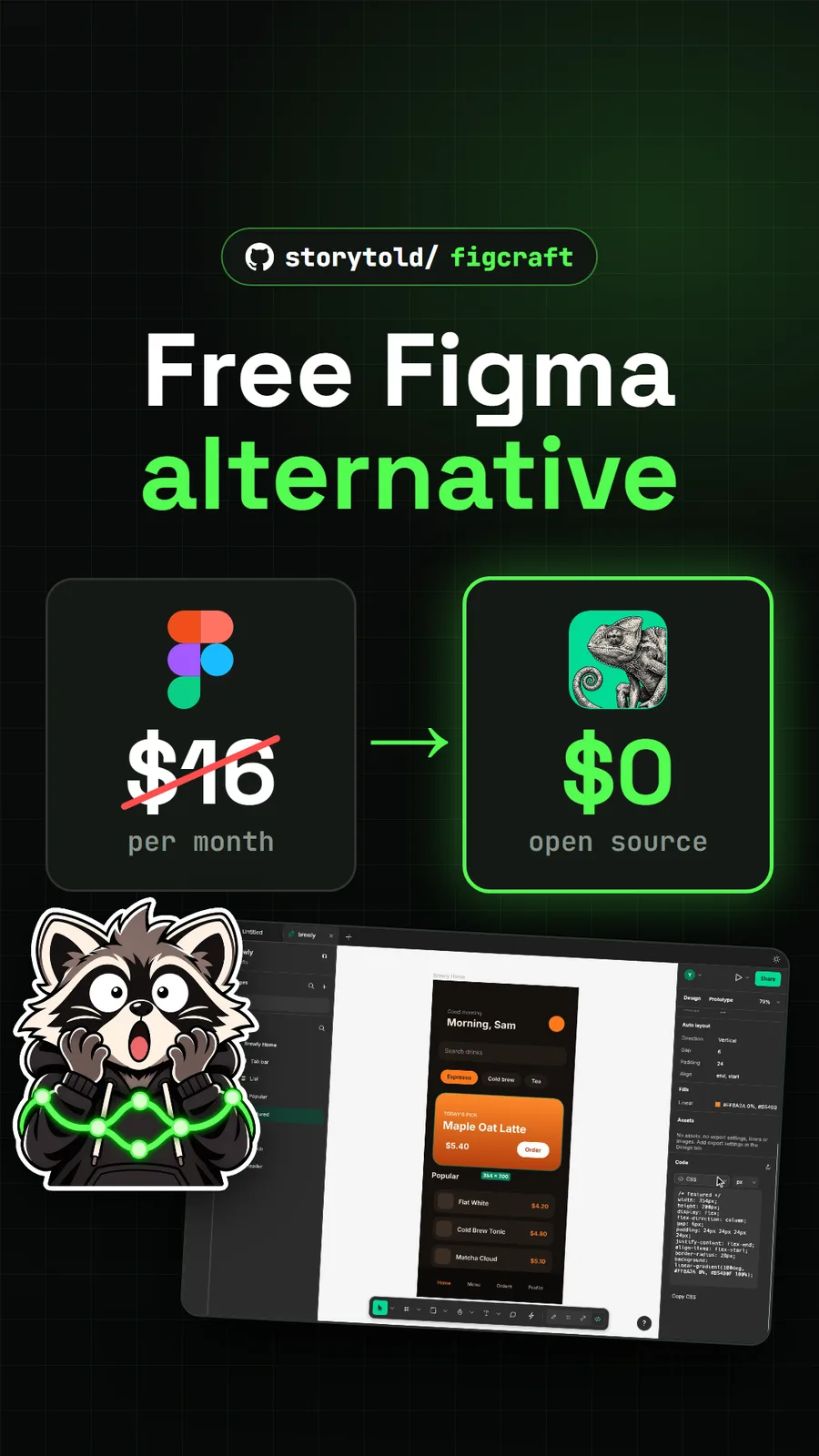
gh repo clone storytold/figcraftLeave out the owner and gh assumes your own account. The GitHub CLI manual adds that extra git clone flags, such as --depth=1 for a shallow copy, can be passed after a -- separator at the end of the command.
How do you clone into a different folder, one branch, or only the latest commit?
Add an option or a folder name to the same command. These come from the git clone manual:
# into a folder you name (it must be new or empty)
git clone https://github.com/storytold/figcraft my-figcraft

# check out a specific branch or tag
git clone --branch dev https://github.com/OWNER/REPO

# only that branch's history
git clone --branch dev --single-branch https://github.com/OWNER/REPO

# shallow clone: latest commit only
git clone --depth 1 https://github.com/OWNER/REPO
Without a folder name, Git uses the repo name. --branch on its own still fetches every branch; it only changes which one you start on. --depth 1 implies --single-branch, so it downloads far less for a large repo you only want to build. You give up the old history, though.
Some projects expect two repos side by side. FigCraft's build reads fonts from a companion repo, so its README clones both into the same parent folder before cargo run. We built its command line tool from source.
How do you clone a private repo?
Use a personal access token over HTTPS, or an SSH key. GitHub's docs say plainly that "password-based authentication for Git has been removed".
Token: go to your profile picture, Settings, Developer settings, Personal access tokens. GitHub recommends fine-grained tokens; one with read access to Contents on the repos you need fits the job. When Git asks for a password, paste the token. Tokens only work over HTTPS. GitHub's docs also name Git Credential Manager and GitHub CLI as ways to sign in without making a token yourself.
SSH key: generate one with
ssh-keygen -t ed25519 -C "you@example.com"add it to the ssh-agent, then paste the .pub file into Settings, SSH and GPG keys on GitHub. Clone with the SSH tab's address, which looks like git@github.com:OWNER/REPO.git.
How do you clone a fork and keep it updated?
Fork on GitHub, clone your fork, then add the original as upstream:
git clone https://github.com/YOUR-NAME/REPO
cd REPO
git remote add upstream https://github.com/ORIGINAL-OWNER/REPO.git
git remote -v
gh repo clone adds that upstream remote for you when the repo is a fork. For any clone, git pull inside the folder fetches new commits and merges them into your current branch.
Why does git clone fail?
Three errors cover most failures:
- Repository not found. The repo does not exist or your account cannot see it. Copy the URL again from the Code button, and check you are signed in as an account with access.
- Permission denied (publickey). GitHub did not accept an SSH key. Run
ssh -T git@github.com; a working key gets a greeting with your username. If it fails, checkssh-add -llists a key, that the same key is on your GitHub account, and that you did not run Git withsudo. - Authentication failed, or a 401 or 403 error, over HTTPS. Usually a password where a token belongs, or an old cached login. Use a token, clear the stale credential, or switch to SSH. GitHub also advises updating an old Git.
What is the catch?
Cloning copies code; it does not build or install anything. After the clone you still follow the README, which often means installing Node.js, Python or Rust first, as the Soundbox and FigCraft examples show. A clone also runs nothing on its own, so read scripts before you run them. For skills, a clone often comes before the install itself: how to install Claude Code skills shows where the folder goes next.
Pull it. Stash it.
Questions people ask
How do I clone a GitHub repository?
Install Git, click the green Code button on the repo page, copy the HTTPS URL, then run git clone followed by that URL in Terminal or Git Bash. Git creates a new folder named after the repo and checks out its default branch.
Why does GitHub reject my password when I clone?
GitHub removed password authentication for Git. When Git asks for a password over HTTPS, paste a personal access token instead, or use Git Credential Manager or GitHub CLI so you sign in once in the browser. SSH keys are the other option.
How do I clone only one branch?
Run git clone --branch branch-name --single-branch followed by the URL. The --branch flag alone still downloads every branch and just checks out the one you named. Adding --depth 1 also limits it to one branch and only the latest commit.
What does Repository not found mean when cloning?
GitHub's docs say the repo either does not exist or you do not have access. Check the URL by copying it again from the repo page, confirm your account can see the repo, and for SSH run ssh -T git@github.com to test the key.
Does cloning a repo install the app?
No. Cloning only copies the source code and its history. To run the app you follow the README's build or install steps, or you download a ready-made installer from the repo's Releases page instead.
Sources
- 1GitHub Docs: Cloning a repository (read 2026-11-20)
- 2GitHub Docs: Troubleshooting cloning errors (read 2026-11-20)
- 3GitHub Docs: About remote repositories (read 2026-11-20)
- 4GitHub Docs: Managing your personal access tokens (read 2026-11-20)
- 5GitHub Docs: Generating a new SSH key (read 2026-11-20)
- 6GitHub Docs: Error: Permission denied (publickey) (read 2026-11-20)
- 7GitHub Docs: Fork a repository (read 2026-11-20)
- 8GitHub Docs: Cloning a repository in GitHub Desktop (read 2026-11-20)
- 9GitHub CLI manual: gh repo clone (read 2026-11-20)
- 10git-scm.com: git clone documentation (read 2026-11-20)
- 11git-scm.com: git pull documentation (read 2026-11-20)
- 12git-scm.com: Install Git on Windows, Mac and Linux (read 2026-11-20)
- 13Visual Studio Code docs: Repositories and remotes (read 2026-11-20)
- 14cli/cli
- 15desktop/desktop
More repos like this
Get tomorrow's repo in your feed
One free, open source repo a day as a short video, shown working, with the catch named. Pull it. Stash it.
