
Free Microsoft Office alternatives that open Word, Excel and slide files
By Pull This RepoPosted Updated 6 min read
Short answer
The free alternative to Microsoft Word and MS Office we would open first is LibreOffice or ONLYOFFICE Desktop Editors, both free and open source on Windows, macOS and Linux. ONLYOFFICE says it is fully compatible with .docx, .xlsx and .pptx. VibeOffice saves the same files in a browser tab with no install. Microsoft 365 Personal listed at $99.99 a year.
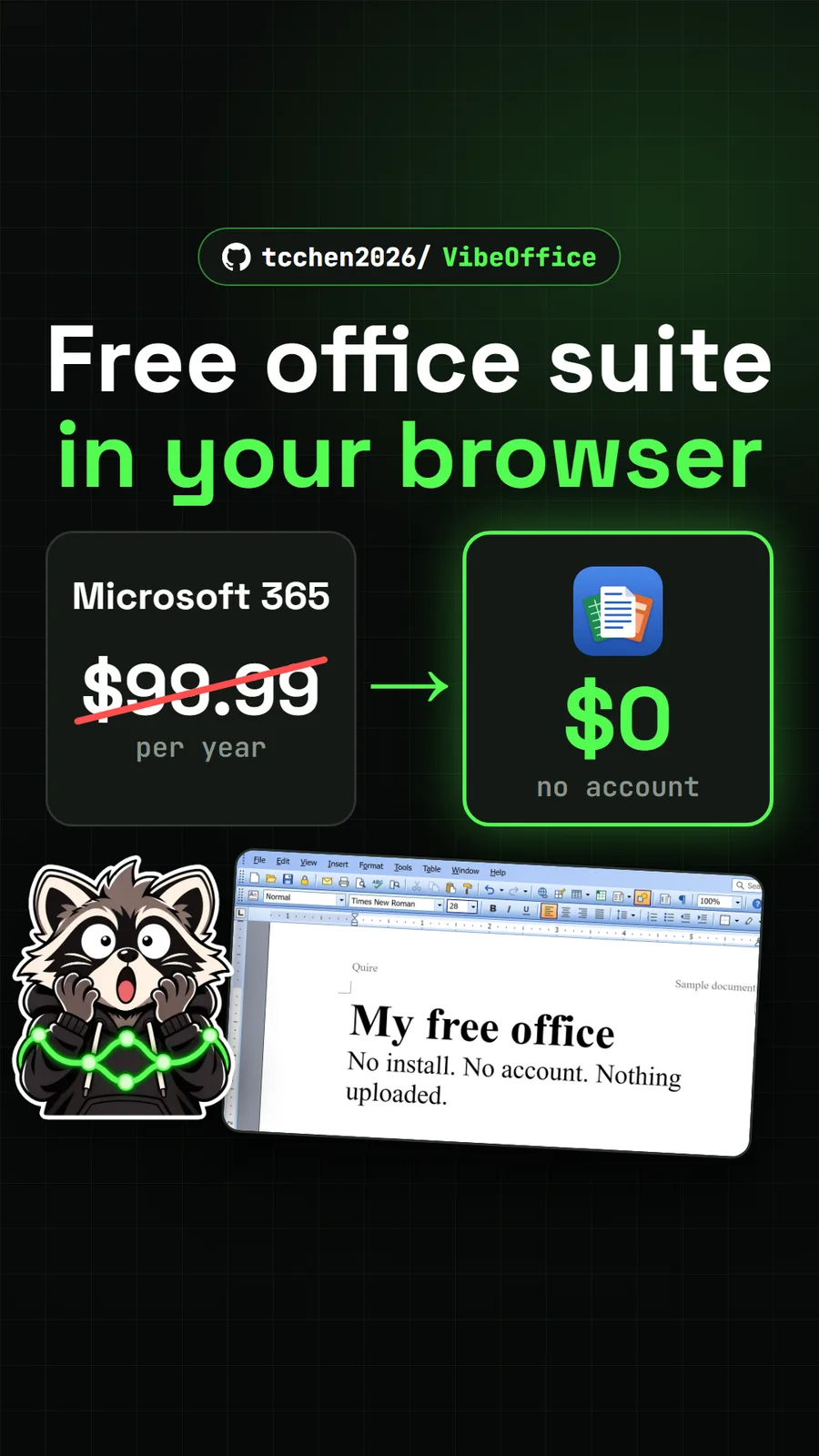
You do not need a Microsoft 365 subscription to open, edit and send back a Word document, an Excel sheet or a slide deck. Three free, open source suites do that job in different ways: LibreOffice and ONLYOFFICE Desktop Editors install on your computer, and VibeOffice runs in a browser tab. This page compares them on the one thing that matters most when the files come from other people: how well each opens and saves .docx, .xlsx and .pptx, in the words of its own documentation.
Which free Microsoft Office alternatives should you try?
LibreOffice and ONLYOFFICE Desktop Editors are the two full desktop suites, and VibeOffice is the no-install option. Microsoft 365 Personal listed at $99.99 a year, regular price, when we read Microsoft's US page on 11 November 2026.
| Tool | Platforms | Licence | What it replaces | What we did |
|---|---|---|---|---|
| LibreOffice | Windows 10 and 11, macOS 11 or newer, Linux | MPL-2.0 | Word, Excel, slides, plus drawing, database and formula apps | read its official site and help; not covered in a video |
| ONLYOFFICE Desktop Editors | Windows, macOS, Linux | AGPL-3.0 | Word, Excel, slides, plus PDF and PDF forms | read its README and releases; not covered in a video |
| VibeOffice | a browser tab | Apache-2.0 | Word, Excel, slides | ran the authors' hosted build and saved real .docx and .xlsx files |
All three were checked on 20 November 2026. LibreOffice's GitHub mirror and the ONLYOFFICE repo were both pushed to in November 2026, and neither is archived.
What is the best free alternative to Microsoft Word?
For opening and saving .docx files on a desktop, start with the ONLYOFFICE document editor or LibreOffice Writer. Both are free, both run on Windows, macOS and Linux, and both read and write Word files without an account.
The difference is the default format. ONLYOFFICE's README says it is "fully compatible with Office Open XML formats: .docx, .xlsx, .pptx", which are Microsoft's own formats. LibreOffice's native format is OpenDocument (.odt for text), and Word is one of the formats it opens and saves. If most of your files go back and forth with Word users, ONLYOFFICE keeps you in .docx with less fuss. If you want the wider suite and a long track record, LibreOffice is the one, and you can tell it to save as Word by default.
If you are on a borrowed or locked-down computer where you cannot install anything, VibeOffice opens and saves .docx in a browser tab. Its word processor is called Quire. In our test a .docx we saved there reopened correctly in LibreOffice 25.2.
How well does LibreOffice open and save Office files?
LibreOffice's help states plainly that it "can open and save documents in the Microsoft Office file formats." Word files (.doc and .docx) open in Writer, Excel files (.xls and .xlsx) in Calc, and presentation files (.ppt, .pps and .pptx) in Impress. Of the three, its docs are the ones that also list the old binary .doc, .xls and .ppt formats.
To save in an Office format, use File, Save As and pick it from the file type list. To make it stick, go to Tools, Options, Load/Save, General and choose the file type per document type. The official site says the suite is free "at no cost to you", lists six apps (Writer, Calc, Impress, Draw, Base and Math), and gives the source licence as the Mozilla Public License 2.0.
LibreOffice is also honest about where conversion falls short, which is covered in the catch section below.
How well does ONLYOFFICE Desktop Editors handle .docx, .xlsx and .pptx?
ONLYOFFICE's README says the desktop suite is fully compatible with .docx, .xlsx and .pptx, and that it works on local files without an internet connection. It bundles editors for documents, spreadsheets, presentations, PDFs, PDF forms and diagrams in one window.
The latest release when we checked, v10.0.0 from 13 October 2026, ships installers for Windows (x64, x86 and ARM), Apple silicon and Intel Macs, and Linux as .deb, .rpm and AppImage. Cloud storage connections such as Nextcloud and Dropbox are optional, and the README says AI is no longer pre-installed, so the default install has no AI features. The repo had 5,768 stars on GitHub on 20 November 2026. We have not covered it in a video, so everything here is from its README.
Is Word online free?
Yes. Microsoft's own page, read on 22 November 2026, offers "free access to Word, Excel, and PowerPoint using Microsoft 365 for the web" with a free Microsoft account, plus 5 GB of OneDrive storage. Its footnote adds that files must be saved in and shared from OneDrive, and the page says it is designed for users in the United States.
That makes free Word online the simplest word processor software for someone who already has Word files and a Microsoft account. The trade-off is that your documents live in Microsoft's cloud. If you want a free word processor that works offline with files on your own computer, LibreOffice Writer and ONLYOFFICE Desktop Editors are the picks above; VibeOffice, below, needs no account at all.
Can you edit Word and Excel files without installing anything?
Yes, with VibeOffice. It runs at vibeoffice.work with no account and no upload, and its three apps open and save .docx, .xlsx and .pptx plus PDF export. Its README sets the goal that a file edited there opens in Microsoft Office without a repair message. On 11 November 2026 we typed and saved a .docx, built a chart in a spreadsheet and saved it as .xlsx, and both opened in LibreOffice.
It is a weeks-old project by one developer, so it suits occasional edits more than a whole office's daily work.
Which one should you pick?
Pick by how you work, not by feature count.
| If you need | Start with |
|---|---|
| A desktop suite that stays in .docx, .xlsx and .pptx | ONLYOFFICE Desktop Editors |
| The widest suite, old .doc and .xls files, a database app | LibreOffice |
| No install, no account, files kept on your own computer | VibeOffice |
| Live co-editing with other people | none of these on its own: each needs a server or cloud service |
What is the catch?
Free suites read Microsoft's formats; they are not Microsoft Office, and complex files can shift.
- Layout drift. LibreOffice's help says converted files often need some manual reformatting, in proportion to how complex the original is. It lists Word items such as revision marks, WordArt, OLE objects, form fields and multi-column layouts, Excel items such as pivot tables, newer chart types and conditional formatting, and presentation items such as master background graphics and some multimedia effects.
- Macros. LibreOffice's help says Office and LibreOffice generally cannot run the same macro code, so VBA macros need rewriting. VibeOffice's README says it cannot edit VBA yet and writes it back unchanged.
- Formulas can differ. LibreOffice's own example: with TRUE in two cells, a SUM returns 2 in Calc and 0 in Excel. Check sheets that other people rely on.
- No built-in teamwork. Co-editing needs a server or a cloud account, which none of these desktop or browser tools give you out of the box.
- Licences differ. ONLYOFFICE is AGPL-3.0, LibreOffice MPL-2.0 and VibeOffice Apache-2.0. For everyday use that changes nothing, but it matters if you plan to build them into a product.
Keep a copy of any file that matters before you edit it in a new app.
Where do you download them safely?
Get each one from its own project. LibreOffice installers come from libreoffice.org; its GitHub repo is a read-only mirror that asks you not to download the ZIP. ONLYOFFICE posts installers on its GitHub Releases page. VibeOffice needs no download at all. If Releases pages are new to you, our guide on how to download a GitHub repo explains what to click and how to judge whether a repo is safe to run.
For free swaps for other paid apps, from Photoshop to WinRAR, see our full list of open source alternatives.
For grammar checking without a subscription, see free Grammarly alternatives. For bookkeeping, see free QuickBooks alternatives.
Pull it. Stash it.
Questions people ask
What is the best free alternative to Microsoft Word?
For a desktop app, LibreOffice Writer and the ONLYOFFICE document editor both open and save .docx files for free. ONLYOFFICE's README says it is fully compatible with Office Open XML formats. If you cannot install anything, VibeOffice's Quire word processor saves .docx in a browser tab.
Can LibreOffice save files as .docx?
Yes. LibreOffice's own help says it can open and save documents in the Microsoft Office file formats. Choose File, Save As and pick a Word format, or set Word as the default under Tools, Options, Load/Save, General.
Is ONLYOFFICE Desktop Editors really free?
Yes. Its README calls it a free office suite, licensed under the GNU Affero General Public License 3.0, and it works on local files without an internet connection. Cloud connections and AI add-ons are optional extras, not requirements.
Will my Word documents look exactly the same in a free office suite?
Not always. LibreOffice's help says converted files often need some manual reformatting, more so for complex documents, and lists items such as revision marks, WordArt and pivot tables that may not convert cleanly. Macros written in VBA generally do not run.
How much does Microsoft 365 cost?
Microsoft 365 Personal listed at $99.99 a year, the regular price, when we read Microsoft's US plans page on 11 November 2026.
Sources
- 1Microsoft 365 for the web, free (read 2026-11-22)
- 2LibreOffice official site: about LibreOffice (read 2026-11-20)
- 3LibreOffice system requirements (read 2026-11-20)
- 4LibreOffice Help: using Microsoft Office and LibreOffice (read 2026-11-20)
- 5LibreOffice Help: Microsoft Office import and export limitations (read 2026-11-20)
- 6LibreOffice/core
- 7ONLYOFFICE/DesktopEditors
- 8ONLYOFFICE Desktop Editors releases (v10.0.0, read 2026-11-20)
- 9tcchen2026/VibeOffice
- 10Microsoft 365 plans and prices (Personal, read 2026-11-11)
More repos like this
Get tomorrow's repo in your feed
One free, open source repo a day as a short video, shown working, with the catch named. Pull it. Stash it.
