
Free CapCut alternatives: open source video editors for vertical clips and captions
By Pull This RepoPosted 5 min read
Short answer
The closest free CapCut alternatives on a computer are Shotcut and Kdenlive: both are GPL video editors for Windows, Mac and Linux with vertical project presets and automatic captions from Whisper speech recognition. OpenShot adds vertical profiles and manual captions. Subtitle Edit and Buzz make subtitle files from speech. None of them runs on a phone.
CapCut is the app many people reach for to cut a short vertical clip and drop captions on it. If you want a free, open source way to do the same job on a computer, three mature desktop editors and two caption tools cover most of it. This page is about one workflow: a 9:16 clip for Reels, TikTok or Shorts, with captions made from your own speech. We have not covered any of these five in a video yet, so every feature below comes from the project's own site, docs or README, read on 21 November 2026.
Which free CapCut alternative should you use?
For most people the closest free CapCut alternative is Shotcut or Kdenlive, because each is a full video editor with a vertical preset and automatic captions built in, and neither has a paid tier. OpenShot is the gentler editor but makes you write captions yourself. Subtitle Edit and Buzz are not editors: they turn speech into subtitle files you can bring into any editor.
| Tool | Platforms | Licence | What it replaces | What we did |
|---|---|---|---|---|
| Shotcut | Windows, macOS, Linux | GPL-3.0 | CapCut desktop editing and auto captions | not covered in a video; from its site and release notes |
| Kdenlive | Linux, Windows, macOS, BSD | GPL-3.0 | CapCut desktop editing and auto captions | not covered in a video; from its site and docs |
| OpenShot | Linux, macOS, Windows | GPL-3.0 | simple vertical edits with title templates | not covered in a video; from its site and repo |
| Subtitle Edit | Windows, macOS, Linux | MIT | CapCut's auto captions, as subtitle files | not covered in a video; from its README and docs |
| Buzz | Windows, macOS (Apple silicon), Linux | MIT | speech to SRT or VTT captions | not covered in a video; from its README |
All five were pushed to in November 2026, and none of them is archived. Kdenlive's real home is KDE's own GitLab, invent.kde.org, and the GitHub copy is a mirror that was updated the same day we checked.
We could not read a US price on CapCut's own pricing page today, so this page gives no price for it.
Which free video editor makes auto captions?
Shotcut and Kdenlive both make captions from speech automatically. Shotcut's Speech to Text tool arrived in version 24.10. Its release notes say it is based on OpenAI's Whisper model through the whisper.cpp project, sits under Subtitles, Speech to Text, and writes the result to a new subtitle track. Builds include a basic model, and you can download a larger one for better accuracy at lower speed. Shotcut's features page also lists a Subtitle Burn In filter, which is how the words end up drawn on the picture rather than in a separate file.
Kdenlive's docs say its speech to text can use either the VOSK or the Whisper engine, and that the subtitle "is created and inserted automatically" from the timeline or selected clips. Whisper adds language detection, a maximum characters per line setting and translation to English. Its site describes subtitles with "advanced layering and styling".
OpenShot has a Caption effect that its docs describe as adding text captions to any clip, with many captions able to share one parent style. We found no automatic speech to text in its docs, so you type the words.
Can you make 9:16 vertical video for free?
Yes: all three editors ship vertical presets. Shotcut's video mode menu includes Vertical HD 30 fps and Vertical HD 60 fps. Kdenlive's docs say that for "social media on smartphones or YouTube Shorts" you pick a vertical profile from the Custom category. OpenShot's repo includes 1080x1920 profiles, such as FHD Vertical 1080p 30 fps, at rates from 24 to 60 frames a second.
The one rule all three share: set the vertical mode before you build the edit. A project left on its default horizontal mode will letterbox a phone clip, and switching later means reframing every shot.
How do you make a captioned vertical clip in Shotcut?
The quickest free route from the docs above, in Shotcut:
- Open Settings, then Video Mode, and choose Vertical HD 30 fps (or 60 fps) before adding any clips.
- Drag your clip onto the timeline, then trim and cut as usual.
- Open the Subtitles panel and run Speech to Text. Shotcut runs one job to export the audio and one to turn it into text.
- Read every line and fix names and slang. The bundled model is the basic one.
- Add the Subtitle Burn In filter so the captions show on the video, then export.
Kdenlive follows the same order: a vertical profile first, then speech to text, then styling the subtitle track.
Which free tools make captions for any editor?
Subtitle Edit and Buzz both turn speech into timed subtitle files you can import elsewhere. Subtitle Edit is a full subtitle editor for Windows, macOS and Linux. Its speech to text docs list several Whisper engines, including Whisper CPP as a local CPU engine, plus optional online services that need your own key. In batch mode it saves an .srt file next to each video. The README says it does not collect or send your subtitle or media files anywhere.
Buzz transcribes audio and video offline with Whisper and exports TXT, SRT and VTT. It also does live transcription from a microphone and speaker identification. Its README says the Mac version now needs Apple silicon, and the Windows installer is not signed, so you will see a warning.
Shotcut's features page lists SRT, VTT, ASS and SSA subtitle imports, so either tool slots in if you want to review captions in a dedicated app first.
What about screen recordings with captions?
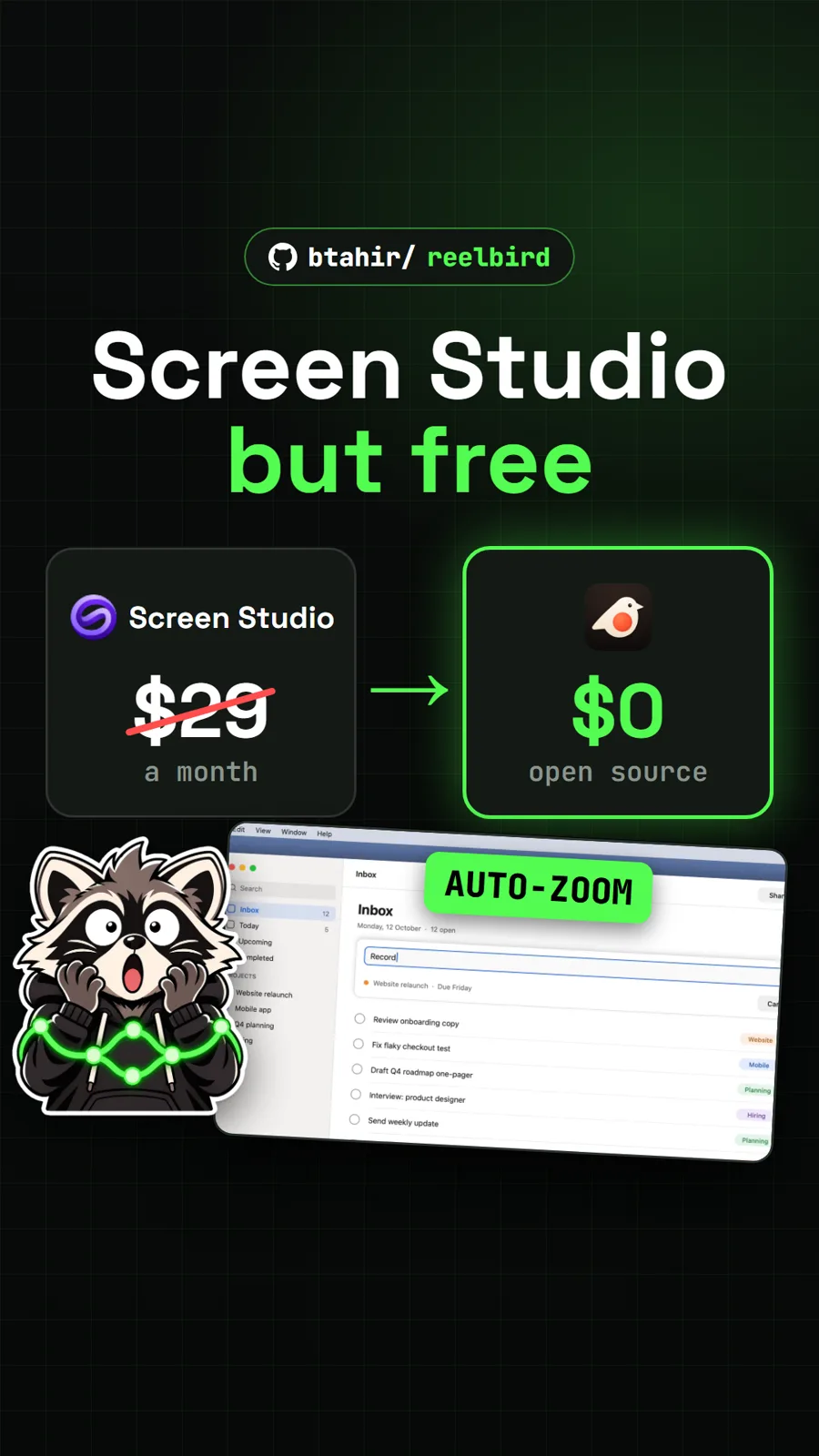
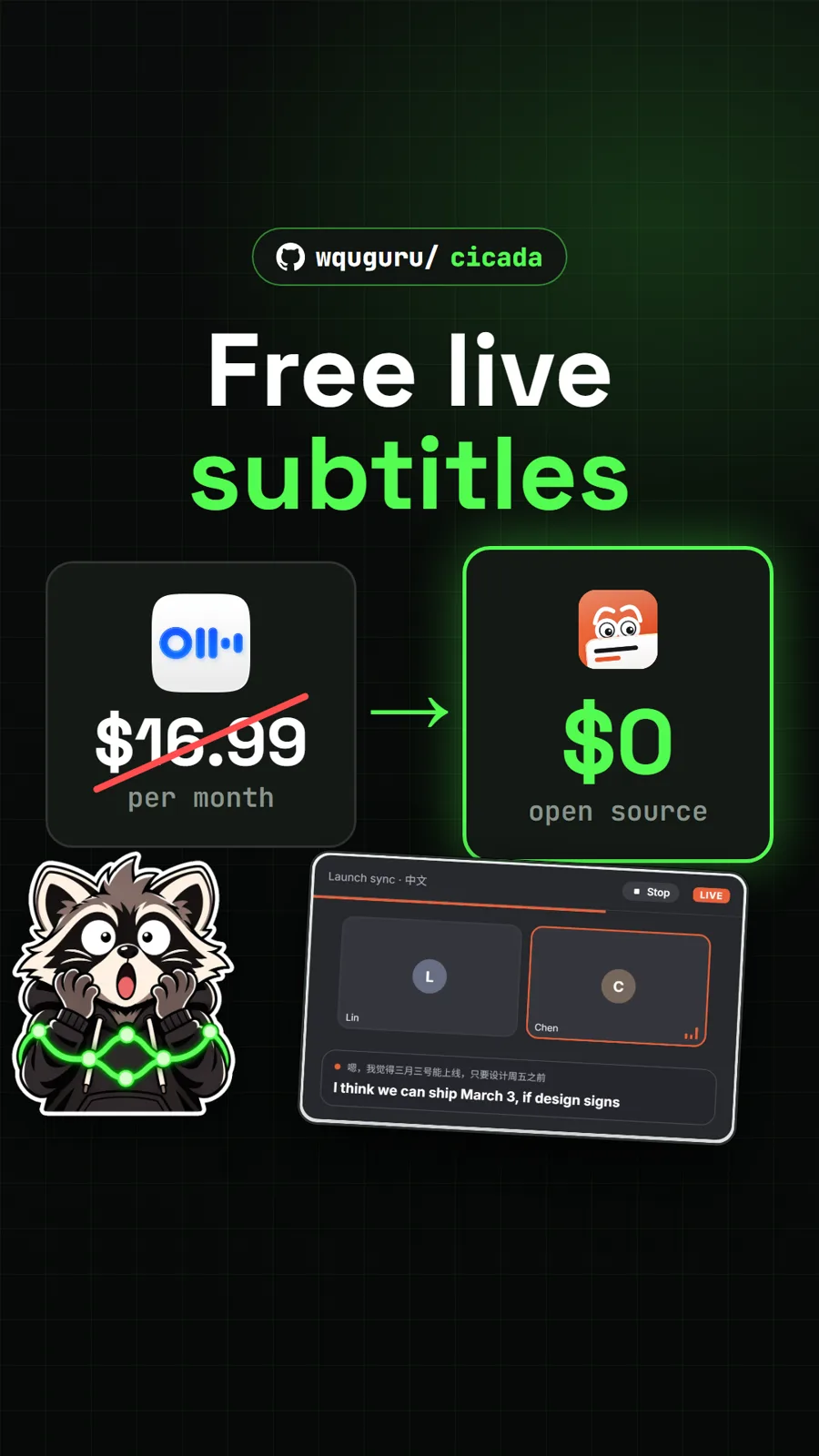
If your short clips are screen recordings on a Mac, a recorder that captions for you skips the editor entirely. Reelbird, an MIT-licensed recorder we covered from the authors' demos, makes captions on the Mac with Apple's speech recognition in six styles and zooms in on your clicks. It needs an Apple silicon Mac on macOS 15 or later. For live subtitles under calls and streams rather than finished clips, see Cicada.
What is the catch?
The catch is that none of these is a phone app, and none of them has CapCut's library of ready-made trend templates. Check these gaps before you switch:
- No phone editing. Kdenlive, Shotcut and OpenShot list desktop systems only, and we have not verified an open source phone editor to suggest. CapCut's phone app has no open source equivalent on this page.
- Templates and effects. OpenShot includes more than 40 editable title templates, but none of the three feature pages lists a template library of the kind CapCut offers, or its AI video generation.
- Caption accuracy. Whisper models make mistakes with names, accents and noisy audio. Shotcut's notes say a larger model is more accurate but slower, so plan a review pass.
- Caption styles take work. Animated word-by-word captions are not a one-click preset in any of these docs. You style the subtitle track yourself.
- Unsigned installers. Buzz's Windows build is not signed, so Windows warns on first run. Download every tool here only from its official site or repo.
Where do you go from here?
If you are new to installing apps from a project's Releases page, start with how to download a GitHub repo. For more free swaps for paid apps, see open source alternatives, and for Photoshop and Lightroom, free Adobe alternatives.
Pull it. Stash it.
Questions people ask
Is there a free CapCut alternative with auto captions?
Yes. Shotcut's Speech to Text tool, added in version 24.10, is based on Whisper through the whisper.cpp project and puts the text on a subtitle track. Kdenlive's docs say its speech to text, with the VOSK or Whisper engine, creates and inserts subtitles automatically. Both are free and open source under the GPL.
Can a free editor export 9:16 vertical video for Reels and TikTok?
Yes. Shotcut's video mode menu includes Vertical HD 30 fps and Vertical HD 60 fps. Kdenlive's docs tell you to pick a vertical profile from the Custom category for smartphones or YouTube Shorts. OpenShot ships 1080x1920 profiles at frame rates from 24 to 60 fps. Set the vertical mode before you add clips.
Is there an open source CapCut for phones?
Not one we could verify. Kdenlive, Shotcut and OpenShot list Windows, macOS and Linux only, and Kdenlive also lists BSD. Subtitle Edit and Buzz are desktop apps too. If you edit on a phone, nothing on this page replaces that today.
How much does CapCut cost?
We could not read a US price on CapCut's own pricing page on 21 November 2026, and the page says displayed pricing is for reference only until you sign in, so we give no price here. Every tool on this page is free, with no paid tier.
Do these free editors add a watermark?
OpenShot's site says you can edit without subscriptions, watermarks or project limits. Kdenlive and Shotcut are GPL-3.0 projects with no paid version to unlock. We have not exported from any of them ourselves, so this comes from their sites.
Sources
- 1KDE/kdenlive (GitHub mirror, GitHub API read 2026-11-21)
- 2multimedia/kdenlive on KDE Invent (read 2026-11-21)
- 3Kdenlive official site (read 2026-11-21)
- 4Kdenlive docs: speech to text (read 2026-11-21)
- 5Kdenlive docs: project general settings (read 2026-11-21)
- 6mltframework/shotcut
- 7Shotcut features (read 2026-11-21)
- 8Shotcut 24.10 release notes, Speech to Text (read 2026-11-21)
- 9OpenShot/openshot-qt
- 10OpenShot features (read 2026-11-21)
- 11OpenShot vertical profiles (src/profiles, read 2026-11-21)
- 12SubtitleEdit/subtitleedit
- 13Subtitle Edit docs: speech to text (read 2026-11-21)
- 14chidiwilliams/buzz
- 15CapCut pricing page (read 2026-11-21, no US price shown)
More repos like this
Get tomorrow's repo in your feed
One free, open source repo a day as a short video, shown working, with the catch named. Pull it. Stash it.
