
Self-hosted password managers: Vaultwarden, Bitwarden and more
By Pull This RepoPosted 5 min read
Short answer
For most people the best self-hosted password manager is Vaultwarden: a light, AGPL-3.0 Rust server that works with the official Bitwarden apps and runs from one Docker command. Businesses that want vendor support can self-host official Bitwarden. Teams sharing passwords can use Passbolt, and KeePassXC needs no server at all.
A self-hosted password manager keeps your password vault on a server you run, instead of on a company's cloud. You still get browser autofill and phone apps, but the encrypted vault lives on your hardware. The four open source options worth knowing are Vaultwarden, the official Bitwarden server, Passbolt and KeePassXC. This guide compares them and shows how to install each, with stars, licences and commands read from the projects' own pages on 22 November 2026.
Which self-hosted password manager should you use?
| Option | Best for | Licence | Stars on 22 Nov 2026 | Latest release | Needs |
|---|---|---|---|---|---|
| Vaultwarden | individuals and families | AGPL-3.0 | 71,156 | 1.37.5 (1 Nov 2026) | Docker, HTTPS |
| Bitwarden server | businesses wanting vendor support | AGPL-3.0, plus Bitwarden License for some code | 20,705 | v2026.11.0 (18 Nov 2026) | 2 GB RAM minimum, 12 GB disk |
| Bitwarden Lite | homelabs that want the official server | official Bitwarden image | no separate repo | not listed separately | 200 MB RAM minimum |
| Passbolt CE | teams sharing passwords | AGPL-3.0 | 6,241 | v5.18.0 (12 Nov 2026) | Docker, SMTP email server |
| KeePassXC | no server at all | GPL-2.0 or GPL-3.0 | 30,098 | 2.8.0 (21 Oct 2026) | nothing; one encrypted file |
The short version: Vaultwarden if you want Bitwarden's apps on a small server, official Bitwarden if you need the vendor behind it, Passbolt for team sharing, and KeePassXC if you would rather not run a server.
What is Vaultwarden and how do you install it?
Vaultwarden is an alternative server for the Bitwarden client API, written in Rust. Its README says it works with the official Bitwarden clients and suits self-hosting where the official, resource-heavy service might not be ideal. It covers the personal vault, Send, attachments, organizations with collections and sharing, and two-step login with authenticator apps, email, FIDO2 WebAuthn, YubiKey and Duo.
It is not made by Bitwarden. The README asks users to report bugs to Vaultwarden directly and not to use Bitwarden's official support channels.
The install from the README, using Docker (Podman works the same way):
docker pull vaultwarden/server:latest
docker run --detach --name vaultwarden \
  --env DOMAIN="https://vw.domain.tld" \
  --volume /vw-data/:/data/ \
  --restart unless-stopped \
  --publish 127.0.0.1:8000:80 \
  vaultwarden/server:latest
Change DOMAIN to the address you will use. Everything the server stores goes into /vw-data/, so that is the folder to back up. The command publishes the port on 127.0.0.1 only, which is deliberate: you put a reverse proxy with HTTPS in front of it. New to Docker? Our guide to installing Docker on Ubuntu covers it.
Then install the normal Bitwarden browser extension or phone app, open its settings before you log in, and point the server URL at your own domain.
How do you self-host official Bitwarden?
Bitwarden publishes its own self-hosted server, and running it is free. There are two ways.
Standard deployment. Several containers, with an MSSQL Express database by default. Bitwarden's Linux guide lists a minimum of an x64 1.4 GHz CPU, 2 GB of RAM and 12 GB of storage, with 4 GB of RAM and 25 GB recommended, and Docker Engine 26 or newer. The steps:
curl -Lso bitwarden.sh "https://func.bitwarden.com/api/dl/?app=self-host&platform=linux" && chmod 700 bitwarden.sh
./bitwarden.sh install
./bitwarden.sh start
The guide says to run these as a dedicated bitwarden user, not root. The installer asks for an installation id and key, which you get free with a valid email at bitwarden.com/host. By default it serves on ports 80 and 443.
Bitwarden Lite. A single Docker image, formerly called Bitwarden Unified, which left beta and was renamed in December 2025. Bitwarden's guide lists at least 200 MB of RAM and 1 GB of storage, supports SQLite, PostgreSQL, MySQL or MariaDB and MSSQL, and says Lite is intended for personal use and home labs, not for use in business contexts. You fill in a settings.env file from the guide, then run:
docker run -d --name bitwarden -v /$(pwd)/bwdata/:/etc/bitwarden -p 80:8080 --env-file settings.env ghcr.io/bitwarden/liteThe licence point: the server code is AGPL-3.0 by default, with some code under the separate Bitwarden License in one folder. Bitwarden's licensing page says some features must be unlocked on a self-hosted instance with a registered licence file, which comes with paid plans such as Premium, Families or Enterprise.
When is Passbolt the better pick?
Passbolt describes itself as an open source password manager for teams. It is built around sharing passwords and secrets across a group, with browser extensions for Chrome and other Chromium browsers, Firefox and Edge, plus apps on the App Store and Google Play. The Community Edition is AGPL-3.0.
Its Docker install needs a Linux user who can run Docker without sudo, a working SMTP server for notification and recovery emails, and a working NTP time service. From Passbolt's docs:
curl -LO https://download.passbolt.com/ce/docker/docker-compose-ce.yaml
curl -LO https://github.com/passbolt/passbolt_docker/releases/latest/download/docker-compose-ce-SHA512SUM.txt
sha512sum -c docker-compose-ce-SHA512SUM.txt
docker compose -f docker-compose-ce.yaml up -d
Set APP_FULL_BASE_URL to your server name and the email settings in the compose file before starting, then create the first admin with the register_user command from the docs. It prints a setup link to finish in the browser. The email requirement is the main extra step compared with Vaultwarden.
Do you need a server at all? KeePassXC
Not necessarily. KeePassXC is a desktop app for Windows, macOS and Linux that keeps your vault in one offline, encrypted file in the KeePass KDBX format. There is no server to secure or update. Its README lists browser integration with Chrome, Firefox, Edge, Chromium, Vivaldi, Brave and Tor Browser, passkey support through that integration, and import from CSV, 1Password, Bitwarden, Proton Pass and KeePass1.
To use the same vault on several devices, sync the file with a tool you trust, such as Syncthing (see our free file sync software guide). On phones you need a separate KDBX-compatible app, since KeePassXC itself is desktop only.
What about HTTPS and backups?
Two things make or break a self-hosted password vault.
HTTPS. Vaultwarden's README says the web vault needs HTTPS and a secure context for the browser's Web Crypto API, so it simply will not work over plain HTTP. Passbolt's docs link guides for Let's Encrypt and self-signed certificates. If the vault is only for you, keeping it off the public internet and reaching it over a VPN such as Tailscale is the safer setup.
Backups. If the server dies and there is no backup, the shared vault is gone.
- Back up the data folder, for example
/vw-data/for Vaultwarden orbwdatafor Bitwarden, on a schedule. - Keep one copy off the machine, ideally off-site.
- Do a test restore onto a spare machine once, so you know it works.
- Export an encrypted copy of your vault from the app now and then, as a last resort.
What is the catch?
- You are now running a security product. Keep the server and containers updated. An unpatched vault on the open internet is a target.
- Vaultwarden is unofficial. Bitwarden does not support it, so help comes from Vaultwarden's own Matrix, GitHub Discussions and forum.
- Official Bitwarden is heavier. The standard deployment wants gigabytes of RAM; Lite is lighter but aimed at home use.
- Passbolt needs email. No working SMTP, no notifications or account recovery.
- KeePassXC makes sync your job. Two devices editing the same file at once can conflict.
For more apps to run on the same server, see our guide to Awesome Self-Hosted, and to block ads for every device on your network, our self-hosted DNS server guide.
Pull it. Stash it.
Questions people ask
What is the best self-hosted password manager?
For a person or family, Vaultwarden: it is small, runs in one container and works with the official Bitwarden browser extensions and phone apps. For a company that wants support from the vendor, the official Bitwarden server. For teams built around sharing, Passbolt. For no server at all, KeePassXC.
Is Vaultwarden the same as Bitwarden?
No. Vaultwarden is an unofficial, separate server written in Rust that implements the Bitwarden client API, so the official Bitwarden apps can log in to it. It is not made by Bitwarden, and its README asks you to report bugs to Vaultwarden, not to Bitwarden's support channels.
Is Bitwarden self-hosted free?
Running the server is free. Bitwarden's licensing page says some features must be unlocked on a self-hosted instance with a registered licence file from a paid plan, such as Premium for individuals or Families and Enterprise for organizations. You also need a free installation id and key from bitwarden.com/host.
Does a self-hosted password vault need HTTPS?
Yes, for the web vault. Vaultwarden's README says the web vault needs HTTPS and a secure context for the browser's Web Crypto API, so it only works once HTTPS is on. It suggests a reverse proxy, or you can keep the server private and reach it over a VPN with a proper certificate.
Sources
- 1dani-garcia/vaultwarden
- 2bitwarden/server
- 3Bitwarden help: Linux standard deployment (read 2026-11-22)
- 4Bitwarden help: Bitwarden lite deployment (read 2026-11-22)
- 5Bitwarden help: licensing on-premise (read 2026-11-22)
- 6passbolt/passbolt_api
- 7Passbolt docs: install CE with Docker (read 2026-11-22)
- 8keepassxreboot/keepassxc
- 9KeePassXC official site (read 2026-11-22)
More repos like this
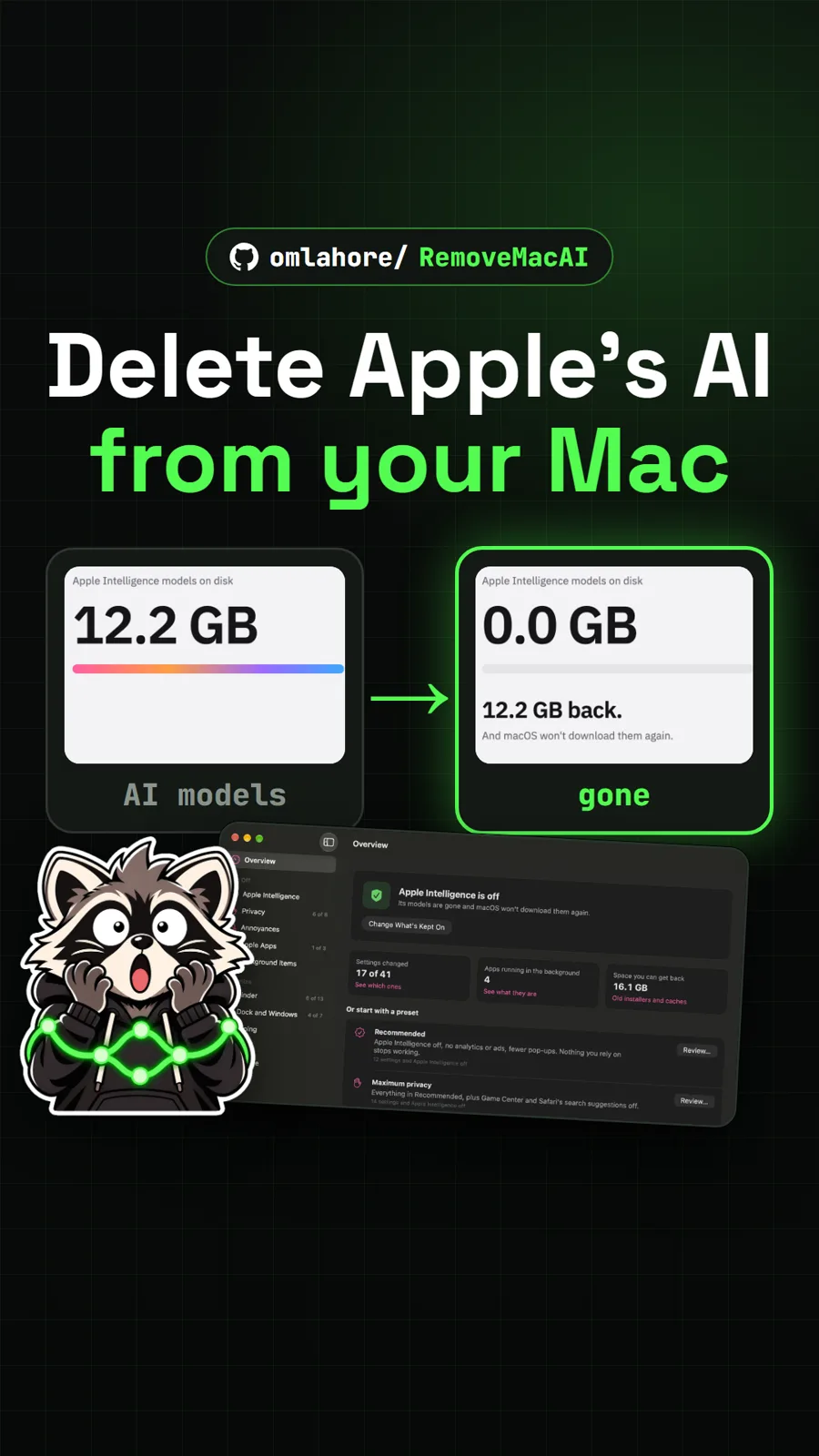
omlahore/RemoveMacAI
RemoveMacAI: turn off Apple Intelligence and reclaim its storage on your Mac
Get tomorrow's repo in your feed
One free, open source repo a day as a short video, shown working, with the catch named. Pull it. Stash it.
