
Self-hosted email server: Mailcow, Mail-in-a-Box and Stalwart
By Pull This RepoPosted 6 min read
Short answer
Self-hosted email works, but only on a server with a static IP, open port 25 and reverse DNS you control, which rules out most home connections. For a full suite with webmail, Mailcow runs in Docker. Mail-in-a-Box sets up a whole fresh Ubuntu box in one command. Stalwart and Mox are single modern servers. All four are open source.
Self-hosted email means running your own mail server for your domain instead of paying a provider to host your inbox. The software side is the easy part: Mailcow, Mail-in-a-Box, Stalwart and Mox are all open source and each installs with a handful of commands. The hard part is the network. Other mail servers only trust yours if it has a clean static IP, open port 25, a matching reverse DNS record and the right DNS records. We read each project's README and docs on 22 November 2026; here is how they compare and what you need before you start.
What do you need before you self-host email?
Get these in place first, or nothing else matters:
- A server with outbound port 25. Mail servers talk to each other on port 25. Many hosts block it. DigitalOcean's docs, for example, say "SMTP ports 25, 465, and 587 are blocked on Droplets" by default, and that it strongly recommends against running your own mail server. Mail-in-a-Box's guide warns against Amazon Web Services because its network is often blocked to prevent spam. Check your provider's policy before you pay.
- A static public IP and reverse DNS. The PTR record for your IP must point to your mail hostname, such as
mail.example.com. Mail-in-a-Box's guide says you must follow your cloud provider's instructions to set it. Most home connections cannot do this; Mail-in-a-Box answers "Can I run my Mail-in-a-Box at home?" with "No." - A domain and access to its DNS. You will add MX, SPF, DKIM and DMARC records. Each project below prints or checks the ones it needs.
- A dedicated machine or virtual machine. Mail servers want their ports to themselves.
Which self-hosted email server should you pick?
| Mailcow | Mail-in-a-Box | Stalwart | Mox | |
|---|---|---|---|---|
| Licence | GPL-3.0 | CC0-1.0 (public domain) | AGPL-3.0, or a paid enterprise licence | MIT |
| Stars on 22 Nov 2026 | 13,858 | 15,475 | 16,111 | 5,957 |
| Latest release | 2026-11b (19 Nov 2026) | v77 (26 Sep 2026) | v1.1.1 (16 Nov 2026) | v0.0.17 (19 Aug 2026) |
| How it runs | Docker Compose stack | Takes over a fresh Ubuntu 22.04 server | One server, Docker or native | One Go binary |
| Minimum RAM | 6 GiB plus 1 GiB swap | 512 MB (1 GB recommended) | Not listed on its Docker page | Not listed in its README |
| Webmail included | Yes | Yes | Web admin; mail apps via IMAP and JMAP | Yes |
| Best for | A full suite for a small organisation | One person or family, hands off | Modern protocols and scaling | A tidy all in one server for one domain |
Mailcow: the full suite in Docker
Mailcow (mailcow-dockerized) packages a complete mail system as Docker containers, with a web admin panel and webmail. On 22 November 2026 the repo had 13,858 stars, a GPL-3.0 licence and a latest release tagged 2026-11b.
Its prerequisites page asks for:
- 1 GHz CPU, 6 GiB of RAM plus 1 GiB of swap as a minimum, 8 GiB for about 5 to 10 users, and 20 GiB of disk before mail.
- x86_64 or ARM64, on Debian 11 to 13, Ubuntu 22.04 or newer, AlmaLinux 8 or 9 or Rocky Linux 9.
- Full virtualization such as KVM. The docs list OpenVZ, Virtuozzo and LXC as not supported and say not to install on a Synology or QNAP NAS.
- Docker 24.0.0 or newer and Docker Compose 2.0 or newer.
- No other mail service on the machine.
The install commands from the docs:
umask 0022
cd /opt
git clone https://github.com/mailcow/mailcow-dockerized
cd mailcow-dockerized
./generate_config.sh
docker compose pull
docker compose up -d
Log in at https://your-mail-hostname/admin with the default username admin and password moohoo, and change that password immediately. The docs say incoming ports 25, 465, 587, 143, 993, 110, 995, 4190, 80 and 443 must be open, and warn about problems on systems with firewalld or ufw enabled.
Mail-in-a-Box: one command, whole box
Mail-in-a-Box turns a fresh Ubuntu server into a complete mail appliance. On 22 November 2026 the repo had 15,475 stars, a CC0-1.0 public domain dedication and a latest release of v77. Its guide lists webmail and an admin panel, IMAP and SMTP, Exchange ActiveSync, contacts and calendar sync, static website hosting, its own DNS, Let's Encrypt certificates, encrypted backups and status checks.
Requirements from the guide: Ubuntu 22.04 x64 server edition, at least 512 MB of RAM (1 GB recommended), and a machine that "will be dedicated to Mail-in-a-Box." Name the box as a subdomain such as box.example.com; the guide says it cannot be a domain you plan to serve a website on. Then, over SSH:
curl -s https://mailinabox.email/setup.sh | sudo -E bashThe guide also has you create glue records for ns1 and ns2 at your registrar so the box runs DNS for your domain. That is how it sets SPF, DKIM and DMARC for you, and it is the reason the box wants to own the whole machine: changes you make by hand can be overwritten.
Stalwart: a modern mail and collaboration server in Rust
Stalwart is a single server written in Rust that speaks JMAP, IMAP4, POP3 and SMTP, plus CalDAV, CardDAV and WebDAV for calendars, contacts and files. On 22 November 2026 its repo had 16,111 stars and a latest release of v1.1.1, from 16 November 2026. Its README says it is dual licensed: AGPL-3.0, or the proprietary Stalwart Enterprise License for businesses that want extra features or do not want AGPL terms.
Its Docker page lists a static public IP, a hostname that resolves to it, port 25 open in both directions, and control of your domain's DNS. The commands:
docker volume create stalwart-etc
docker volume create stalwart-data
docker run -d --name stalwart --init \
    --restart unless-stopped \
    -p 25:25 -p 465:465 -p 993:993 -p 995:995 -p 4190:4190 -p 443:443 \
    -p 127.0.0.1:8080:8080 \
    -v stalwart-etc:/etc/stalwart \
    -v stalwart-data:/var/lib/stalwart \
    stalwartlabs/stalwart:v1
On first start it creates a temporary admin account with a random password, printed once in the logs:
docker logs stalwart 2>&1 | grep -A8 'bootstrap mode'Open the setup wizard at http://127.0.0.1:8080/admin on the server, or through an SSH tunnel, since port 8080 is bound to the local address only. After setup, the admin lives at https://your-hostname/admin.
Mox: one binary that does it all
Mox is a mail server in a single Go program with IMAP4, webmail, SPF, DKIM and DMARC, automatic TLS through ACME and Let's Encrypt, and MTA-STS and DANE. On 22 November 2026 the repo had 5,957 stars, an MIT licence and a latest release of v0.0.17. The version number tells you it is still pre 1.0.
Its README suggests a machine dedicated to mail, named like mail.example.com, with a DNSSEC-verifying resolver such as unbound. As root:
useradd -m -d /home/mox mox
cd /home/mox
GOBIN=$PWD CGO_ENABLED=0 go install github.com/mjl-/mox@latest
./mox quickstart you@example.com
The quickstart writes the config files, creates your account, generates admin and account passwords, and prints every DNS record you need to add, plus commands to start mox and install it as a service. The README notes mox wants to run its own web server on ports 80 and 443 for automatic TLS, and that a Docker image exists but is "not recommended."
How do you keep self-hosted email out of spam folders?
Set up every record your software prints, then check them:
- MX pointing your domain at your mail hostname.
- SPF, a TXT record listing which servers may send for your domain.
- DKIM, a public key in DNS that matches the signature your server adds.
- DMARC, a TXT record telling receivers what to do when SPF or DKIM fail.
- PTR (reverse DNS) for your IP, matching your mail hostname.
Then send a few messages to accounts you own at large providers and read the headers to confirm SPF, DKIM and DMARC pass. Start with low volume. A new IP has no reputation, and a burst of mail from it looks like spam. Keep your server patched so it never becomes an open relay.
Store your admin and mailbox passwords somewhere safe; our roundup of self-hosted password managers covers options that run on the same kind of server. If you are new to running your own services, start with what self-hosted means.
What is the catch?
Email is the least forgiving thing to self-host. If your server is down, mail to you can bounce after senders' retry windows; if your IP lands on a block list, your mail silently goes to spam; and if you misconfigure the server, spammers will find it. You also need off-server backups, because your inbox now lives on one machine. For a personal domain where you enjoy the work, it is very doable. For a business that depends on every message arriving, weigh the hours against a paid host.
Pull it. Stash it.
Questions people ask
Can I run a self-hosted email server at home?
Usually not. Mail-in-a-Box's guide answers this question with a plain no: residential networks are often blocked from sending mail, and home IP addresses usually change over time and lack configurable reverse DNS. Rent a small cloud server from a provider that allows outbound port 25 instead.
Why does my self-hosted email go to spam?
Receiving servers judge your IP's reputation and your DNS. You need SPF, DKIM and DMARC records, a reverse DNS (PTR) record that matches your mail hostname, and an IP address that is not on block lists. Mail-in-a-Box, Mailcow, Stalwart and Mox all help generate those records, but a new IP still has to build trust.
What is the easiest self-hosted email server?
Mail-in-a-Box aims for that. On a fresh Ubuntu 22.04 server you run one command and it configures mail, webmail, contacts, calendars, DNS and TLS certificates together. The trade is control: its guide says the box must be dedicated to it, and changes you make by hand get overwritten.
How much RAM does a self-hosted mail server need?
It depends on the project. Mailcow's docs list a minimum of 6 GiB of RAM plus 1 GiB of swap, and 8 GiB for about 5 to 10 users. Mail-in-a-Box's guide gives 512 MB as the minimum and recommends 1 GB. Stalwart's Docker page and the Mox README, as we read them, do not give a RAM figure.
Is self-hosted email more private?
Your stored mail is, because it sits on a server you control instead of a provider's. Messages you exchange with people on large providers still land on those providers' servers, and mail between servers is only as protected as the TLS both sides support. Encrypt the disk and keep backups.
Sources
- 1mailcow docs: Prerequisites (read 2026-11-22)
- 2mailcow docs: Installation (read 2026-11-22)
- 3mailcow/mailcow-dockerized
- 4Mail-in-a-Box setup guide (read 2026-11-22)
- 5mail-in-a-box/mailinabox
- 6Stalwart docs: Docker installation (read 2026-11-22)
- 7stalwartlabs/stalwart
- 8mjl-/mox
- 9DigitalOcean: Why is SMTP blocked? (read 2026-11-22)
More repos like this
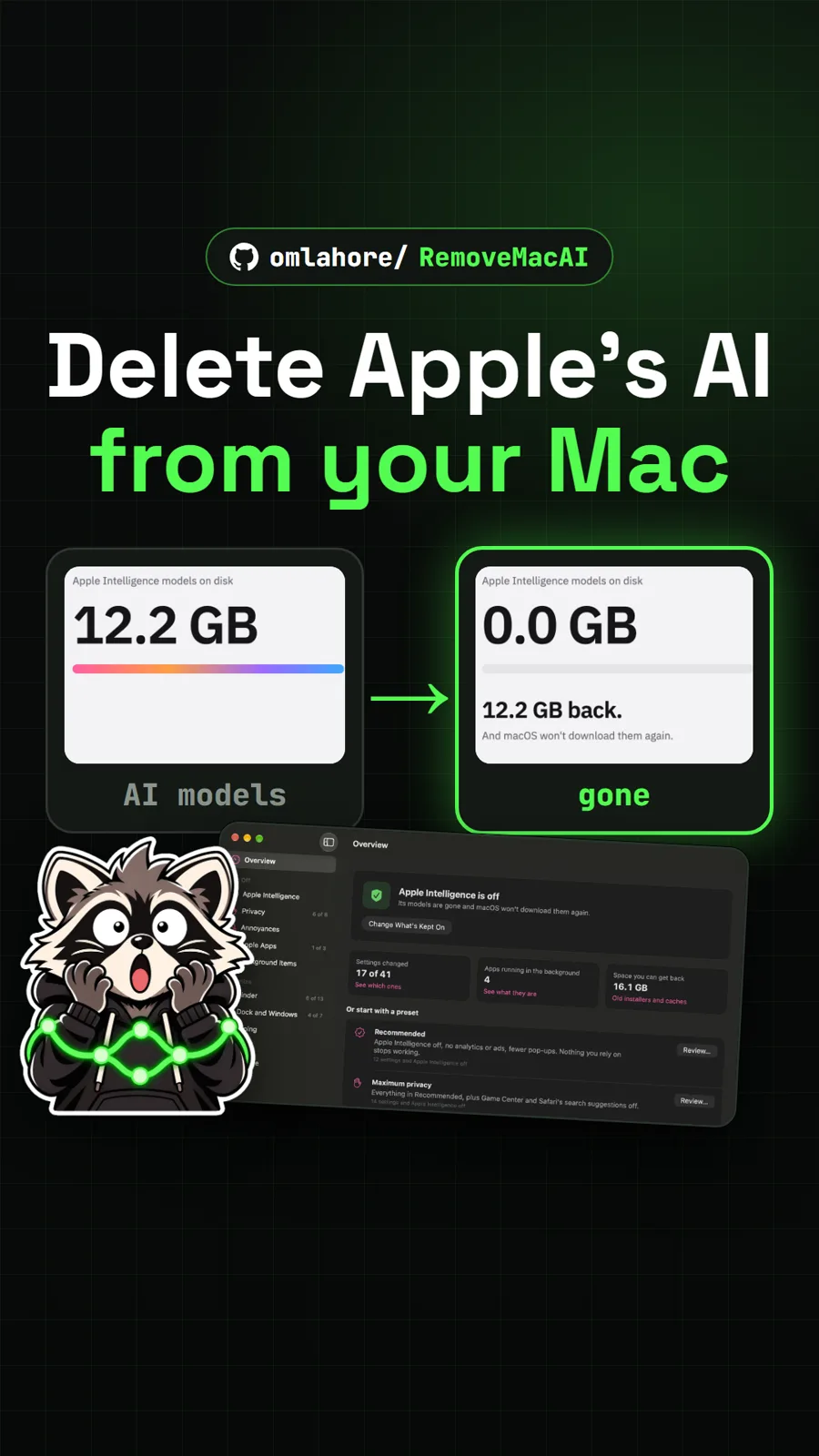
omlahore/RemoveMacAI
RemoveMacAI: turn off Apple Intelligence and reclaim its storage on your Mac
Get tomorrow's repo in your feed
One free, open source repo a day as a short video, shown working, with the catch named. Pull it. Stash it.
