
Free alternatives to Adobe Illustrator: open source vector editors
By Pull This RepoPosted 5 min read
Short answer
The closest free alternative to Adobe Illustrator is Inkscape, a GPL vector editor for Windows, Mac and Linux that works in SVG and exports PDF, EPS and AI. Graphite is a younger vector editor that runs in a browser tab. Penpot and FigCraft cover vector work for interface design. Adobe's US page listed Illustrator at US$22.99 a month on 20 November 2026.
Illustrator has a free stand-in that predates most of the repos on this site: Inkscape, a desktop vector editor built on SVG. Newer projects now cover vector work in a browser tab and inside interface design tools. This page is only about vector drawing: logos, icons, illustrations and print artwork. For each tool we say what it runs on, which files its own docs say it opens and saves, and whether we have actually used it. Most of these we have not covered in a video yet, so their details come from their official sites and READMEs, read on 20 November 2026.
What is the best free alternative to Adobe Illustrator?
For most people the free alternative to Adobe Illustrator is Inkscape, because it is a full desktop vector editor with no paid tier, and it reads and writes the formats Illustrator users swap most often. The others fit narrower jobs: Graphite for procedural vector art in a browser, Penpot and FigCraft for vector shapes inside interface design, and SVGEdit for quick SVG fixes.
| Tool | Platforms | Licence | What it replaces | What we did |
|---|---|---|---|---|
| Inkscape | Windows, macOS, Linux | GPL | Illustrator for logos, print and SVG | not covered in a video; from its site and FAQ |
| Graphite | browser (alpha) | Apache-2.0 or MIT | vector illustration with a node graph | not covered in a video; from its README and manual |
| Penpot | browser, or self-hosted | MPL-2.0 | vector work for app and web design | not covered in a video; from its README and docs |
| SVGEdit | browser | MIT | small SVG edits | not covered in a video; from its README |
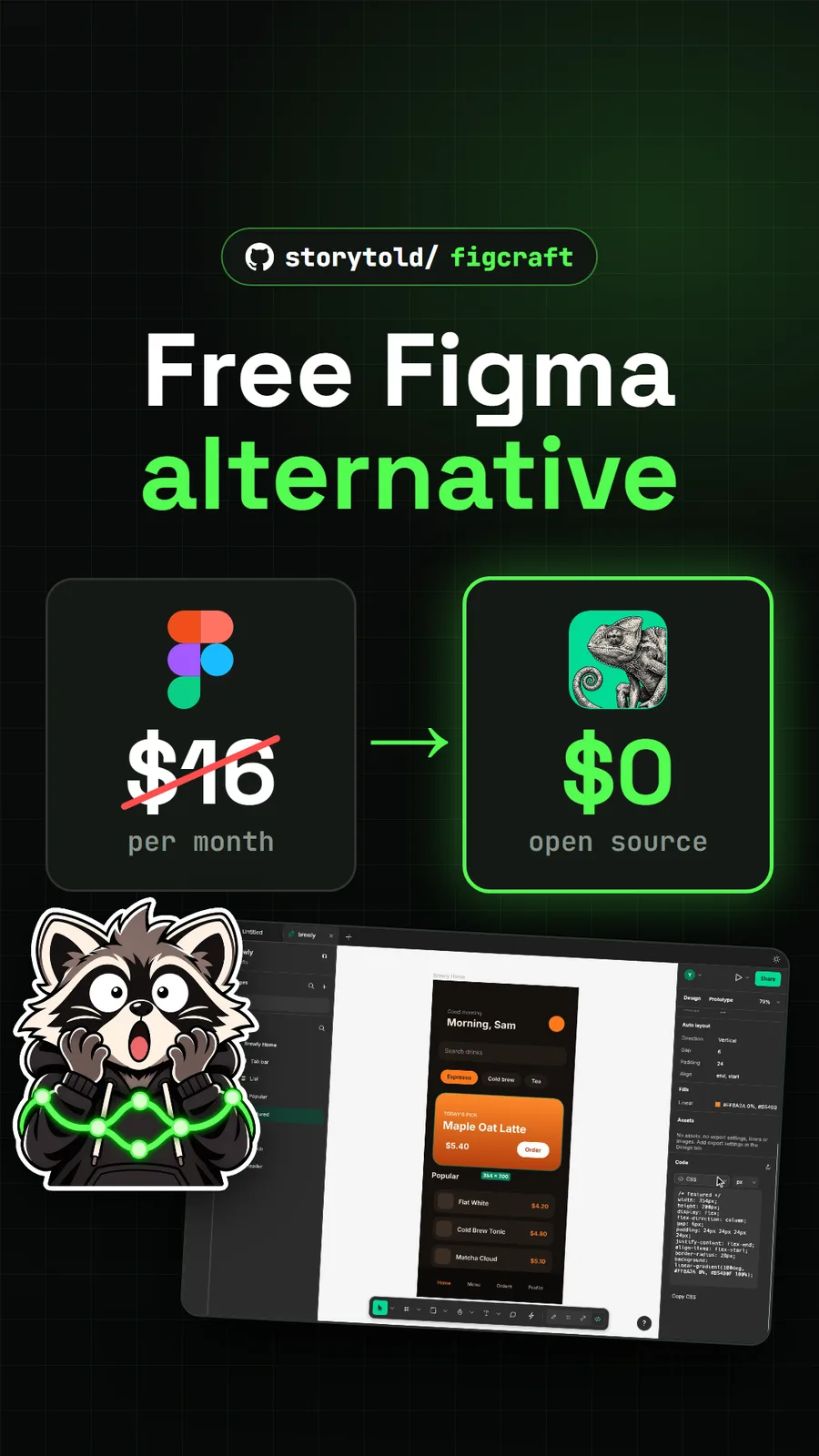
| FigCraft | browser, macOS, Windows, Linux | MIT or Apache-2.0 | vector networks in interface design | ran the browser build |
Adobe's US plans page listed Illustrator at US$22.99 a month, annual plan billed monthly, when we read it on 20 November 2026.
Is Inkscape as good as Illustrator?
Inkscape covers the core drawing job: its features page lists Pen, Pencil and Calligraphy tools, Bezier node editing, boolean operations, a shape builder, gradients including mesh gradients, text on a path, and bitmap tracing that turns an image into colour or monochrome paths. It also lists Live Path Effects, two of which it compares directly with Adobe tools: Power Stroke with the Width tool and Tiling with Repeaters.
The current stable version is 1.4.4, released on 6 May 2026, with downloads for Linux, Windows and macOS, and installers for Windows on Arm. Development is active: the main repository on GitLab showed activity on 20 November 2026. The GitHub copy of the repo is only a mirror that points back to GitLab, so check GitLab for the real history.
Where it falls short is print colour. Inkscape's own FAQ says it does not support colour management for file export, so there is no built-in CMYK output. The FAQ suggests workarounds, such as passing artwork through Scribus for printing. If you send CMYK files to a print shop every week, keep that in mind.
Which free Illustrator alternative opens .ai files?
Inkscape is the only one here whose docs say it opens Illustrator files. Format support, as each project states it:
| Tool | Native file | Opens or imports | Exports |
|---|---|---|---|
| Inkscape | SVG | SVG, SVGZ, PDF, EPS, AI, plus CDR and VSD (FAQ) | PNG, PDF, AI, EPS, PostScript, DXF, OpenDocument Drawing (features page) |
| Graphite | .graphite | images and SVG content | PNG, JPG, SVG |
| Penpot | .penpot | .penpot and .zip files | PNG, JPEG, WEBP, SVG, PDF |
| FigCraft | .figcraft | SVG, PNG, JPG, WebP, PDF | SVG, PNG, JPG, WebP, PDF |
The FAQ adds a caveat on very old files: some formats, including Adobe Illustrator 8.0 and earlier, need an extra module called UniConvertor on Windows. It also explains a trap with SVGs saved by Illustrator: Illustrator can embed its own copy of the artwork inside the SVG, so Inkscape edits can vanish when the file goes back into Illustrator. Its fix is to untick "Preserve Adobe Illustrator Editing" when exporting the SVG from Illustrator.
Graphite lists import of PDF, EPS and AI files as a future roadmap item, not a current feature. Penpot's docs do not mention .ai files at all.
Is there a free Illustrator alternative in a browser?
Yes: Graphite, Penpot and SVGEdit all run in a browser tab with nothing to install.
Graphite calls itself a free, open source vector and raster graphics engine, available in alpha at editor.graphite.art. Its manual says vector editing is the editor's core strength at this stage: draw shapes, reshape them with the Path tool, draw from scratch with the Pen tool, then add colours and gradients. The difference from Illustrator is the node graph underneath. Every shape is built from nodes you can edit, so repeating a shape 25 times around a circle is a parameter, not 25 copies. It had 27,994 stars on GitHub on 20 November 2026, and the repo was pushed that day.
SVGEdit is much smaller: a web-based SVG drawing editor with a hosted build linked from its README. It is MIT licensed and was last pushed in August 2026. It suits fixing a path or a colour in an SVG, not a full illustration.
What about vector work for app and web design?
If your Illustrator work is mostly icons and screens, a design tool with good vector tools may suit you better.
Penpot is an open source design platform under MPL-2.0, with 62,583 stars on GitHub on 20 November 2026. You can use it at design.penpot.app or host it yourself with Docker or Kubernetes. Its pricing page lists a Professional cloud plan at US$0 that it calls free and fully featured, with paid Unlimited and Enterprise plans for extra storage, history and admin tools. Its inspect tab gives the SVG, CSS and HTML for any element.
FigCraft is the one tool on this page we ran. It is a Rust design and prototyping app with vector networks, Pen and Pencil tools, boolean groups that stay editable and variable width strokes. We served its browser build locally, drew a screen and clicked through a prototype. Its authors call it early alpha.
Both of those are closer to Figma than to Illustrator. For that comparison, see our free Canva and Figma alternatives.
What is the catch?
The catch is that no free tool here covers everything Illustrator does, and each one has a gap you should check first:
- Inkscape: no colour-managed export, so no direct CMYK files. The interface also works differently from Illustrator, and the FAQ admits some missing features are simply not built yet.
- Graphite: alpha software. Its manual says the raster Brush tool is a limited prototype with bugs, and its roadmap still lists a desktop app, PDF export, CMYK and a stable document format as future work.
- Penpot: built for interface design, not print illustration. Its pricing page sets storage and version history limits by plan, and self-hosting is the way around them.
- SVGEdit: SVG only, and far simpler than any of the others.
- FigCraft: early alpha, and screen design first.
None of them includes Illustrator's generative AI tools or Adobe's font and stock libraries.
Where does your SVG go next?
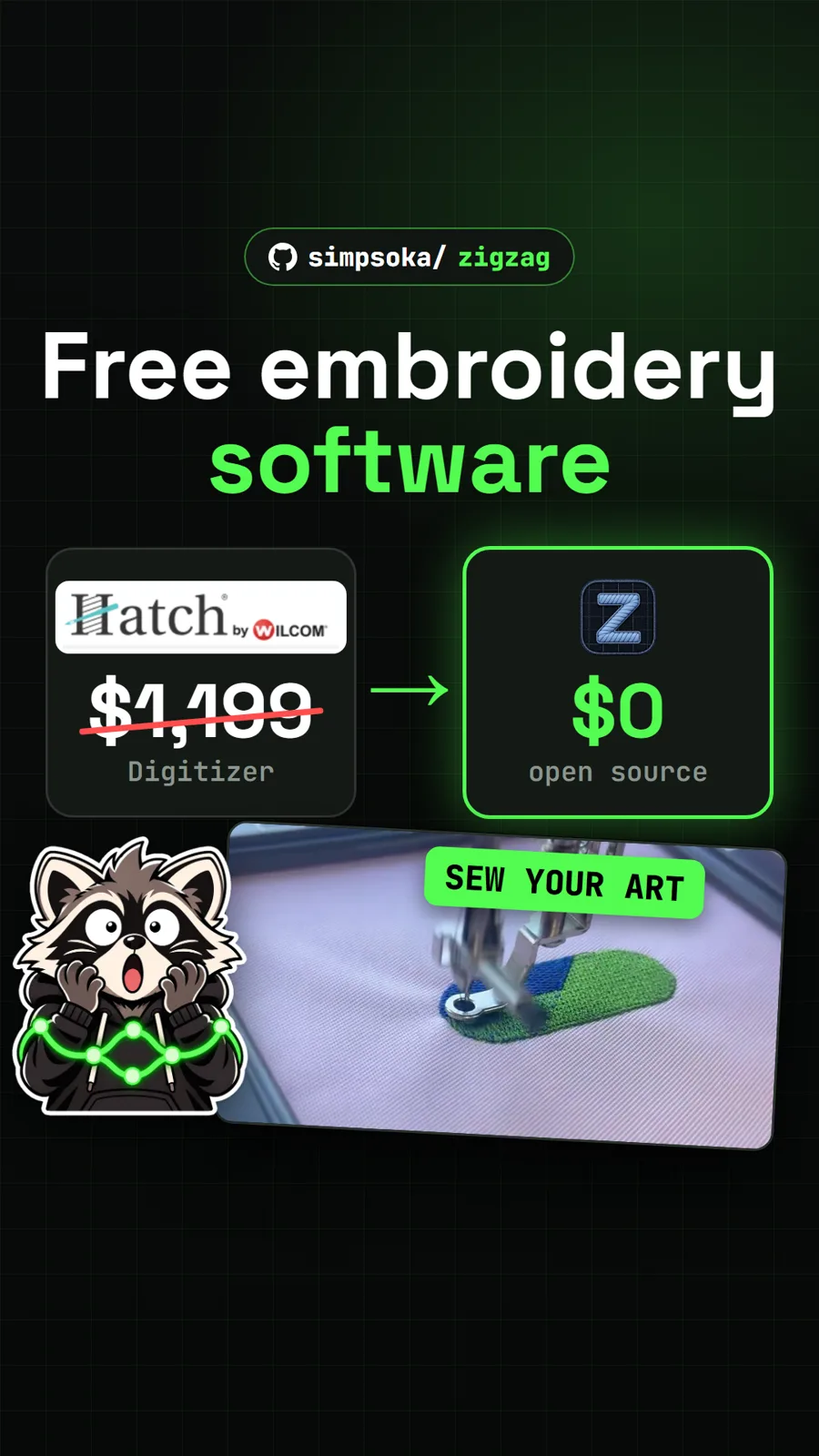
SVG is the format all five share, and it travels well. ZigZag, a free embroidery digitizer, turns SVG artwork into machine stitches; its page notes SVGs give the best results. For social posts and print-ready flyers from templates, Doory exports SVG and PDF from a browser tab.
If you are leaving more than one Adobe app, our free Adobe alternatives page covers Photoshop and Lightroom, and open source alternatives lists free swaps for other paid apps.
Pull it. Stash it.
Questions people ask
Is Inkscape really free?
Yes. Inkscape is free and open source software. Its licence file says most of the source code is under the GPL version 2 or later, and the complete binaries are covered by the GPL version 3 or later. There is no paid tier, and the project sits under the Software Freedom Conservancy.
Can a free app open Adobe Illustrator .ai files?
Inkscape's FAQ says it can open or import SVG, PDF, EPS and AI files, and its features page lists AI and EPS among its export formats. Graphite lists AI import only as a later roadmap item, and Penpot's export docs list PNG, JPEG, WEBP, SVG and PDF, with no .ai support stated.
Is there a free Illustrator alternative that runs in a browser?
Yes. Graphite runs at editor.graphite.art and exports PNG, JPG or SVG. Penpot runs at design.penpot.app on a free plan or on your own server. SVGEdit is a small MIT-licensed SVG editor with a hosted build. None of them needs an install.
How much does Adobe Illustrator cost?
Adobe's US Illustrator plans page listed Illustrator at US$22.99 a month, annual plan billed monthly, when we read it on 20 November 2026. The Creative Cloud Pro plan with Illustrator and 20 or more other apps was listed at US$69.99 a month, with a Black Friday offer running until 27 November.
Sources
- 1Inkscape official site, features and FAQ (read 2026-11-20)
- 2Inkscape FAQ (read 2026-11-20)
- 3inkscape/inkscape on GitLab, README and COPYING (read 2026-11-20)
- 4GraphiteEditor/Graphite
- 5Graphite features, roadmap and user manual (read 2026-11-20)
- 6penpot/penpot
- 7Penpot pricing and export docs (read 2026-11-20)
- 8SVG-Edit/svgedit
- 9storytold/figcraft
- 10Adobe Illustrator plans, US prices (read 2026-11-20)
More repos like this
Get tomorrow's repo in your feed
One free, open source repo a day as a short video, shown working, with the catch named. Pull it. Stash it.
